 ChecklistGuro
 Fixed Asset Lifecycle Management
Master your company's capital investments with our automated Fixed Asset Lifecycle Management workflow. Streamline everything from acquisition and depreciation scheduling to maintenance tracking and final disposal. Ensure audit-ready accuracy, optimize tax compliance, and eliminate manual errors in your accounting management process with real-time visibility into your entire asset registry.
This Template was installed 2 times.
Start
Start of the Workflow/Process.
1. Register New Asset
Create a new entry in the Fixed Assets data model when a new asset is acquired.
2. Assign Asset Tagging
Create a task for the inventory clerk to physically tag the new asset.
3. Update Asset Status to Active
Update the status field in the Asset data model once tagging is complete.
4. Fetch Depreciation Schedule
Retrieve the monthly depreciation values from the Depreciation Schedule data model.
5. Calculate Net Book Value
Calculate the current value by subtracting accumulated depreciation from the original cost.
6. Calculate Total Portfolio Value
Sum the Net Book Value of all active assets in the data model.
7. Schedule Annual Audit
Create a recurring task for the finance team to verify physical existence of assets.
8. Notify Department Head
Send an email to the relevant manager when a new asset is assigned to their cost center.
9. Update Maintenance Log
Update the last maintenance date in the Asset data model after a service is performed.
10. Initiate Disposal Workflow
Create a task for the IT/Operations manager to approve the decommissioning of an asset.
11. Check Disposal Approval
Get the approval status from the Asset Disposal data model.
12. Remove Asset from Active Registry
Delete or remove the asset entry from the 'Active Assets' data model view.
13. Generate Monthly Depreciation Report
Create a report summarizing all depreciation expenses incurred during the month.
14. Alert Security of Asset Movement
Send an SMS to security personnel when high-value assets are marked as 'In Transit'.
End
End of the Workflow/Process.
Start of the Workflow/Process.
Create a new entry in the Fixed Assets data model when a new asset is acquired.
Create a task for the inventory clerk to physically tag the new asset.
Update the status field in the Asset data model once tagging is complete.
Retrieve the monthly depreciation values from the Depreciation Schedule data model.
Calculate the current value by subtracting accumulated depreciation from the original cost.
Sum the Net Book Value of all active assets in the data model.
Create a recurring task for the finance team to verify physical existence of assets.
Send an email to the relevant manager when a new asset is assigned to their cost center.
Update the last maintenance date in the Asset data model after a service is performed.
Create a task for the IT/Operations manager to approve the decommissioning of an asset.
Get the approval status from the Asset Disposal data model.
Delete or remove the asset entry from the 'Active Assets' data model view.
Create a report summarizing all depreciation expenses incurred during the month.
Send an SMS to security personnel when high-value assets are marked as 'In Transit'.
End of the Workflow/Process.
Frequently Asked Questions
Comments
There are no comments yet. Be the first to add one!
Accounting Management Solution Demo
Move beyond rigid, one-size-fits-all software. Leverage a fully programmable accounting environment designed to adapt to your unique workflows, complex hierarchies, and evolving business logic.
Related Workflow Templates
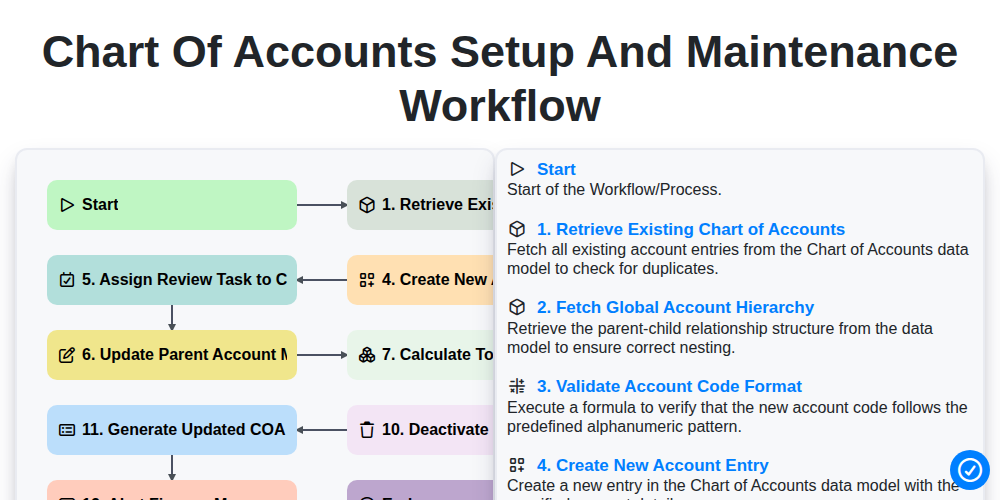
Chart of Accounts Setup and Maintenance Workflow
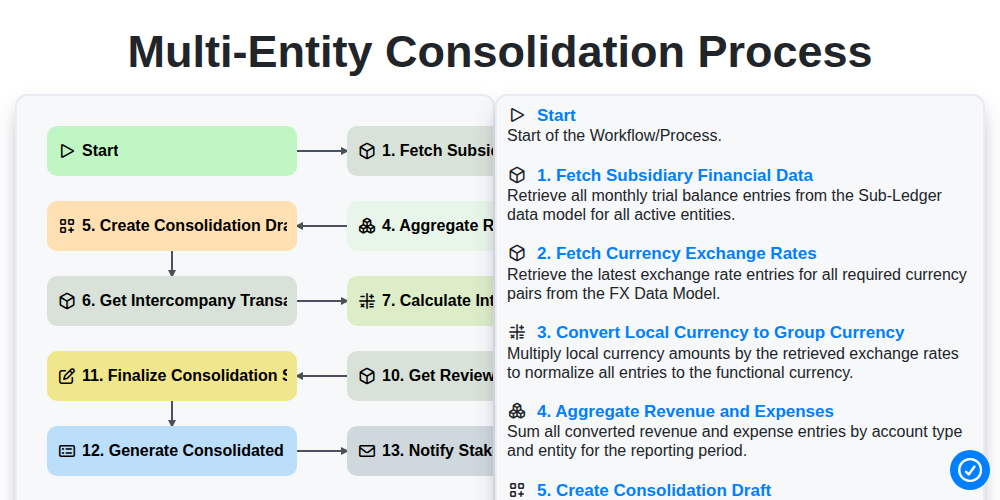
Multi-Entity Consolidation Process
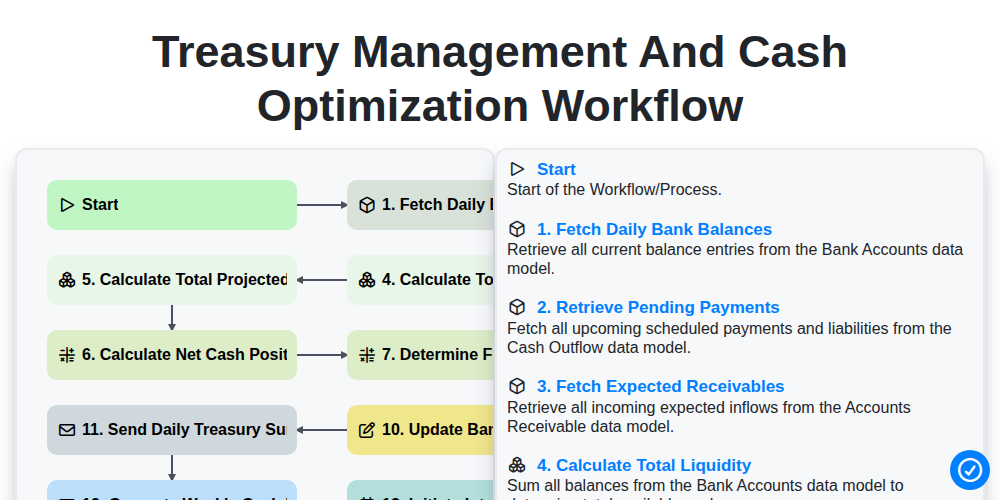
Treasury Management and Cash Optimization Workflow
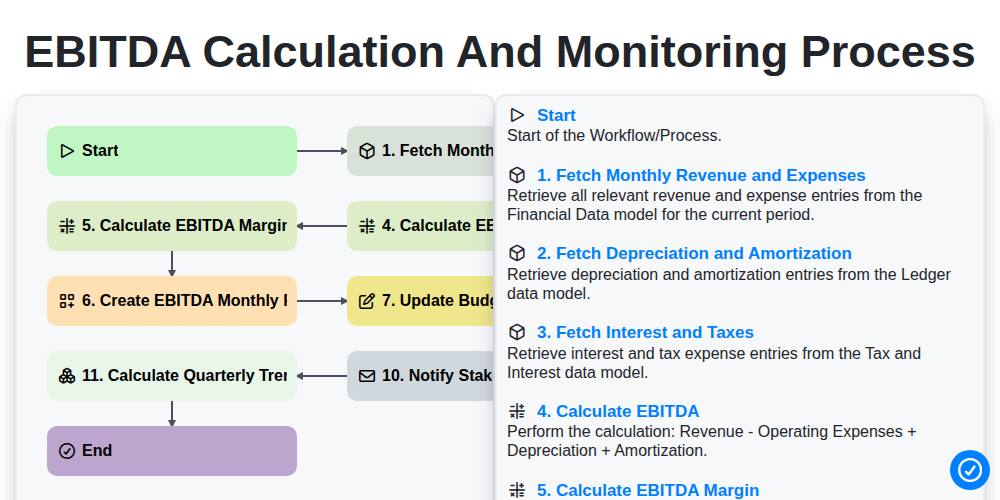
EBITDA Calculation and Monitoring Process
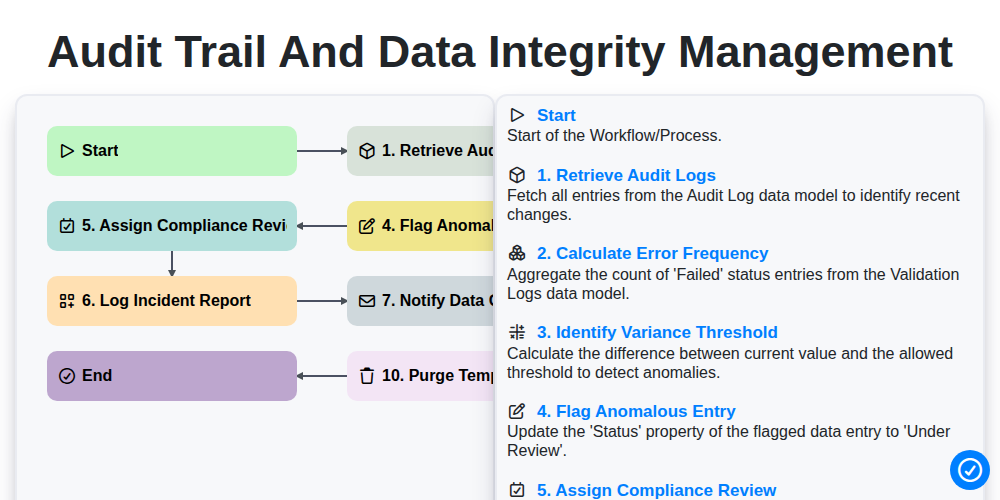
Audit Trail and Data Integrity Management
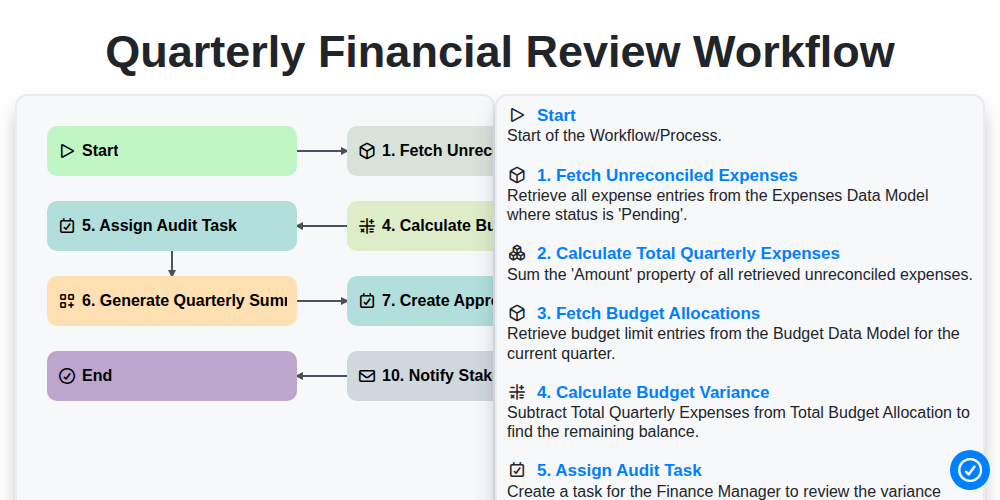
Quarterly Financial Review Workflow
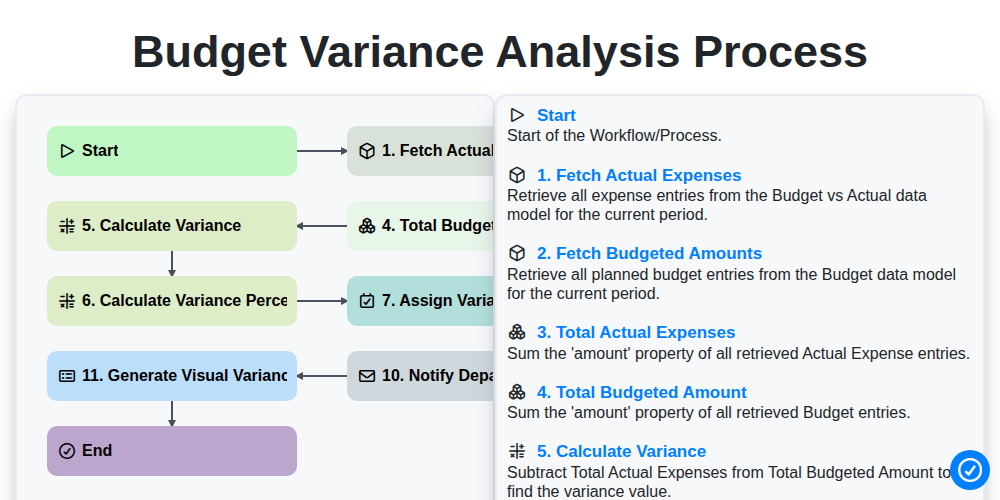
Budget Variance Analysis Process
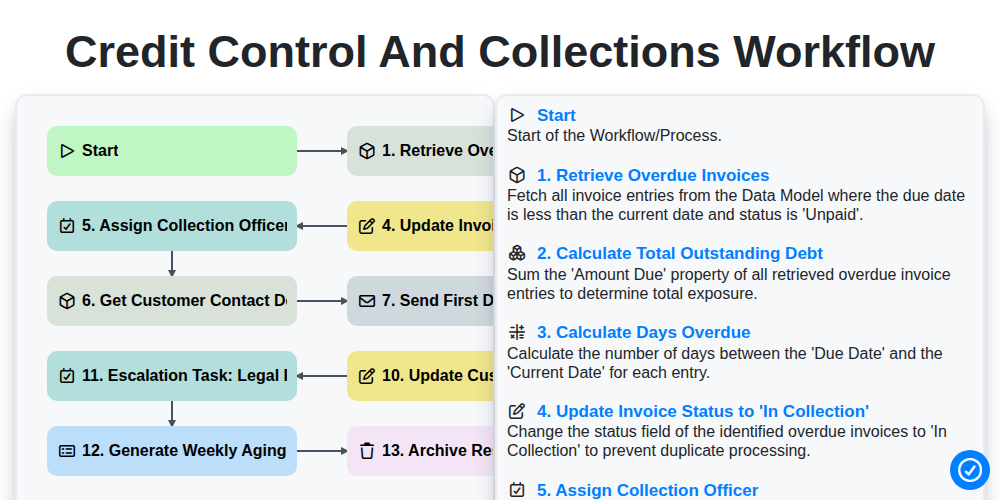
Credit Control and Collections Workflow
Need help with
Accounting Management?
Have a question? We're here to help. Please submit your inquiry, and we'll respond promptly.