 ChecklistGuro
 Tax Compliance and Filing Workflow
Streamline your tax season with our automated Tax Compliance and Filing Workflow. Designed for seamless accounting management, this process automates data collection, ensures regulatory accuracy, and simplifies deadline tracking to eliminate errors and prevent costly penalties. Optimize your tax preparation, maintain audit-ready records, and achieve total peace of mind with a structured, end-to-end filing solution.
This Template was installed 2 times.
Start
Start of the Workflow/Process.
1. Retrieve Taxpayer Information
Fetch all relevant taxpayer data and fiscal year details from the Taxpayer Data Model.
2. Get Transaction Records
Fetch all revenue and expense entries for the current tax period.
3. Calculate Taxable Income
Subtract total deductible expenses from total revenue to determine taxable base.
4. Calculate Estimated Tax Liability
Apply the applicable tax rate percentage to the calculated taxable income.
5. Update Tax Liability Entry
Update the 'Calculated Liability' field in the Tax Period data model with the new result.
6. Assign Tax Reviewer
Create a task for the Senior Accountant to review the calculated tax figures.
7. Get Reviewer Notes
Retrieve any comments or flags left by the reviewer in the Review Log data model.
8. Aggregate Total Deductions
Sum all expense entries to verify the total deduction amount against the tax return.
9. Final Approval Task
Create a task for the Tax Manager to approve the final filing amount.
10. Create Tax Filing Record
Generate a new entry in the Tax Filings data model containing the finalized tax amount and date.
11. Notify Taxpayer of Filing
Send an email to the taxpayer with the summary of the filed tax return.
12. Send Payment Alert
Send an SMS to the Finance Officer notifying them that the tax payment is due.
13. Generate Tax Compliance Summary
Create a PDF report summarizing the entire tax preparation process and final figures.
14. Cleanup Draft Entries
Delete temporary calculation workpapers from the draft data model after finalization.
End
End of the Workflow/Process.
Start of the Workflow/Process.
Fetch all relevant taxpayer data and fiscal year details from the Taxpayer Data Model.
Fetch all revenue and expense entries for the current tax period.
Subtract total deductible expenses from total revenue to determine taxable base.
Apply the applicable tax rate percentage to the calculated taxable income.
Update the 'Calculated Liability' field in the Tax Period data model with the new result.
Create a task for the Senior Accountant to review the calculated tax figures.
Retrieve any comments or flags left by the reviewer in the Review Log data model.
Sum all expense entries to verify the total deduction amount against the tax return.
Create a task for the Tax Manager to approve the final filing amount.
Generate a new entry in the Tax Filings data model containing the finalized tax amount and date.
Send an email to the taxpayer with the summary of the filed tax return.
Send an SMS to the Finance Officer notifying them that the tax payment is due.
Create a PDF report summarizing the entire tax preparation process and final figures.
Delete temporary calculation workpapers from the draft data model after finalization.
End of the Workflow/Process.
Frequently Asked Questions
Comments
There are no comments yet. Be the first to add one!
Accounting Management Solution Demo
Move beyond rigid, one-size-fits-all software. Leverage a fully programmable accounting environment designed to adapt to your unique workflows, complex hierarchies, and evolving business logic.
Related Workflow Templates
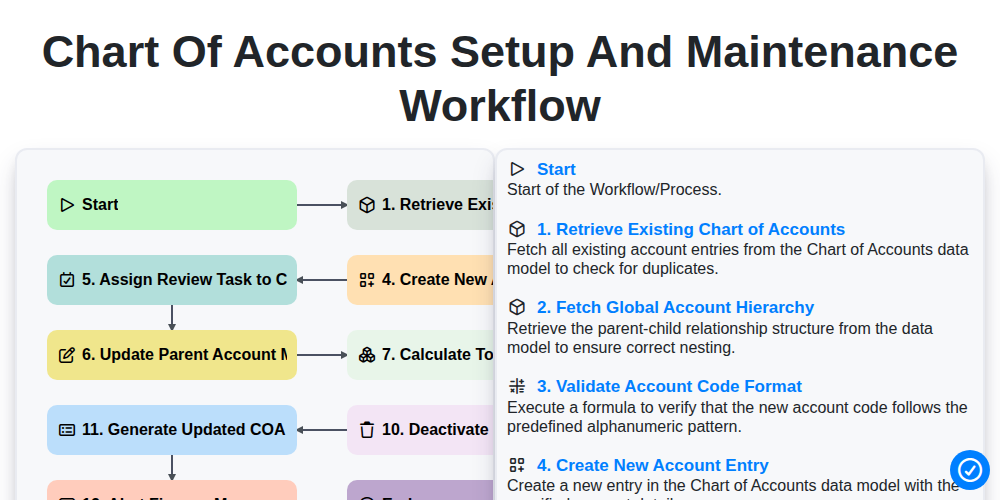
Chart of Accounts Setup and Maintenance Workflow
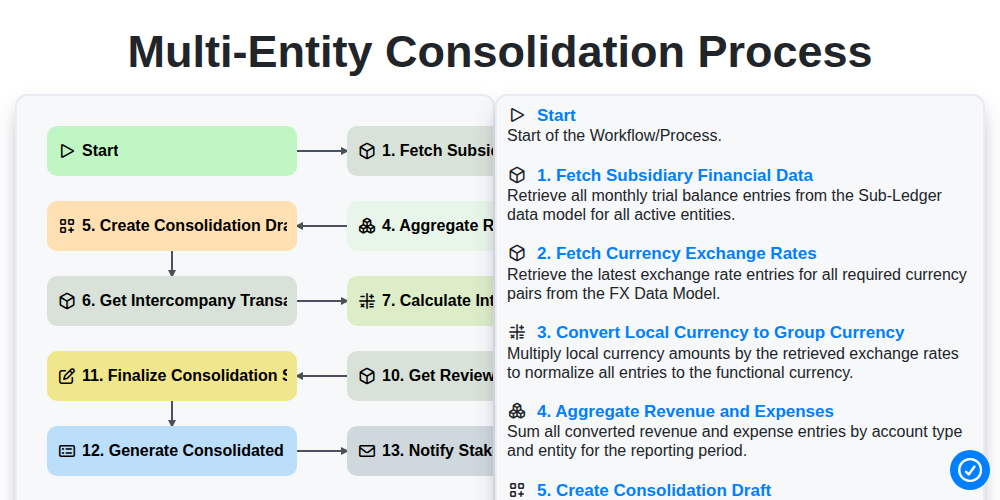
Multi-Entity Consolidation Process
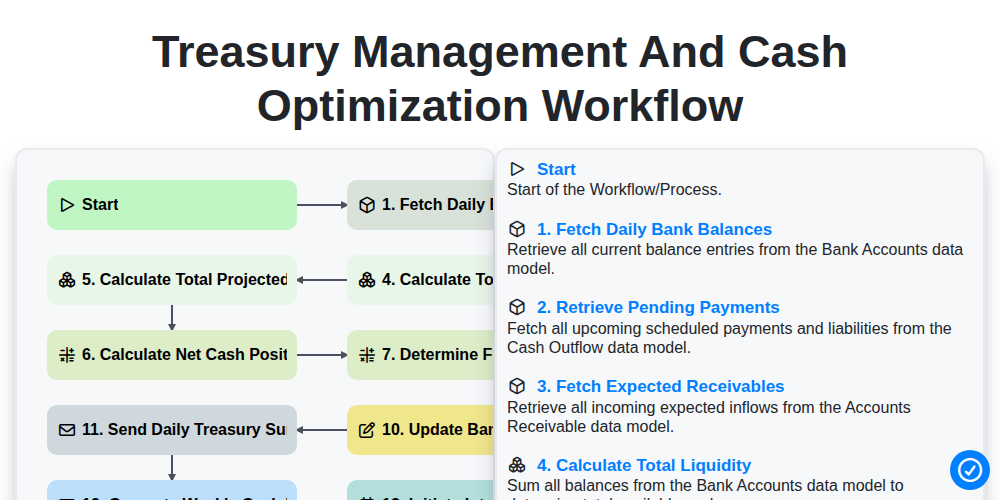
Treasury Management and Cash Optimization Workflow
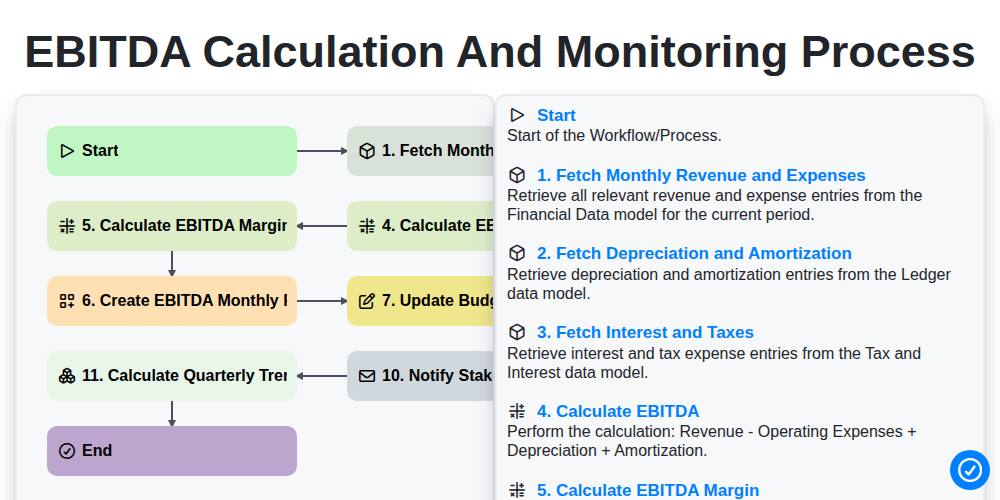
EBITDA Calculation and Monitoring Process
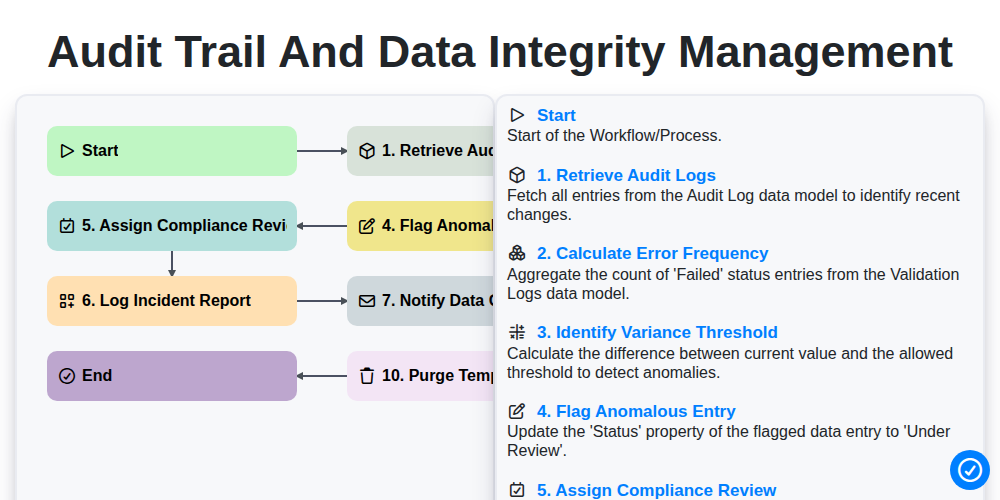
Audit Trail and Data Integrity Management
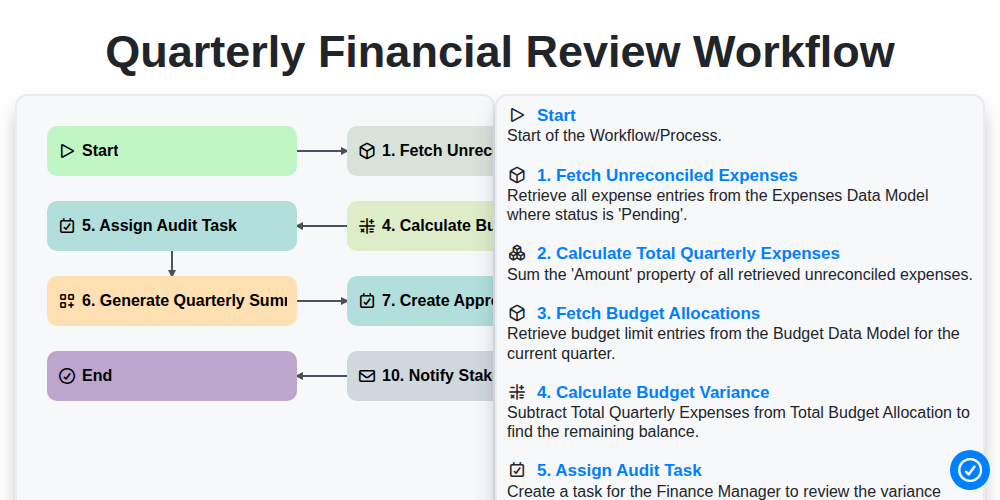
Quarterly Financial Review Workflow
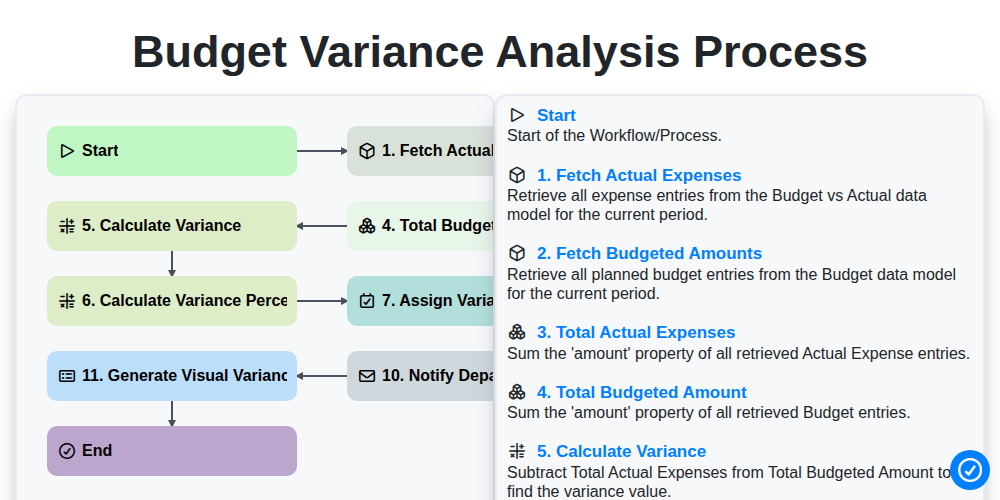
Budget Variance Analysis Process
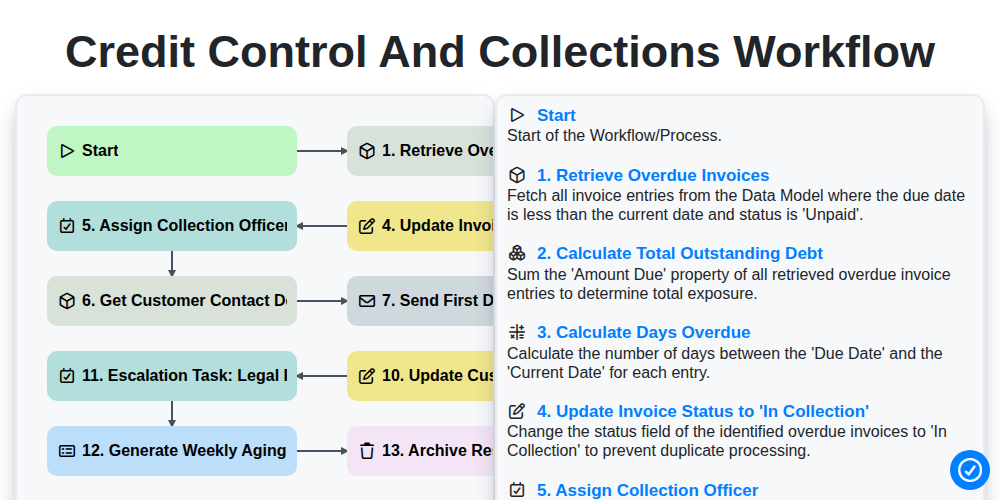
Credit Control and Collections Workflow
Need help with
Accounting Management?
Have a question? We're here to help. Please submit your inquiry, and we'll respond promptly.