 ChecklistGuro
 Move Management and Relocation Workflow
Streamline your office transitions with our comprehensive Move Management and Relocation Workflow. Designed specifically for Facility Management professionals, this end-to-end process optimizes resource allocation, minimizes operational downtime, and ensures a seamless, stress-free relocation strategy from planning to execution.
This Template was installed 5 times.
Start
Start of the Workflow/Process.
1. Retrieve Client Relocation Profile
Fetch the primary relocation request details, including move date, origin, and destination addresses.
2. Get Inventory List
Retrieve all items and furniture entries associated with the specific move ID.
3. Calculate Total Volume/Weight
Sum the volume or weight of all items in the inventory to determine truck size requirements.
4. Estimate Moving Cost
Calculate total cost based on distance, volume, and labor hours using a predefined formula.
5. Create Logistics Plan
Generate a new entry in the Logistics Data Model containing the assigned vehicle and route.
6. Assign Survey Agent
Create a task for a field agent to perform an in-person site inspection.
7. Packing Crew Assignment
Create a task for the operations manager to assign a packing team for the move date.
8. Update Inventory Status
Update the status of all items to 'Packed' once the packing task is verified.
9. Send Confirmation to Client
Send a summary of the move date, time, and estimated cost to the client's email address.
10. Driver Notification
Send an SMS alert to the driver with the pickup address and time window.
11. Post-Move Inspection
Create a task for the team to verify that no items were damaged during transit.
12. Finalize Billing Entry
Update the Move Order entry to 'Completed' and trigger the final invoice generation.
13. Monthly Relocation Performance Report
Generate a report summarizing total moves, total revenue, and average customer satisfaction scores.
14. Cleanup Cancelled Leads
Remove temporary inquiry entries from the system if a move request is cancelled before booking.
End
End of the Workflow/Process.
Start of the Workflow/Process.
Fetch the primary relocation request details, including move date, origin, and destination addresses.
Retrieve all items and furniture entries associated with the specific move ID.
Sum the volume or weight of all items in the inventory to determine truck size requirements.
Calculate total cost based on distance, volume, and labor hours using a predefined formula.
Generate a new entry in the Logistics Data Model containing the assigned vehicle and route.
Create a task for a field agent to perform an in-person site inspection.
Create a task for the operations manager to assign a packing team for the move date.
Update the status of all items to 'Packed' once the packing task is verified.
Send a summary of the move date, time, and estimated cost to the client's email address.
Send an SMS alert to the driver with the pickup address and time window.
Create a task for the team to verify that no items were damaged during transit.
Update the Move Order entry to 'Completed' and trigger the final invoice generation.
Generate a report summarizing total moves, total revenue, and average customer satisfaction scores.
Remove temporary inquiry entries from the system if a move request is cancelled before booking.
End of the Workflow/Process.
Comments
There are no comments yet. Be the first to add one!
Facility Management Solution Demo
Keep your facilities running smoothly! ChecklistGuro streamlines maintenance, inspections, and vendor management. Reduce downtime, optimize efficiency, & improve safety. Manage it all with our Work OS.
Related Workflow Templates

Sustainability and ESG Reporting Workflow

Certificate of Insurance (COI) Tracking Process

Building Automation System (BAS) Monitoring Process

Decommissioning and Asset Disposal Workflow

Annual Budgeting and Cost Control Process

Water Management and Leak Detection Process

Waste Management and Recycling Workflow
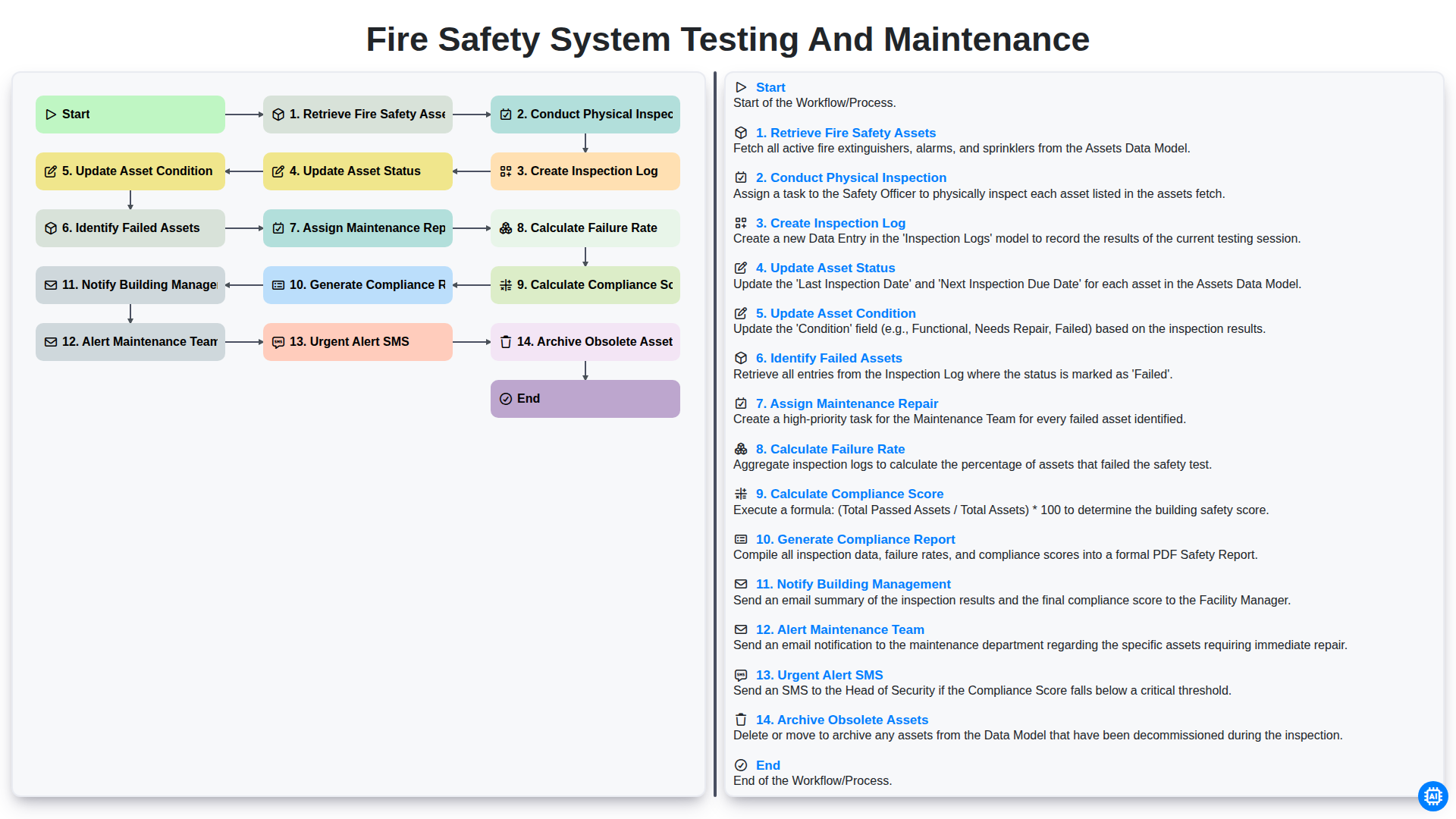
Fire Safety System Testing and Maintenance
We can do it Together
Need help with
Facility Management?
Have a question? We're here to help. Please submit your inquiry, and we'll respond promptly.