 ChecklistGuro
 Employee Offboarding and Termination Workflow
Streamline your exit management with our comprehensive Employee Offboarding and Termination Workflow. Ensure legal compliance, automate asset recovery, and maintain seamless data security with a structured, step-by-step process designed to protect your organization and maintain professional standards during every departure.
This Template was installed 1 times.
Start
Start of the Workflow/Process.
1. Retrieve Employee Profile
Fetch the core employee data (Name, ID, Department, Manager) from the Employee Data Model to initiate the process.
2. Update Employee Status
Change the 'Employment Status' field in the Employee Data Model to 'Terminated' or 'Resigned'.
3. IT Asset Recovery Task
Create a task for the IT Department to collect laptops, monitors, and mobile devices.
4. Access Revocation Task
Create a task for IT/Security to disable software licenses, email access, and VPN permissions.
5. HR Documentation Task
Create a task for HR to prepare the final termination letter and legal documentation.
6. Finance Payroll Finalization Task
Create a task for the Finance team to calculate final payouts, unused PTO, and severance.
7. Calculate Final Payout
Execute a formula combining (Base Salary / Period) + Unused Vacation Days + Severance Amount.
8. Create Offboarding Record
Generate a new entry in the 'Offboarding Logs' data model to track the lifecycle of this specific termination.
9. Fetch Outstanding Expenses
Retrieve all pending expense claims from the Expense Data Model linked to the employee.
10. Sum Total Outstanding Liabilities
Aggregate all unpaid expense entries and company-issued loan balances to determine total deductions.
11. Notify Manager
Send an automated email to the employee's direct manager regarding the departure date and handover requirements.
12. Employee Exit Interview Invite
Send an email to the departing employee with a link to the Exit Interview Survey.
13. IT Security Alert
Send an email to the Security Team to trigger physical badge deactivation.
14. Update Departmental Headcount
Update the Department Data Model to decrement the 'Active Headcount' count by 1.
15. Generate Monthly Attrition Report
Generate a report summarizing all completed termination entries for the current month for HR leadership.
16. Remove Temporary Access
Delete temporary guest credentials or seasonal contractor entries from the Active Users data model.
End
End of the Workflow/Process.
Start of the Workflow/Process.
Fetch the core employee data (Name, ID, Department, Manager) from the Employee Data Model to initiate the process.
Change the 'Employment Status' field in the Employee Data Model to 'Terminated' or 'Resigned'.
Create a task for the IT Department to collect laptops, monitors, and mobile devices.
Create a task for IT/Security to disable software licenses, email access, and VPN permissions.
Create a task for HR to prepare the final termination letter and legal documentation.
Create a task for the Finance team to calculate final payouts, unused PTO, and severance.
Execute a formula combining (Base Salary / Period) + Unused Vacation Days + Severance Amount.
Generate a new entry in the 'Offboarding Logs' data model to track the lifecycle of this specific termination.
Retrieve all pending expense claims from the Expense Data Model linked to the employee.
Aggregate all unpaid expense entries and company-issued loan balances to determine total deductions.
Send an automated email to the employee's direct manager regarding the departure date and handover requirements.
Send an email to the departing employee with a link to the Exit Interview Survey.
Send an email to the Security Team to trigger physical badge deactivation.
Update the Department Data Model to decrement the 'Active Headcount' count by 1.
Generate a report summarizing all completed termination entries for the current month for HR leadership.
Delete temporary guest credentials or seasonal contractor entries from the Active Users data model.
End of the Workflow/Process.
Frequently Asked Questions
Comments
There are no comments yet. Be the first to add one!
HRM - Human Resources Management Solution Demo
Simplify HR processes & empower your team! ChecklistGuro's HRM solution streamlines onboarding, performance management, & compliance. Improve employee engagement, reduce admin burden, & drive organizational growth. Manage it all with our Work OS.
Related Workflow Templates
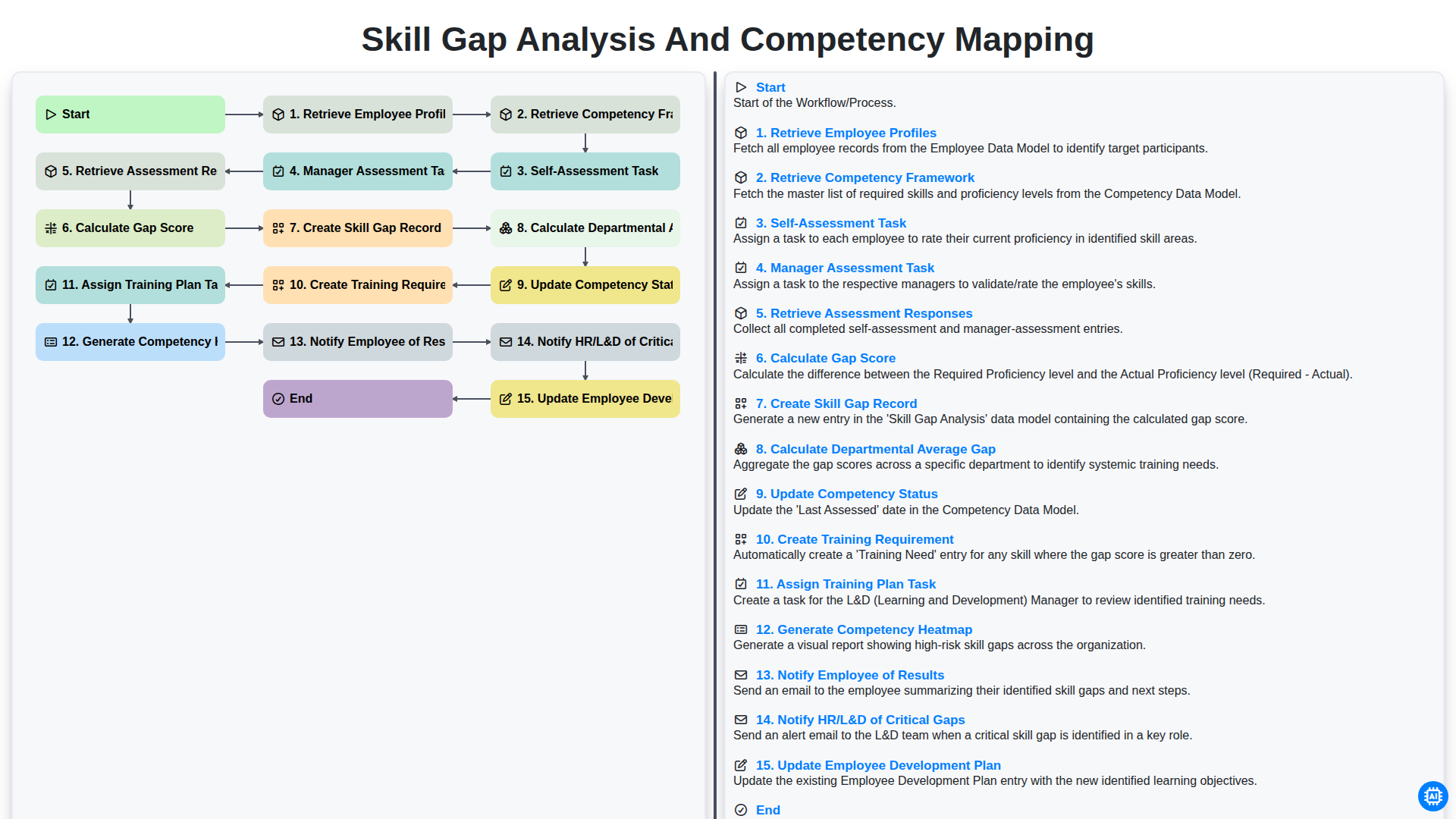
Skill Gap Analysis and Competency Mapping
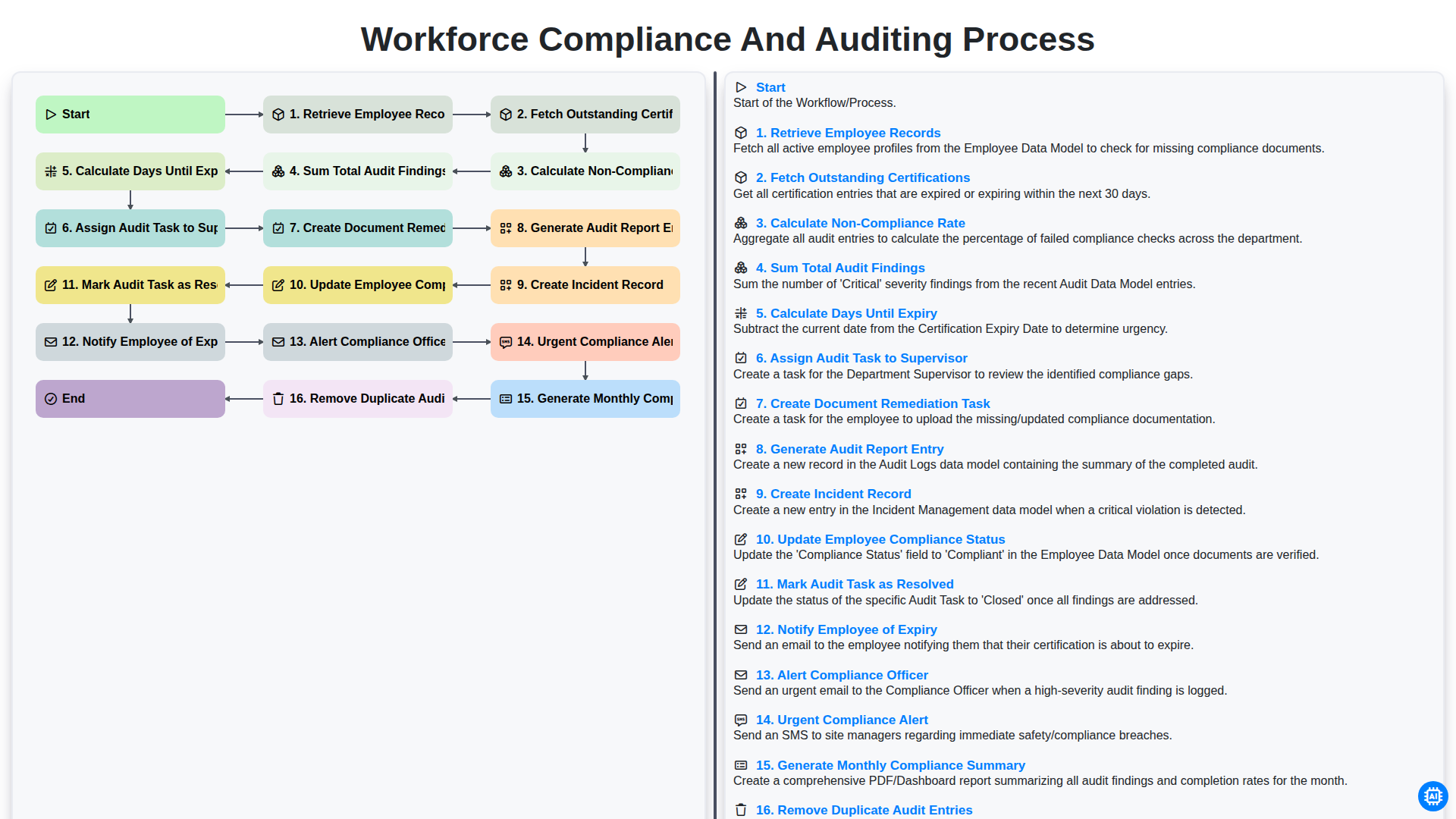
Workforce Compliance and Auditing Process
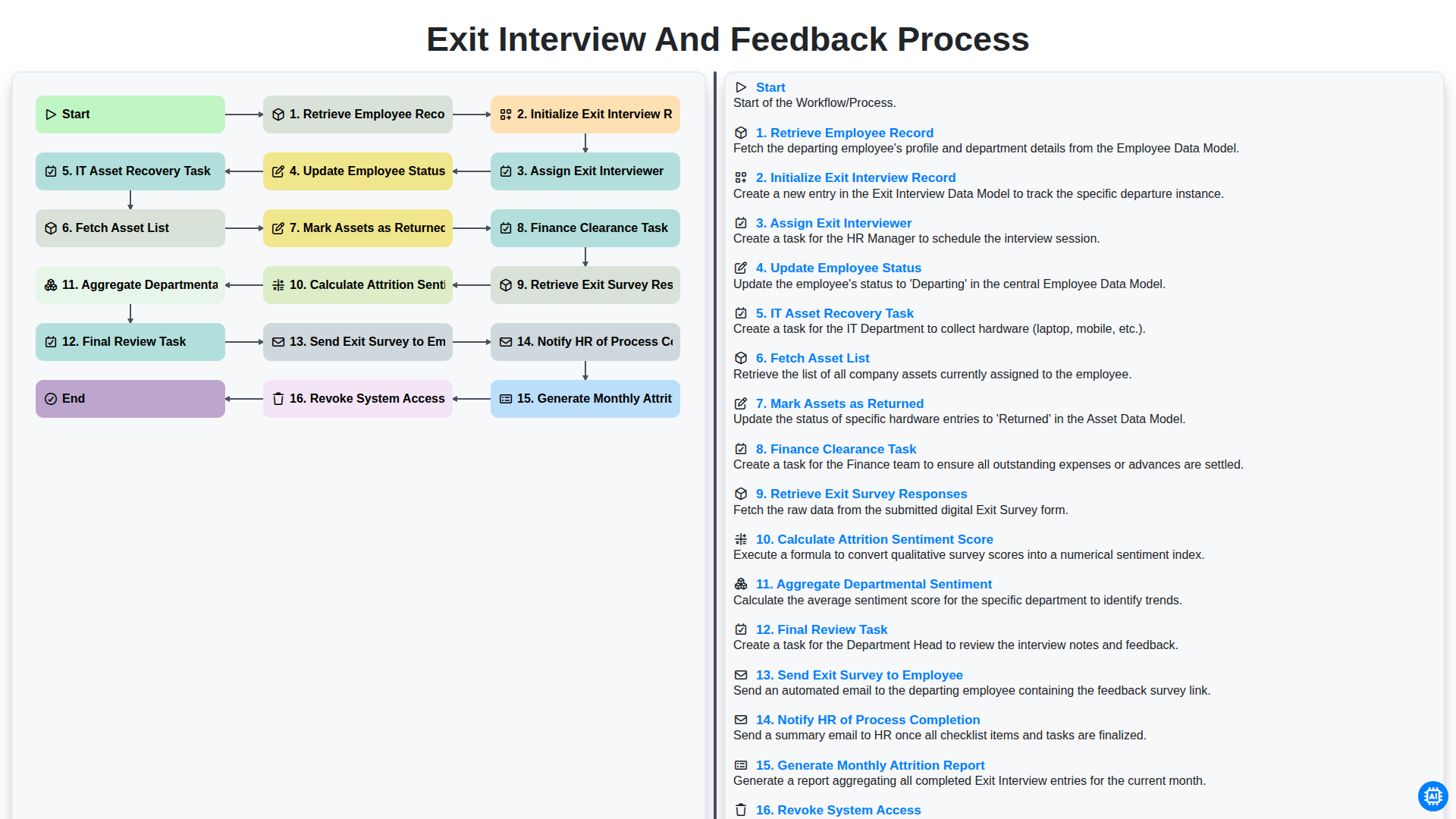
Exit Interview and Feedback Process
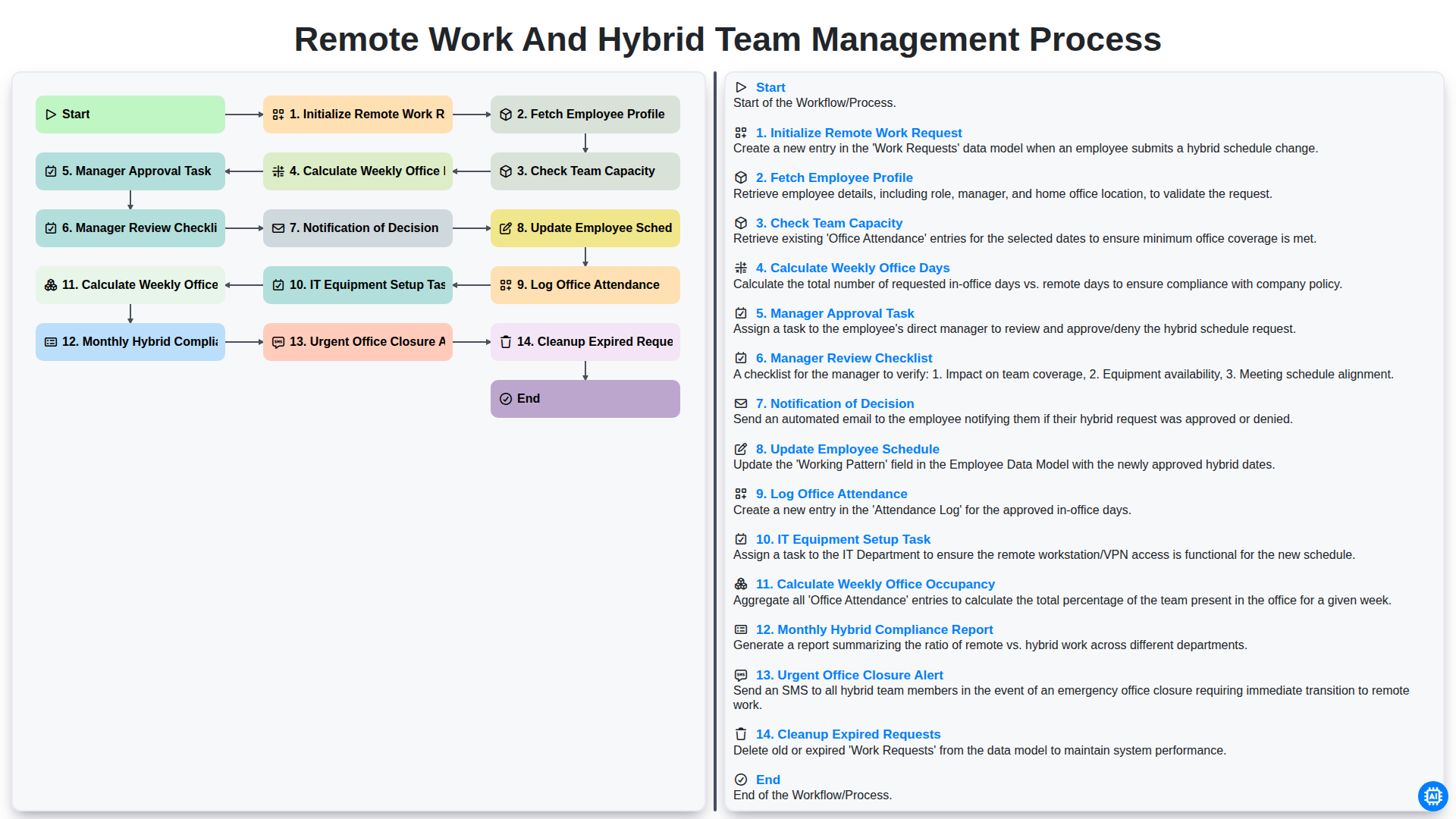
Remote Work and Hybrid Team Management Process
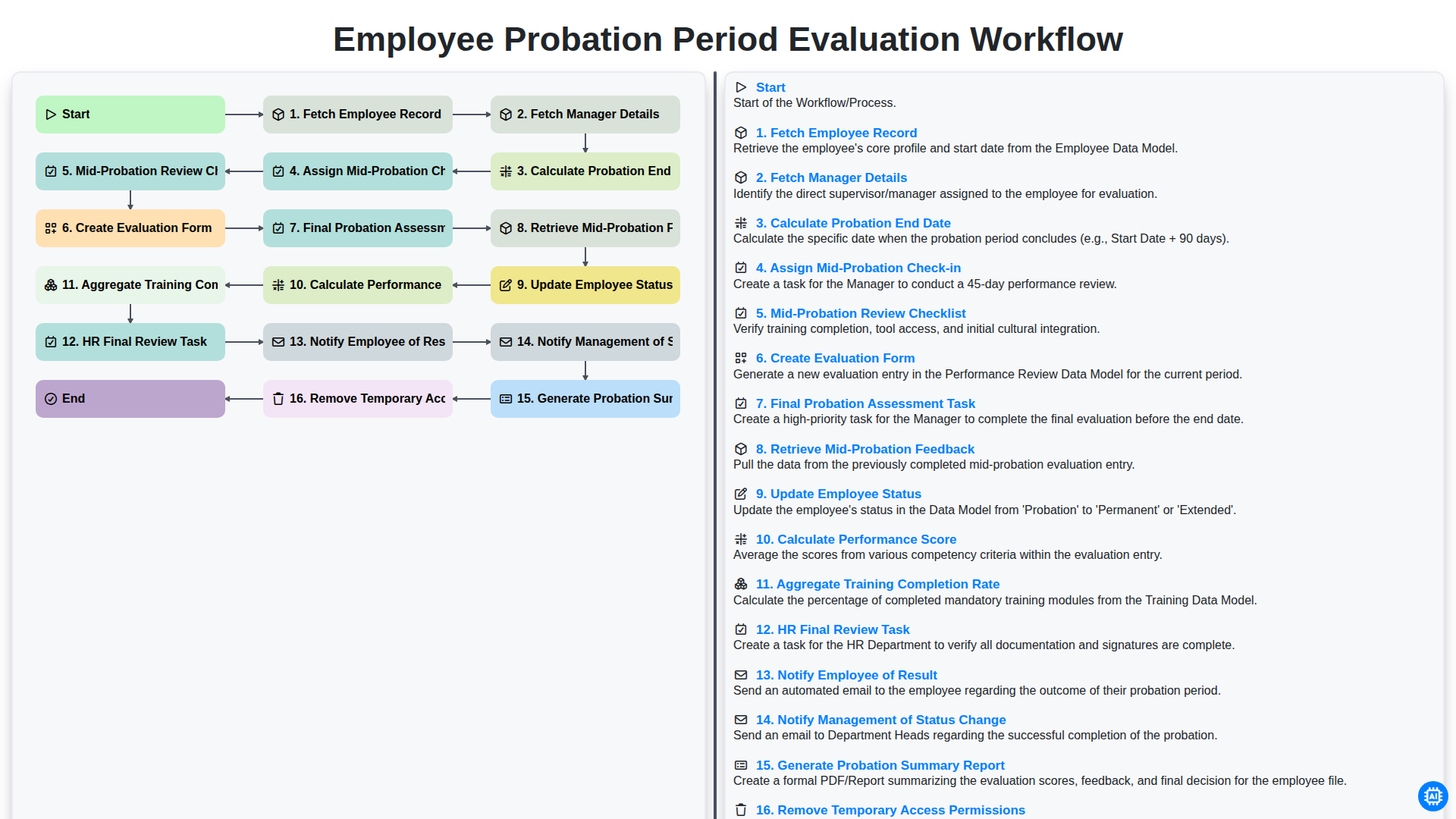
Employee Probation Period Evaluation Workflow
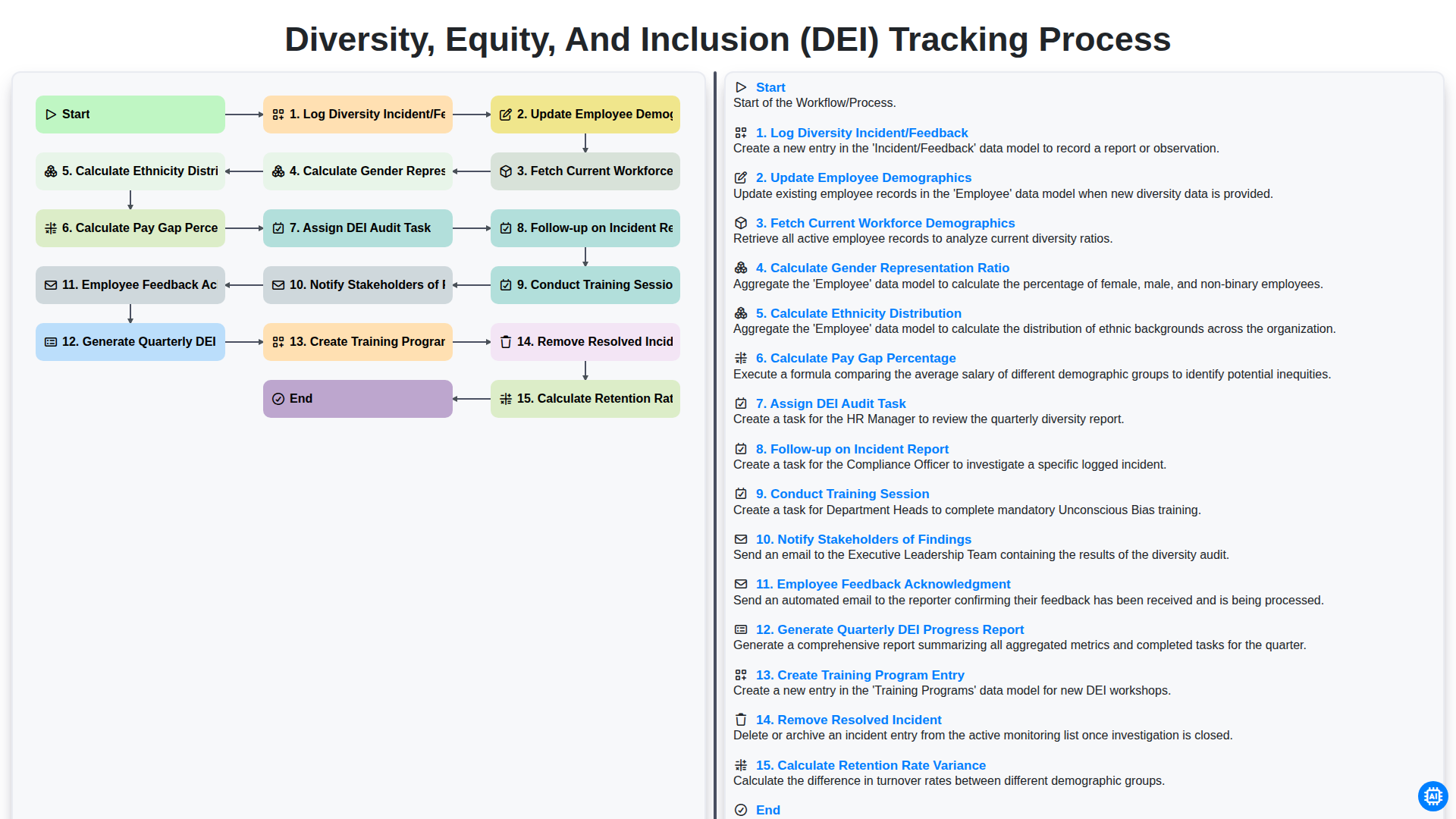
Diversity, Equity, and Inclusion (DEI) Tracking Process
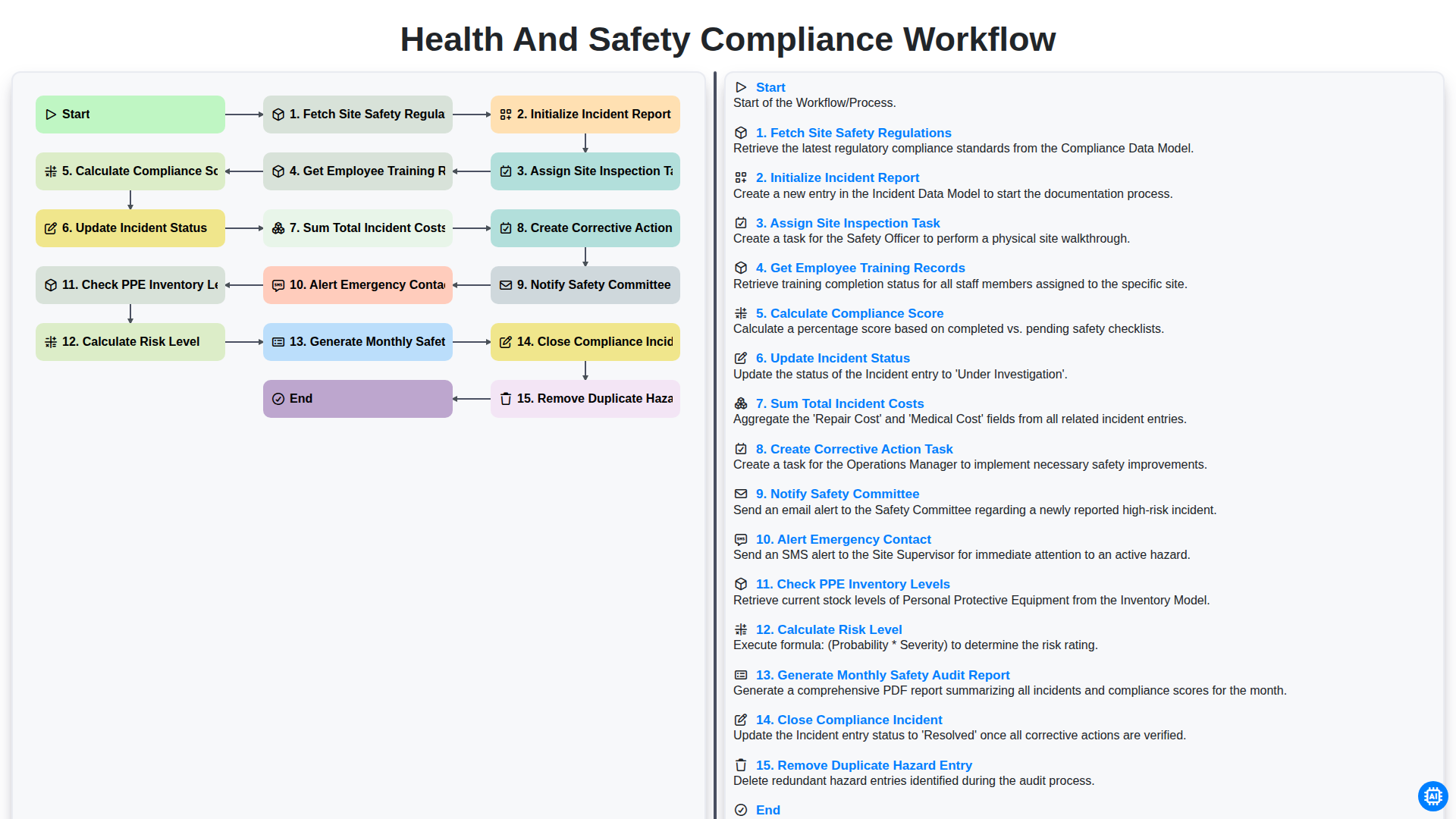
Health and Safety Compliance Workflow
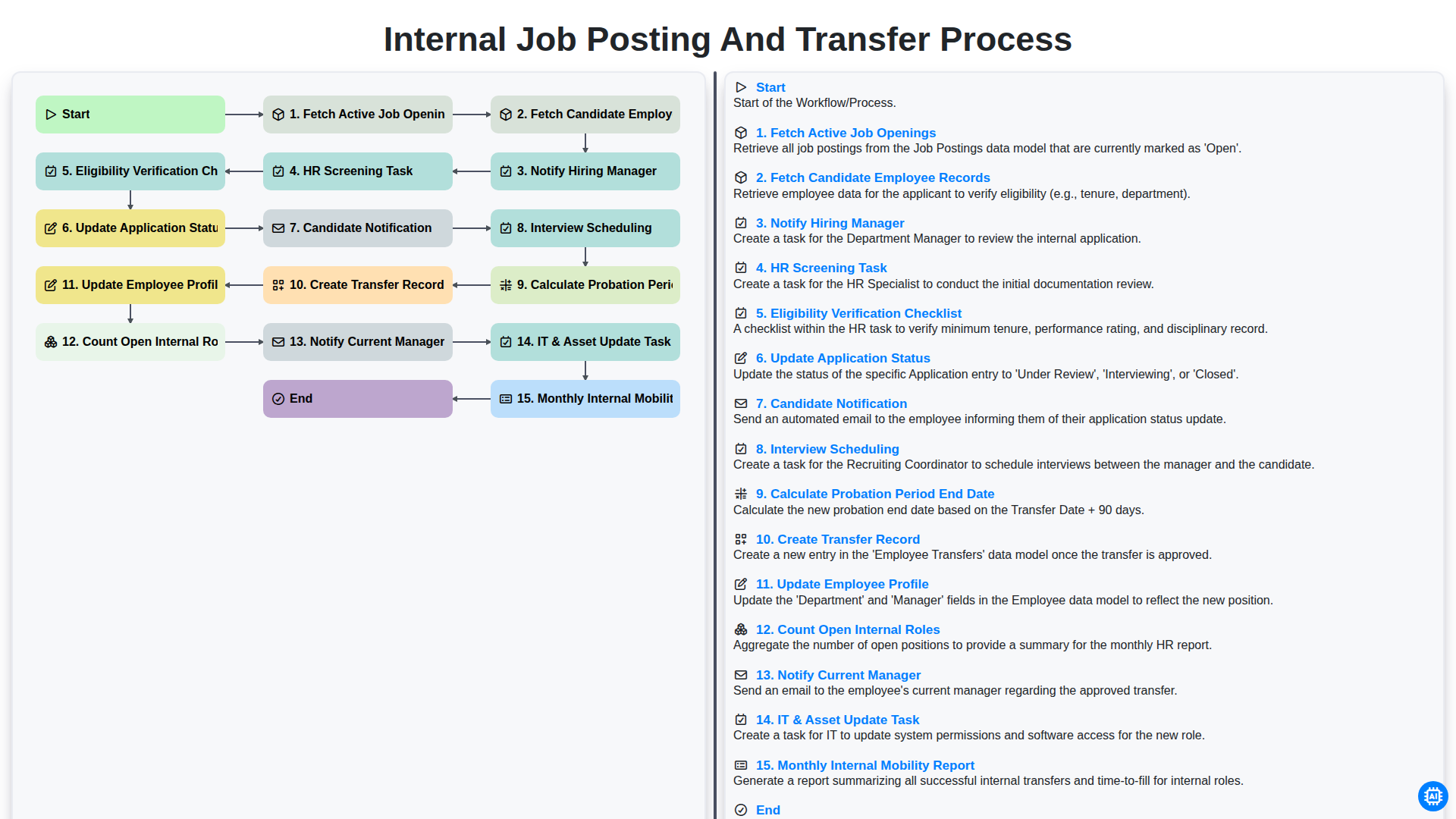
Internal Job Posting and Transfer Process
Need help with
Human Resources Management (HRM)?
Have a question? We're here to help. Please submit your inquiry, and we'll respond promptly.