 ChecklistGuro
 Bill of Materials (BOM) Approval Workflow
Streamline your manufacturing process! Our Bill of Materials (BOM) Approval Workflow ensures accuracy and efficiency in materials planning. Automate review cycles, gain version control, and eliminate costly errors - all within a centralized, collaborative platform. Perfect for manufacturers of all sizes seeking to optimize their BOM management.
This Template was installed 3 times.
Start
Start of the Workflow/Process.
1. Retrieve Current BOM Version
Fetch the latest version of the Bill of Materials from the BOM Data Model.
2. Get Requester Details
Retrieve details of the user requesting the BOM change.
3. Create Change Request Entry
Create a new entry in the Change Request Data Model to document the request.
4. Notify Engineering Team
Create a task assigned to the Engineering team to review the BOM change request.
5. Send BOM Change Request Notification
Send an email notification to the requester and relevant stakeholders about the new BOM change request.
6. Update Change Request Status
Update the status of the Change Request entry (e.g., 'Under Review').
7. Fetch Affected Parts List
Retrieve a list of parts affected by the proposed BOM change.
8. Assign Review Task to Quality
Create a task for the Quality team to review the impact of the change.
9. Calculate Estimated Cost Impact
Calculate the estimated cost impact of the BOM change based on material costs and labor.
10. Update BOM Cost Estimate
Update the BOM data model with calculated cost estimate.
11. Assign Approval Task to Management
Create a task for management to review and approve the BOM change.
12. Notify Requester of Approval Status
Send an email to the requester with the final approval or rejection decision.
13. Update BOM Status to Approved/Rejected
Update the BOM Data Model status field.
14. Generate BOM Change Report
Create a report summarizing the BOM change request, approvals, and reasons (if rejected).
End
End of the Workflow/Process.
Start of the Workflow/Process.
Fetch the latest version of the Bill of Materials from the BOM Data Model.
Retrieve details of the user requesting the BOM change.
Create a new entry in the Change Request Data Model to document the request.
Create a task assigned to the Engineering team to review the BOM change request.
Send an email notification to the requester and relevant stakeholders about the new BOM change request.
Update the status of the Change Request entry (e.g., 'Under Review').
Retrieve a list of parts affected by the proposed BOM change.
Create a task for the Quality team to review the impact of the change.
Calculate the estimated cost impact of the BOM change based on material costs and labor.
Update the BOM data model with calculated cost estimate.
Create a task for management to review and approve the BOM change.
Send an email to the requester with the final approval or rejection decision.
Update the BOM Data Model status field.
Create a report summarizing the BOM change request, approvals, and reasons (if rejected).
End of the Workflow/Process.
Comments
There are no comments yet. Be the first to add one!
Manufacturing Management Solution Demo
Stop chasing paperwork and wrestling with disconnected systems! Our solution brings clarity and control to your production process. From standard operating procedures (SOPs) and equipment maintenance to quality control and inventory tracking, we simplify every step.
Related Workflow Templates
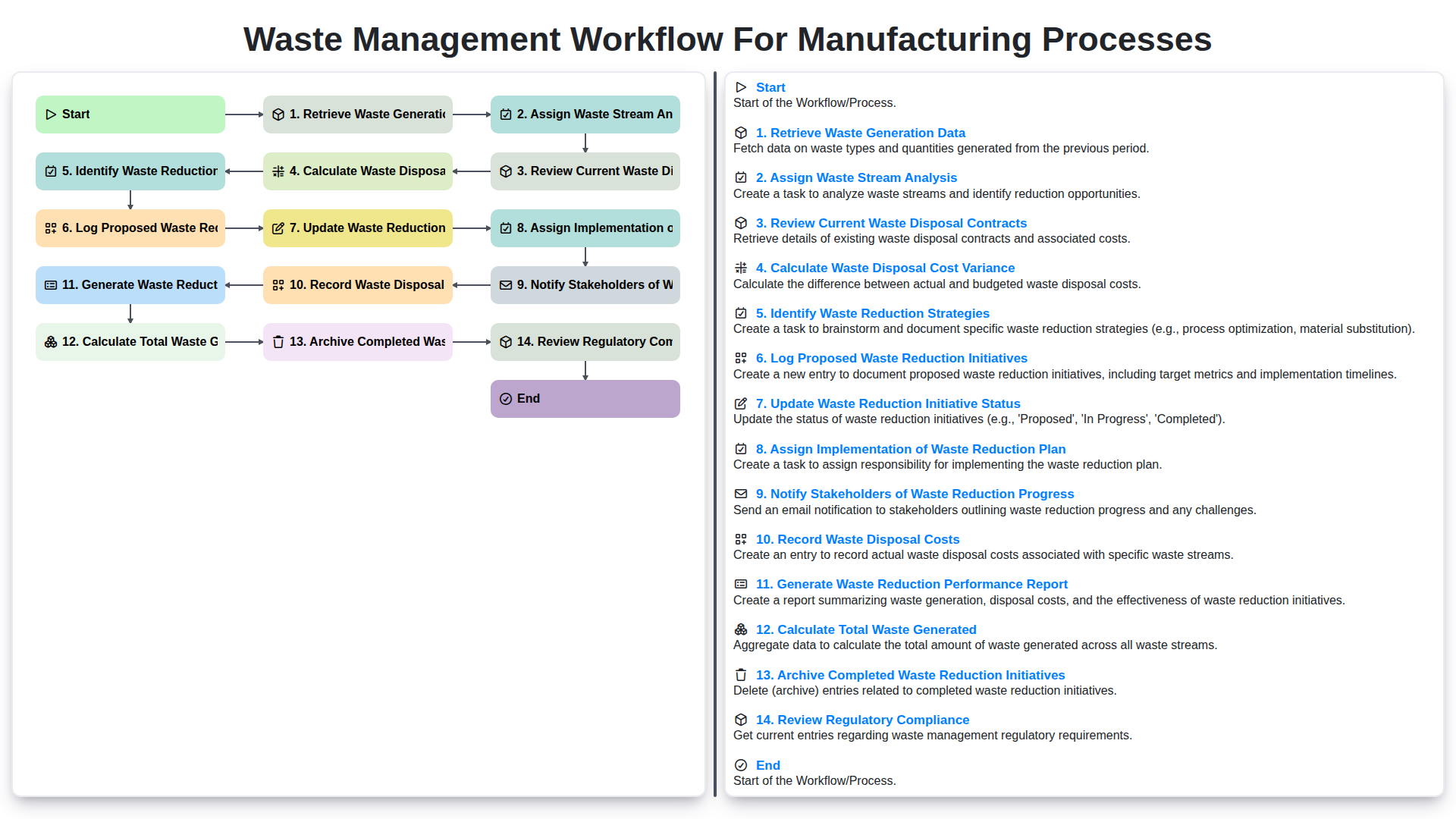
Waste Management Workflow for Manufacturing Processes
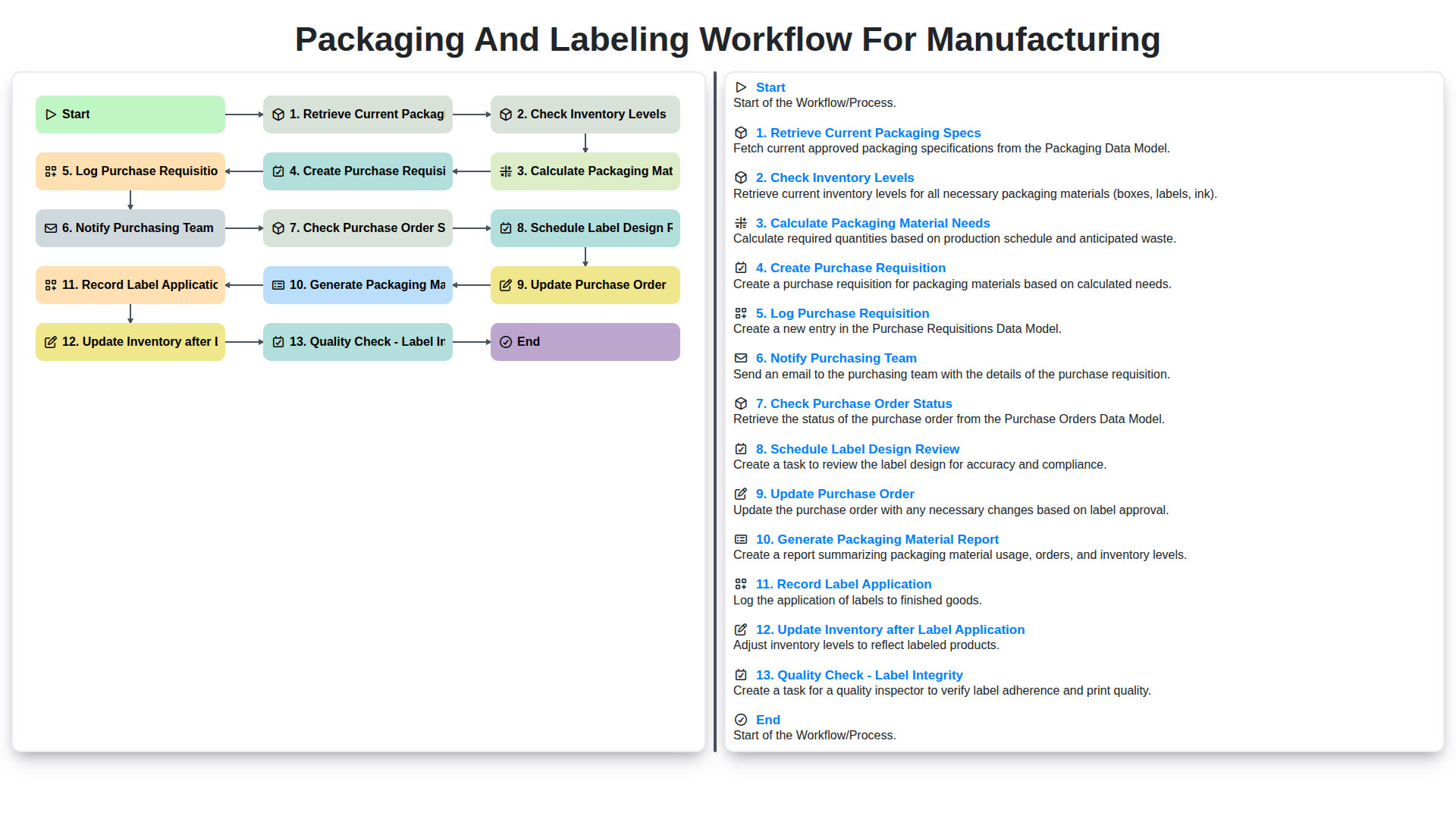
Packaging and Labeling Workflow for Manufacturing
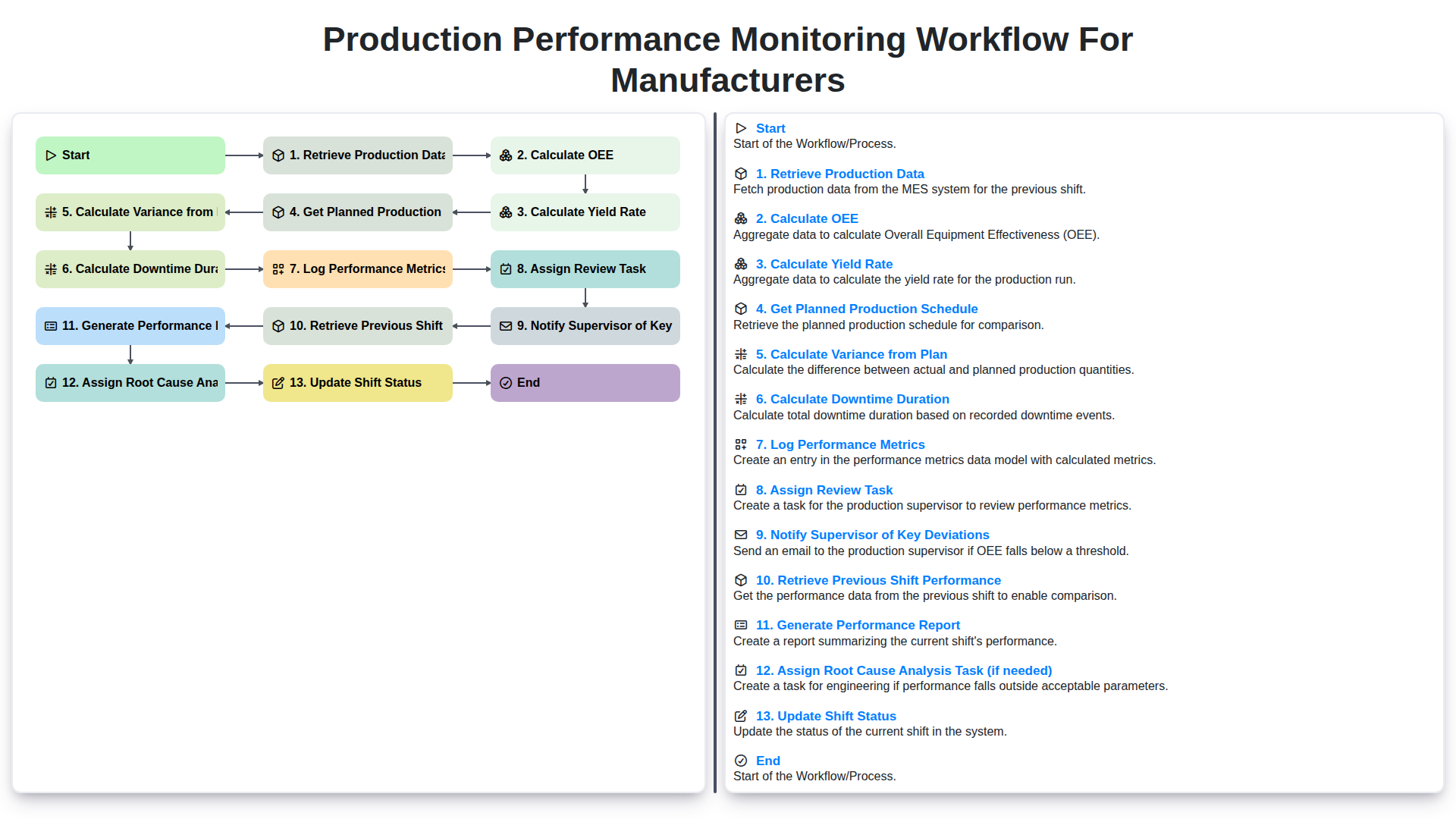
Production Performance Monitoring Workflow for Manufacturers
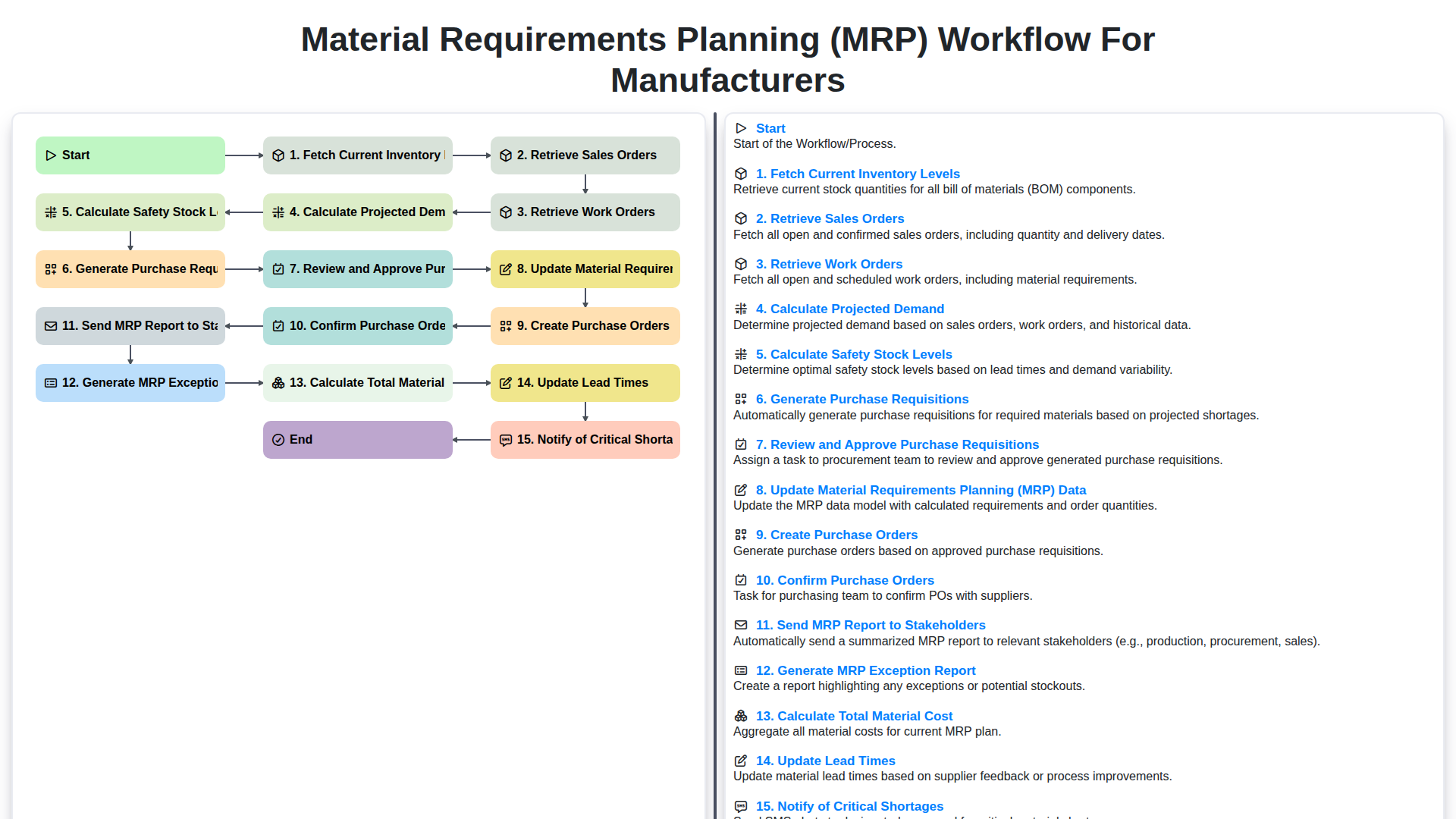
Material Requirements Planning (MRP) Workflow for Manufacturers
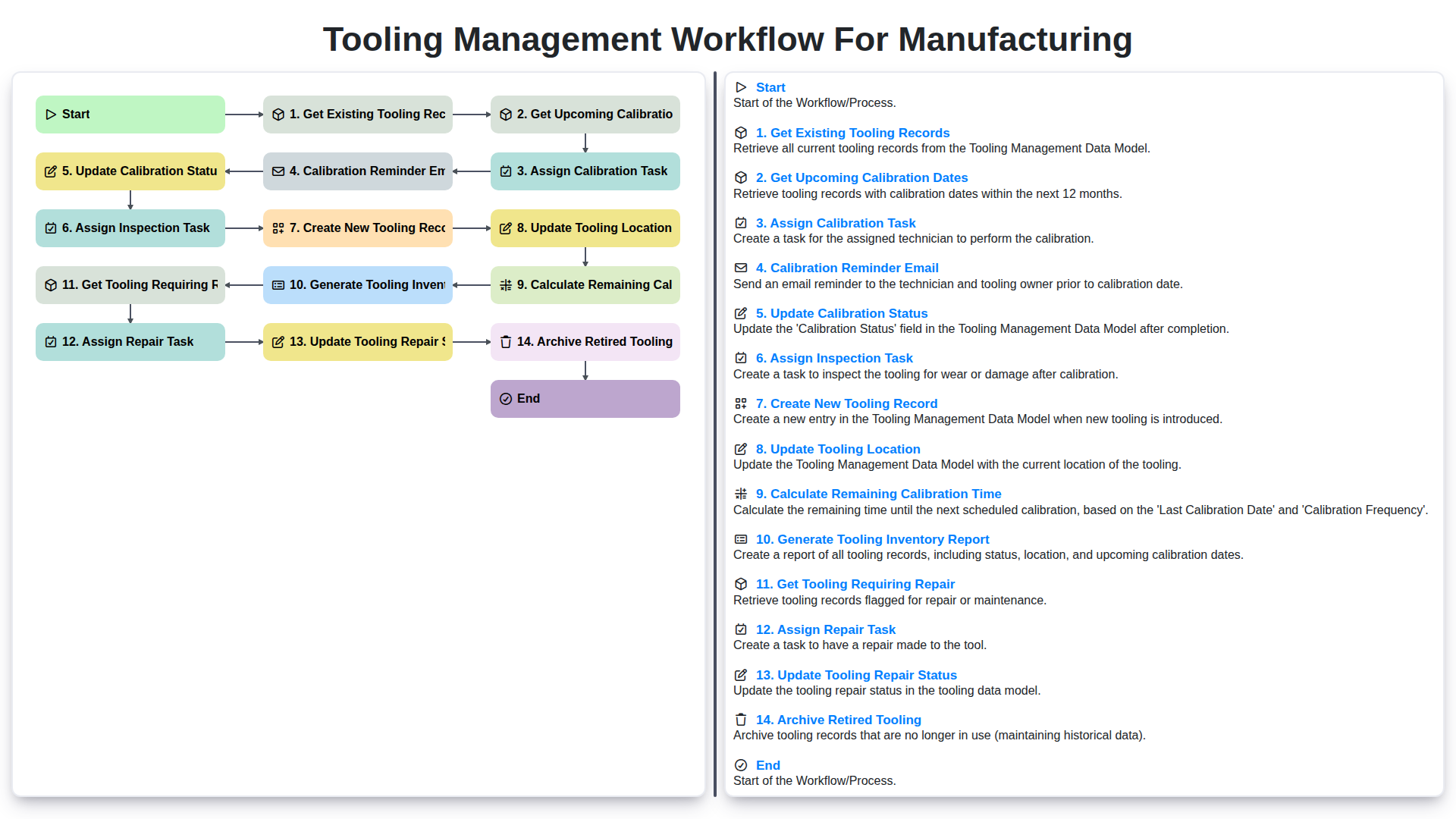
Tooling Management Workflow for Manufacturing
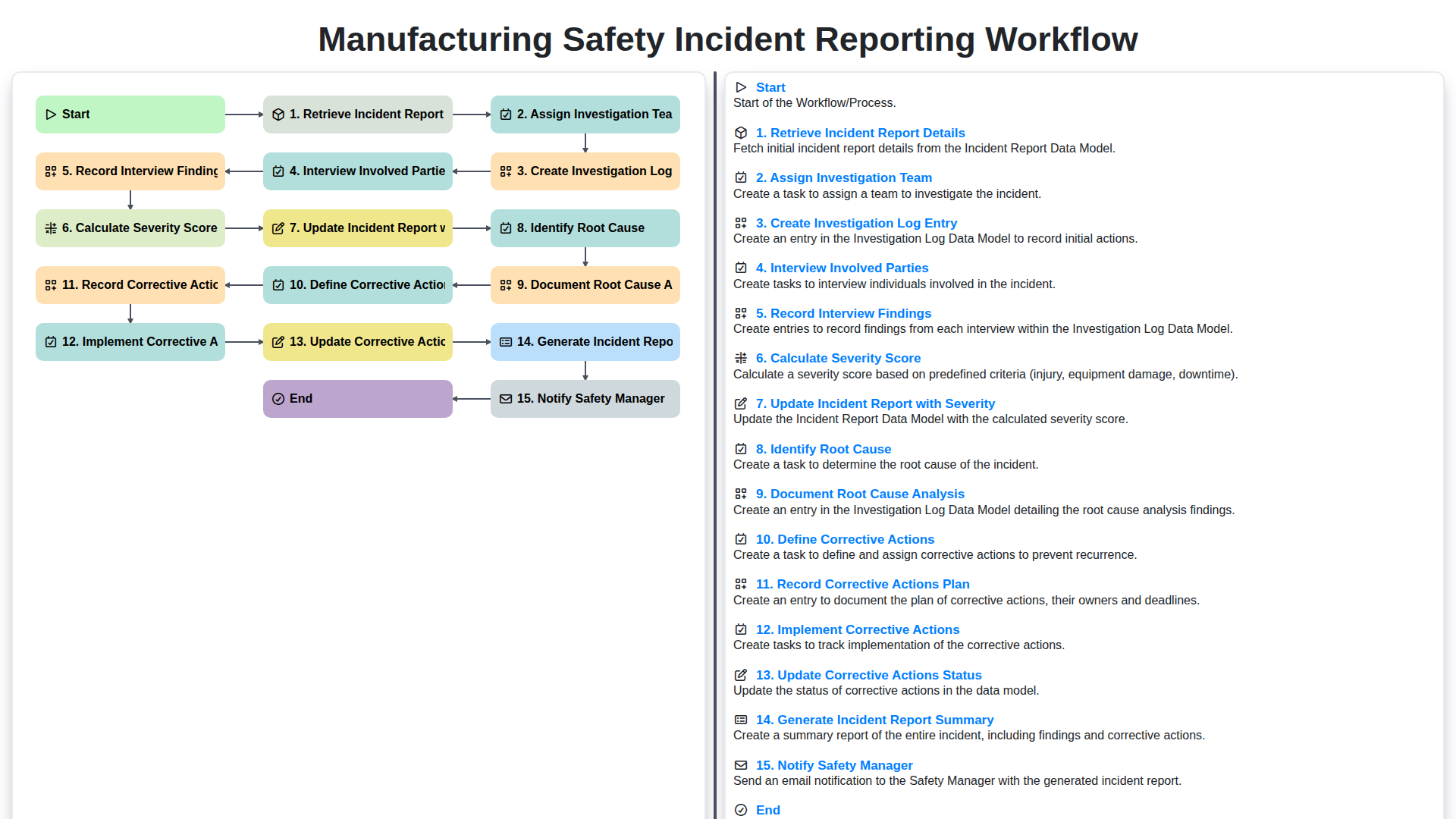
Manufacturing Safety Incident Reporting Workflow
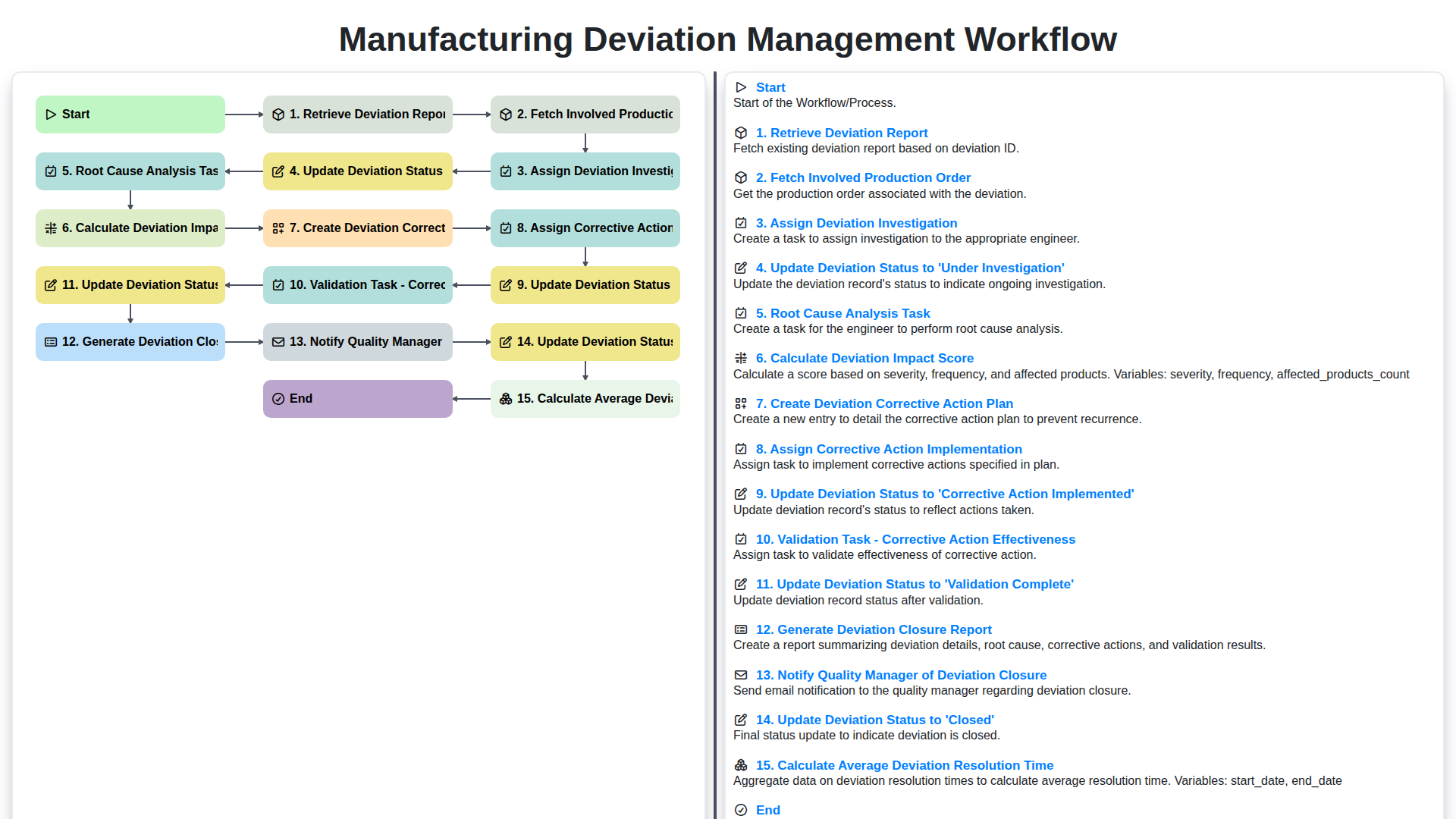
Manufacturing Deviation Management Workflow
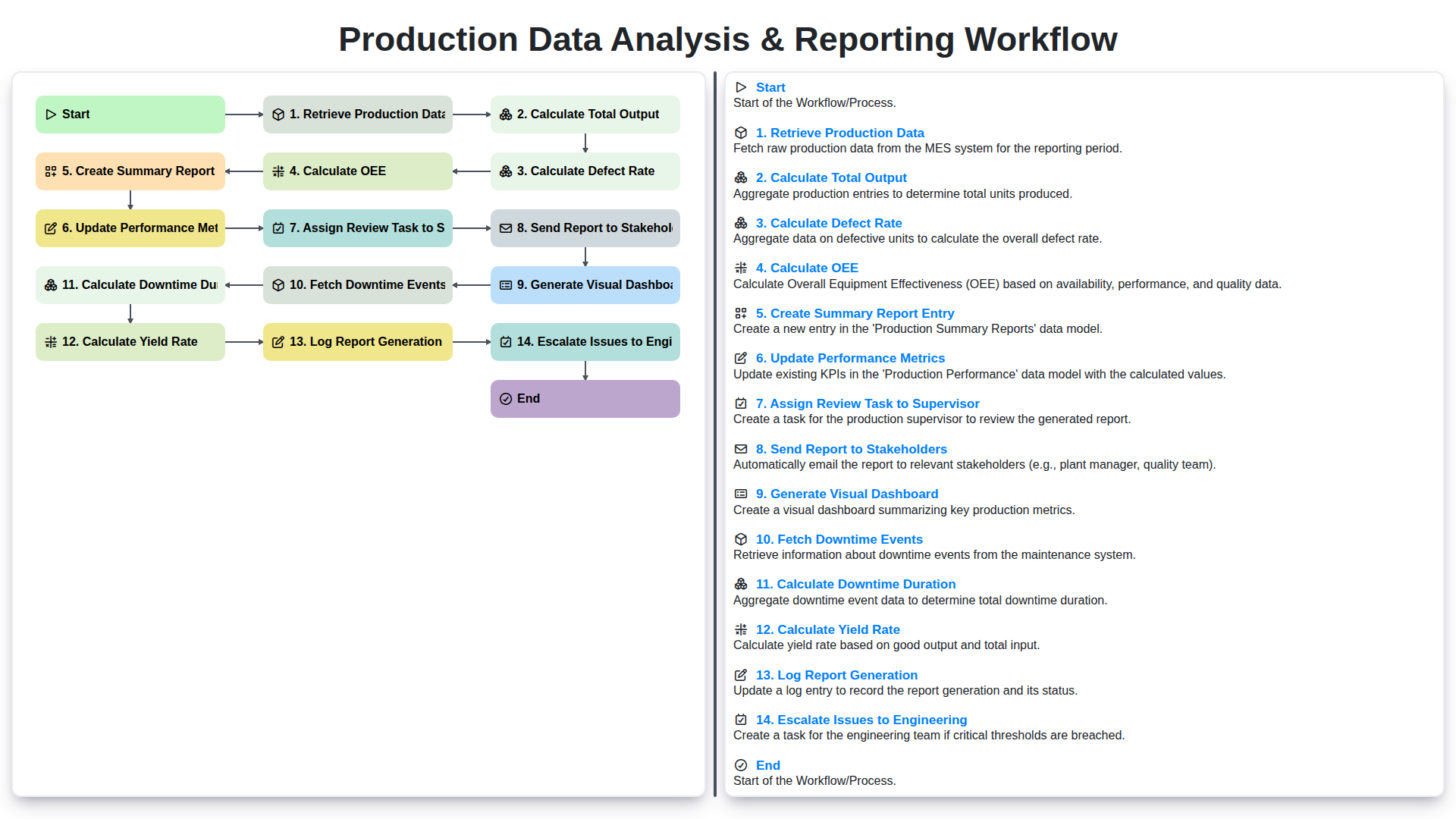
Production Data Analysis & Reporting Workflow
We can do it Together
Need help with
Manufacturing?
Have a question? We're here to help. Please submit your inquiry, and we'll respond promptly.