 ChecklistGuro
 Agile Scrum Sprint Planning Workflow
Master your next iteration with our Agile Scrum Sprint Planning Workflow. Streamline backlog grooming, define clear sprint goals, and optimize task distribution to ensure high-velocity delivery. Perfect for project managers looking to eliminate bottlenecks, enhance team transparency, and drive consistent, predictable sprint success.
This Template was installed 3 times.
Start
Start of the Workflow/Process.
1. Retrieve Product Backlog
Fetch all unprioritized user stories from the Product Backlog data model.
2. Set Sprint Status to 'Planning'
Update the current Sprint entry status to 'Planning' to lock the backlog for the session.
3. Create Backlog Refinement Task
Assign a task to the Product Owner to review and refine high-priority stories.
4. Get Team Capacity
Retrieve available hours/points for all team members from the Resource model.
5. Calculate Total Team Capacity
Sum the available hours/points of all team members for the upcoming sprint duration.
6. Fetch Priority Stories
Get stories from the Backlog that have been marked as 'Ready for Sprint'.
7. Estimate Story Point Load
Calculate the total sum of story points for all selected stories to compare against capacity.
8. Create Sprint Planning Meeting
Create a task for the Scrum Master to facilitate the planning session with the team.
9. Create Sprint Entry
Generate a new record in the Sprint data model with the defined start and end dates.
10. Assign Stories to Sprint
Update the selected backlog stories to link them to the newly created Sprint ID.
11. Create Task Breakdown
Create sub-tasks for each story to define technical implementation steps.
12. Verify Sprint Load Ratio
Calculate the ratio of Total Story Points vs. Total Team Capacity to check for over-commitment.
13. Finalize Sprint Scope
Update the Sprint entry status to 'Active' and lock the scope.
14. Notify Team of Sprint Start
Send an email to all team members containing the Sprint goal and the link to the Sprint board.
15. Generate Sprint Commitment Report
Create a report showing the list of committed stories and the total workload vs capacity.
End
End of the Workflow/Process.
Start of the Workflow/Process.
Fetch all unprioritized user stories from the Product Backlog data model.
Update the current Sprint entry status to 'Planning' to lock the backlog for the session.
Assign a task to the Product Owner to review and refine high-priority stories.
Retrieve available hours/points for all team members from the Resource model.
Sum the available hours/points of all team members for the upcoming sprint duration.
Get stories from the Backlog that have been marked as 'Ready for Sprint'.
Calculate the total sum of story points for all selected stories to compare against capacity.
Create a task for the Scrum Master to facilitate the planning session with the team.
Generate a new record in the Sprint data model with the defined start and end dates.
Update the selected backlog stories to link them to the newly created Sprint ID.
Create sub-tasks for each story to define technical implementation steps.
Calculate the ratio of Total Story Points vs. Total Team Capacity to check for over-commitment.
Update the Sprint entry status to 'Active' and lock the scope.
Send an email to all team members containing the Sprint goal and the link to the Sprint board.
Create a report showing the list of committed stories and the total workload vs capacity.
End of the Workflow/Process.
Comments
There are no comments yet. Be the first to add one!
Project Management Solution Demo
Deliver projects on time & within budget! ChecklistGuro streamlines task management, collaboration, & progress tracking. Enhance visibility & boost team productivity. Manage it all with our Work OS.
Related Workflow Templates
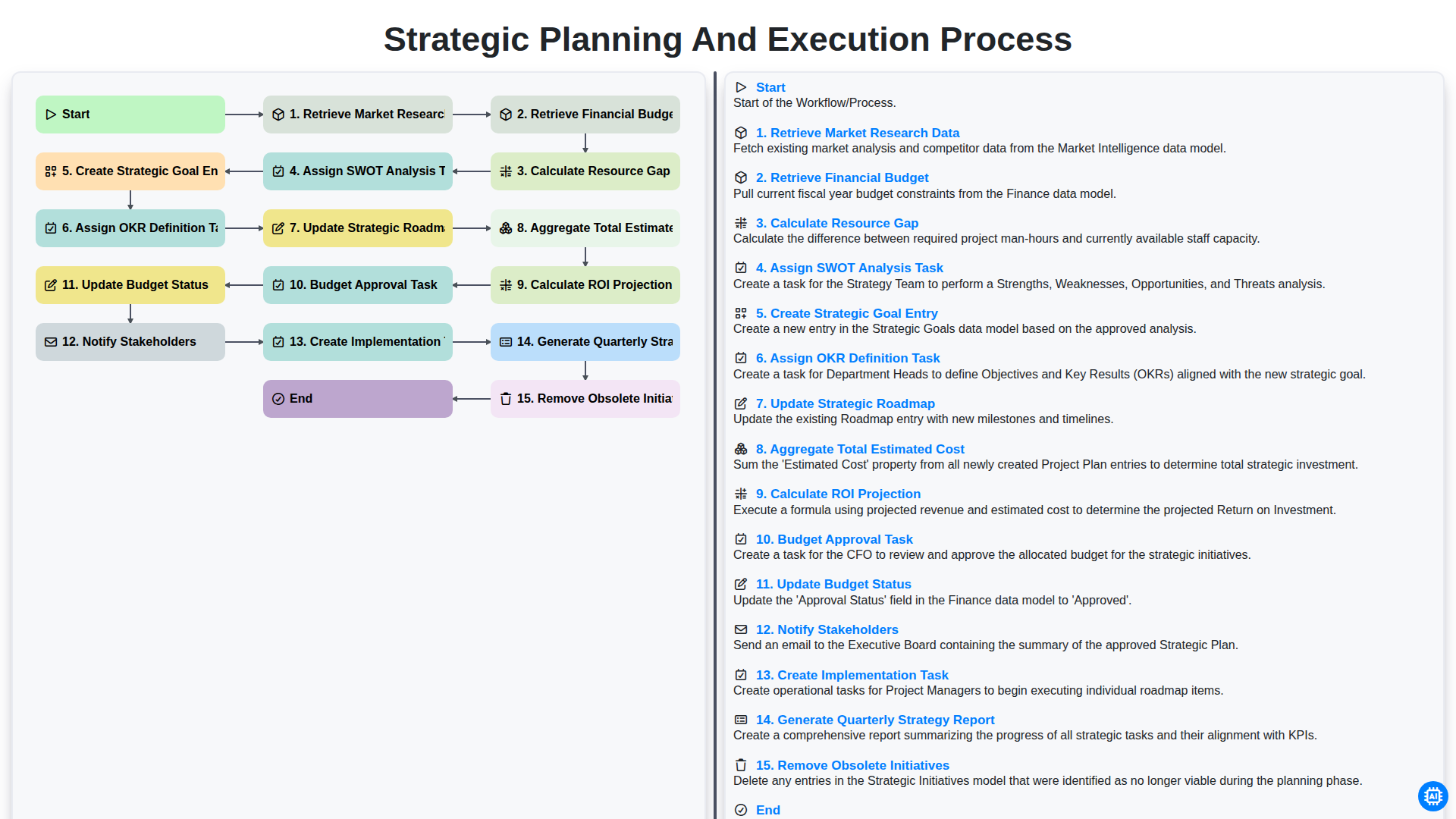
Strategic Planning and Execution Process
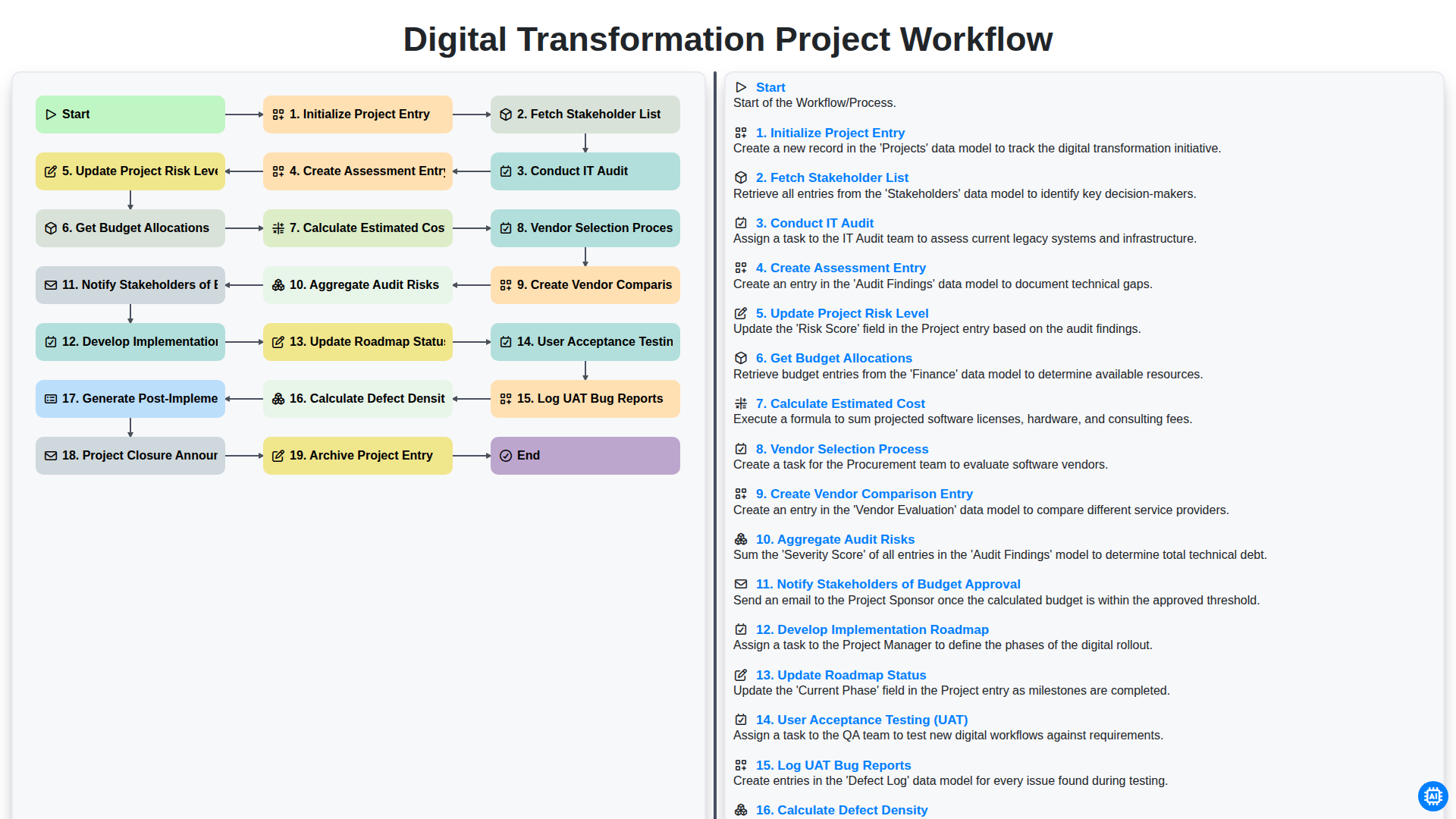
Digital Transformation Project Workflow
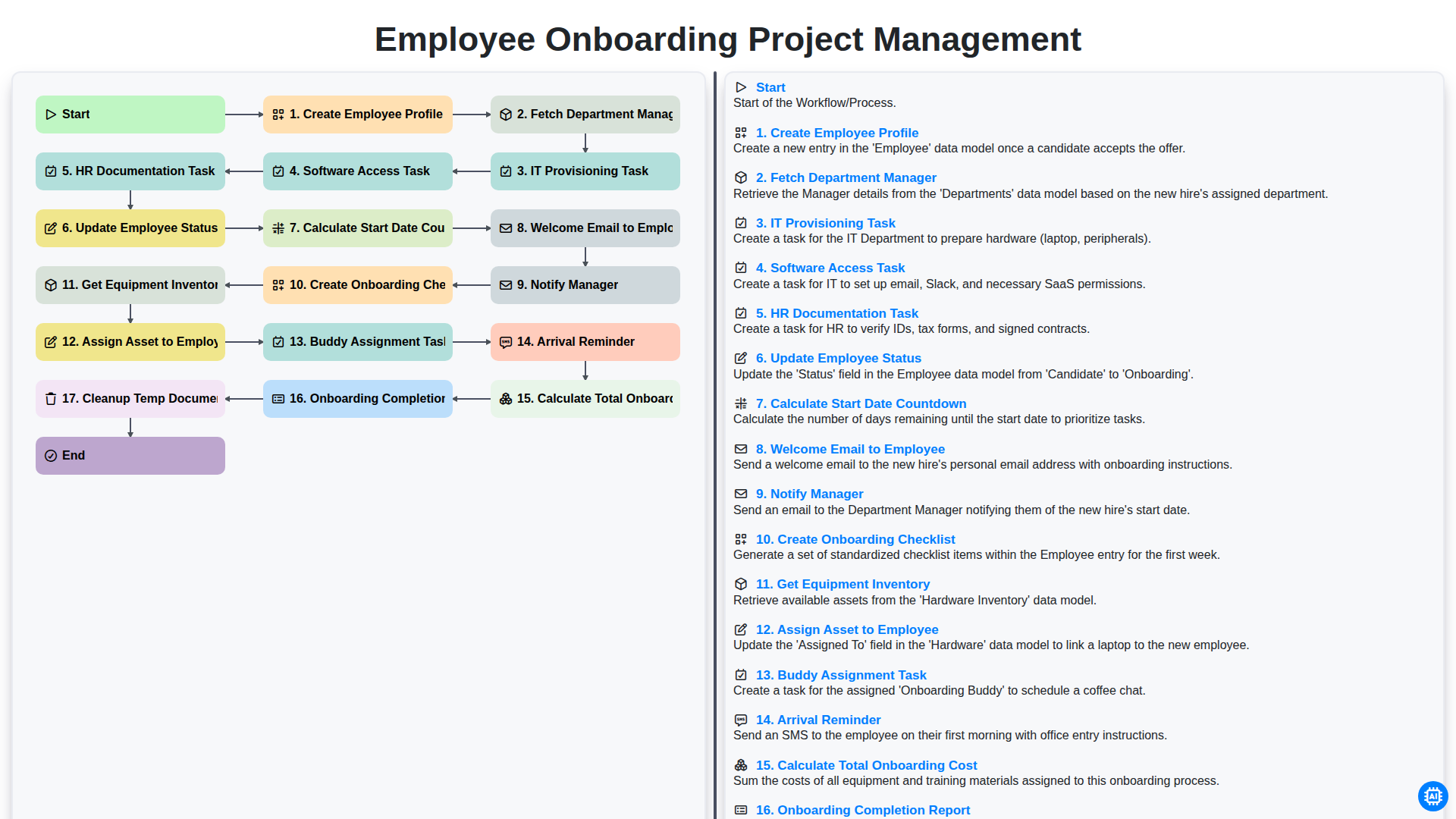
Employee Onboarding Project Management
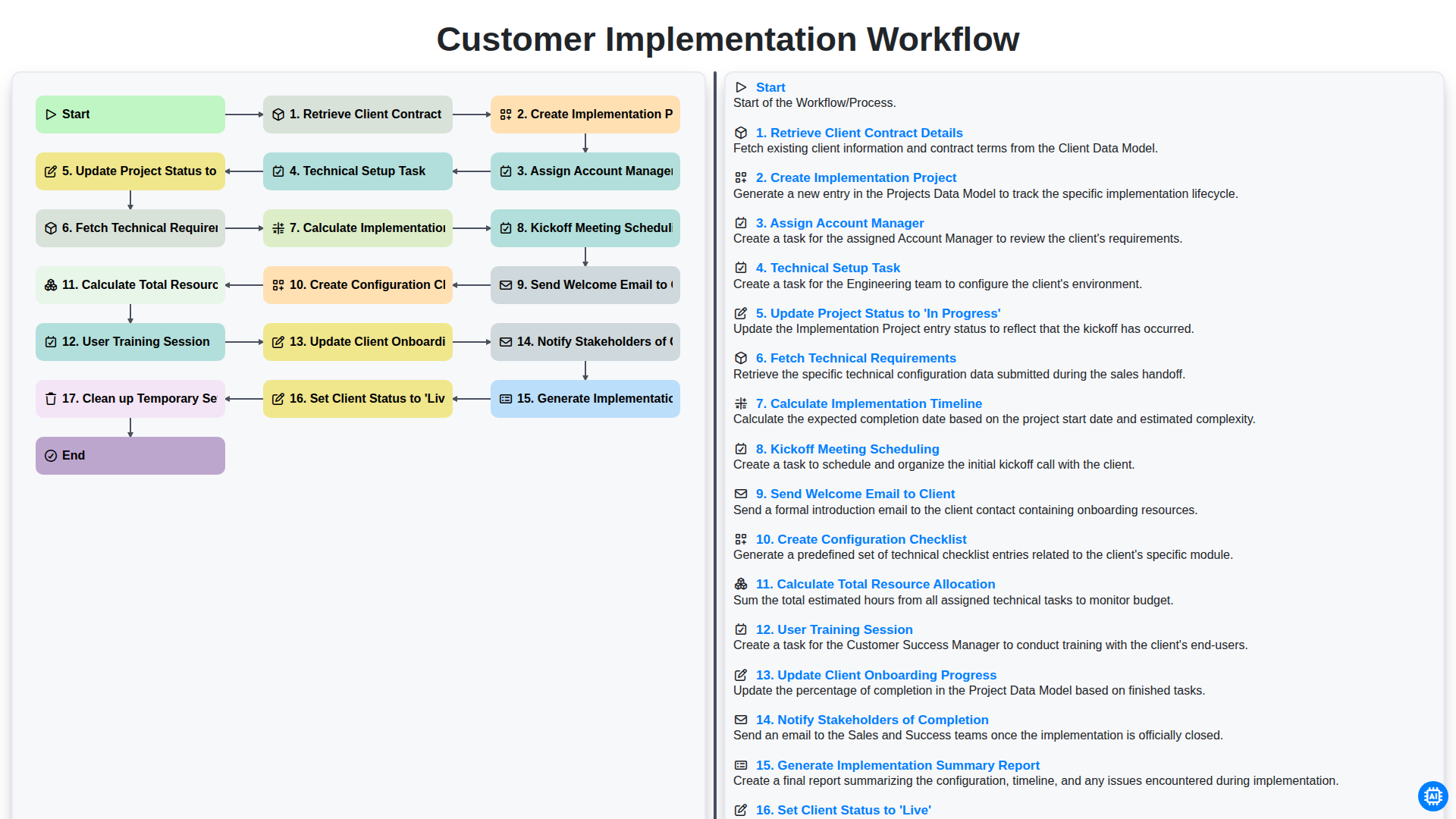
Customer Implementation Workflow
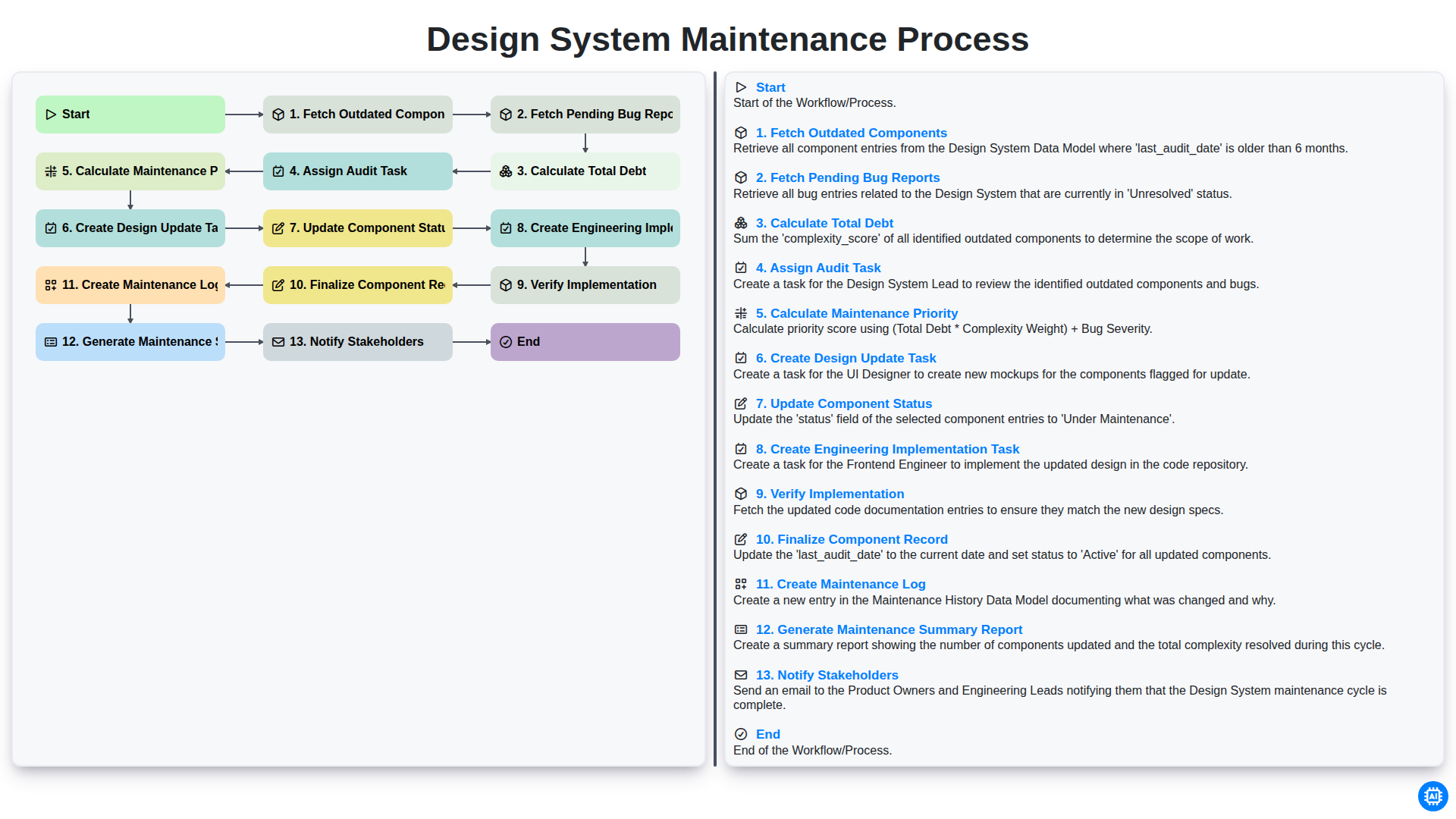
Design System Maintenance Process
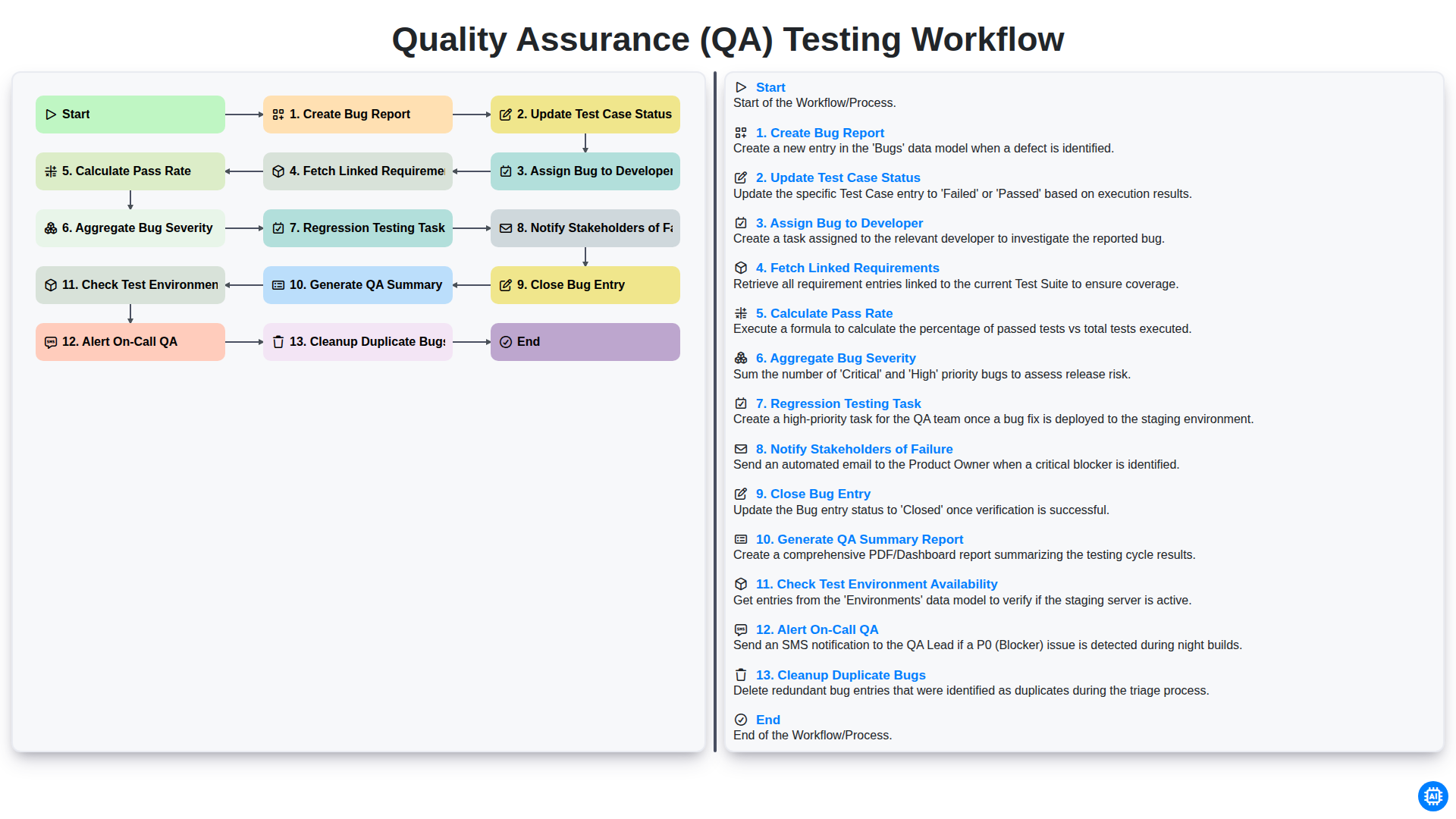
Quality Assurance (QA) Testing Workflow
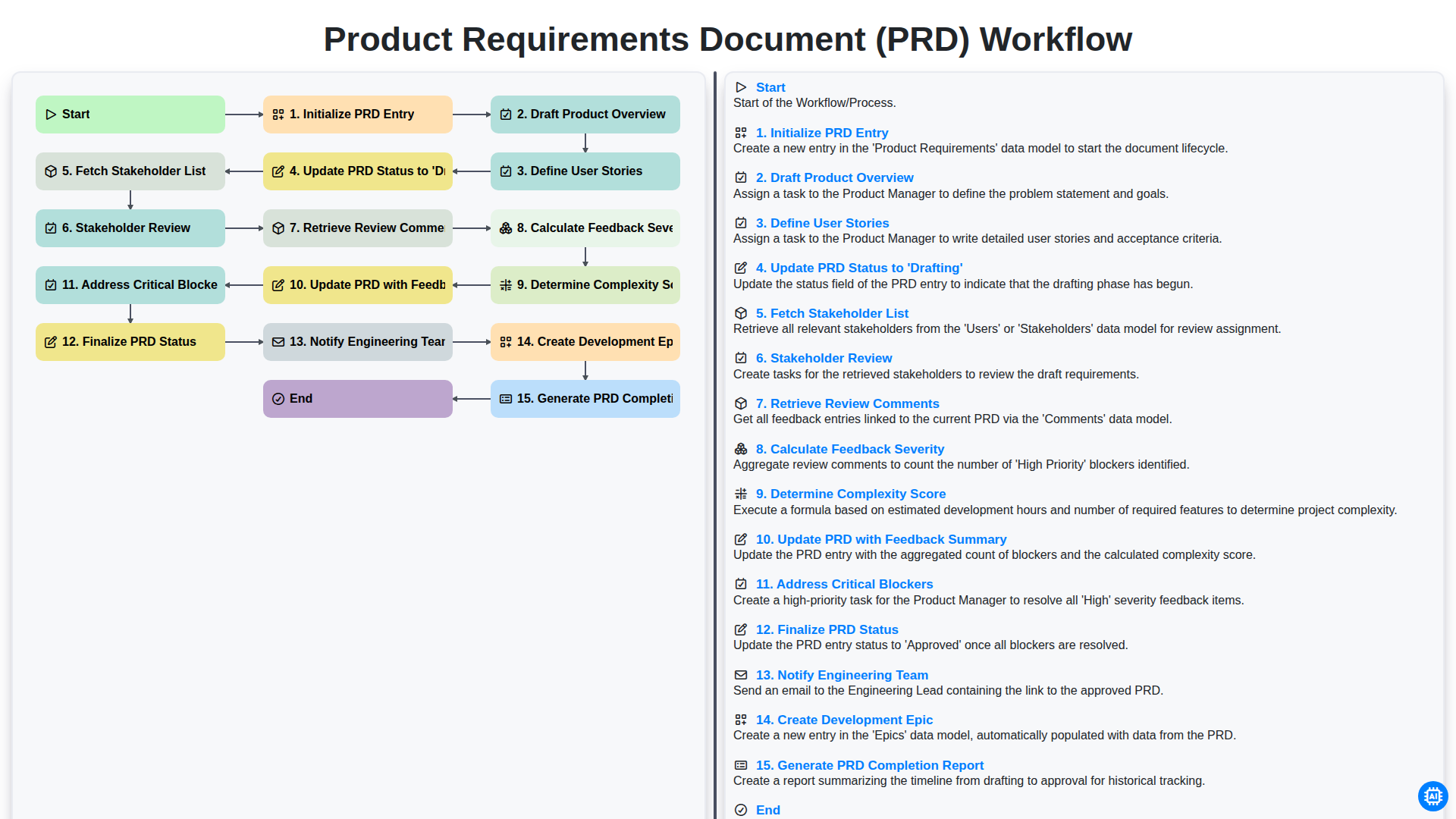
Product Requirements Document (PRD) Workflow
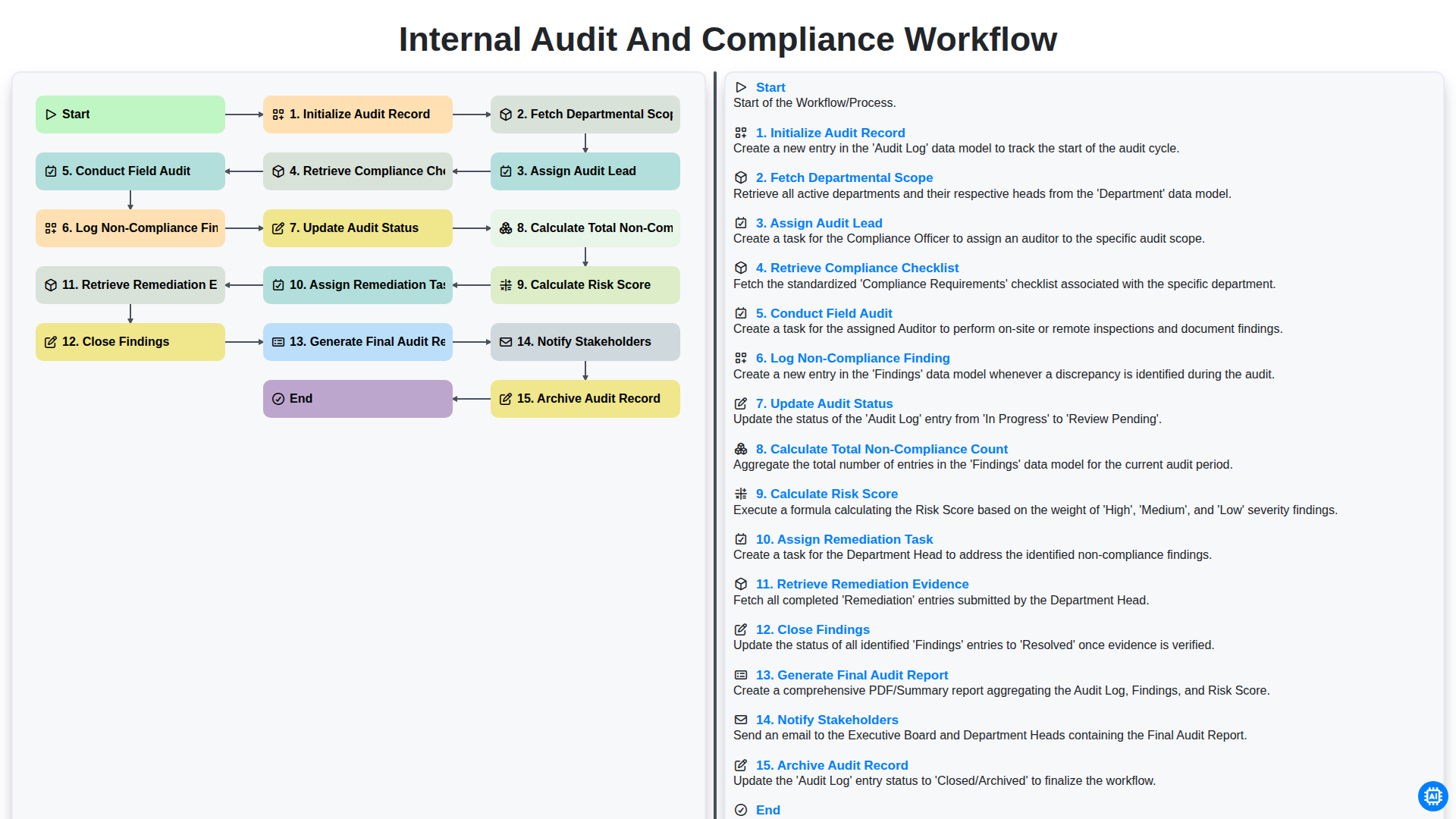
Internal Audit and Compliance Workflow
We can do it Together
Need help with
Project Management?
Have a question? We're here to help. Please submit your inquiry, and we'll respond promptly.