 ChecklistGuro
 IT Infrastructure Deployment Process
Streamline your technology rollouts with our comprehensive IT Infrastructure Deployment Process. Master every stage of the hardware and software lifecycle-from initial site surveys and procurement to configuration, installation, and final testing-ensuring seamless, scalable, and error-free deployments that minimize downtime and maximize project efficiency.
This Template was installed 2 times.
Start
Start of the Workflow/Process.
1. Retrieve Server Inventory
Fetch existing server and hardware records from the Asset Data Model to check availability.
2. Create Deployment Request
Initialize a new deployment record in the Infrastructure Request Data Model.
3. Hardware Provisioning Task
Assign a task to the Hardware Team to prepare physical servers and networking gear.
4. Update Asset Status
Change the status of selected assets from 'In Stock' to 'In Deployment'.
5. Calculate Total Deployment Cost
Sum the cost of hardware, software licenses, and labor hours for the deployment budget.
6. Network Configuration Task
Assign a task to Network Engineers to configure VLANs, IP ranges, and firewall rules.
7. Fetch IP Address Pool
Retrieve available IP addresses from the Network Configuration Data Model.
8. Create Network Configuration Entry
Create a new record detailing the specific IP and VLAN assignments for the new infrastructure.
9. OS Installation Task
Assign a task to System Administrators to install and patch the Operating Systems.
10. Log OS Installation Details
Update the deployment record with OS version, build number, and installation timestamp.
11. Aggregate Resource Usage
Calculate the total CPU and RAM consumption of the newly deployed nodes.
12. Security Compliance Audit
Assign a task to the Security Team to run vulnerability scans on the new infrastructure.
13. Retrieve Security Baseline
Fetch the standard security configuration requirements from the Compliance Data Model.
14. Update Security Compliance Status
Mark the infrastructure as 'Compliant' or 'Non-Compliant' based on audit results.
15. Notify Stakeholders
Send an email to Project Managers and Department Heads announcing the deployment completion.
16. Final Documentation Task
Assign a task to the Documentation Specialist to update the Network Topology Diagrams.
17. Create Asset End-of-Life Record
Create an entry in the Lifecycle Data Model to track the decommission date for the hardware.
18. Generate Deployment Summary Report
Generate a final report containing the deployment timeline, costs, and hardware specifications.
19. Remove Temporary Deployment Logs
Delete temporary staging logs and installation scratchpad entries from the system.
20. Urgent Alert: Deployment Failure
Send an SMS to the On-Call Engineer if any critical step in the deployment fails.
End
End of the Workflow/Process.
Start of the Workflow/Process.
Fetch existing server and hardware records from the Asset Data Model to check availability.
Initialize a new deployment record in the Infrastructure Request Data Model.
Assign a task to the Hardware Team to prepare physical servers and networking gear.
Change the status of selected assets from 'In Stock' to 'In Deployment'.
Sum the cost of hardware, software licenses, and labor hours for the deployment budget.
Assign a task to Network Engineers to configure VLANs, IP ranges, and firewall rules.
Retrieve available IP addresses from the Network Configuration Data Model.
Create a new record detailing the specific IP and VLAN assignments for the new infrastructure.
Assign a task to System Administrators to install and patch the Operating Systems.
Update the deployment record with OS version, build number, and installation timestamp.
Calculate the total CPU and RAM consumption of the newly deployed nodes.
Assign a task to the Security Team to run vulnerability scans on the new infrastructure.
Fetch the standard security configuration requirements from the Compliance Data Model.
Mark the infrastructure as 'Compliant' or 'Non-Compliant' based on audit results.
Send an email to Project Managers and Department Heads announcing the deployment completion.
Assign a task to the Documentation Specialist to update the Network Topology Diagrams.
Create an entry in the Lifecycle Data Model to track the decommission date for the hardware.
Generate a final report containing the deployment timeline, costs, and hardware specifications.
Delete temporary staging logs and installation scratchpad entries from the system.
Send an SMS to the On-Call Engineer if any critical step in the deployment fails.
End of the Workflow/Process.
Found this Workflow Template helpful?
Comments
There are no comments yet. Be the first to add one!
Project Management Solution Demo
Deliver projects on time & within budget! ChecklistGuro streamlines task management, collaboration, & progress tracking. Enhance visibility & boost team productivity. Manage it all with our Work OS.
Related Workflow Templates

Strategic Planning and Execution Process

Digital Transformation Project Workflow

Employee Onboarding Project Management

Customer Implementation Workflow

Design System Maintenance Process

Quality Assurance (QA) Testing Workflow
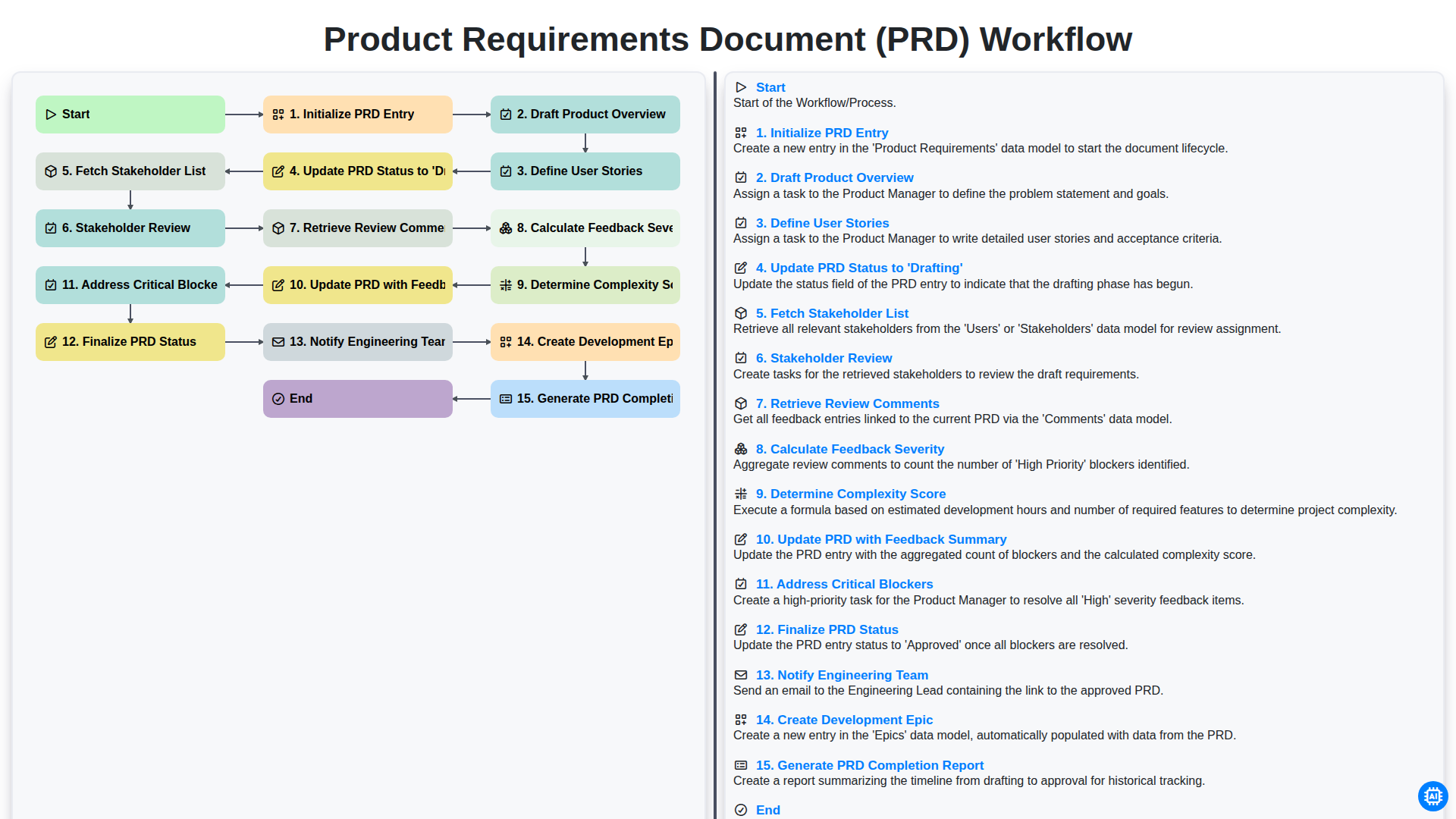
Product Requirements Document (PRD) Workflow

Internal Audit and Compliance Workflow
We can do it Together
Need help with
Project Management?
Have a question? We're here to help. Please submit your inquiry, and we'll respond promptly.