 ChecklistGuro
 Bus Stop Infrastructure Maintenance Workflow
Streamline your transit operations with our Bus Stop Infrastructure Maintenance Workflow. Optimize asset lifecycles, automate inspection schedules, and ensure passenger safety through proactive upkeep of shelters, signage, and seating. The ultimate automated solution for efficient public transport management and smarter urban mobility.
This Template was installed 2 times.
Start
Start of the Workflow/Process.
1. Fetch Scheduled Maintenance List
Retrieve all upcoming bus stop maintenance tasks from the Maintenance Schedule data model.
2. Retrieve Asset Details
Get specific details (location, type, last service date) for the selected bus stop from the Infrastructure Data Model.
3. Assign Inspection Task
Create a task for a field technician to perform a structural and cleanliness inspection.
4. Update Asset Condition
Update the 'Last Inspection Status' and 'Condition Score' in the Bus Stop Data Model based on inspection results.
5. Calculate Repair Cost Estimate
Calculate the total estimated cost by summing labor rates and material costs identified during inspection.
6. Create Repair Task
If damage is detected, create a high-priority task for the repair crew.
7. Create Maintenance Log Entry
Create a new entry in the Maintenance History log to document the completed work and findings.
8. Calculate Total Monthly Maintenance Spend
Sum the costs of all completed maintenance entries for the current month to track budget usage.
9. Update Maintenance Budget
Update the Departmental Budget entry to reflect the newly incurred maintenance costs.
10. Notify Stakeholders
Send an email to the Transit Authority manager regarding completed structural repairs or urgent safety issues.
11. Alert Field Technician
Send an SMS to the technician's mobile number when a new urgent repair task is assigned.
12. Generate Monthly Infrastructure Health Report
Generate a summary report showing the percentage of bus stops inspected vs. those requiring repair.
13. Remove Obsolete Asset Records
Delete entries from the Infrastructure Data Model for bus stops that have been permanently decommissioned.
End
End of the Workflow/Process.
Start of the Workflow/Process.
Retrieve all upcoming bus stop maintenance tasks from the Maintenance Schedule data model.
Get specific details (location, type, last service date) for the selected bus stop from the Infrastructure Data Model.
Create a task for a field technician to perform a structural and cleanliness inspection.
Update the 'Last Inspection Status' and 'Condition Score' in the Bus Stop Data Model based on inspection results.
Calculate the total estimated cost by summing labor rates and material costs identified during inspection.
If damage is detected, create a high-priority task for the repair crew.
Create a new entry in the Maintenance History log to document the completed work and findings.
Sum the costs of all completed maintenance entries for the current month to track budget usage.
Update the Departmental Budget entry to reflect the newly incurred maintenance costs.
Send an email to the Transit Authority manager regarding completed structural repairs or urgent safety issues.
Send an SMS to the technician's mobile number when a new urgent repair task is assigned.
Generate a summary report showing the percentage of bus stops inspected vs. those requiring repair.
Delete entries from the Infrastructure Data Model for bus stops that have been permanently decommissioned.
End of the Workflow/Process.
Frequently Asked Questions
Comments
There are no comments yet. Be the first to add one!
Public Transport Management Solution Demo
Optimize public transport operations & enhance passenger experience! ChecklistGuro streamlines route planning, vehicle maintenance, and incident reporting. Improve efficiency, safety, and reliability. Manage it all with our Work OS.
Related Workflow Templates
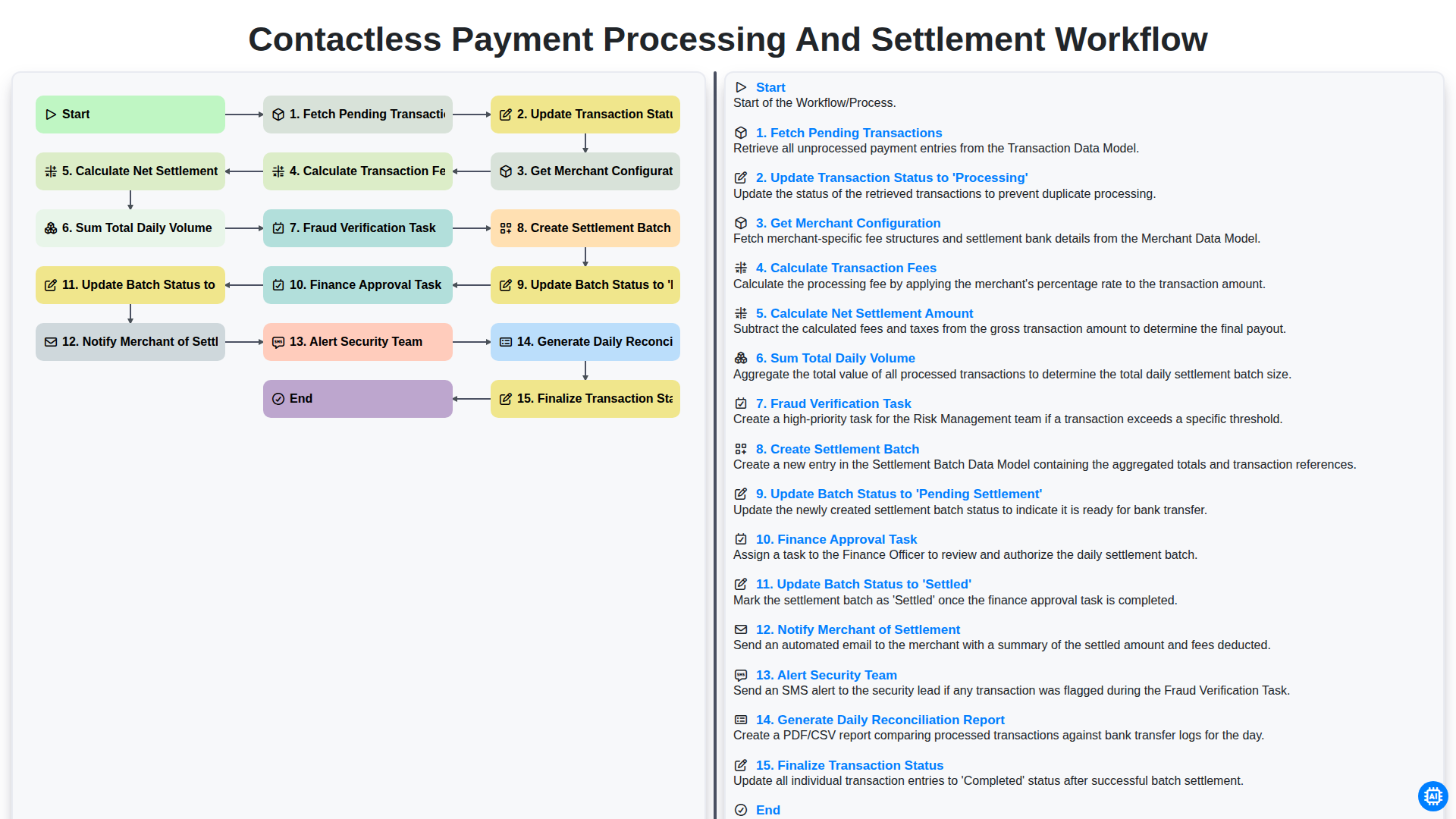
Contactless Payment Processing and Settlement Workflow
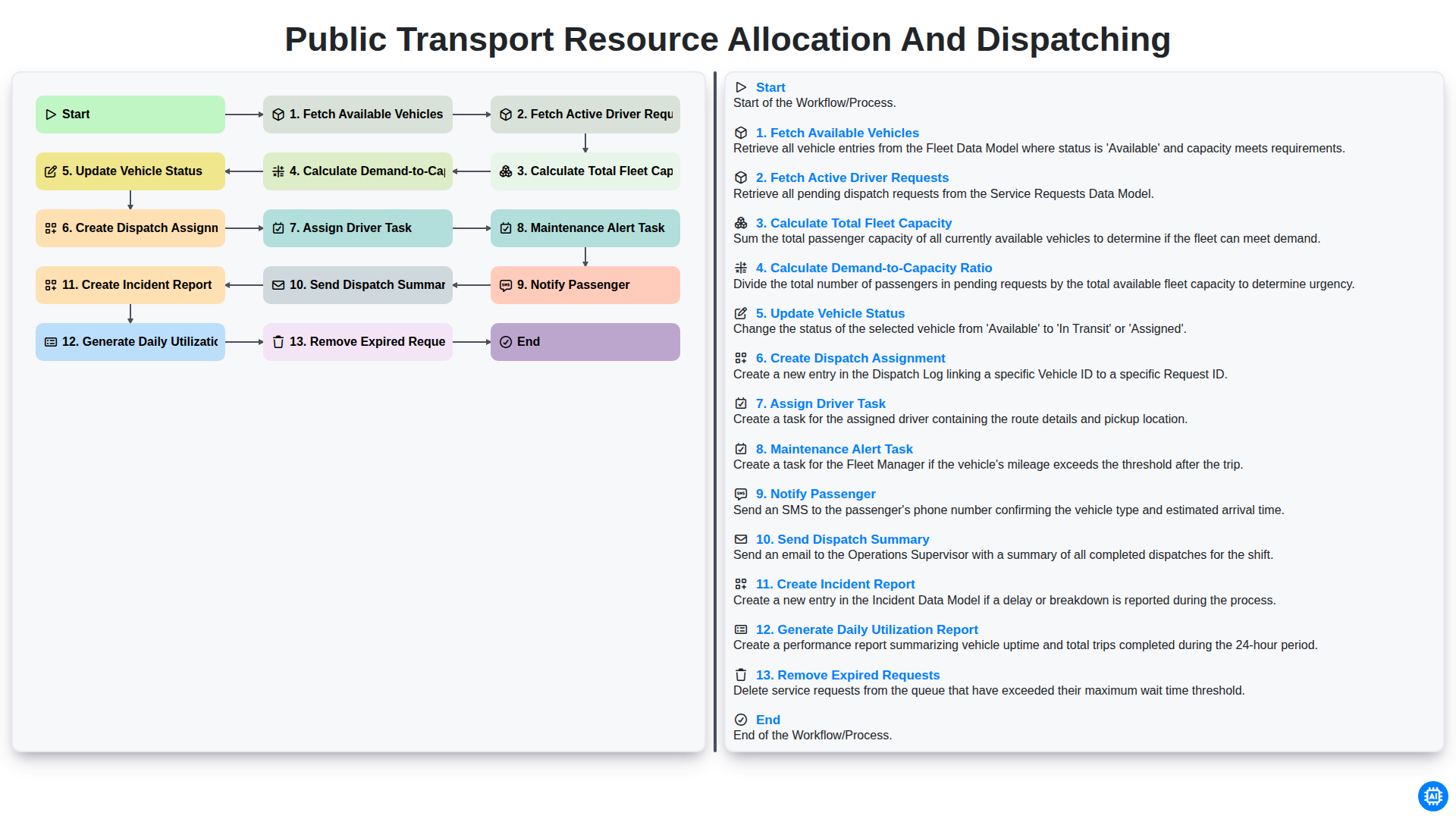
Public Transport Resource Allocation and Dispatching
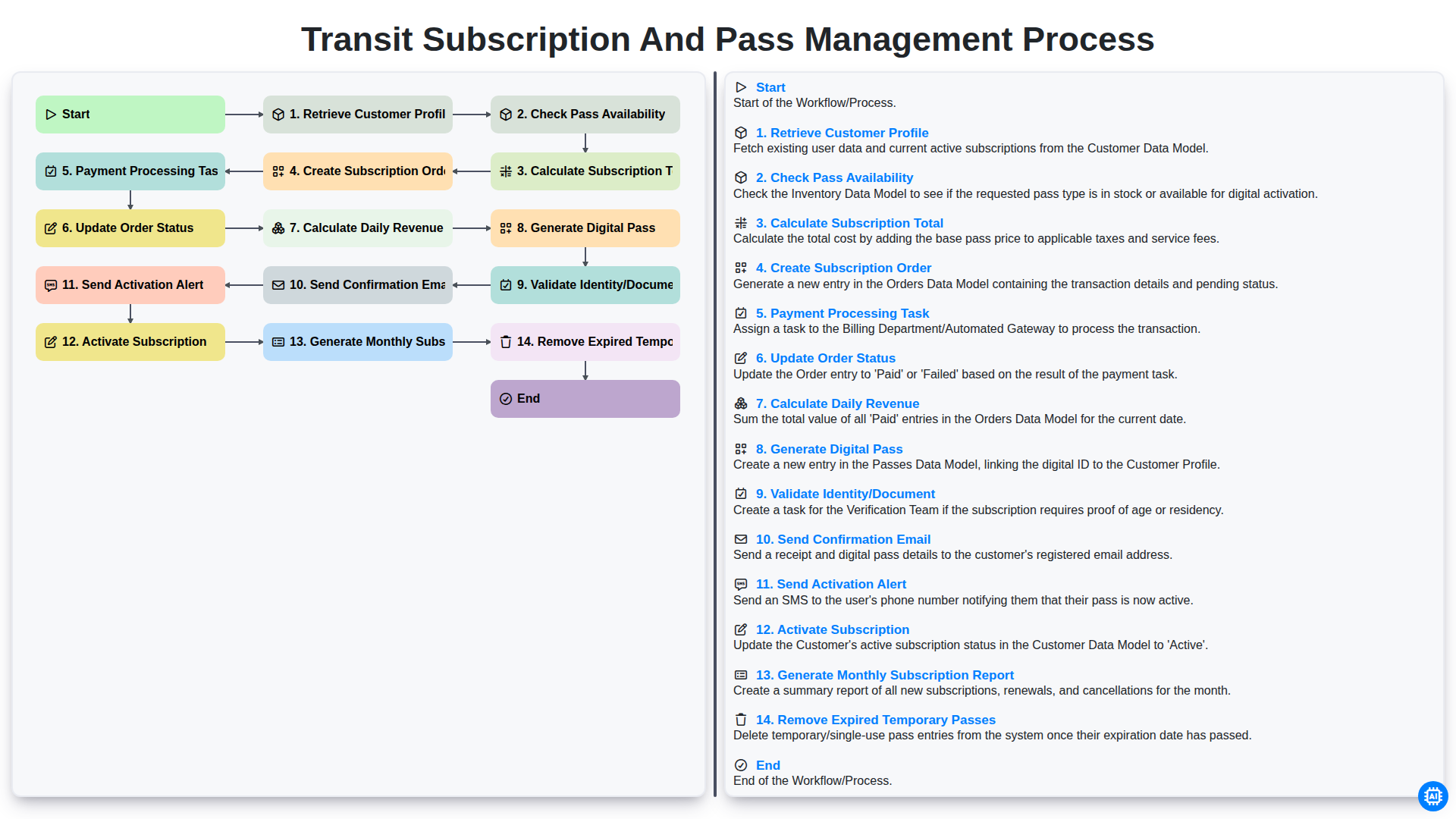
Transit Subscription and Pass Management Process
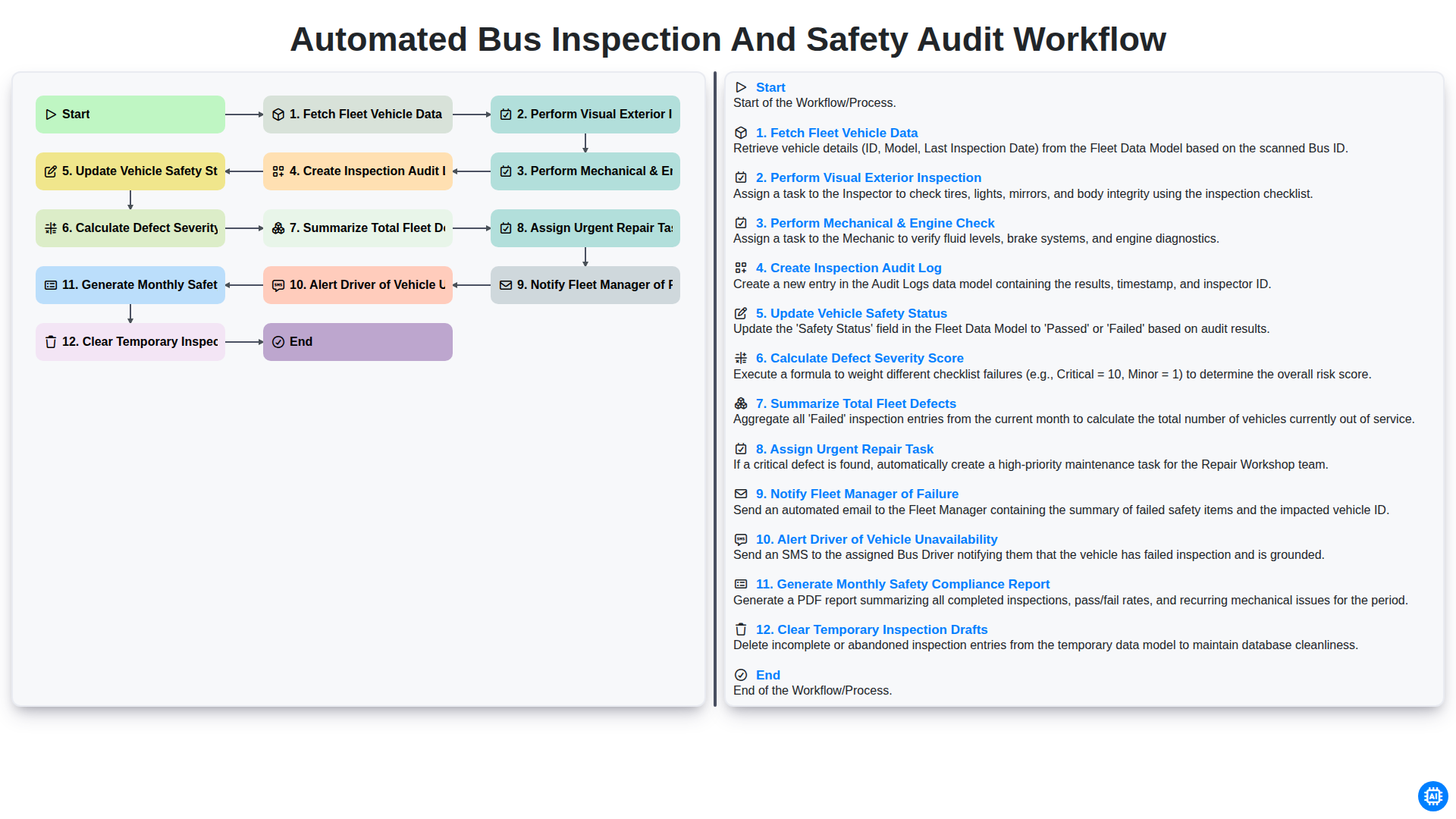
Automated Bus Inspection and Safety Audit Workflow
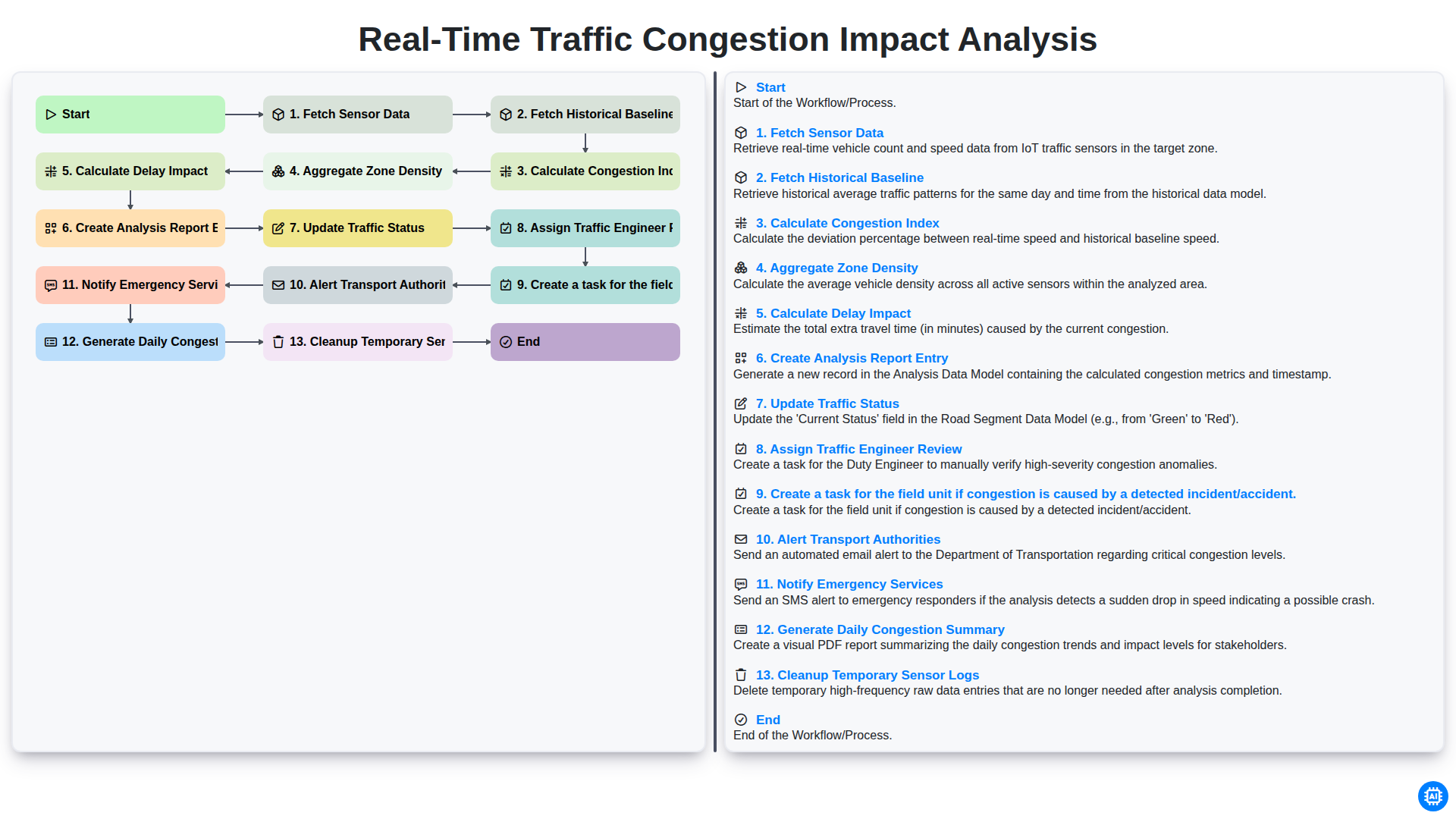
Real-Time Traffic Congestion Impact Analysis
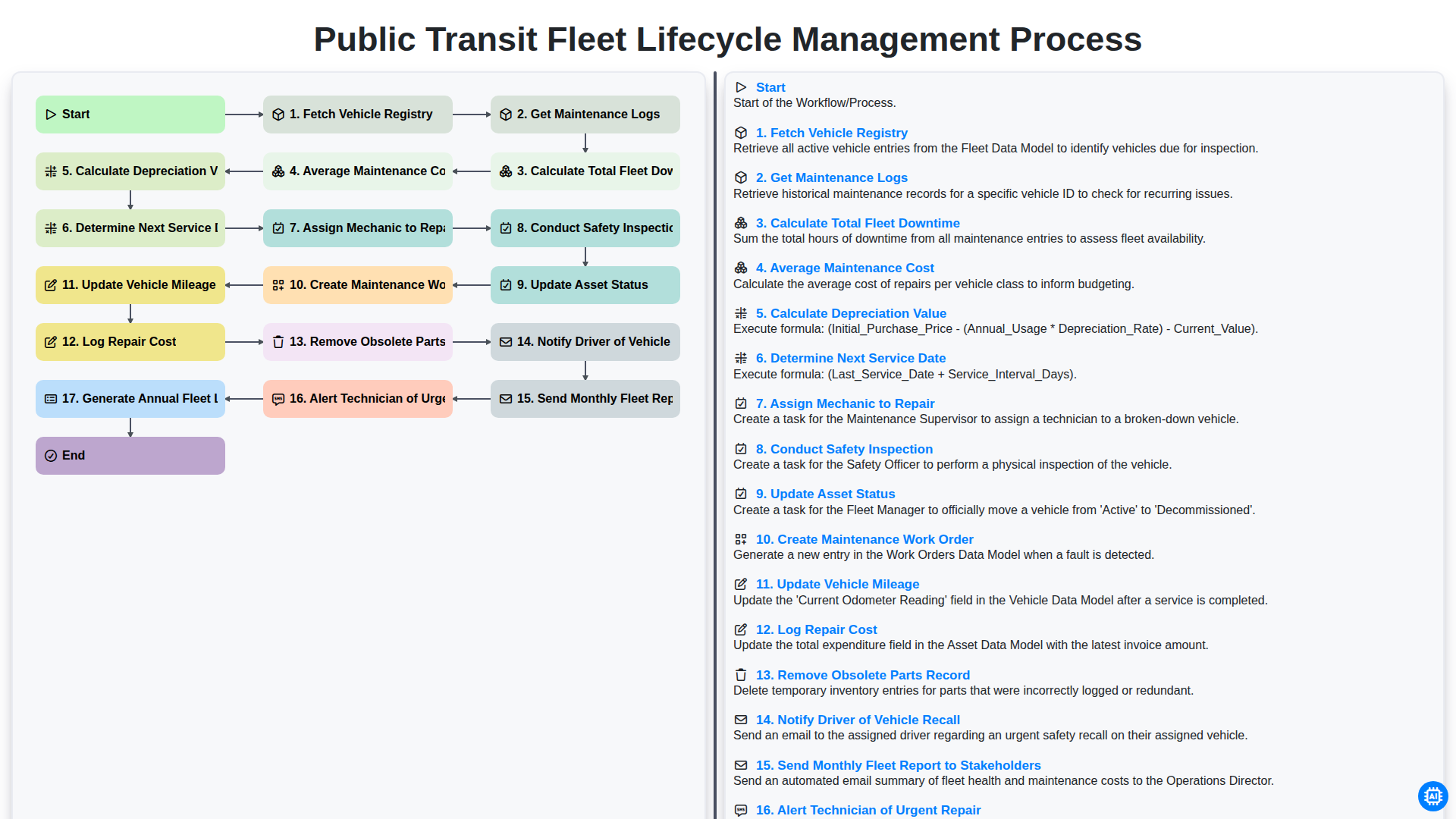
Public Transit Fleet Lifecycle Management Process
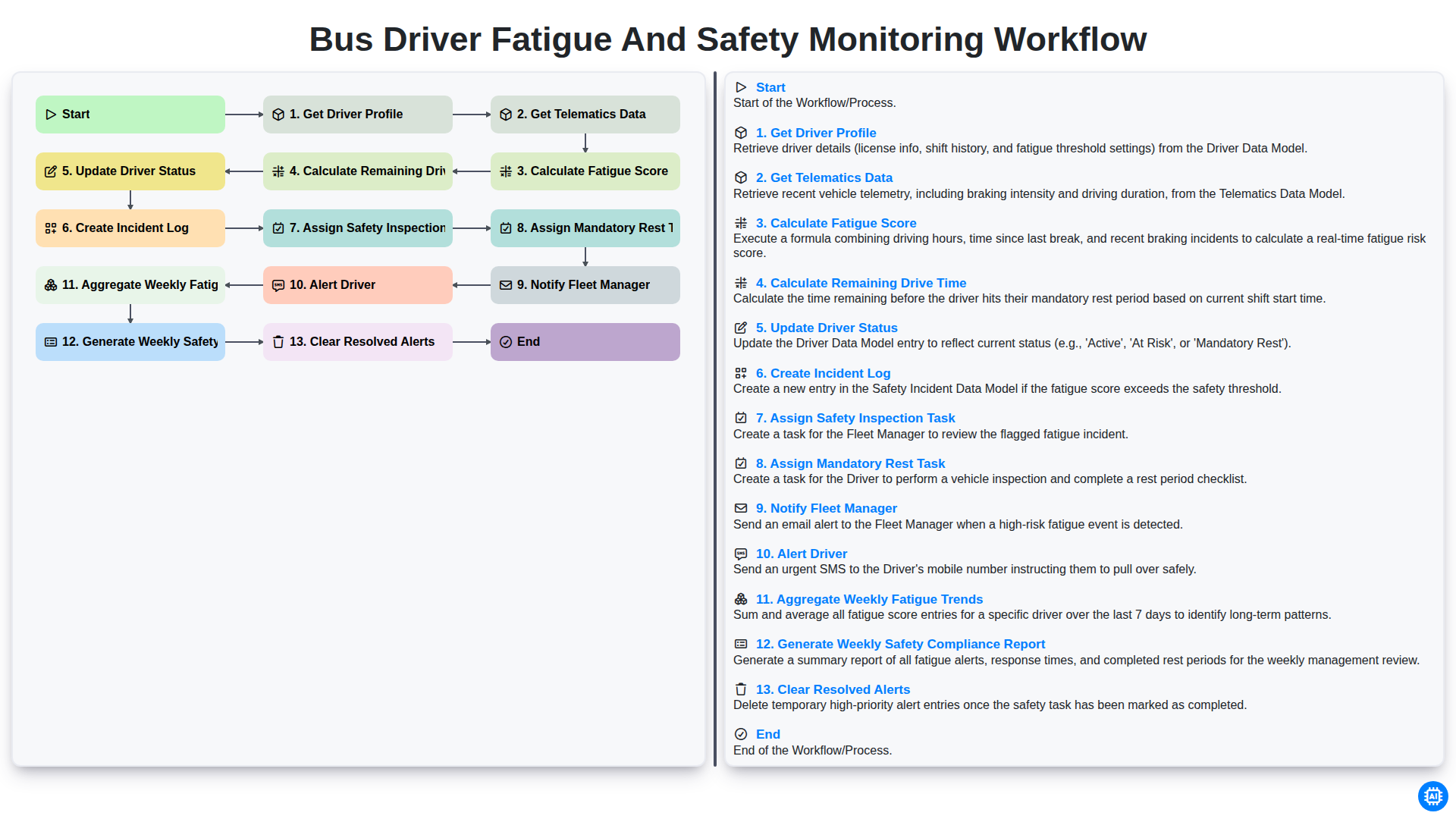
Bus Driver Fatigue and Safety Monitoring Workflow
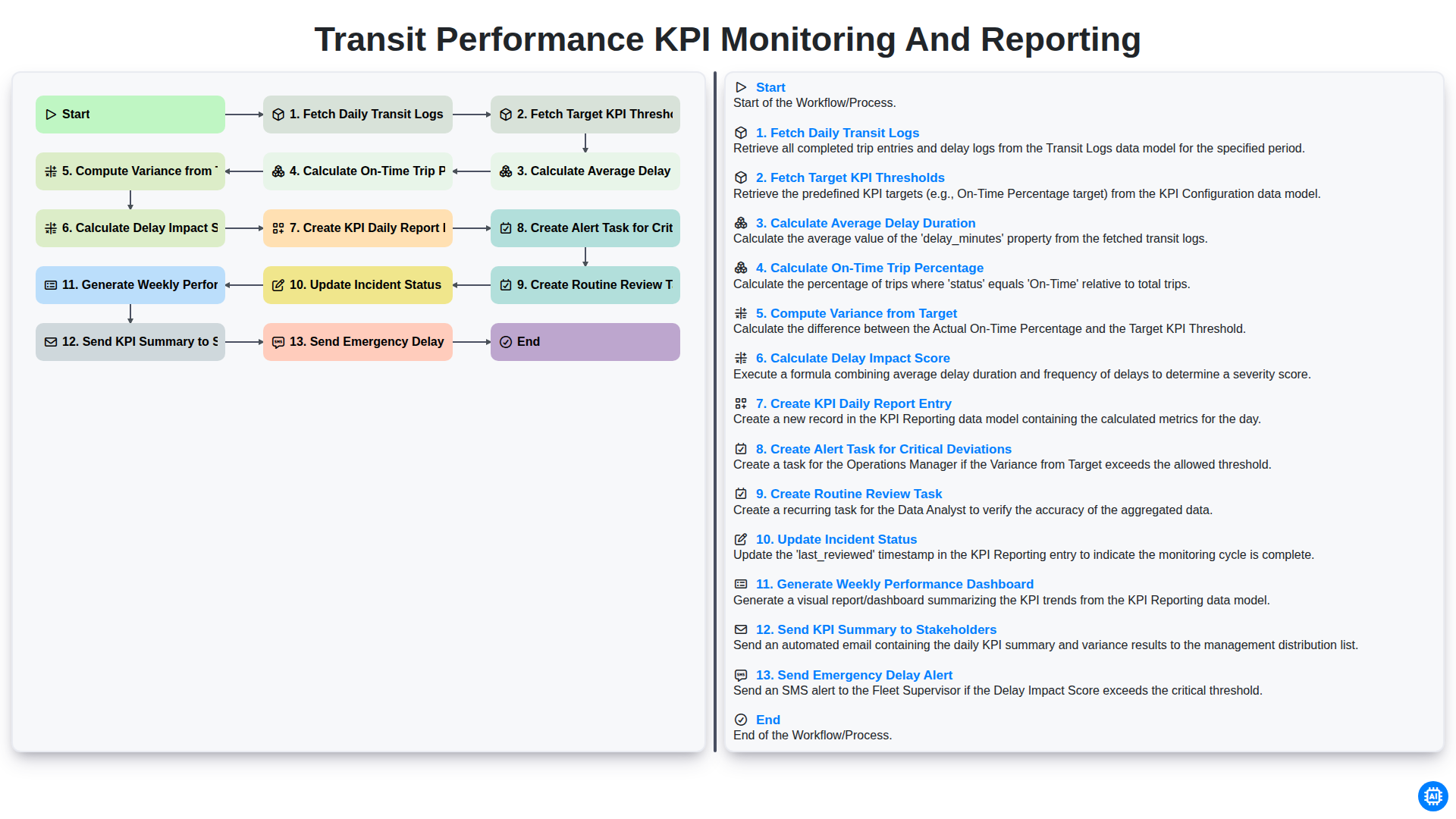
Transit Performance KPI Monitoring and Reporting
Need help with
Public Transport Management?
Have a question? We're here to help. Please submit your inquiry, and we'll respond promptly.