 ChecklistGuro
 Public Transport Resource Allocation and Dispatching
Optimize your fleet efficiency and reduce operational downtime with our automated Public Transport Resource Allocation and Dispatching workflow. Streamline real-time vehicle deployment, balance driver schedules, and master precision dispatching to ensure seamless passenger connectivity and cost-effective transit management.
This Template was installed 4 times.
Start
Start of the Workflow/Process.
1. Fetch Available Vehicles
Retrieve all vehicle entries from the Fleet Data Model where status is 'Available' and capacity meets requirements.
2. Fetch Active Driver Requests
Retrieve all pending dispatch requests from the Service Requests Data Model.
3. Calculate Total Fleet Capacity
Sum the total passenger capacity of all currently available vehicles to determine if the fleet can meet demand.
4. Calculate Demand-to-Capacity Ratio
Divide the total number of passengers in pending requests by the total available fleet capacity to determine urgency.
5. Update Vehicle Status
Change the status of the selected vehicle from 'Available' to 'In Transit' or 'Assigned'.
6. Create Dispatch Assignment
Create a new entry in the Dispatch Log linking a specific Vehicle ID to a specific Request ID.
7. Assign Driver Task
Create a task for the assigned driver containing the route details and pickup location.
8. Maintenance Alert Task
Create a task for the Fleet Manager if the vehicle's mileage exceeds the threshold after the trip.
9. Notify Passenger
Send an SMS to the passenger's phone number confirming the vehicle type and estimated arrival time.
10. Send Dispatch Summary
Send an email to the Operations Supervisor with a summary of all completed dispatches for the shift.
11. Create Incident Report
Create a new entry in the Incident Data Model if a delay or breakdown is reported during the process.
12. Generate Daily Utilization Report
Create a performance report summarizing vehicle uptime and total trips completed during the 24-hour period.
13. Remove Expired Requests
Delete service requests from the queue that have exceeded their maximum wait time threshold.
End
End of the Workflow/Process.
Start of the Workflow/Process.
Retrieve all vehicle entries from the Fleet Data Model where status is 'Available' and capacity meets requirements.
Retrieve all pending dispatch requests from the Service Requests Data Model.
Sum the total passenger capacity of all currently available vehicles to determine if the fleet can meet demand.
Divide the total number of passengers in pending requests by the total available fleet capacity to determine urgency.
Change the status of the selected vehicle from 'Available' to 'In Transit' or 'Assigned'.
Create a new entry in the Dispatch Log linking a specific Vehicle ID to a specific Request ID.
Create a task for the assigned driver containing the route details and pickup location.
Create a task for the Fleet Manager if the vehicle's mileage exceeds the threshold after the trip.
Send an SMS to the passenger's phone number confirming the vehicle type and estimated arrival time.
Send an email to the Operations Supervisor with a summary of all completed dispatches for the shift.
Create a new entry in the Incident Data Model if a delay or breakdown is reported during the process.
Create a performance report summarizing vehicle uptime and total trips completed during the 24-hour period.
Delete service requests from the queue that have exceeded their maximum wait time threshold.
End of the Workflow/Process.
Found this Workflow Template helpful?
Comments
There are no comments yet. Be the first to add one!
Public Transport Management Solution Demo
Optimize public transport operations & enhance passenger experience! ChecklistGuro streamlines route planning, vehicle maintenance, and incident reporting. Improve efficiency, safety, and reliability. Manage it all with our Work OS.
Related Workflow Templates

Bus Stop Infrastructure Maintenance Workflow

Contactless Payment Processing and Settlement Workflow

Transit Subscription and Pass Management Process

Automated Bus Inspection and Safety Audit Workflow

Real-Time Traffic Congestion Impact Analysis
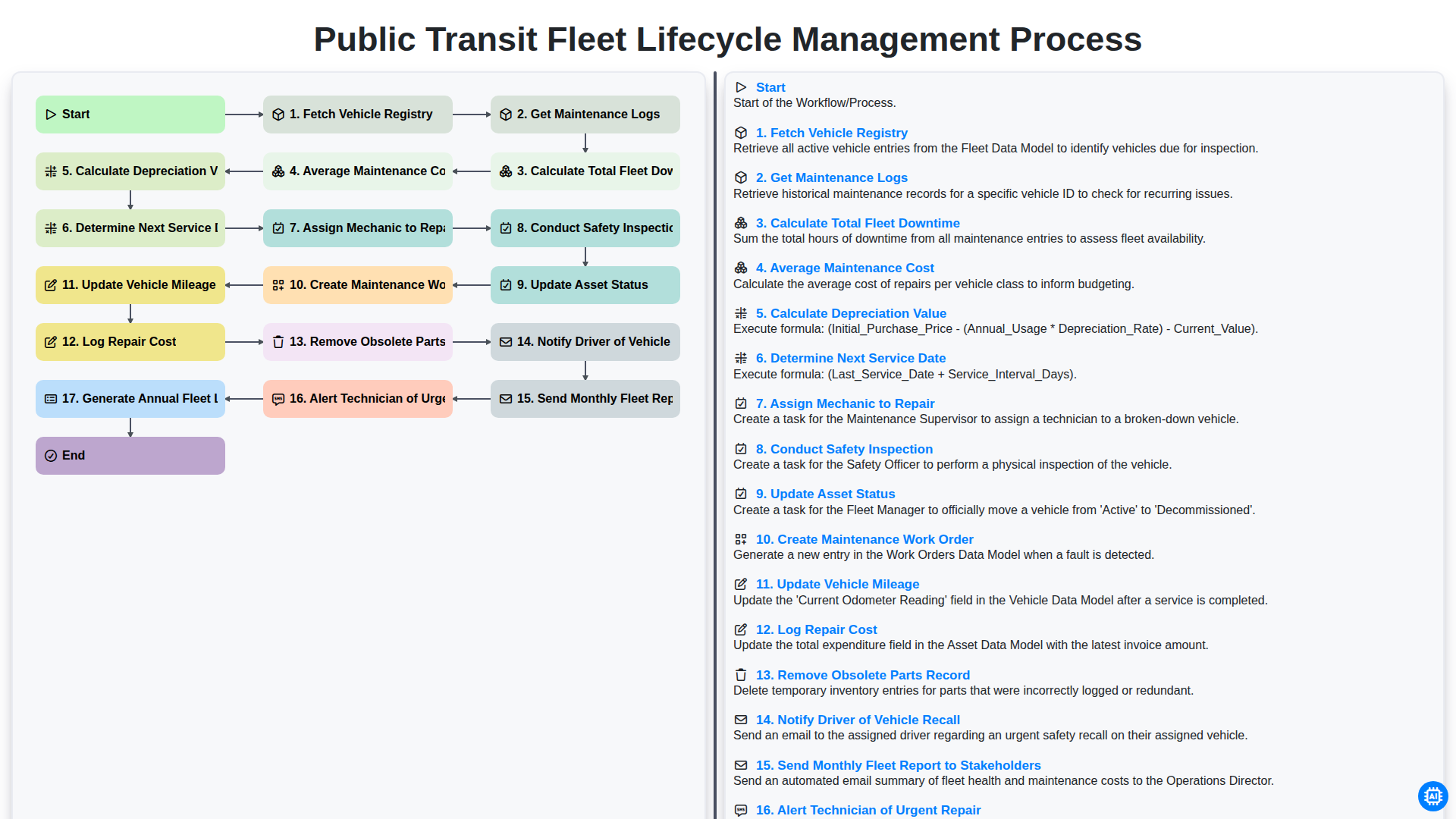
Public Transit Fleet Lifecycle Management Process
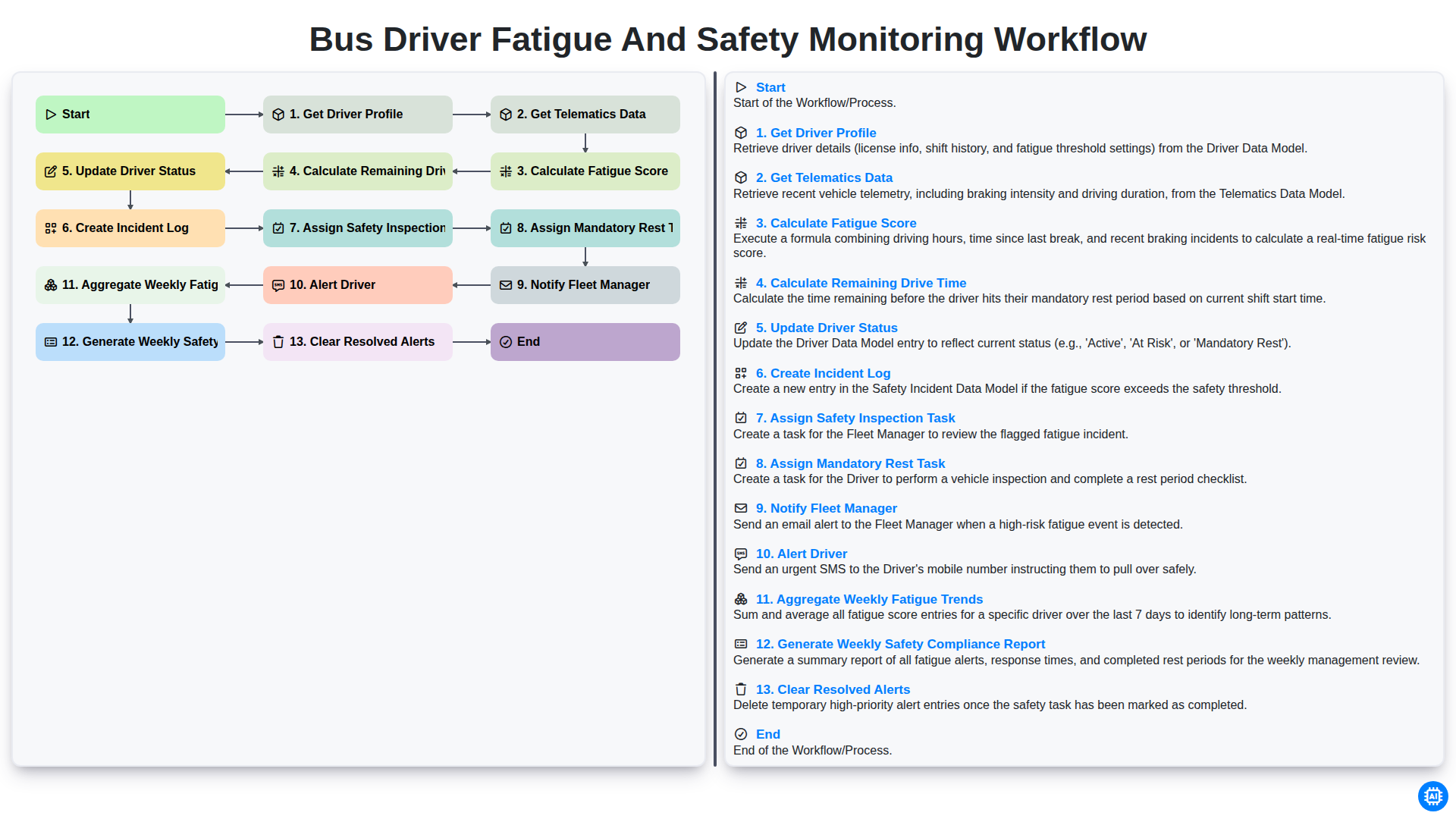
Bus Driver Fatigue and Safety Monitoring Workflow
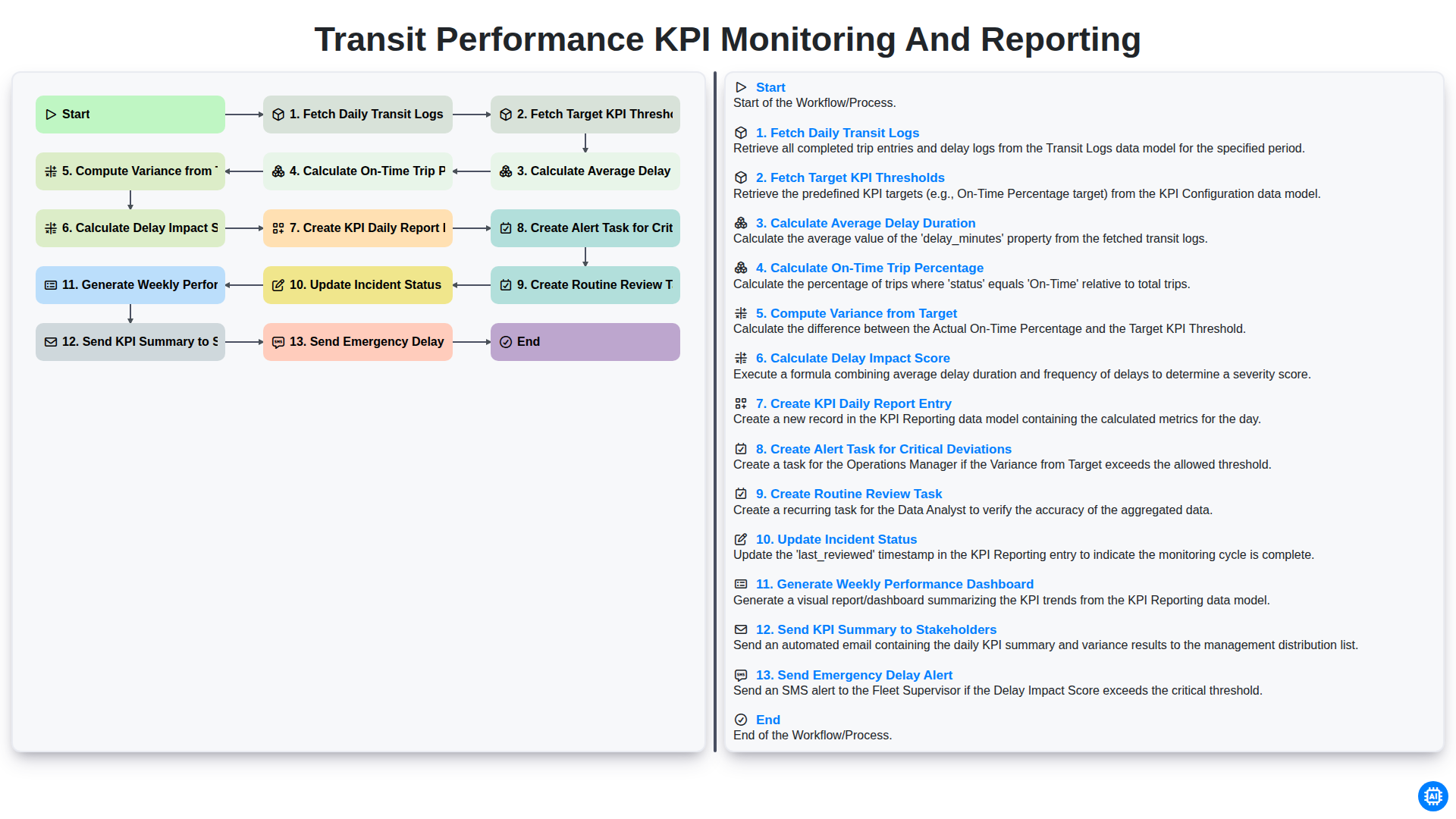
Transit Performance KPI Monitoring and Reporting
We can do it Together
Need help with
Public Transport Management?
Have a question? We're here to help. Please submit your inquiry, and we'll respond promptly.