 ChecklistGuro
 Bug Tracking and Resolution Workflow
Streamline your development lifecycle with our Bug Tracking and Resolution Workflow. Master the art of error identification, prioritization, and systematic fixing to reduce technical debt, enhance software quality, and boost team productivity through a structured, automated task management process.
This Template was installed 3 times.
Start
Start of the Workflow/Process.
1. Create Bug Report
Initialize a new entry in the Bug Data Model with details like severity, description, and reporter.
2. Update Bug Status
Update the status of the bug entry (e.g., New, In Progress, Resolved, Closed) as it moves through the workflow.
3. Assign Developer
Create a task assigned to a specific developer to investigate and fix the reported bug.
4. Fetch Related Issues
Retrieve existing entries from the Bug Data Model to check for duplicate reports or related historical bugs.
5. QA Verification Task
Create a task for the QA Engineer to verify the fix once the developer marks the bug as 'Resolved'.
6. Verification Checklist
A set of sub-tasks within the QA task to ensure reproduction steps are followed and regression is checked.
7. Calculate Resolution Time
Calculate the duration between 'Created Date' and 'Resolved Date' to track SLA compliance.
8. Calculate Bug Density
Aggregate all bug entries to calculate the average number of high-severity bugs currently open.
9. Notify Reporter
Send an automated email to the original reporter when the bug status changes to 'Resolved'.
10. Alert Developer
Send an email notification to the assigned developer when a new high-priority bug is assigned to them.
11. Log Fix Details
Update the bug entry with the 'Resolution Notes' and 'Root Cause' provided by the developer.
12. Weekly Bug Summary Report
Generate a report summarizing the number of resolved vs. unresolved bugs for stakeholders.
13. Remove Duplicate Entry
Delete a bug entry if it is identified as a complete duplicate of an existing record.
14. Urgent P0 Alert
Send an SMS alert to the On-Call Engineer if a bug is flagged with 'Critical' severity.
End
End of the Workflow/Process.
Start of the Workflow/Process.
Initialize a new entry in the Bug Data Model with details like severity, description, and reporter.
Update the status of the bug entry (e.g., New, In Progress, Resolved, Closed) as it moves through the workflow.
Create a task assigned to a specific developer to investigate and fix the reported bug.
Retrieve existing entries from the Bug Data Model to check for duplicate reports or related historical bugs.
Create a task for the QA Engineer to verify the fix once the developer marks the bug as 'Resolved'.
A set of sub-tasks within the QA task to ensure reproduction steps are followed and regression is checked.
Calculate the duration between 'Created Date' and 'Resolved Date' to track SLA compliance.
Aggregate all bug entries to calculate the average number of high-severity bugs currently open.
Send an automated email to the original reporter when the bug status changes to 'Resolved'.
Send an email notification to the assigned developer when a new high-priority bug is assigned to them.
Update the bug entry with the 'Resolution Notes' and 'Root Cause' provided by the developer.
Generate a report summarizing the number of resolved vs. unresolved bugs for stakeholders.
Delete a bug entry if it is identified as a complete duplicate of an existing record.
Send an SMS alert to the On-Call Engineer if a bug is flagged with 'Critical' severity.
End of the Workflow/Process.
Frequently Asked Questions
Comments
There are no comments yet. Be the first to add one!
Task Management Solution Demo
Get organized & boost productivity! ChecklistGuro simplifies task management, prioritization, & progress tracking. Achieve more, stress less, & hit your goals. Manage it all with our Work OS.
Related Workflow Templates
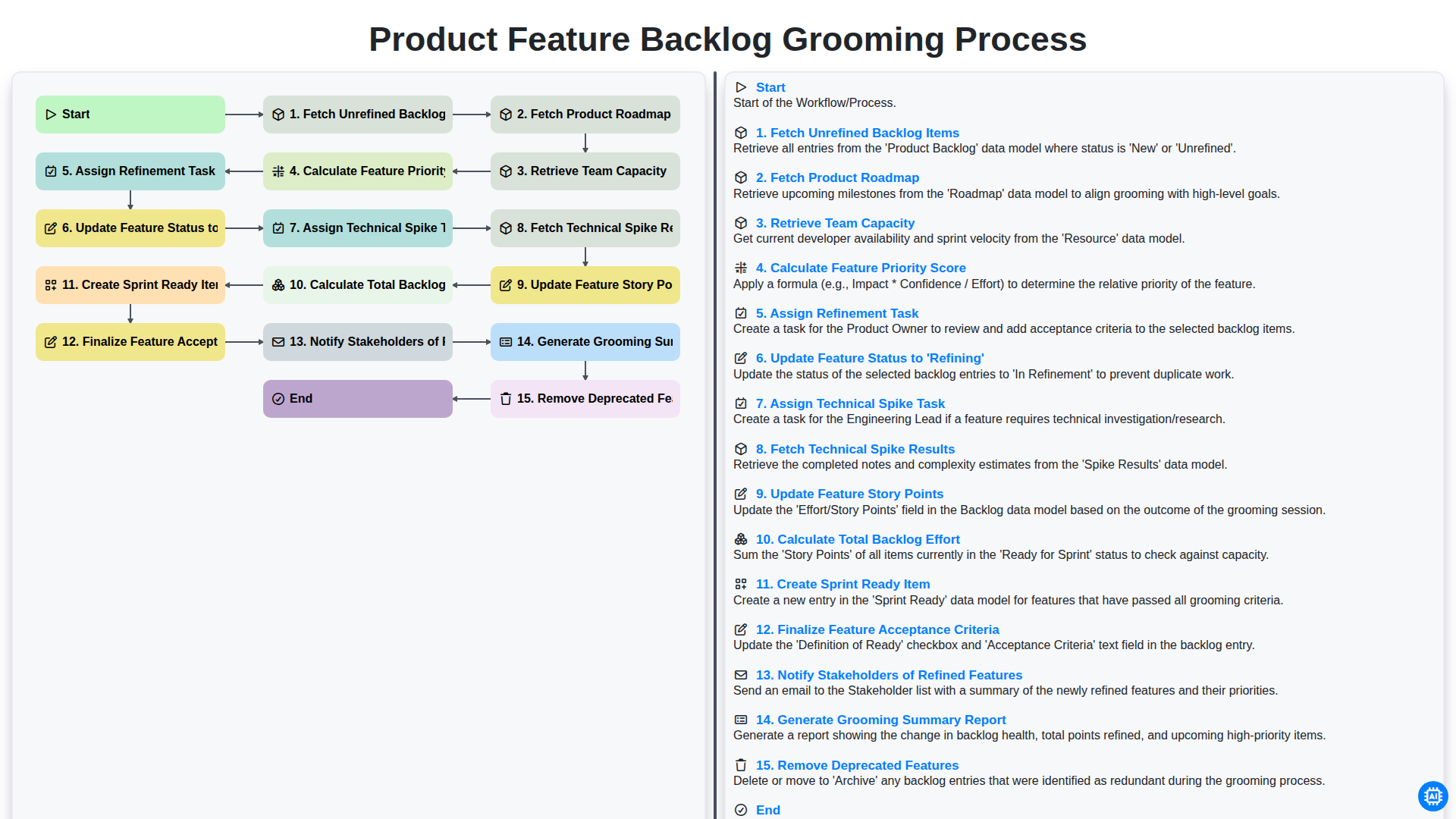
Product Feature Backlog Grooming Process
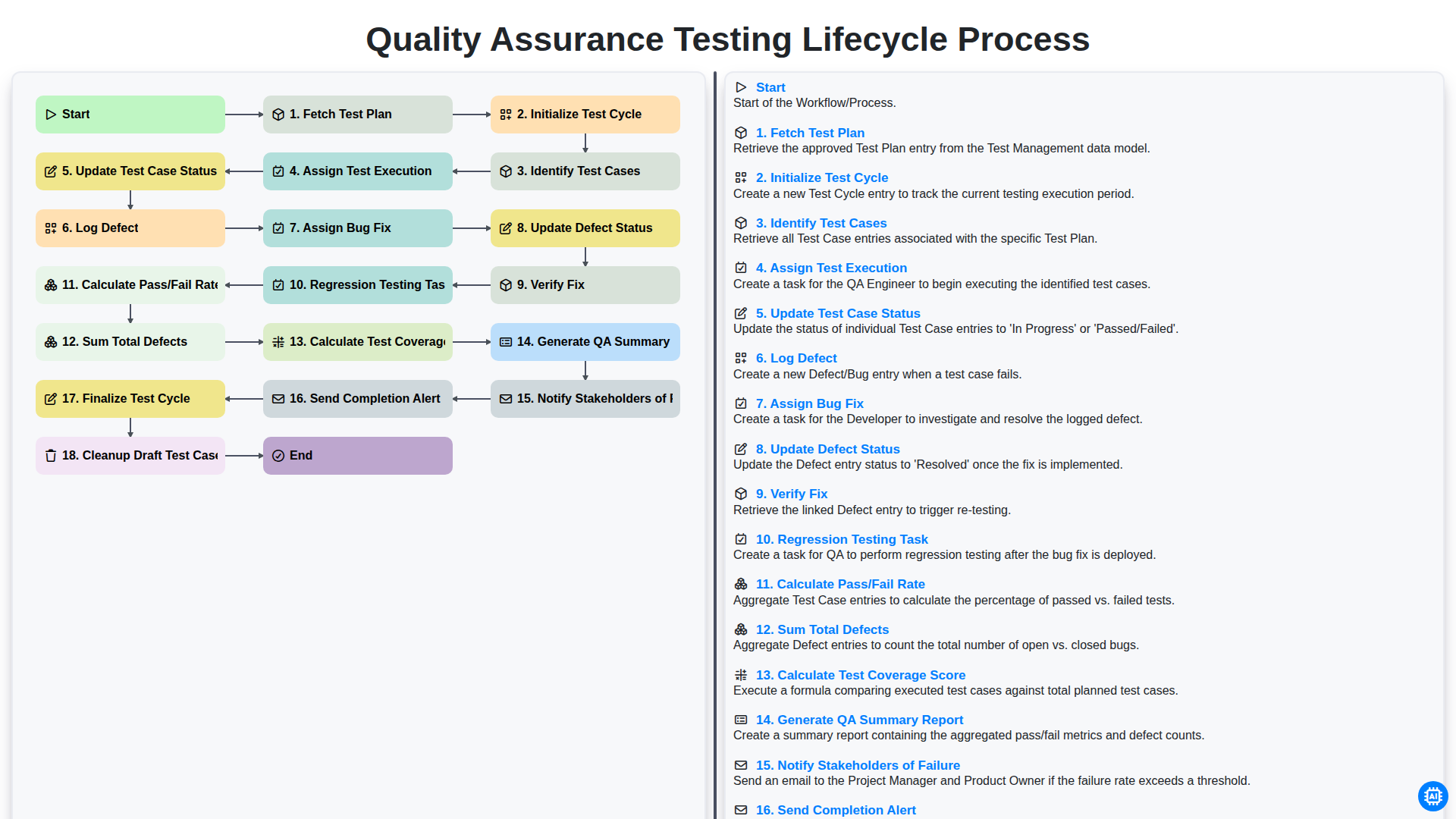
Quality Assurance Testing Lifecycle Process
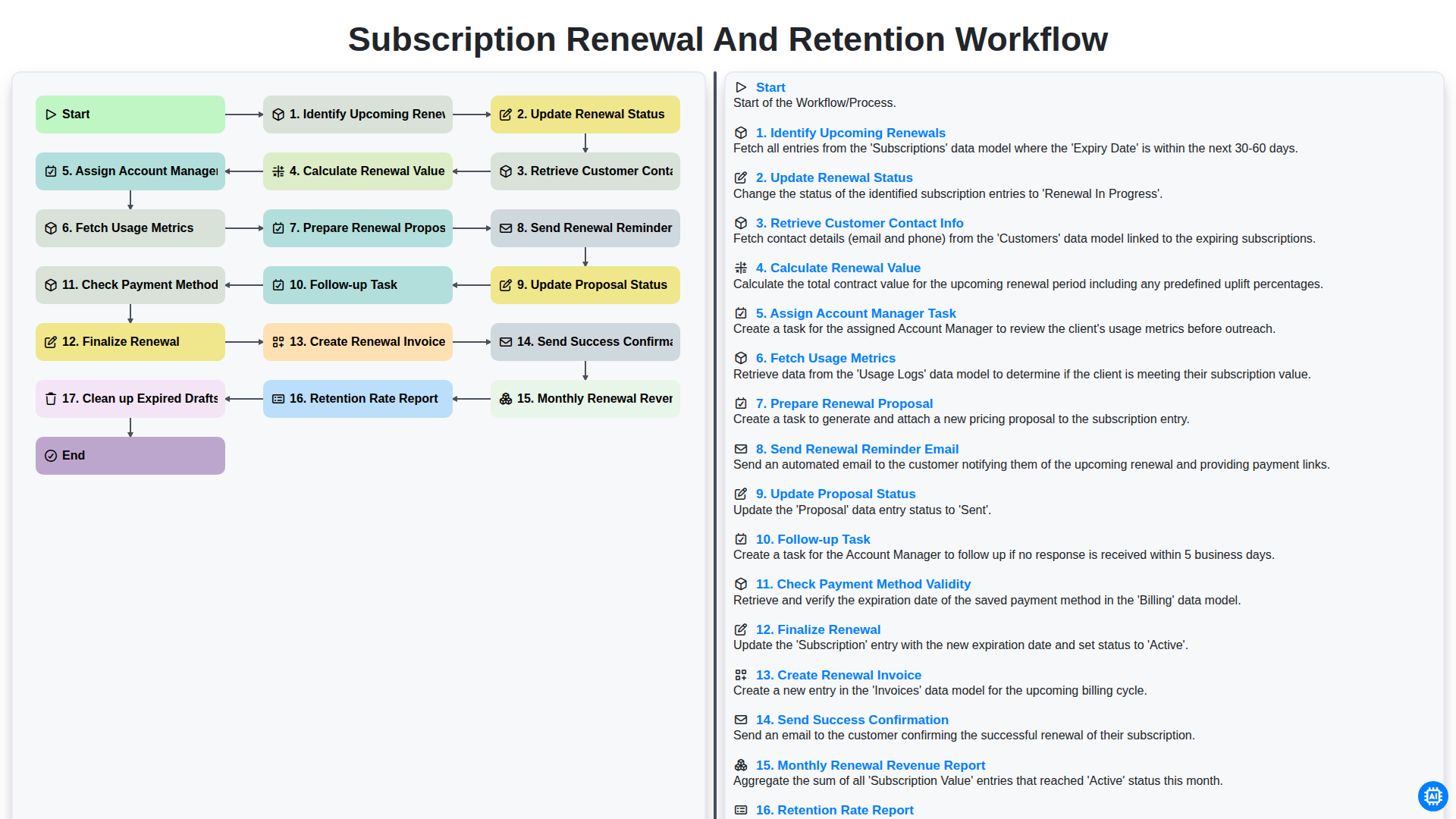
Subscription Renewal and Retention Workflow

B2B Lead Nurturing Process
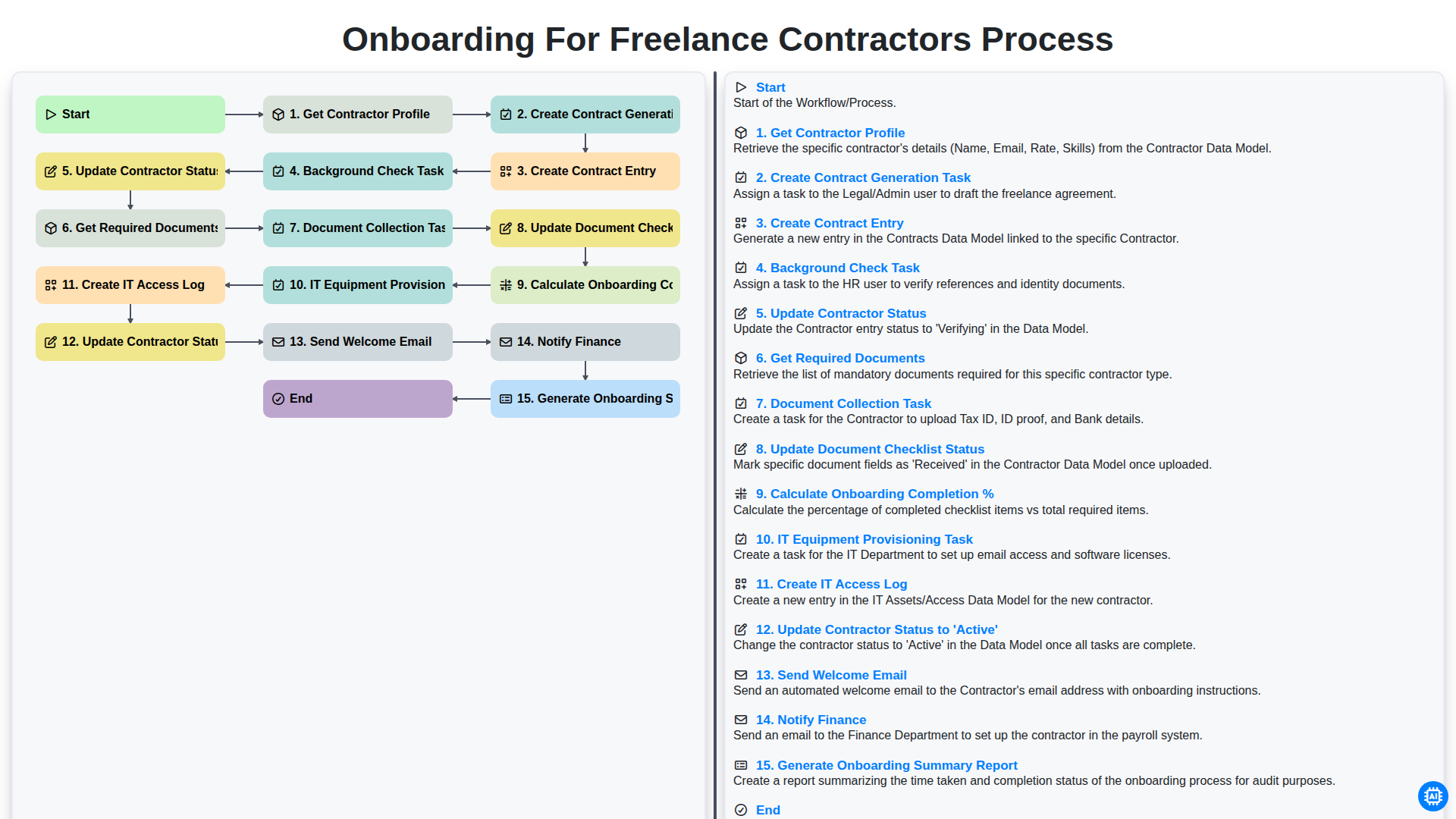
Onboarding for Freelance Contractors Process

Audit and Compliance Monitoring Workflow
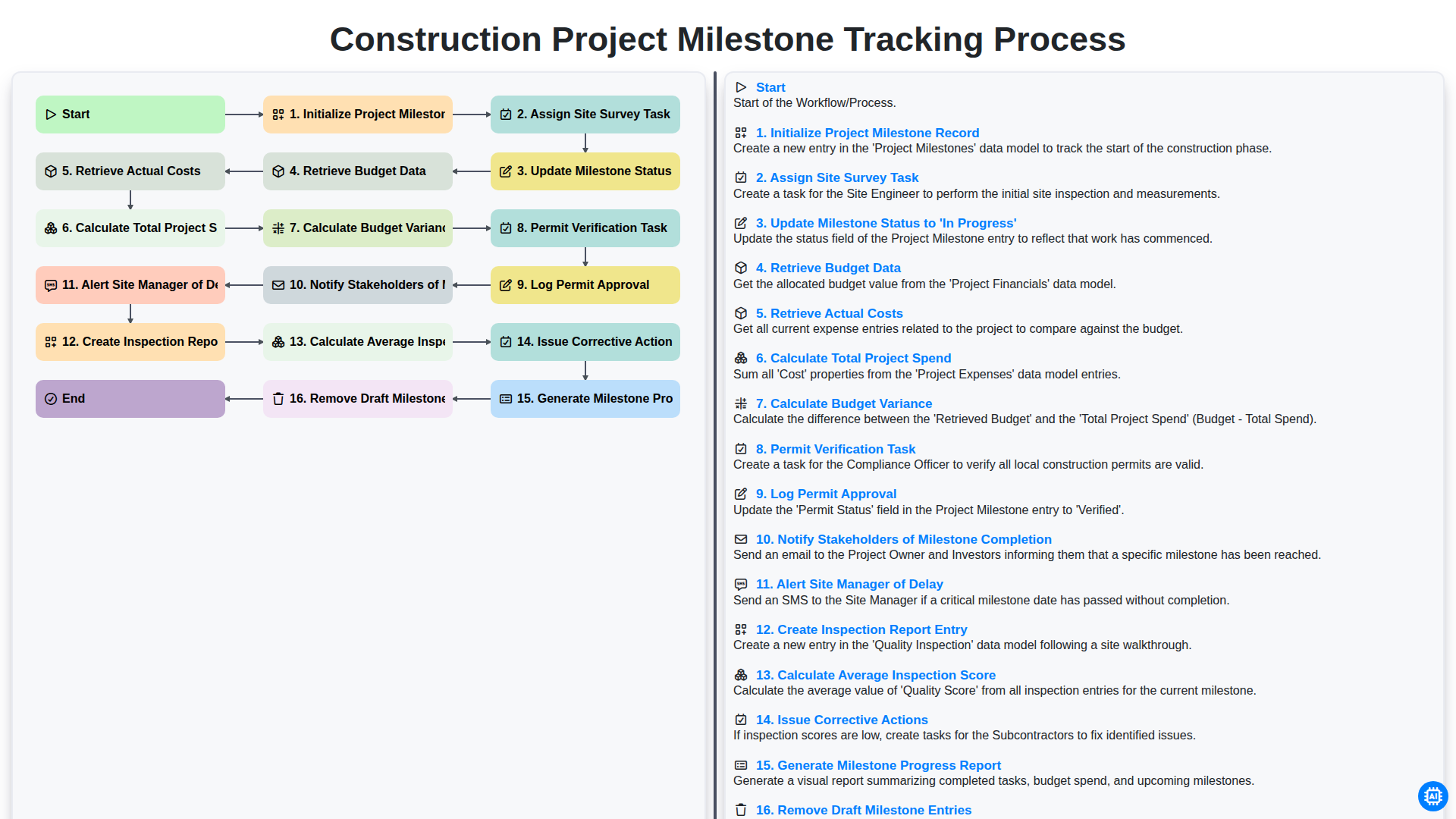
Construction Project Milestone Tracking Process
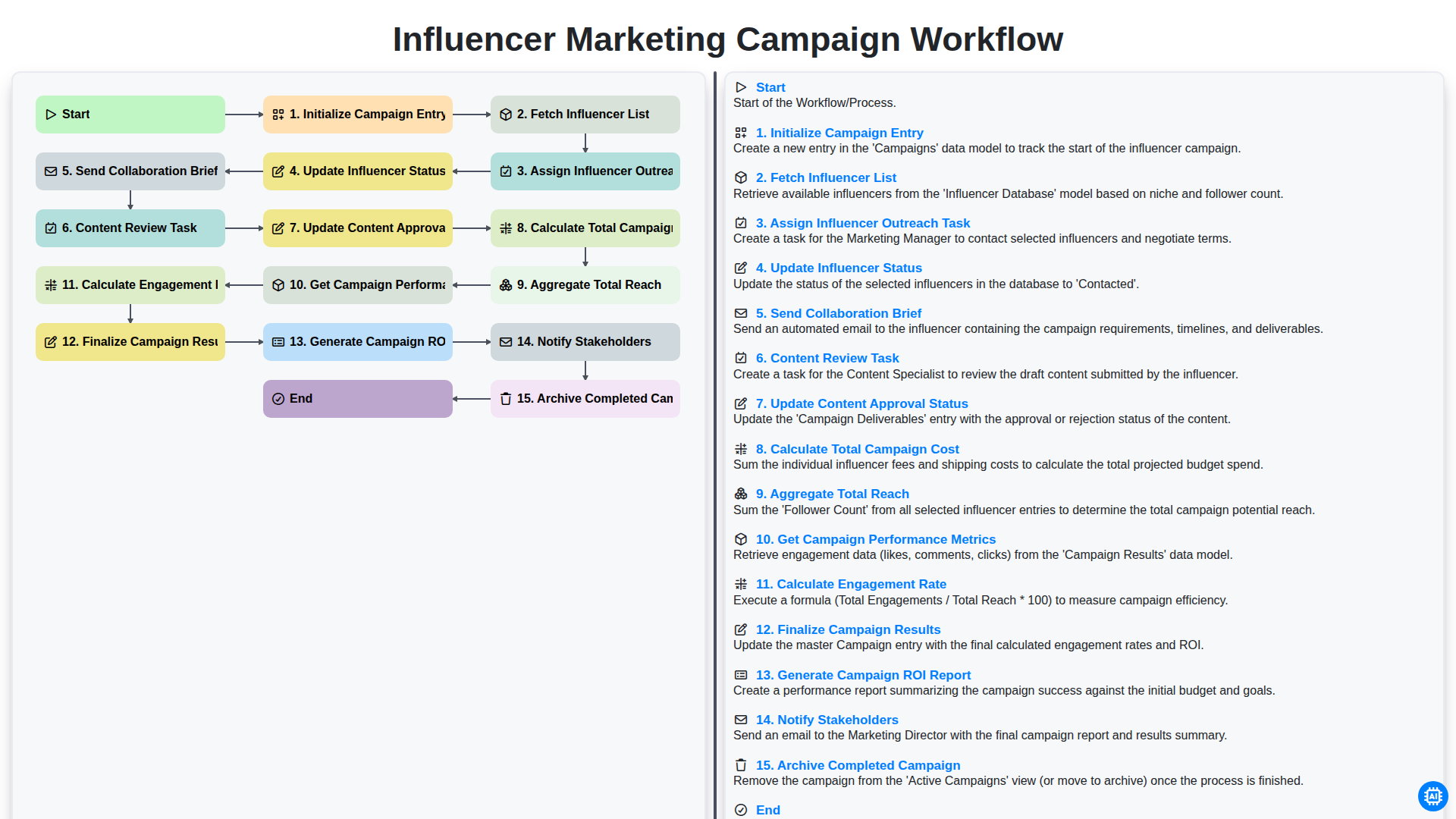
Influencer Marketing Campaign Workflow
We can do it Together
Need help with
Task Management?
Have a question? We're here to help. Please submit your inquiry, and we'll respond promptly.