 ChecklistGuro
 Auto Repair Shop Shop Opening & Closing Checklist Template
Ensure smooth shop operations & prevent costly errors! Our Auto Repair Shop Opening & Closing Checklist Template streamlines your daily routines, from tool checks to security protocols. Boost efficiency, maintain safety, and deliver exceptional service with this essential management tool. Get organized today!
This Template was installed 2 times.
Exterior & Grounds
Check for cleanliness, safety, and overall presentation.
Exterior Temperature (°F)
Lot Cleanliness
Debris Present?
Notes on Exterior Condition
Signage Integrity
Exterior Photo (Optional)
Reception Area
Ensure a welcoming and functional environment for customers.
Cash Drawer Start Amount
Scheduled Appointment Start Time
Reception Desk Cleanliness
Notes on Customer Interactions (if applicable)
Date of Last Pest Control Service
Waiting Area Tidiness
Receptionist Signature
Service Bays
Verify readiness for incoming work orders.
Bay Temperature (°F)
Lighting Functionality
Air Pressure (PSI)
Compressor Status
Notes/Issues
Last Equipment Calibration
Fluid Spill Kit Check
Oil Level (Quarts)
Equipment & Tools
Check functionality and accessibility of all necessary equipment.
Air Compressor PSI
Welder Amperage
Scanner Functionality
Fluid Evacuation Equipment
Last Calibration - Alignment Machine
Technician - Equipment Check
Battery Tester
Inventory & Supplies
Assess stock levels and replenish as needed.
Brake Pads (Quantity)
Engine Oil (5W-30, Liters)
Coolant (Gallons)
Filter Stock Levels (Air)
Filter Stock Levels (Oil)
Rags (Rolls)
Last Inventory Check Date
Notes on Inventory Needs/Shortages
Security & Safety
Confirm proper security measures and safety protocols.
Alarm System Status
Exterior Lights Check
Fire Extinguisher Inspection
Last Fire Drill Date
Security Concerns/Notes
CCTV System Status
Gate/Door Locks Checked
Point of Sale (POS) System
Test functionality and ensure accurate records.
Last Transaction ID
Last System Backup Date
Last System Backup Time
Payment Processing Status
Cash Drawer Starting Amount
Any Error Messages Observed?
Printer Status
Waste Disposal
Check for proper handling and disposal of waste materials.
Used Oil Quantity (Gallons)
Antifreeze Quantity (Gallons)
Tire Quantity (Discarded)
Hazardous Waste Container Status
Last Waste Pickup Date
Time of Last Waste Disposal
Notes on Waste Disposal (e.g., issues, special instructions)
Lighting & HVAC
Verify proper function and temperature control.
Ambient Temperature (Fahrenheit)
HVAC Filter Condition (1-5, 1=New, 5=Needs Replacement)
Exterior Lighting Functionality
Last HVAC Filter Change
Interior Lighting Condition
Notes on Lighting/HVAC Issues
End-of-Day Procedures
Complete all necessary closing tasks and prepare for the next day.
Shop Closing Time
Cash Register Tasks Completed?
Work Orders Completed Today
Outstanding Issues/Notes
Security System Armed?
Date of Completion
Closing Manager Signature
Frequently Asked Questions
Can I customize this template after installing it?
Absolutely. Once installed, you can add, remove, or reorder tasks, add custom fields, and adjust deadlines to fit your specific workflow.
Can I add images or photos to these checklist items?
Yes. Our platform allows you to attach photos, signatures, and notes to any checklist item for better verification and proof of completion.
Can I create a custom checklist from scratch instead of using a template?
Yes. You can use our "Create your own checklist" feature to build a unique workflow tailored exactly to your operational requirements.
Can I add dependencies between tasks?
Yes, you can set up conditional logic and dependencies to ensure your team follows the correct sequence of operations.
Can I assign specific checklist items to different team members?
Yes. You can assign individual tasks to specific employees, ensuring clear accountability across your entire team.
Can I use these checklists on mobile devices in the field?
Yes. Our platform is fully responsive, allowing your team to complete, update, and upload photos to checklists directly from any smartphone or tablet.
How do I notify my manager when a checklist is completed?
You can set up automated notifications (via email, push notification, or in-app alerts) to trigger whenever a checklist is finished or if an item fails inspection.
Can multiple people work on the same checklist simultaneously?
Yes, the platform supports real-time updates, allowing multiple users to contribute to a single live checklist.
Where is the data from completed checklists stored?
All completed checklists are stored securely in your Work OS dashboard, creating a permanent, searchable audit trail of your operations.
Can I generate reports based on my checklist results?
Yes. You can track completion rates, identify recurring issues, and monitor team performance through our integrated reporting and analytics tools.
How can I use these checklists for compliance or auditing purposes?
Because our checklists capture timestamps, photos, and digital signatures, they serve as a robust digital paper trail for regulatory compliance and internal audits.
Can I export my completed checklist data for use in other tools?
Yes. You can export your data in various formats (CSV, Excel, etc.) to integrate your operational insights with your other business software.
Comments
There are no comments yet. Be the first to add one!
Auto Repair Shop Management Solution Demo
Level up your auto repair shop & boost profits! ChecklistGuro simplifies job tracking, inventory management, and customer communication. Improve efficiency, reduce errors, & enhance customer satisfaction. Manage it all with our Work OS.
Related Checklist Templates
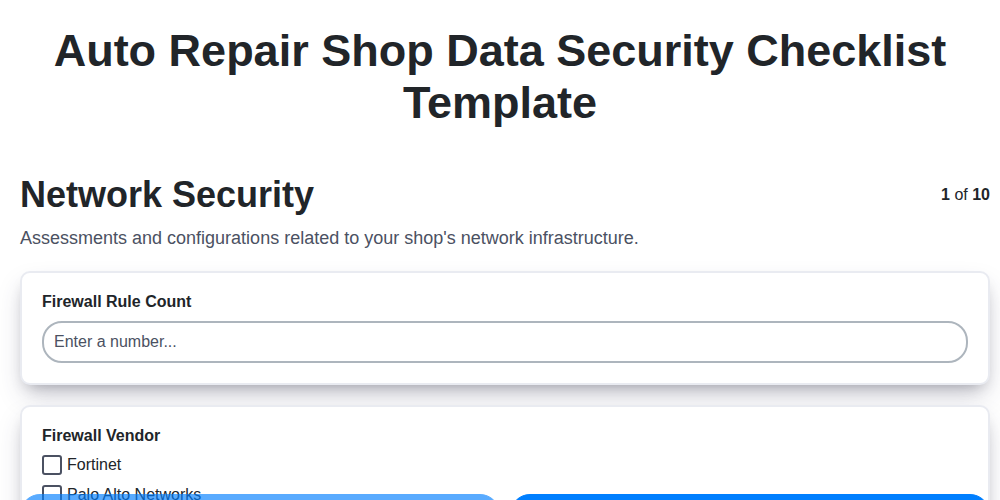
Auto Repair Shop Data Security Checklist Template
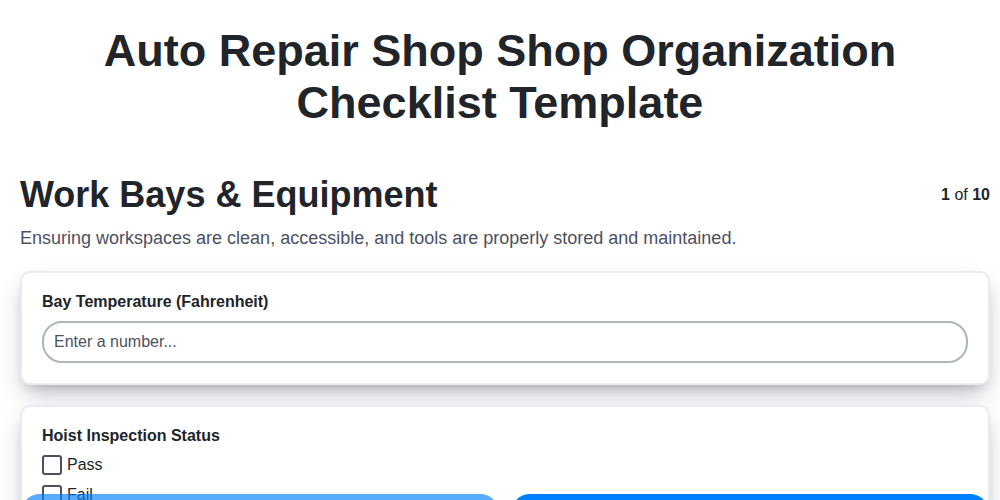
Auto Repair Shop Shop Organization Checklist Template
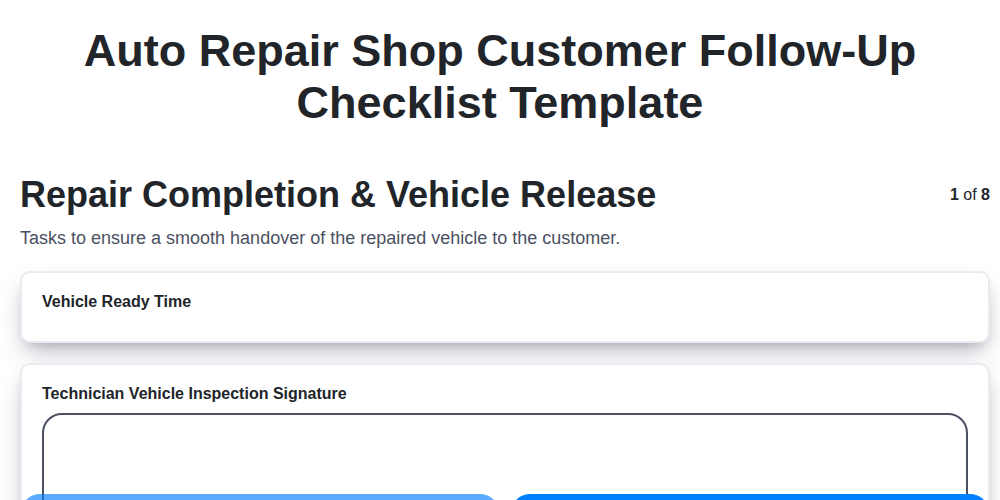
Auto Repair Shop Customer Follow-Up Checklist Template
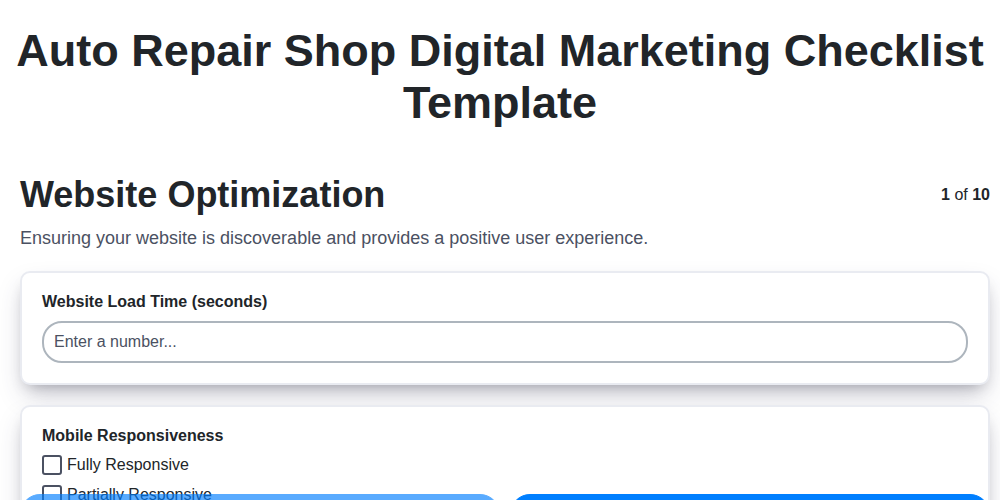
Auto Repair Shop Digital Marketing Checklist Template
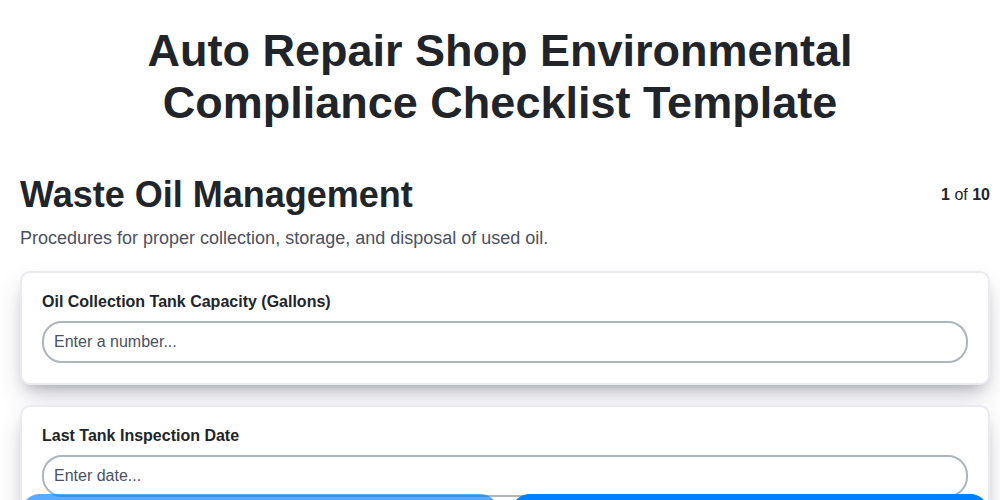
Auto Repair Shop Environmental Compliance Checklist Template
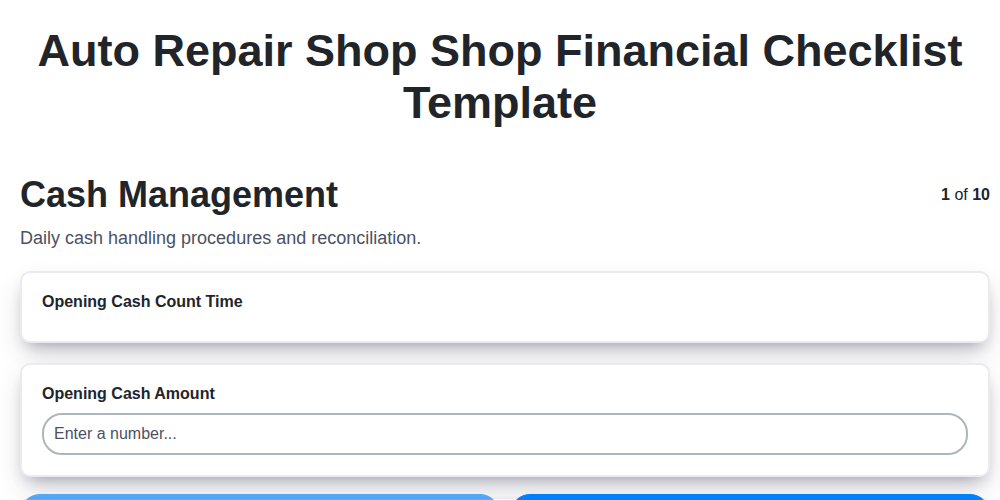
Auto Repair Shop Shop Financial Checklist Template
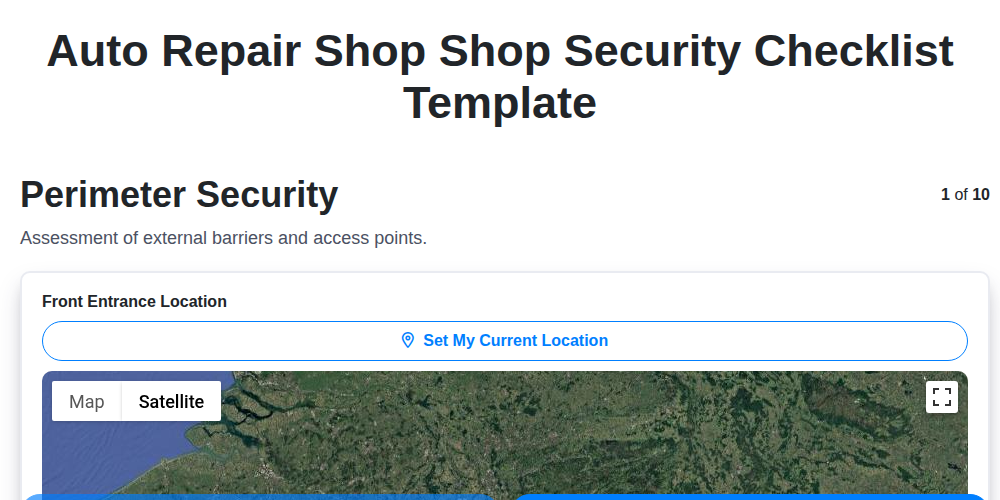
Auto Repair Shop Shop Security Checklist Template
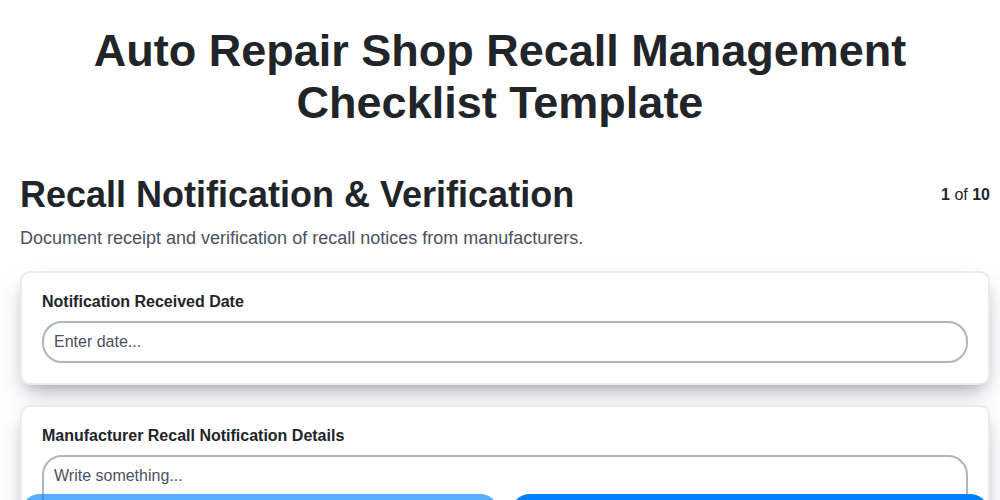
Auto Repair Shop Recall Management Checklist Template
We can do it Together
Need help with
Auto Repair Shop Management?
Have a question? We're here to help. Please submit your inquiry, and we'll respond promptly.