 ChecklistGuro
 Crisis Communication Case Management Checklist Template 2026
Master the art of rapid response with our professional Crisis Communication Case Management Checklist Template 2026. Designed for PR professionals, corporate leaders, and incident responders, this high-intent business asset provides a structured, step-by-step framework to manage brand reputation, streamline stakeholder messaging, and ensure organizational stability during high-pressure scenarios. Eliminate chaos, minimize risk, and maintain control with this essential, ready-to-use 2026 toolkit for effective crisis management and communication flow.
Pre-Crisis Preparedness & Infrastructure
Establishment of the crisis management team, identification of key stakeholders, and verification of all communication channels and emergency contact lists.
Last Infrastructure Audit Date
Communication Channels Verified
Crisis Contact Directory
Pre-Identified High-Risk Scenarios
Communications Director Approval
Initial Incident Assessment
Immediate evaluation of the crisis severity, impact analysis, and determination of the activation level for the crisis response protocol.
Incident Discovery Date
Incident Discovery Time
Incident Origin Location
Crisis Severity Level
Initial Incident Description
Affected Departments
Supporting Evidence or Incident Photos
Crisis Command Center Activation
Formal assembly of the response team, establishment of a physical or virtual war room, and assignment of specific roles and responsibilities.
Activation Date
Activation Time
War Room/Command Center Location
Team Members Present
Incident Briefing Summary
Incident Commander Authorization
Stakeholder Mapping & Audience Segmentation
Categorization of affected parties including employees, customers, investors, regulatory bodies, and the general media to tailor messaging.
Stakeholder Groups Identified
Primary Contact Person per Segment
Priority Level
Communication Strategy per Segment
Stakeholder Contact Directory
Message Development & Approval Workflow
Drafting of holding statements, internal memos, and press releases, followed by legal and executive leadership review and authorization.
Draft Holding Statement
Key Messaging Points & Talking Points
Approval Status
Approval Date
Final Approved Document
Authorized Approver Signature
Multi-Channel Distribution Strategy
Execution of the dissemination plan across social media, email, corporate websites, news wires, and direct employee communications.
Communication Channels Used
Distribution Start Date
Scheduled Release Time
Primary Distribution Lead
Approved Media Assets
Distribution Log & Reach Summary
Media Monitoring & Sentiment Analysis
Continuous tracking of news outlets, social media mentions, and public sentiment to gauge the effectiveness of the response and identify misinformation.
Monitoring Start Date
Sentiment Trend
Total Media Mentions Count
Monitored Platforms
Summary of Key News Trends
Media Coverage Report Clipping
Internal Feedback & Employee Briefing
Ensuring all internal staff are informed, aligned with the official narrative, and equipped with approved talking points for external inquiries.
Briefing Session Date
Departmental Areas Briefed
Key Employee Concerns Identified
Communication Channel Used for Briefing
Approved Internal Talking Points Document
Communication Lead Confirmation
Ongoing Response & Update Cadence
Maintenance of a regular schedule for updates to prevent information vacuums and ensure consistent communication flow as new facts emerge.
Next Scheduled Update Timestamp
Update Frequency
Latest Update Summary
Channels Used for Current Update
Approved Communication Drafts
Communications Lead Approval
Post-Crisis Audit & Debriefing
Comprehensive review of the communication performance, analysis of response gaps, and updating of the 2026 crisis playbook for future readiness.
Audit Completion Date
Crisis Severity Level
Key Lessons Learned
Communication Channels That Performed Well
Final Post-Mortem Report
Incident Commander Approval
Frequently Asked Questions
Can I customize this template after installing it?
Absolutely. Once installed, you can add, remove, or reorder tasks, add custom fields, and adjust deadlines to fit your specific workflow.
Can I add images or photos to these checklist items?
Yes. Our platform allows you to attach photos, signatures, and notes to any checklist item for better verification and proof of completion.
Can I create a custom checklist from scratch instead of using a template?
Yes. You can use our "Create your own checklist" feature to build a unique workflow tailored exactly to your operational requirements.
Can I add dependencies between tasks?
Yes, you can set up conditional logic and dependencies to ensure your team follows the correct sequence of operations.
Can I assign specific checklist items to different team members?
Yes. You can assign individual tasks to specific employees, ensuring clear accountability across your entire team.
Can I use these checklists on mobile devices in the field?
Yes. Our platform is fully responsive, allowing your team to complete, update, and upload photos to checklists directly from any smartphone or tablet.
How do I notify my manager when a checklist is completed?
You can set up automated notifications (via email, push notification, or in-app alerts) to trigger whenever a checklist is finished or if an item fails inspection.
Can multiple people work on the same checklist simultaneously?
Yes, the platform supports real-time updates, allowing multiple users to contribute to a single live checklist.
Where is the data from completed checklists stored?
All completed checklists are stored securely in your Work OS dashboard, creating a permanent, searchable audit trail of your operations.
Can I generate reports based on my checklist results?
Yes. You can track completion rates, identify recurring issues, and monitor team performance through our integrated reporting and analytics tools.
How can I use these checklists for compliance or auditing purposes?
Because our checklists capture timestamps, photos, and digital signatures, they serve as a robust digital paper trail for regulatory compliance and internal audits.
Can I export my completed checklist data for use in other tools?
Yes. You can export your data in various formats (CSV, Excel, etc.) to integrate your operational insights with your other business software.
Comments
There are no comments yet. Be the first to add one!
Case Management Solution Demo
Streamline your casework & improve outcomes! ChecklistGuro centralizes case details, tasks, & communication. Enhance efficiency, ensure compliance, & deliver exceptional service. Manage it all with our Work OS.
Related Checklist Templates
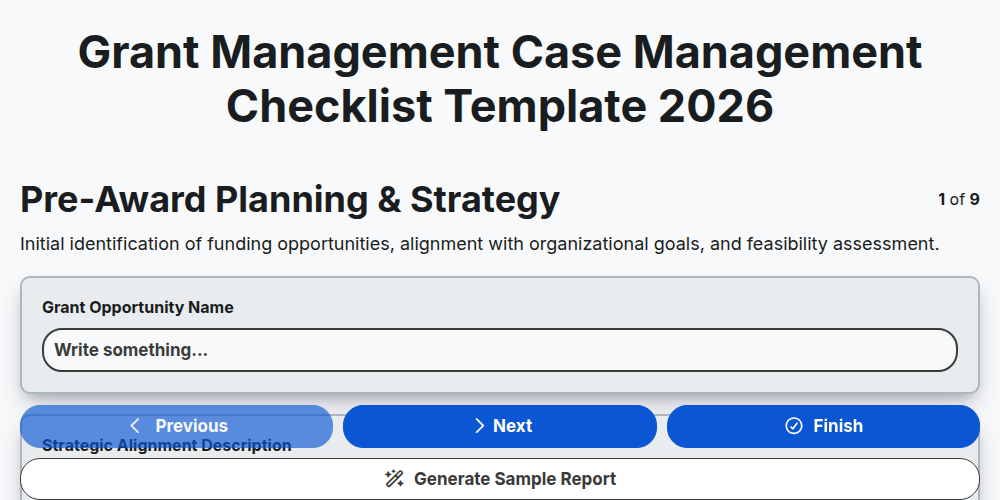
Grant Management Case Management Checklist Template 2026
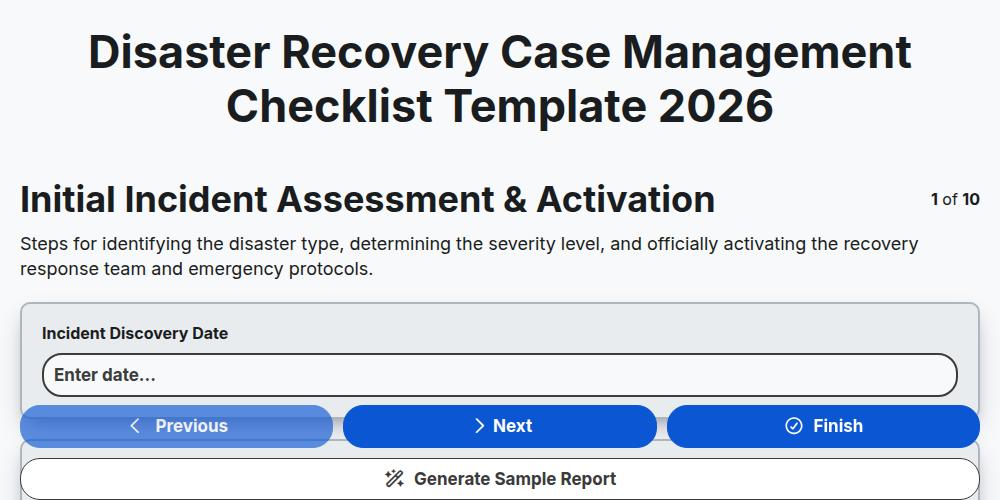
Disaster Recovery Case Management Checklist Template 2026
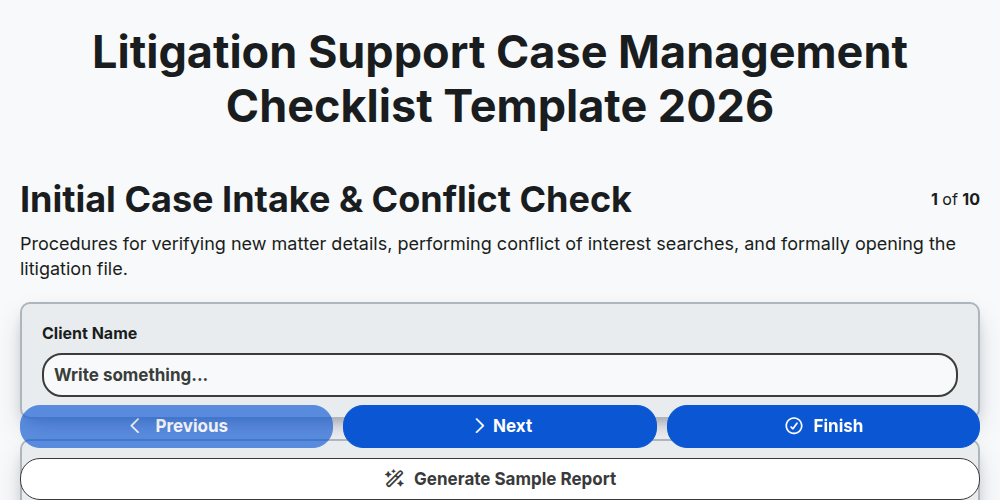
Litigation Support Case Management Checklist Template 2026
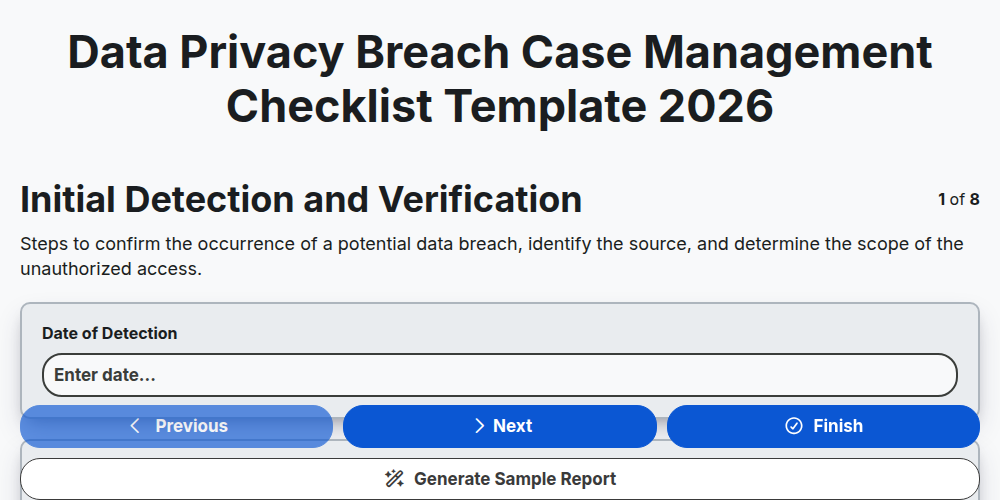
Data Privacy Breach Case Management Checklist Template 2026
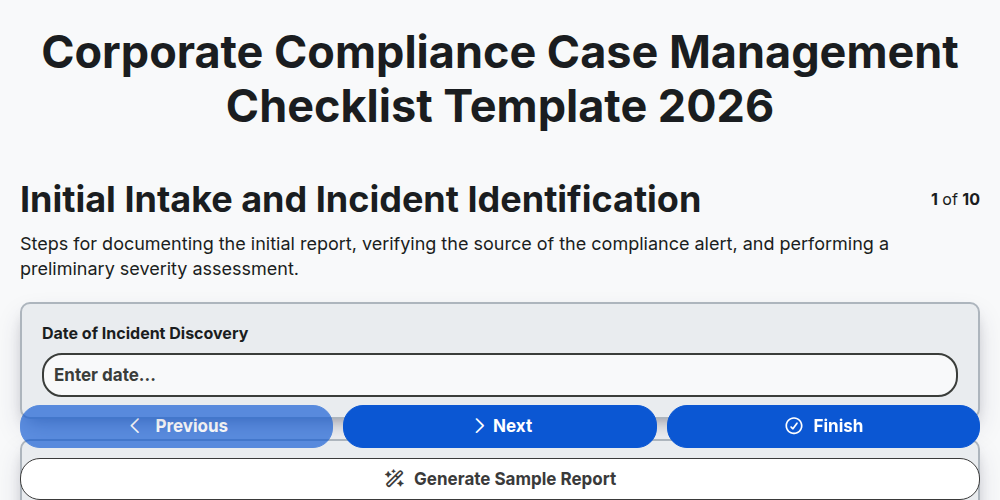
Corporate Compliance Case Management Checklist Template 2026
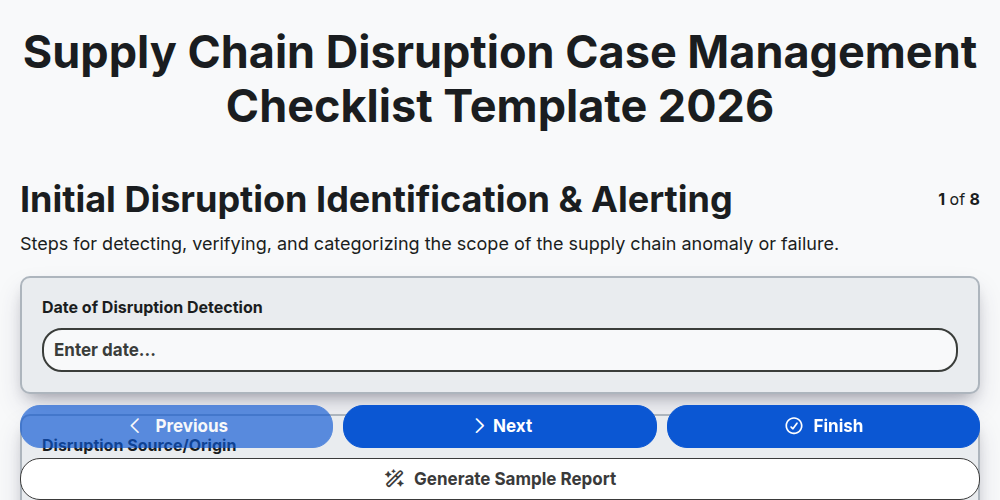
Supply Chain Disruption Case Management Checklist Template 2026
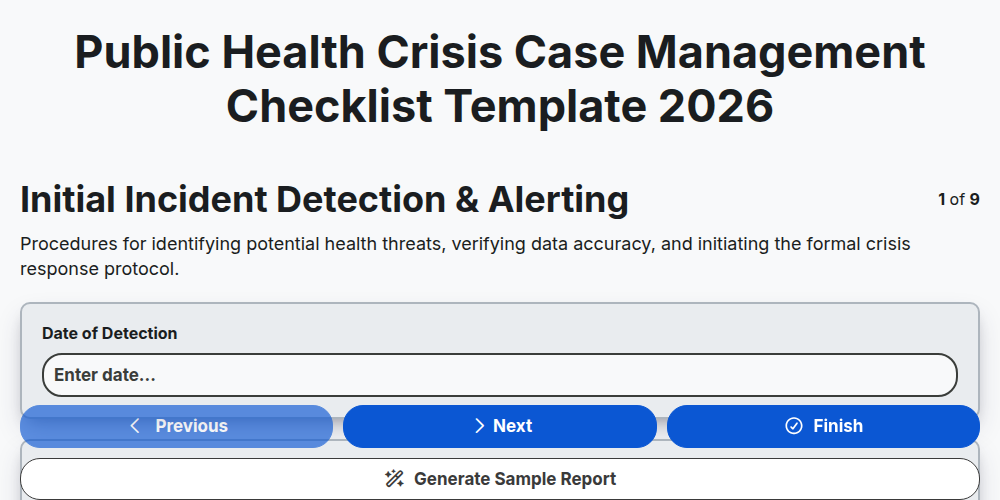
Public Health Crisis Case Management Checklist Template 2026
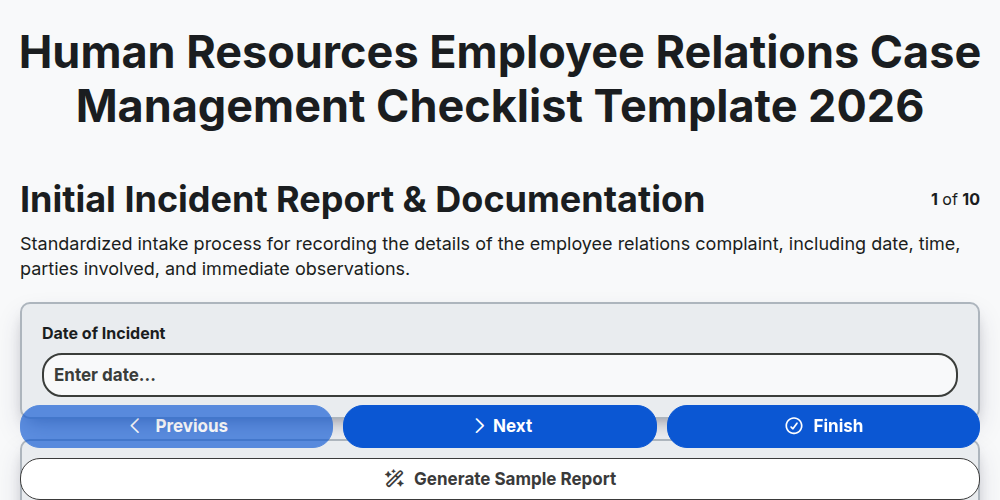
Human Resources Employee Relations Case Management Checklist Template 2026
Need help with
Case Management?
Have a question? We're here to help. Please submit your inquiry, and we'll respond promptly.