 ChecklistGuro
 Data Privacy Breach Case Management Checklist Template 2026
Ensure total compliance and rapid response with our Data Privacy Breach Case Management Checklist Template 2026. Designed for IT professionals, DPOs, and legal teams, this high-stakes operational roadmap guides you through every critical phase of a data breach-from initial detection and containment to forensic investigation, regulatory notification, and post-incident remediation. Minimize downtime, mitigate legal liabilities, and maintain stakeholder trust with a structured, audit-ready framework built for the complex landscape of 2026 data protection regulations. Don't leave your incident response to chance; follow a proven, step-by-step workflow to manage privacy incidents with precision and efficiency.
This Template was installed 5 times.
Initial Detection and Verification
Steps to confirm the occurrence of a potential data breach, identify the source, and determine the scope of the unauthorized access.
Date of Detection
Time of Detection
Detection Source/Method
Initial Severity Level
Description of Initial Symptoms or Anomalies
Identified Affected Systems
Initial System Logs or Screenshots
Verifier Confirmation
Immediate Containment and Isolation
Critical actions to stop further data leakage, including disconnecting compromised systems, revoking access credentials, and securing affected servers.
Affected System/Server ID
Containment Action Taken
Containment Completion Date
Containment Completion Time
Containment Summary
Containment Evidence Log
Incident Responder Authorization
Impact Assessment and Data Scoping
Procedures for identifying which specific datasets, PII (Personally Identifiable Information), or sensitive records were accessed or exfiltrated.
Date of Data Compromise Discovery
Types of Data Affected
Estimated Number of Affected Records
Detailed Description of Compromised Data Scope
Evidence of Data Exfiltration (Logs/Screenshots)
Severity Level of Impact
Forensic Investigation and Analysis
Detailed protocols for analyzing system logs, malware analysis, and reconstructing the timeline of the breach for evidentiary purposes.
Date of Breach Detection
Time of Breach Discovery
Identified Entry Point
Affected Data Categories
Detailed Incident Timeline
System Log Archives and Forensics Reports
Lead Forensic Investigator Sign-off
Regulatory and Legal Notification
A framework for meeting mandatory reporting deadlines to authorities (such as GDPR, CCPA, or HIPAA) and legal counsel coordination.
Date of Discovery
Primary Regulatory Body Involved
Regulatory Agencies Notified
Summary of Notification Content
Evidence of Notification (Email/Letter)
Compliance Officer Verification
Stakeholder and User Communication
Standardized workflows for notifying affected individuals, employees, partners, and the media to manage reputation and transparency.
Notification Date
Primary Communication Channel
Affected Stakeholder Groups
Communication Summary
Copy of Official Notice
Communications Lead Approval
Remediation and System Hardening
Post-breach technical tasks including patching vulnerabilities, updating firewall rules, and implementing multi-factor authentication upgrades.
Hardening Measures Implemented
Vulnerability Identified
Detailed Remediation Summary
Completion Date of Hardening
Security Scan/Validation Report
IT Security Lead Approval
Post-Incident Review and Documentation
Finalizing the incident report, conducting a 'Lessons Learned' session, and updating the Incident Response Plan for future prevention.
Date of Post-Incident Review Meeting
Incident Review Lead
Summary of Root Cause Analysis
Identified Security Gaps
Final Incident Report PDF
Compliance Officer Approval
Frequently Asked Questions
Can I customize this template after installing it?
Absolutely. Once installed, you can add, remove, or reorder tasks, add custom fields, and adjust deadlines to fit your specific workflow.
Can I add images or photos to these checklist items?
Yes. Our platform allows you to attach photos, signatures, and notes to any checklist item for better verification and proof of completion.
Can I create a custom checklist from scratch instead of using a template?
Yes. You can use our "Create your own checklist" feature to build a unique workflow tailored exactly to your operational requirements.
Can I add dependencies between tasks?
Yes, you can set up conditional logic and dependencies to ensure your team follows the correct sequence of operations.
Can I assign specific checklist items to different team members?
Yes. You can assign individual tasks to specific employees, ensuring clear accountability across your entire team.
Can I use these checklists on mobile devices in the field?
Yes. Our platform is fully responsive, allowing your team to complete, update, and upload photos to checklists directly from any smartphone or tablet.
How do I notify my manager when a checklist is completed?
You can set up automated notifications (via email, push notification, or in-app alerts) to trigger whenever a checklist is finished or if an item fails inspection.
Can multiple people work on the same checklist simultaneously?
Yes, the platform supports real-time updates, allowing multiple users to contribute to a single live checklist.
Where is the data from completed checklists stored?
All completed checklists are stored securely in your Work OS dashboard, creating a permanent, searchable audit trail of your operations.
Can I generate reports based on my checklist results?
Yes. You can track completion rates, identify recurring issues, and monitor team performance through our integrated reporting and analytics tools.
How can I use these checklists for compliance or auditing purposes?
Because our checklists capture timestamps, photos, and digital signatures, they serve as a robust digital paper trail for regulatory compliance and internal audits.
Can I export my completed checklist data for use in other tools?
Yes. You can export your data in various formats (CSV, Excel, etc.) to integrate your operational insights with your other business software.
Comments
There are no comments yet. Be the first to add one!
Case Management Solution Demo
Streamline your casework & improve outcomes! ChecklistGuro centralizes case details, tasks, & communication. Enhance efficiency, ensure compliance, & deliver exceptional service. Manage it all with our Work OS.
Related Checklist Templates
Grant Management Case Management Checklist Template 2026
Disaster Recovery Case Management Checklist Template 2026
Litigation Support Case Management Checklist Template 2026
Crisis Communication Case Management Checklist Template 2026
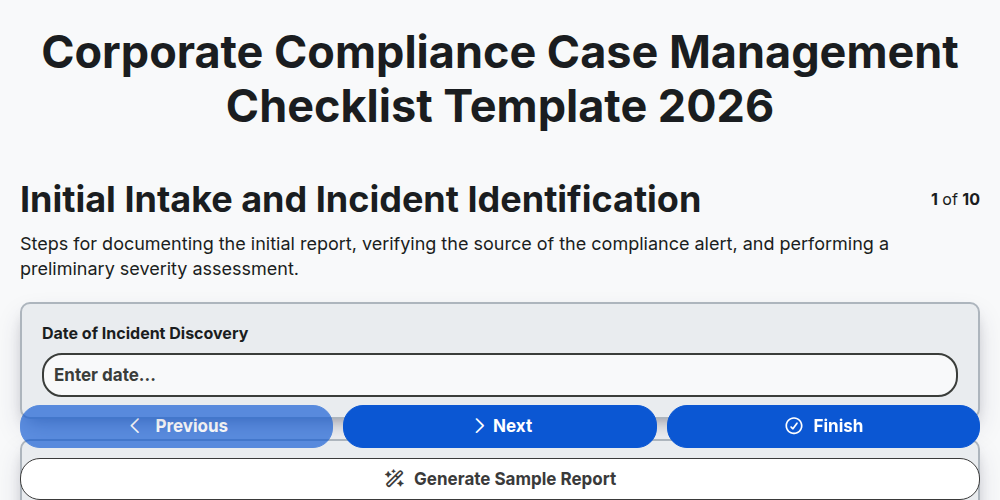
Corporate Compliance Case Management Checklist Template 2026
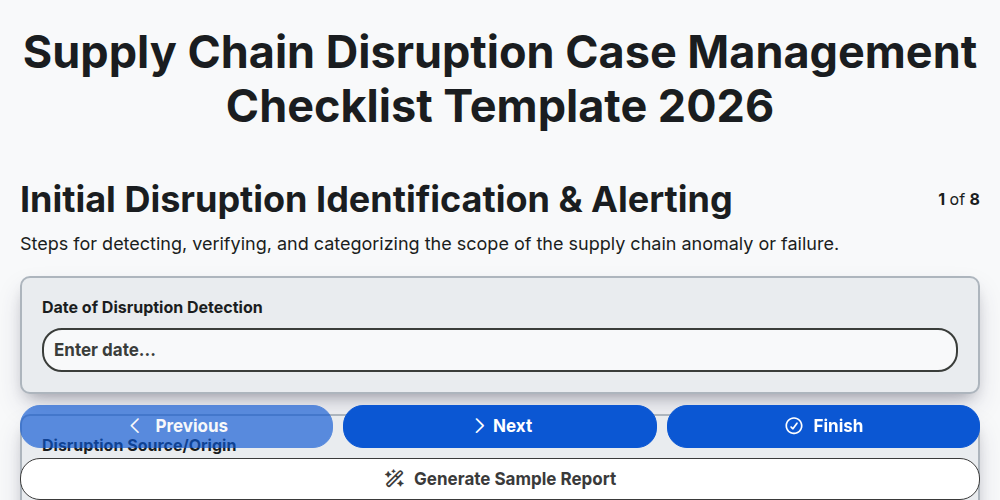
Supply Chain Disruption Case Management Checklist Template 2026
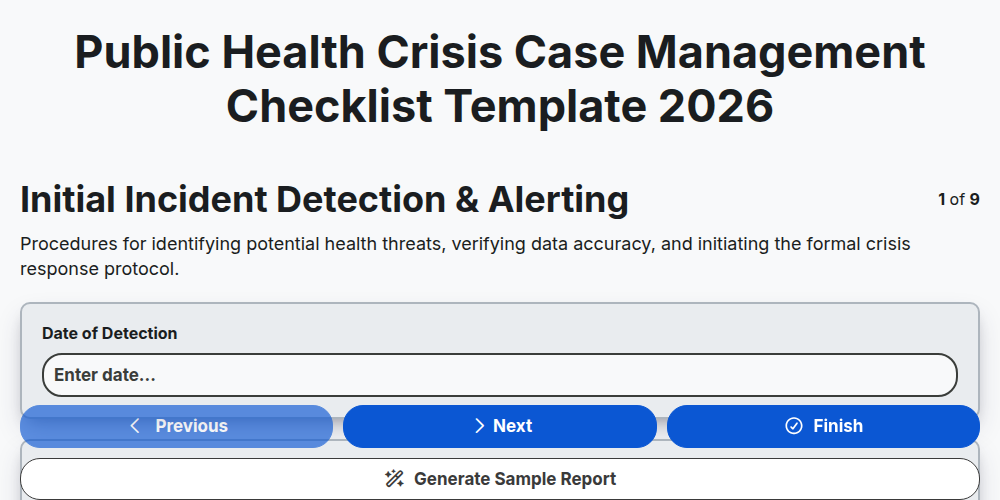
Public Health Crisis Case Management Checklist Template 2026
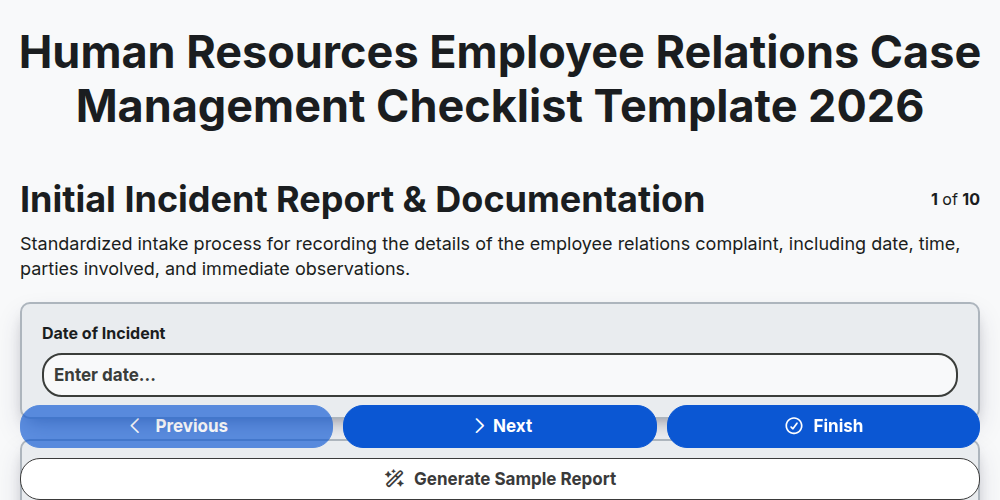
Human Resources Employee Relations Case Management Checklist Template 2026
Need help with
Case Management?
Have a question? We're here to help. Please submit your inquiry, and we'll respond promptly.