 ChecklistGuro
 Disaster Recovery Case Management Checklist Template 2026
Ensure business continuity and minimize downtime with our professional Disaster Recovery Case Management Checklist Template 2026. Designed for IT professionals, operations managers, and crisis responders, this comprehensive, high-intent resource provides a structured framework for managing recovery workflows, coordinating cross-functional teams, and executing rapid response protocols during critical incidents. Streamline your incident documentation, track recovery milestones, and ensure no vital step is missed during a disaster. Download this ready-to-use 2026 strategic asset to fortify your organizational resilience and optimize your disaster recovery lifecycle.
This Template was installed 5 times.
Initial Incident Assessment & Activation
Steps for identifying the disaster type, determining the severity level, and officially activating the recovery response team and emergency protocols.
Incident Discovery Date
Incident Discovery Time
Disaster Type
Affected Site/Facility
Initial Incident Description
Immediate Impacted Services
Incident Commander Authorization
Emergency Communications & Stakeholder Notification
Procedures for alerting internal leadership, emergency services, essential vendors, and key stakeholders about the disaster and current status.
Notification Timestamp
Alert Level
Stakeholders Notified
Communication Summary
Proof of Notification
Incident Commander Verification
Critical Infrastructure & Data Integrity Audit
Assessment of physical site damage, server integrity, cloud service availability, and the immediate status of vital business records.
Audit Commencement Date
Disaster Impact Severity
Affected Infrastructure Components
Detailed Damage Assessment Notes
Damage Evidence Photos or Logs
Lead Auditor Verification
Personnel Safety & Accountability
Verification of employee safety, establishment of emergency contact trees, and deployment of necessary onsite or remote support resources.
Incident Commencement Date
Personnel Status Verification
Incident Injury/Status Details
Current Muster Point/Assembly Site
Safety Officer Verification
Business Continuity & Workaround Implementation
Activation of secondary operating sites, failover systems, and manual workarounds to maintain essential business functions during downtime.
Primary Workaround Status
Alternative Operating Site Location
Active Workaround Methods
Workaround Activation Date
Description of Operational Gaps
Updated Continuity Log/Evidence
Data Restoration & System Recovery
Execution of backup restoration procedures, validation of data integrity, and systematic bringing of offline applications back online.
Backup Restoration Date
Restoration Status
Restored Systems/Databases
Data Integrity Verification Notes
System Integrity Validation Report
IT Lead Verification Signature
Supply Chain & Vendor Management
Coordination with third-party logistics, backup suppliers, and utility providers to ensure resource availability and service continuity.
Affected Vendor Categories
Primary Impacted Vendor Name
Date of Vendor Service Interruption
Description of Supply Chain Disruption
Vendor Incident Report / Proof of Disruption
Supply Chain Manager Approval
Resource Allocation & Crisis Budgeting
Monitoring of emergency expenditures, procurement of disaster-related supplies, and management of disaster-related insurance claims.
Emergency Fund Allocated
Primary Vendor Name
Budget Approval Status
Expense Receipts & Invoices
Allocated Resources
Financial Controller Authorization
Post-Disaster Impact Analysis
Evaluation of total operational downtime, financial loss assessment, and documentation of all actions taken during the incident.
Date of Incident Completion
Total Estimated Financial Loss
Summary of Operational Downtime
Affected Departmental Areas
Damage Assessment Documentation
Incident Commander Approval
Post-Incident Review & Plan Optimization
Conducting a 'lessons learned' session to update the 2026 Disaster Recovery Plan and patching vulnerabilities identified during the recovery process.
Review Completion Date
Root Cause Analysis Summary
Identified Plan Deficiencies
Updated Disaster Recovery Plan (Final Version)
Compliance Officer Approval
Frequently Asked Questions
Can I customize this template after installing it?
Absolutely. Once installed, you can add, remove, or reorder tasks, add custom fields, and adjust deadlines to fit your specific workflow.
Can I add images or photos to these checklist items?
Yes. Our platform allows you to attach photos, signatures, and notes to any checklist item for better verification and proof of completion.
Can I create a custom checklist from scratch instead of using a template?
Yes. You can use our "Create your own checklist" feature to build a unique workflow tailored exactly to your operational requirements.
Can I add dependencies between tasks?
Yes, you can set up conditional logic and dependencies to ensure your team follows the correct sequence of operations.
Can I assign specific checklist items to different team members?
Yes. You can assign individual tasks to specific employees, ensuring clear accountability across your entire team.
Can I use these checklists on mobile devices in the field?
Yes. Our platform is fully responsive, allowing your team to complete, update, and upload photos to checklists directly from any smartphone or tablet.
How do I notify my manager when a checklist is completed?
You can set up automated notifications (via email, push notification, or in-app alerts) to trigger whenever a checklist is finished or if an item fails inspection.
Can multiple people work on the same checklist simultaneously?
Yes, the platform supports real-time updates, allowing multiple users to contribute to a single live checklist.
Where is the data from completed checklists stored?
All completed checklists are stored securely in your Work OS dashboard, creating a permanent, searchable audit trail of your operations.
Can I generate reports based on my checklist results?
Yes. You can track completion rates, identify recurring issues, and monitor team performance through our integrated reporting and analytics tools.
How can I use these checklists for compliance or auditing purposes?
Because our checklists capture timestamps, photos, and digital signatures, they serve as a robust digital paper trail for regulatory compliance and internal audits.
Can I export my completed checklist data for use in other tools?
Yes. You can export your data in various formats (CSV, Excel, etc.) to integrate your operational insights with your other business software.
Comments
There are no comments yet. Be the first to add one!
Case Management Solution Demo
Streamline your casework & improve outcomes! ChecklistGuro centralizes case details, tasks, & communication. Enhance efficiency, ensure compliance, & deliver exceptional service. Manage it all with our Work OS.
Related Checklist Templates
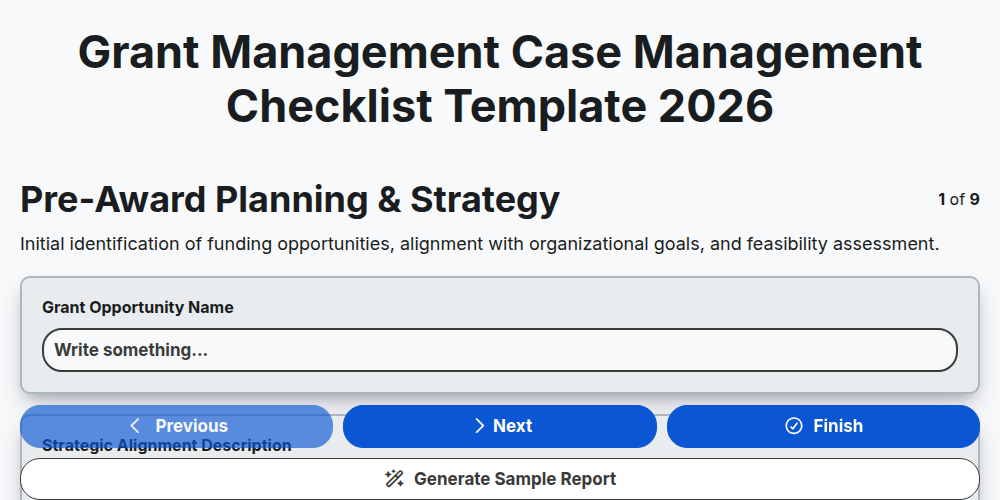
Grant Management Case Management Checklist Template 2026
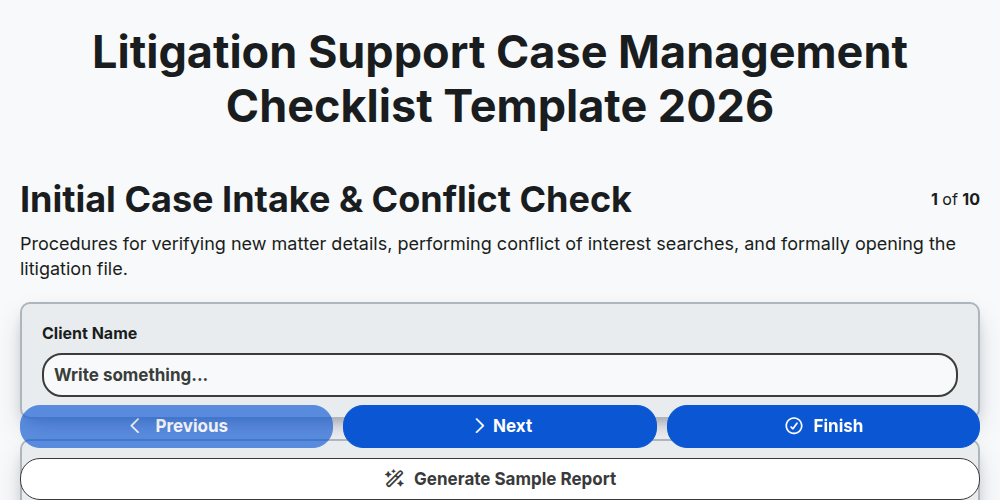
Litigation Support Case Management Checklist Template 2026
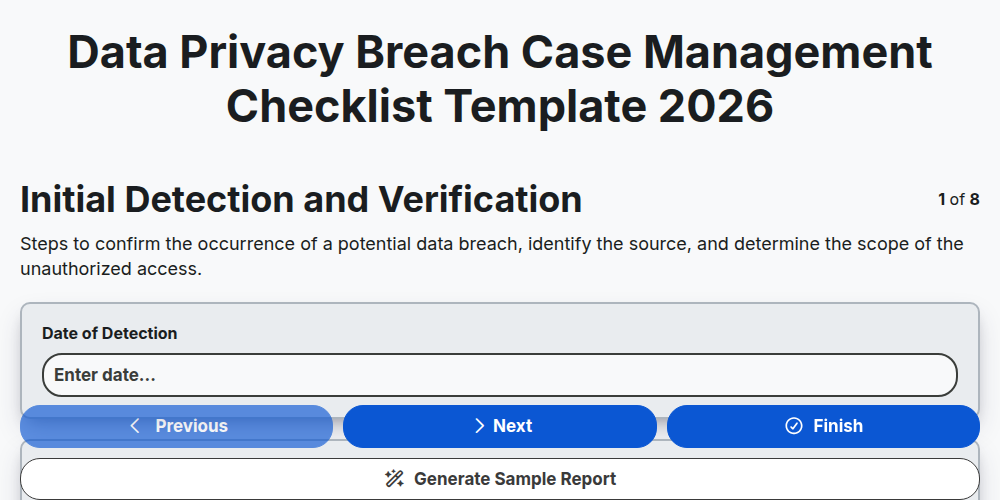
Data Privacy Breach Case Management Checklist Template 2026
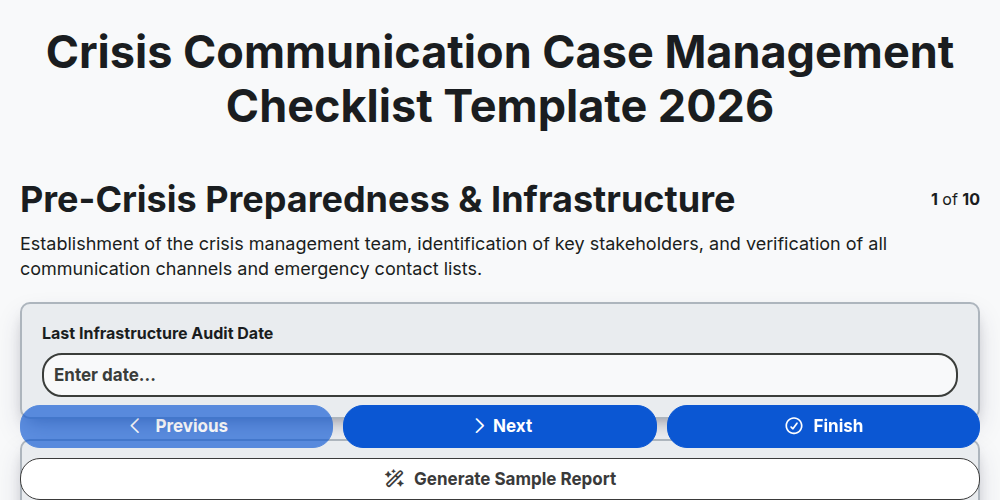
Crisis Communication Case Management Checklist Template 2026
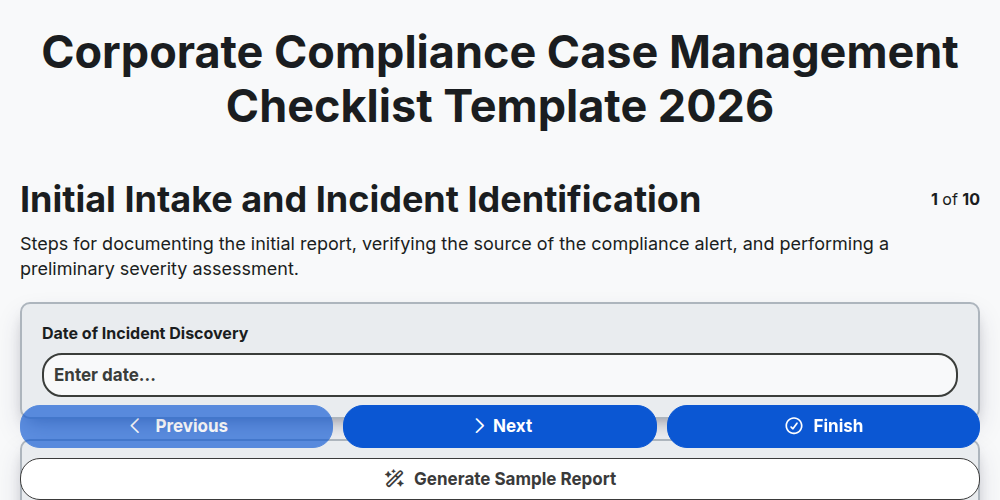
Corporate Compliance Case Management Checklist Template 2026
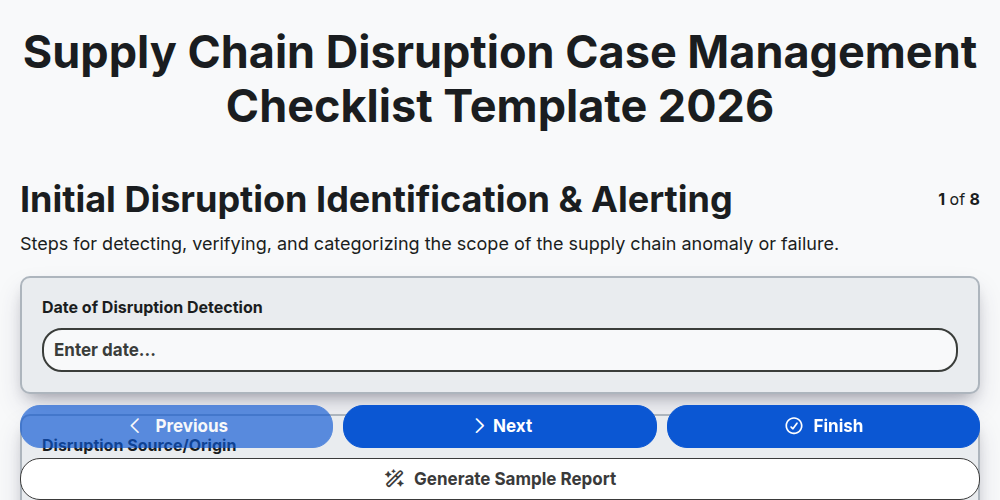
Supply Chain Disruption Case Management Checklist Template 2026
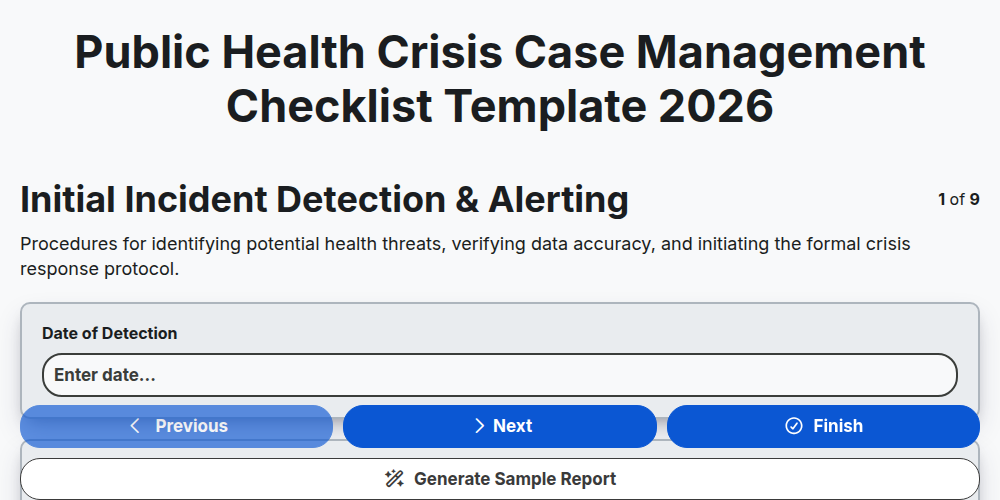
Public Health Crisis Case Management Checklist Template 2026
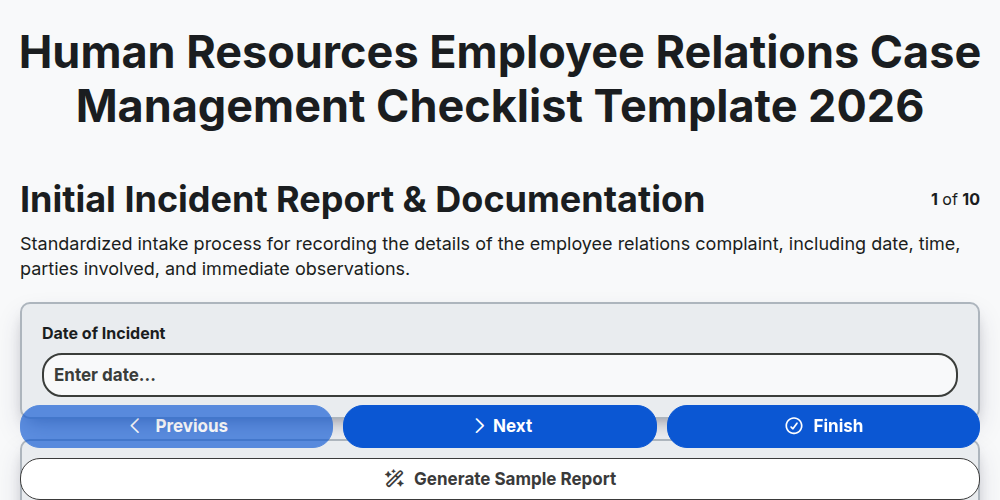
Human Resources Employee Relations Case Management Checklist Template 2026
Need help with
Case Management?
Have a question? We're here to help. Please submit your inquiry, and we'll respond promptly.