 ChecklistGuro
 Litigation Support Case Management Checklist Template 2026
Streamline your legal workflows and ensure total accuracy with our Litigation Support Case Management Checklist Template 2026. Designed for legal professionals, paralegals, and litigation support specialists, this high-performance checklist provides a structured framework to manage discovery, document review, trial preparation, and evidence tracking. Eliminate procedural errors, optimize case timelines, and maintain strict compliance with the latest 2026 litigation standards. Whether you are managing complex multi-party litigation or single-plaintiff matters, this ready-to-use business asset ensures no critical detail is overlooked from filing to verdict. Perfect for law firms and legal departments seeking to boost productivity and minimize risk in fast-paced litigation environments.
Initial Case Intake & Conflict Check
Procedures for verifying new matter details, performing conflict of interest searches, and formally opening the litigation file.
Client Name
Adverse Party Name
Date of Incident/Matter Commencement
Conflict Check Status
Involved Parties/Entities
Initial Intake Documentation
Brief Case Summary
Conflict Clearance Authorization
Case Strategy & Litigation Planning
Defining the scope of litigation, identifying legal theories, establishing milestones, and setting the litigation budget.
Case Name/Matter ID
Litigation Strategy Overview
Statute of Limitations Deadline
Case Priority Level
Estimated Litigation Budget
Initial Strategy Document
Primary Legal Theories
Discovery Management & E-Discovery
Tracking requests for production, managing document preservation (legal holds), and overseeing the collection and review of electronic evidence.
Legal Hold Issued Date
Discovery Types Involved
Document Production Log
E-Discovery Protocol Summary
Data Custodian Status
Discovery Deadline
Evidence & Exhibit Management
Organizing physical and digital exhibits, maintaining a chain of custody, and preparing documents for trial or deposition use.
Exhibit ID Number
Exhibit Description
Evidence Type
Date of Evidence Creation
Upload Digital Evidence
Chain of Custody Participants
Chain of Custody Verification
Witness Identification & Preparation
Cataloging key witnesses, managing deposition schedules, and coordinating expert witness testimony and retainer agreements.
Witness Name
Witness Type
Deposition Scheduled Date
Preparation Tasks Completed
Witness Statement/Affidavit
Witness Summary & Key Testimony Notes
Deposition & Hearing Coordination
Scheduling deposition dates, managing court reporter logistics, preparing deposition outlines, and coordinating transcript deliveries.
Scheduled Date
Scheduled Time
Deposition/Hearing Venue
Type of Proceeding
Required Attendees
Deposition Outline/Notice
Key Issues to Address
Motion Practice & Filing Deadlines
Tracking deadlines for motions to compel, summary judgment motions, and ensuring all court filings comply with local rules.
Motion Name/Description
Filing Deadline
Motion Type
Draft Motion/Supporting Documents
Opposition/Reply Summary
Required Service Methods
Trial Preparation & Courtroom Readiness
Finalizing trial briefs, organizing trial binders, coordinating courtroom technology, and managing the trial calendar.
Trial Start Date
Trial Exhibit Checklist
Trial Brief Upload
Courtroom Assignment
Trial Strategy Notes
Lead Counsel Approval
Settlement Negotiation & Mediation Tracking
Managing mediation schedules, documenting settlement offers/counter-offers, and preparing settlement agreement drafts.
Mediation Date
Mediation Status
Settlement Offer Amount
Negotiation Notes & Summary
Settlement Agreement Draft
Parties Involved in Negotiation
Final Approval Signature
Post-Litigation Case Closure
Finalizing billing, archiving case files according to retention policies, and conducting a post-matter review for process improvement.
Date of Final Disposition
Case Outcome Status
Post-Matter Review Summary
Archived Assets
Final Order/Settlement Agreement
Closing Attorney Approval
Frequently Asked Questions
Can I customize this template after installing it?
Absolutely. Once installed, you can add, remove, or reorder tasks, add custom fields, and adjust deadlines to fit your specific workflow.
Can I add images or photos to these checklist items?
Yes. Our platform allows you to attach photos, signatures, and notes to any checklist item for better verification and proof of completion.
Can I create a custom checklist from scratch instead of using a template?
Yes. You can use our "Create your own checklist" feature to build a unique workflow tailored exactly to your operational requirements.
Can I add dependencies between tasks?
Yes, you can set up conditional logic and dependencies to ensure your team follows the correct sequence of operations.
Can I assign specific checklist items to different team members?
Yes. You can assign individual tasks to specific employees, ensuring clear accountability across your entire team.
Can I use these checklists on mobile devices in the field?
Yes. Our platform is fully responsive, allowing your team to complete, update, and upload photos to checklists directly from any smartphone or tablet.
How do I notify my manager when a checklist is completed?
You can set up automated notifications (via email, push notification, or in-app alerts) to trigger whenever a checklist is finished or if an item fails inspection.
Can multiple people work on the same checklist simultaneously?
Yes, the platform supports real-time updates, allowing multiple users to contribute to a single live checklist.
Where is the data from completed checklists stored?
All completed checklists are stored securely in your Work OS dashboard, creating a permanent, searchable audit trail of your operations.
Can I generate reports based on my checklist results?
Yes. You can track completion rates, identify recurring issues, and monitor team performance through our integrated reporting and analytics tools.
How can I use these checklists for compliance or auditing purposes?
Because our checklists capture timestamps, photos, and digital signatures, they serve as a robust digital paper trail for regulatory compliance and internal audits.
Can I export my completed checklist data for use in other tools?
Yes. You can export your data in various formats (CSV, Excel, etc.) to integrate your operational insights with your other business software.
Comments
There are no comments yet. Be the first to add one!
Case Management Solution Demo
Streamline your casework & improve outcomes! ChecklistGuro centralizes case details, tasks, & communication. Enhance efficiency, ensure compliance, & deliver exceptional service. Manage it all with our Work OS.
Related Checklist Templates
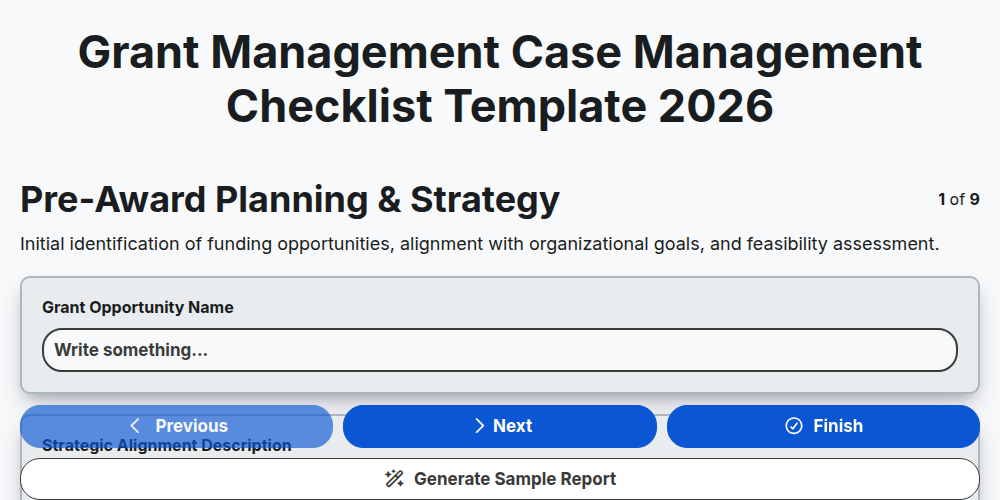
Grant Management Case Management Checklist Template 2026
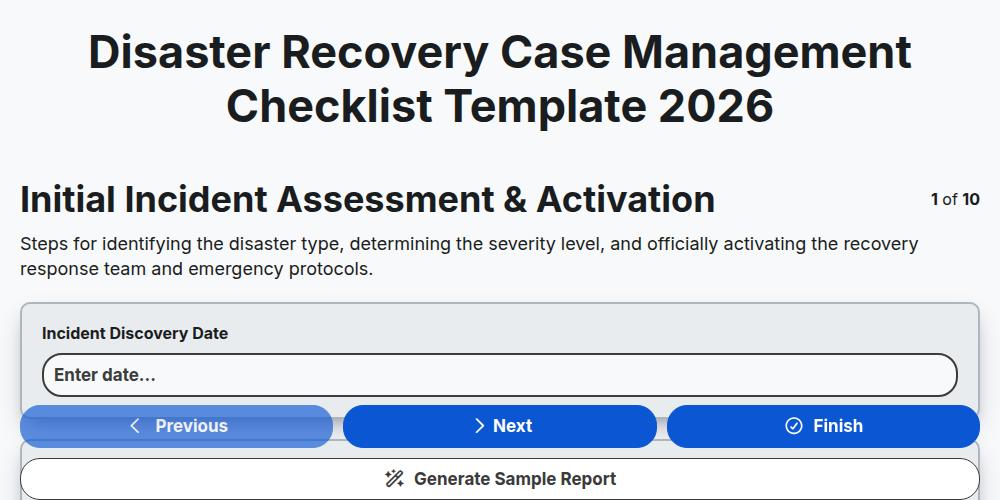
Disaster Recovery Case Management Checklist Template 2026
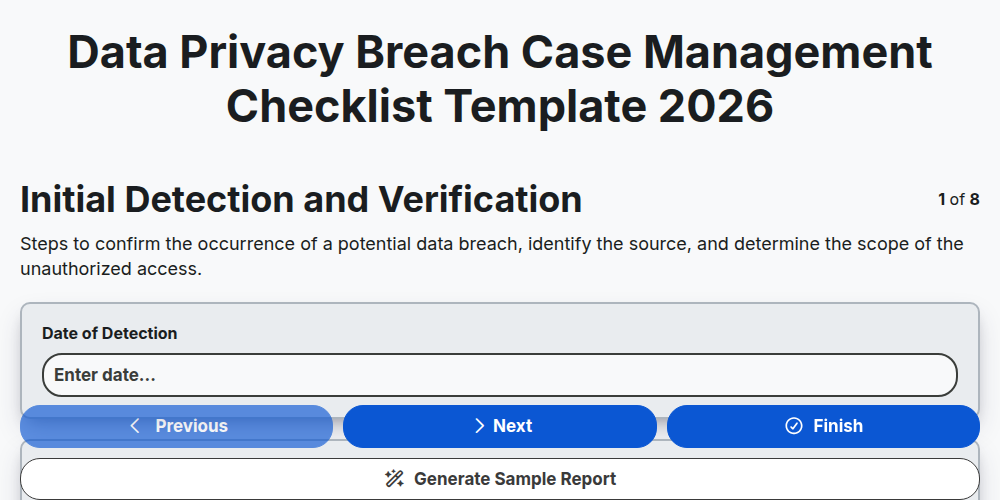
Data Privacy Breach Case Management Checklist Template 2026
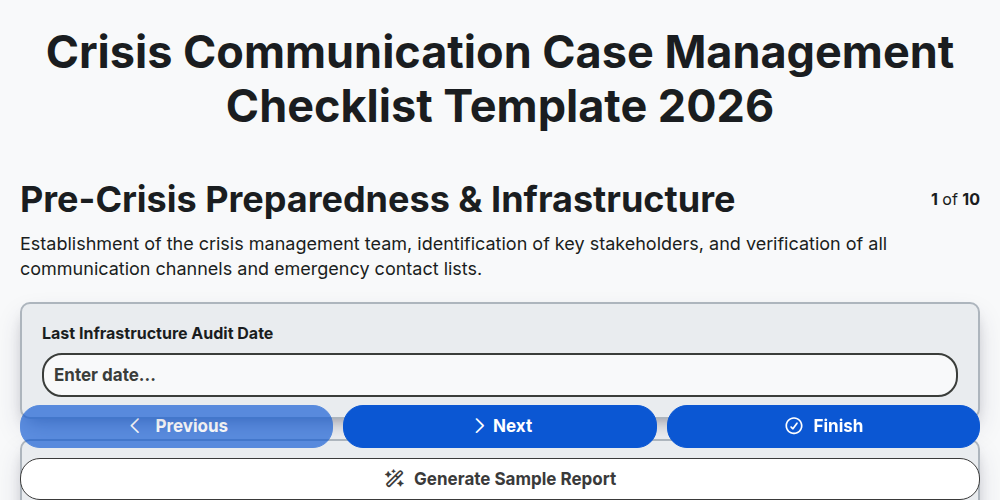
Crisis Communication Case Management Checklist Template 2026
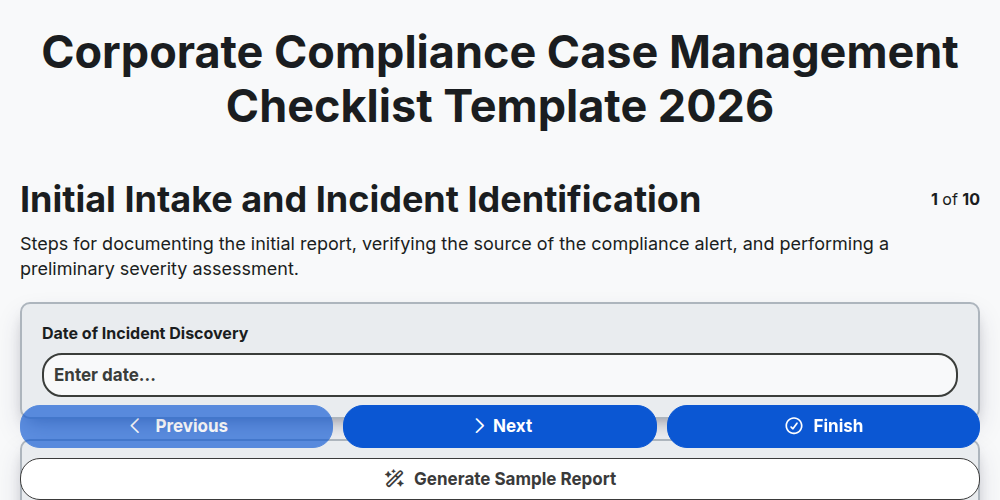
Corporate Compliance Case Management Checklist Template 2026
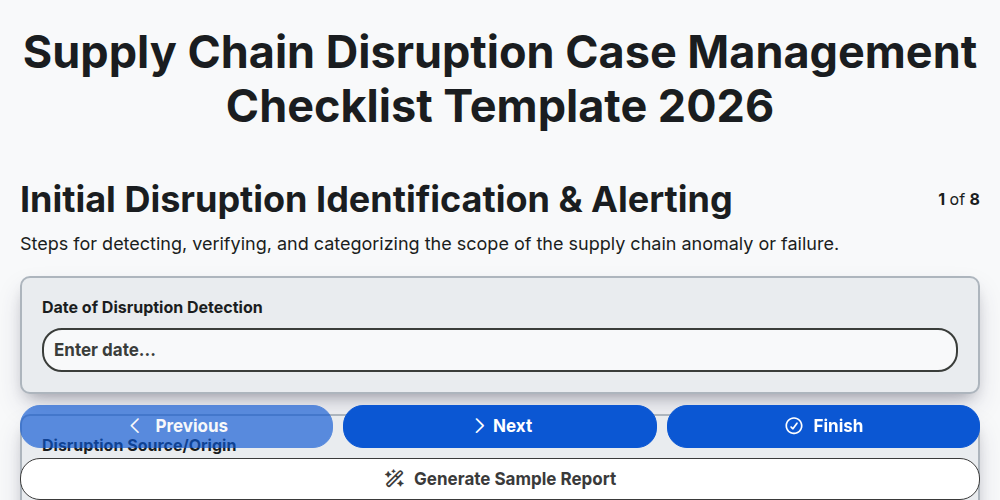
Supply Chain Disruption Case Management Checklist Template 2026
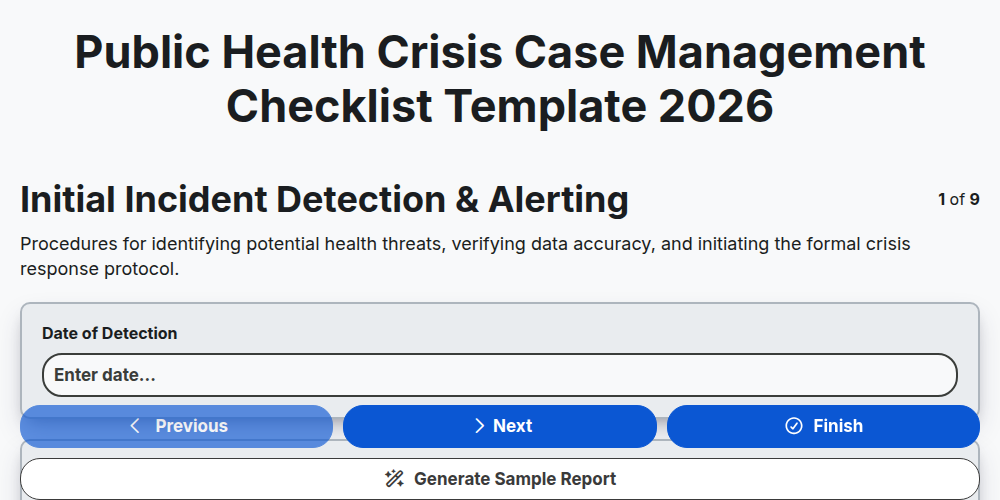
Public Health Crisis Case Management Checklist Template 2026
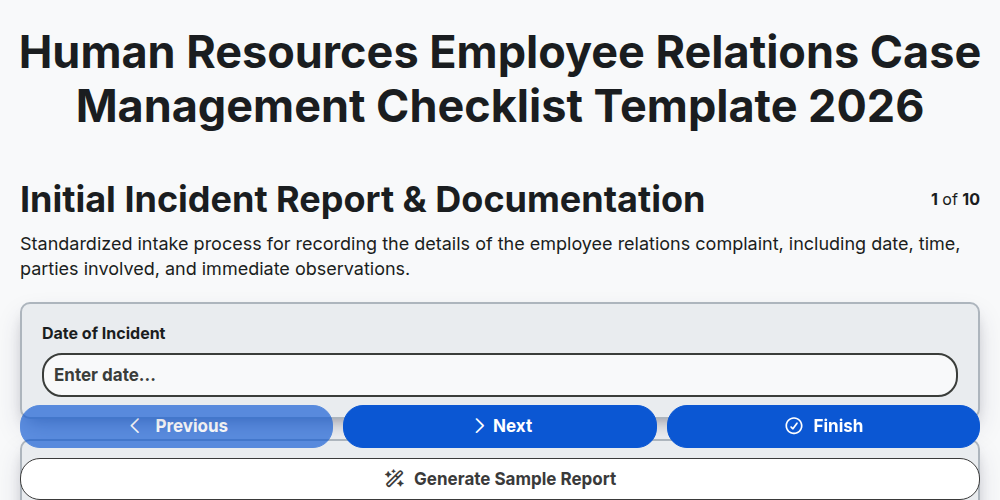
Human Resources Employee Relations Case Management Checklist Template 2026
Need help with
Case Management?
Have a question? We're here to help. Please submit your inquiry, and we'll respond promptly.