 ChecklistGuro
 Construction Material Inventory Tracking Checklist
Never lose track of vital construction materials again! Our Construction Material Inventory Tracking Checklist ensures accuracy, minimizes waste, and keeps projects on schedule. Download now for streamlined material management and hassle-free builds.
This Template was installed 5 times.
Project Material Requirements
List materials needed for each active construction project.
Project ID
Project Name
Material Quantity Required
Material Unit of Measure
Material Type
Material Description
Required By Date
Current On-Hand Inventory
Record the quantity of each material currently in stock.
Material ID
Material Description
Quantity on Hand
Unit of Measure
Lot Number (if applicable)
Date of Last Count
Storage Location
Estimated Value
Minimum Stock Levels
Define the minimum acceptable quantity for each material to avoid shortages.
Minimum Quantity for Lumber (2x4x8)
Minimum Quantity for Concrete Mix (Cubic Yards)
Minimum Quantity for Rebar (Size #4)
Minimum Quantity for Drywall Sheets (4x8)
Minimum Quantity for Nails (16d)
Minimum Quantity for Screws (3-inch)
Reorder Points
Determine the levels at which new orders should be placed.
Material Code
Reorder Point Quantity
Lead Time (Days)
Safety Stock Quantity
Reorder Unit
Reorder Status
Supplier Information
Record supplier details for each material.
Primary Supplier
Supplier Contact Name
Supplier Phone Number
Supplier Email Address
Supplier Address
Lead Time (Days)
Payment Terms
Receiving & Inspection
Document the receiving process and quality checks.
Receiving Date
Purchase Order Number
Quantity Received
Quantity Discrepancy (if any)
Discrepancy Explanation (if applicable)
Condition of Packaging
Material Quality Check Result
Upload Photos of Discrepancies (if any)
Receiver's Signature
Material Usage Tracking
Monitor material consumption per project.
Quantity Used
Project Name
Date of Usage
Reason for Usage (if applicable)
Lot Number (if applicable)
Material Condition Upon Usage
Loss & Waste Reporting
Record any material lost or wasted, along with the reason.
Quantity Lost/Wasted
Reason for Loss/Waste
Detailed Description of Loss/Waste
Material Condition at Time of Loss
Date of Loss/Waste
Supporting Documentation (e.g., Photos)
Inventory Adjustments
Document any adjustments made to inventory records.
Adjustment Quantity
Reason for Adjustment
Detailed Explanation (if 'Other' selected)
Date of Adjustment
Authorized by
Inventory Record Affected
Date and Signature
Record the date of the inventory check and the person responsible.
Inventory Check Date
Inventory Check Time
Inventory Checker Signature
Checker Name
Position/Title
Notes/Comments (Optional)
Comments
There are no comments yet. Be the first to add one!
Construction Management Solution Demo
Build smarter, not harder! ChecklistGuro streamlines construction projects from planning to closeout. Manage tasks, inspections, safety protocols & more - all in one place. Reduce delays, improve communication, and deliver projects on time & on budget.
Related Checklist Templates
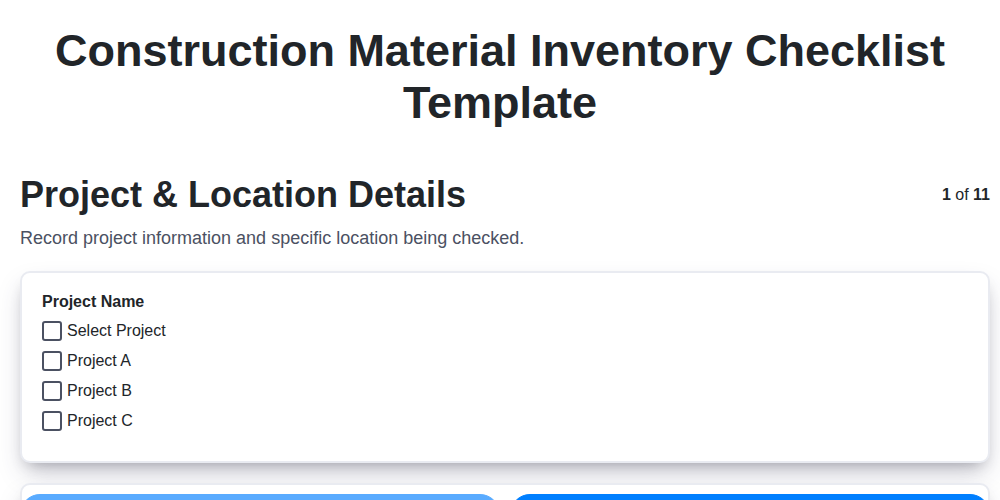
Construction Material Inventory Checklist Template
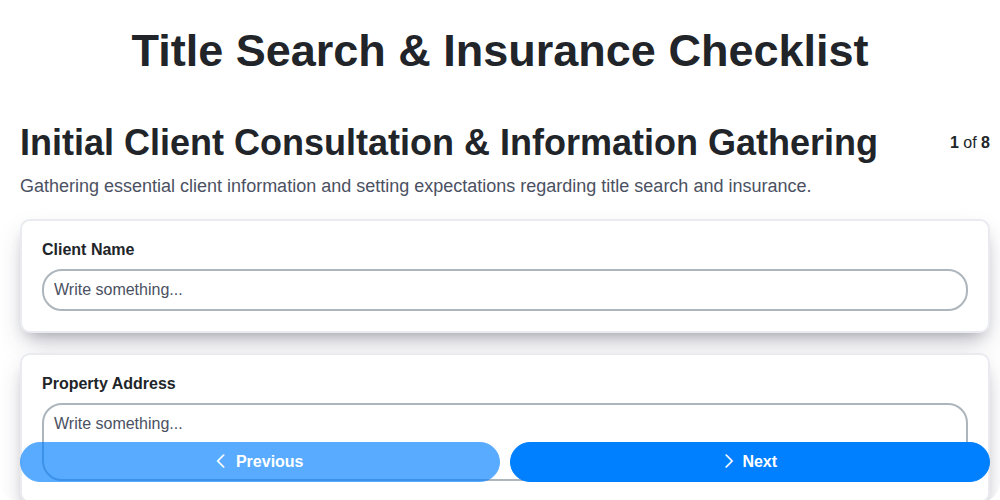
Title Search & Insurance Checklist
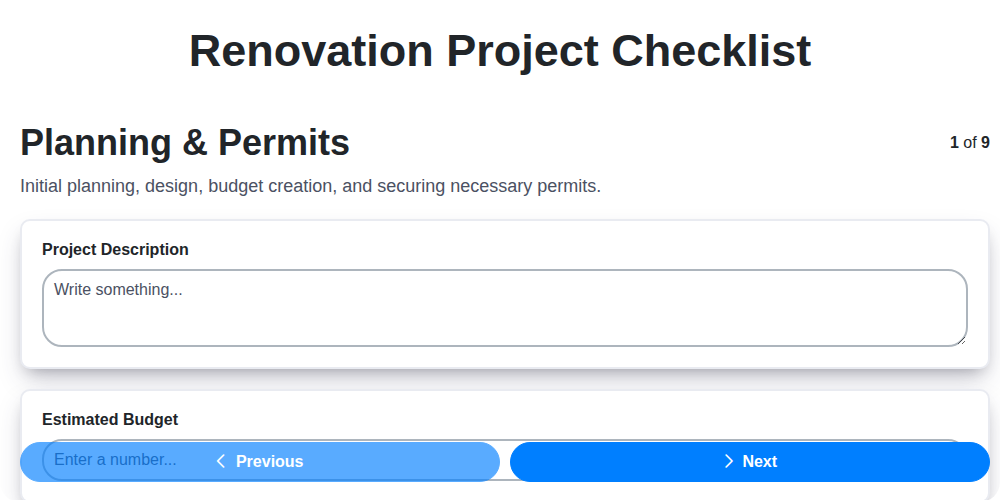
Renovation Project Checklist
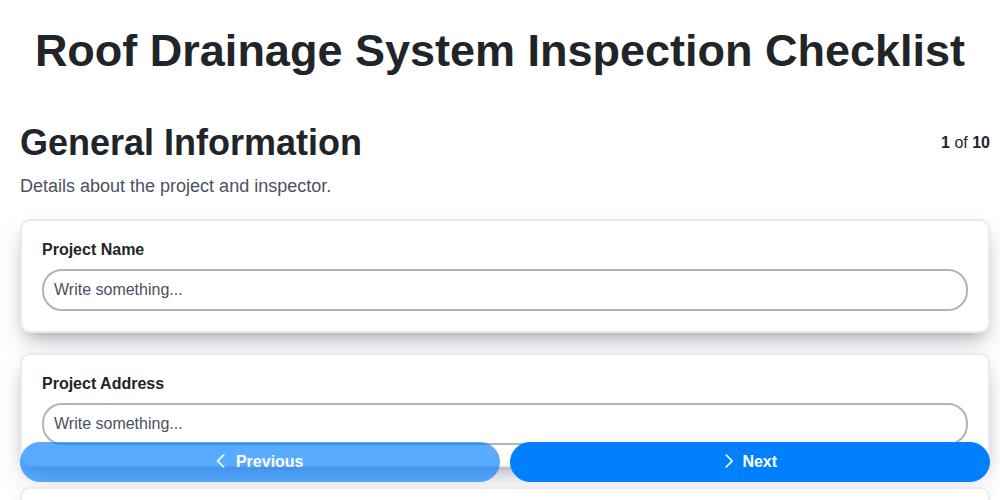
Roof Drainage System Inspection Checklist
Interior Painting Checklist
Warranty Documentation Checklist
Operation and Maintenance (O&M) Manuals Checklist
Site Mobilization Readiness Checklist
We can do it Together
Need help with
Construction?
Have a question? We're here to help. Please submit your inquiry, and we'll respond promptly.