 ChecklistGuro
 Operation and Maintenance (O&M) Manuals Checklist
Ensure your construction projects run smoothly! Download our free Operation & Maintenance (O&M) Manuals Checklist. Stay compliant, reduce risks, and streamline handover with this essential construction checklist - perfect for contractors, engineers, and facility managers. Get organized today!
This Template was installed 1 times.
General Information & Document Control
Covers document identification, revision control, contact information, and overall manual organization.
Document Title
Document Revision Number
Date of Last Revision
Document Purpose & Scope
Project Name
Contact Person (O&M Manager)
Contact Phone Number
Contact Email Address
Document Distribution List (Spreadsheet)
Document Change Log (Brief Summary of Revisions)
System Descriptions & Performance Data
Details on each system's purpose, functionality, components, and expected performance metrics. Includes schematics and diagrams.
System Overview Description
System Rated Capacity (e.g., gallons per minute)
Operating Pressure (PSI or kPa)
System Schematic Diagram (PDF)
Key Component List with Model and Serial Numbers
Expected System Efficiency (%)
Control System Type (e.g., PLC, DDC)
Piping and Instrumentation Diagram (P&ID) - PDF
Routine Maintenance Procedures
Step-by-step instructions for regular maintenance tasks, including frequency, required tools, and safety precautions.
Filter Inspection Frequency (Months)
Detailed Filter Replacement Procedure
Attach Filter Replacement Checklist (if applicable)
Date of Last Lubrication (Pump/Motor)
Lubricant Type and Application Notes
Time of Last Calibration (if applicable)
Calibration Status (if applicable)
Pressure Reading (System Pressure)
Corrective Maintenance Procedures
Guidance on troubleshooting and repairing system failures, including diagnostic procedures and repair steps.
Describe the diagnostic process for identifying the root cause of a failure.
Detail the step-by-step procedure for repairing/replacing [Specific Component - e.g., pump motor].
Record the measured voltage/current during repair (specify unit).
Upload photos/videos documenting the repair process.
Select the replacement part used (if applicable).
Date of Repair
Time of Repair
Describe any unusual circumstances encountered during repair.
Severity of Failure (impact on operations)
Safety Procedures & Emergency Response
Covers safety protocols for maintenance personnel, lockout/tagout procedures, and emergency response plans related to each system.
Lockout/Tagout (LOTO) Procedures Description
Required Personal Protective Equipment (PPE)
Emergency Contact Information (Names, Phone Numbers)
Specific Hazards Associated with Each System (e.g., Chemical Exposure, Electrical Shock)
Site Emergency Response Plan (Maps, Flowcharts)
Emergency Evacuation Routes
Procedures for Handling Hazardous Materials (if applicable)
Fire Extinguisher Inspection & Training
Warranty Information & Service Contracts
Details on equipment warranties, service agreements, and contact information for vendors and service providers.
Summary of Equipment Warranties
Warranty Documents (PDF)
Primary Service Provider
If 'Other' selected above, specify service provider:
Service Contract Number
Service Contract Start Date
Service Contract Expiration Date
Contact Person (Service Provider)
Contact Phone Number (Service Provider)
Contact Email (Service Provider)
Record Keeping & Log Sheets
Templates and instructions for documenting maintenance activities, inspections, and system performance data.
Date of Maintenance/Inspection
Time of Maintenance/Inspection
Meter Readings (e.g., kWh, Gallons)
Description of Work Performed
Condition Assessment (e.g., Excellent, Good, Fair, Poor)
Issues Identified
Detailed Description of Issues (If Applicable)
Next Scheduled Maintenance
Technician Signature
Equipment Lists & Spare Parts
Complete inventory of equipment with model numbers, serial numbers, and recommended spare parts list.
Equipment Name
Quantity
Manufacturer
Model Number
Serial Number
Equipment Photo/Diagram
Recommended Spare Part Name
Recommended Spare Part Quantity
Supplier Contact Information (Spare Parts)
Criticality Level (High/Medium/Low)
Regulatory Compliance
Addresses relevant codes, standards, and regulations related to system operation and maintenance.
List Applicable Codes and Standards (e.g., IBC, ASHRAE, NFPA)
Which Environmental Permits are Relevant?
Permit Expiration Dates (Year)
Date of Last Regulatory Compliance Audit
Summary of Findings from Last Compliance Audit (if applicable)
Are there any specific noise ordinances to consider?
Upload Copies of Key Permits and Certificates
Training & Qualification
Information on required training and qualifications for personnel responsible for system operation and maintenance.
Summary of Required Training Topics
Mandatory Training Modules (select all that apply)
Minimum Hours of On-the-Job Training Required
Date of Last Safety Refresher Training
Qualified Trainer Verification Method
Attach Training Certificates/Records (max 3 files)
Description of any specialized equipment training required.
Comments
There are no comments yet. Be the first to add one!
Construction Management Solution Demo
Build smarter, not harder! ChecklistGuro streamlines construction projects from planning to closeout. Manage tasks, inspections, safety protocols & more - all in one place. Reduce delays, improve communication, and deliver projects on time & on budget.
Related Checklist Templates
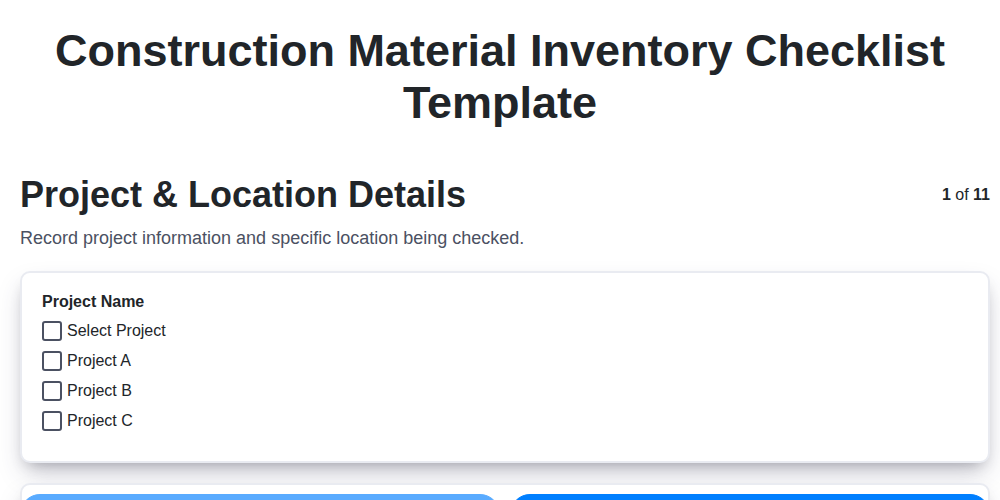
Construction Material Inventory Checklist Template
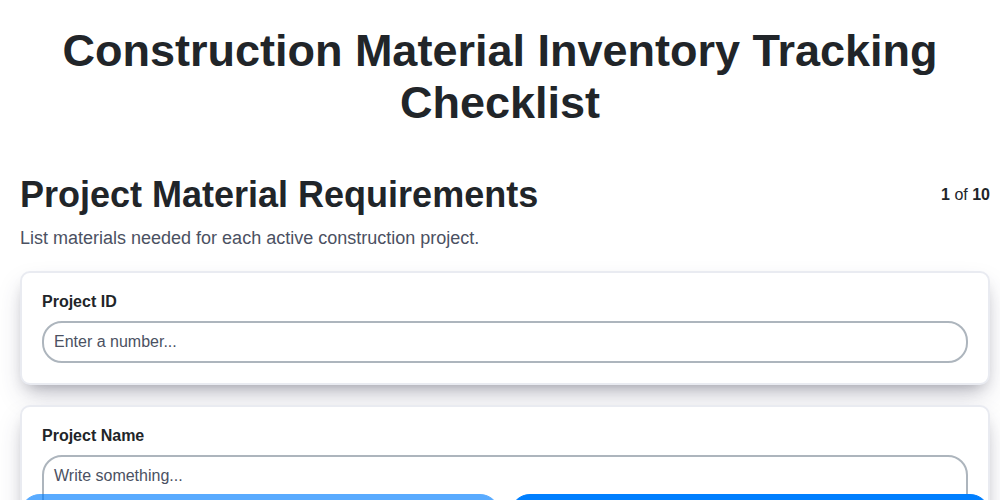
Construction Material Inventory Tracking Checklist
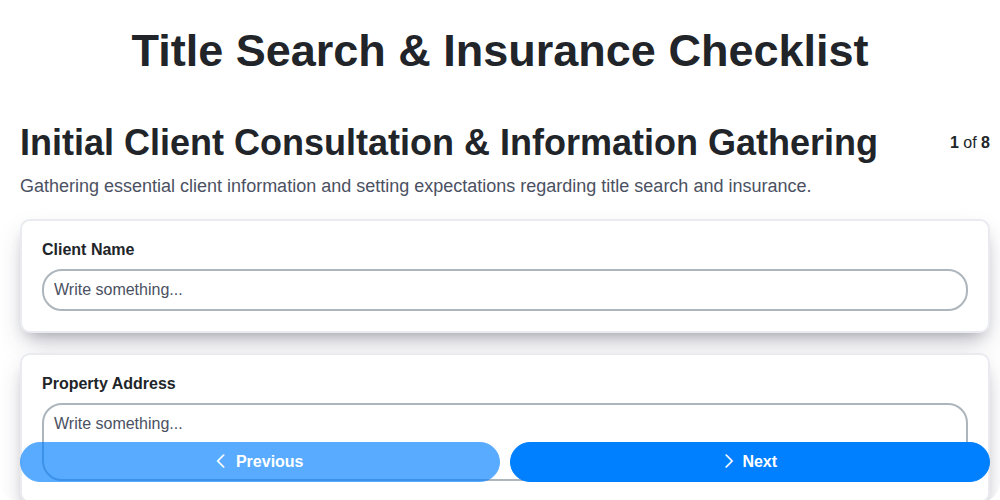
Title Search & Insurance Checklist
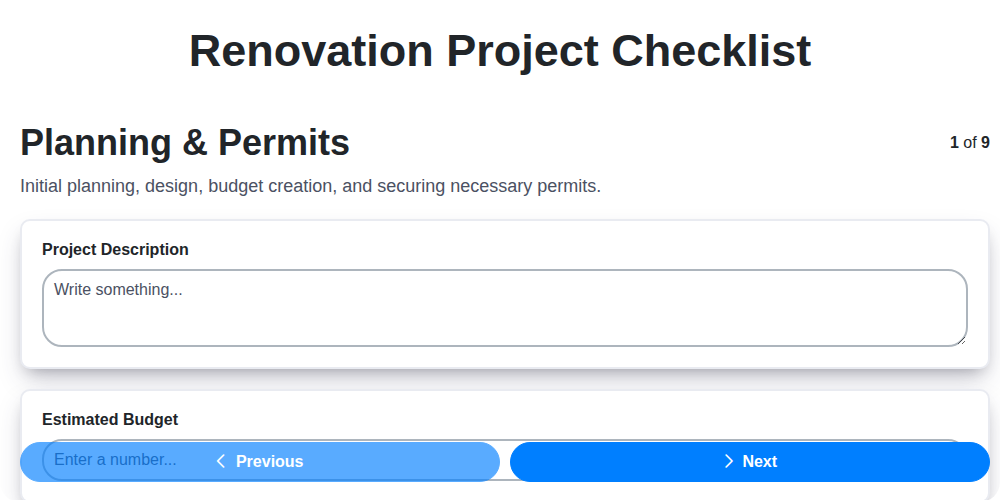
Renovation Project Checklist
Roof Drainage System Inspection Checklist
Interior Painting Checklist
Warranty Documentation Checklist
Site Mobilization Readiness Checklist
We can do it Together
Need help with
Construction?
Have a question? We're here to help. Please submit your inquiry, and we'll respond promptly.