 ChecklistGuro
 Energy Audit Compliance Checklist Template
Ensure your energy audits meet regulatory standards and identify areas for improvement with our comprehensive checklist. Simplify compliance and unlock energy-saving opportunities. Download now!
This Template was installed 5 times.
Scope & Planning
Verify audit scope, objectives, and planning documents are complete and approved.
Audit Project Name
Audit Objectives & Scope Description
Audit Start Date
Audit End Date (Estimated)
Audit Type
Estimated Audit Duration (Hours)
Areas/Buildings Included in Audit
Team & Responsibilities
Confirm audit team members are appropriately trained and understand their responsibilities.
Audit Team Lead
Energy Specialist
Building Engineer
Team Lead Training Expiration Date
Years of Experience (Energy Specialist)
Brief Summary of Team Member Roles & Responsibilities
Data Collection & Analysis
Check data collection methods, accuracy, and analysis techniques used for energy consumption assessment.
Total Electricity Consumption (kWh)
Total Natural Gas Consumption (therms)
Average Monthly Temperature (°F/°C)
Date of Data Collection
Data Source Verification Method
Notes on Data Collection Process
Building Systems Assessment
Evaluate the performance of HVAC, lighting, insulation, and other building systems.
HVAC System Operating Temperature (Supply)
Lighting Power Density (W/sq ft)
Insulation Condition (Walls)
Notes on Window and Door Condition
Last HVAC Filter Replacement
Building Automation System (BAS) Functionality
Roof Condition
Equipment Inventory & Performance
Review equipment lists, operating parameters, and maintenance records to assess energy efficiency.
Equipment ID
Equipment Name/Type
Rated Capacity (kW/BTU/etc.)
Actual Operating Capacity (kW/BTU/etc.)
Energy Consumption (kWh/Therms/etc.) - Last Month
Last Maintenance Date
Maintenance Notes/Observations
Equipment Condition
Energy Consumption Baseline
Validate the established energy consumption baseline and ensure it accurately represents historical data.
Baseline Year
Total Energy Consumption (Baseline Year)
Units of Measurement (e.g., kWh, MMBtu)
Description of Data Sources Used
Baseline Energy Data File (e.g., Excel, CSV)
Data Validation Method
Compliance with Regulations
Check adherence to relevant energy efficiency regulations and standards (e.g., ASHRAE, ISO 50001).
Applicable Energy Standard
Standard Version
Regulatory Requirements Summary
Last Compliance Review Date
Third-Party Verification Status
Supporting Documentation
Recommendations & Reporting
Review energy conservation recommendations and confirm their feasibility and potential savings.
Summary of Key Recommendations
Estimated Cost of Implementation (USD)
Estimated Annual Energy Savings (kWh)
Estimated Annual Cost Savings (USD)
Recommendation Prioritization (High/Medium/Low)
Recommended Implementation Date
Supporting Documentation (e.g., vendor quotes, calculations)
Notes/Comments on Recommendations
Documentation & Record Keeping
Ensure proper documentation of audit findings, recommendations, and implementation status.
Audit Report Creation Date
Summary of Audit Findings
Supporting Data Files (e.g., utility bills, equipment specifications)
Document Retention Policy Applied?
Number of Pages in Audit Report
Version Number of Audit Report
Auditor Signature
Implementation & Follow-Up
Check tracking and verification of implemented recommendations and ongoing energy performance monitoring.
Implementation Start Date
Implementation Completion Date
Estimated Cost Savings (Annual)
Actual Cost Savings (Annual)
Implementation Status
Comments/Challenges Faced
Supporting Documentation (e.g., invoices, reports)
Frequently Asked Questions
Can I customize this template after installing it?
Absolutely. Once installed, you can add, remove, or reorder tasks, add custom fields, and adjust deadlines to fit your specific workflow.
Can I add images or photos to these checklist items?
Yes. Our platform allows you to attach photos, signatures, and notes to any checklist item for better verification and proof of completion.
Can I create a custom checklist from scratch instead of using a template?
Yes. You can use our "Create your own checklist" feature to build a unique workflow tailored exactly to your operational requirements.
Can I add dependencies between tasks?
Yes, you can set up conditional logic and dependencies to ensure your team follows the correct sequence of operations.
Can I assign specific checklist items to different team members?
Yes. You can assign individual tasks to specific employees, ensuring clear accountability across your entire team.
Can I use these checklists on mobile devices in the field?
Yes. Our platform is fully responsive, allowing your team to complete, update, and upload photos to checklists directly from any smartphone or tablet.
How do I notify my manager when a checklist is completed?
You can set up automated notifications (via email, push notification, or in-app alerts) to trigger whenever a checklist is finished or if an item fails inspection.
Can multiple people work on the same checklist simultaneously?
Yes, the platform supports real-time updates, allowing multiple users to contribute to a single live checklist.
Where is the data from completed checklists stored?
All completed checklists are stored securely in your Work OS dashboard, creating a permanent, searchable audit trail of your operations.
Can I generate reports based on my checklist results?
Yes. You can track completion rates, identify recurring issues, and monitor team performance through our integrated reporting and analytics tools.
How can I use these checklists for compliance or auditing purposes?
Because our checklists capture timestamps, photos, and digital signatures, they serve as a robust digital paper trail for regulatory compliance and internal audits.
Can I export my completed checklist data for use in other tools?
Yes. You can export your data in various formats (CSV, Excel, etc.) to integrate your operational insights with your other business software.
Comments
There are no comments yet. Be the first to add one!
Energy Management Solution Demo
Managing operations, safety, and compliance in the energy sector is critical. ChecklistGuro's Work OS platform streamlines your workflow from exploration and production to distribution and maintenance. Enhance safety, improve efficiency, and ensure regulatory adherence. Discover how ChecklistGuro can transform your energy business!
Related Checklist Templates
Energy Consumption Reduction Checklist Template
Smart Grid Deployment Verification Checklist Template
Energy Audit Reporting Compliance Checklist
Energy Trading Settlement Compliance Checklist
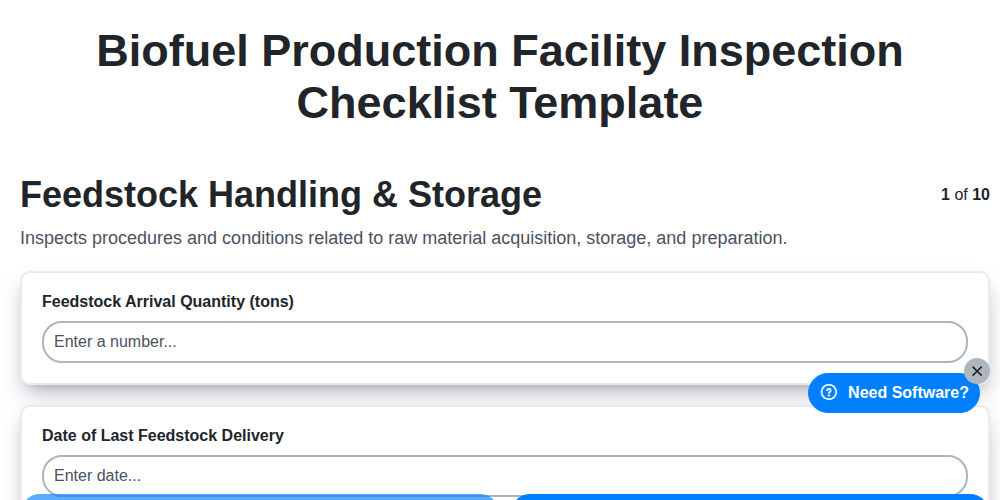
Biofuel Production Facility Inspection Checklist Template
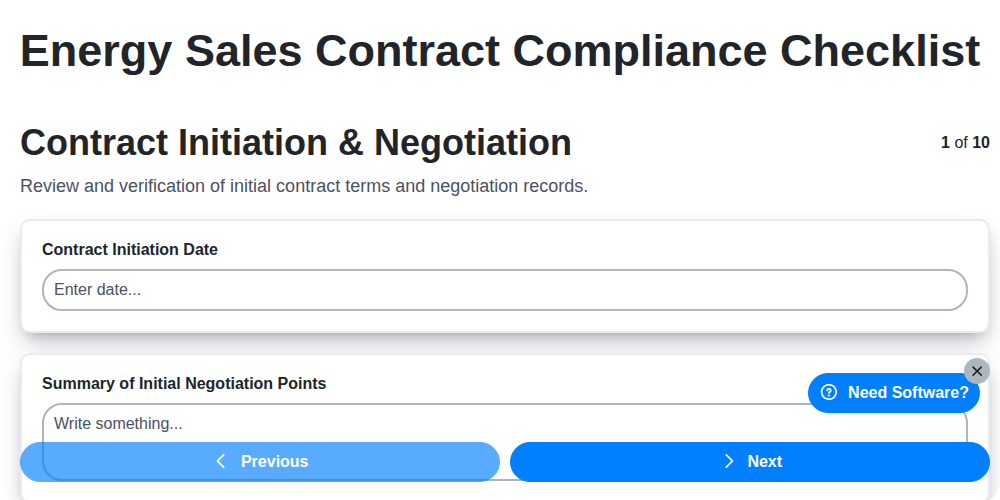
Energy Sales Contract Compliance Checklist
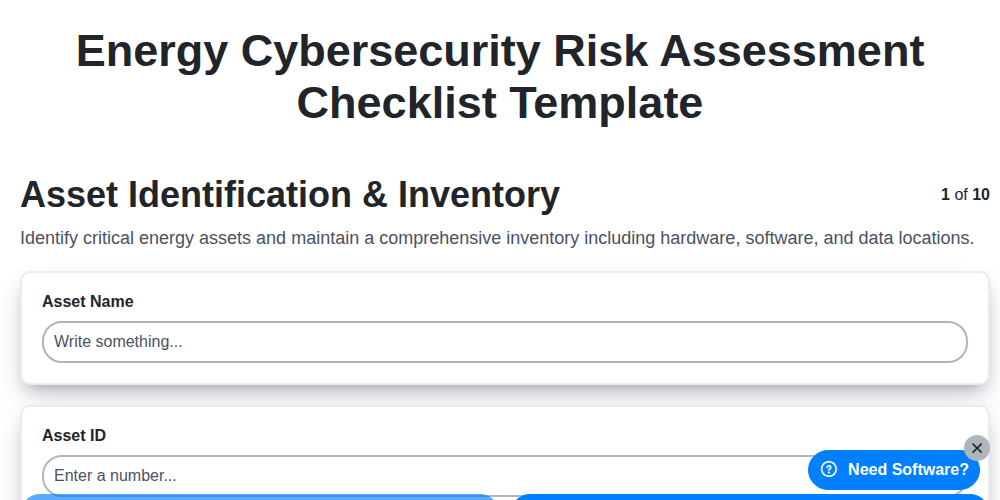
Energy Cybersecurity Risk Assessment Checklist Template
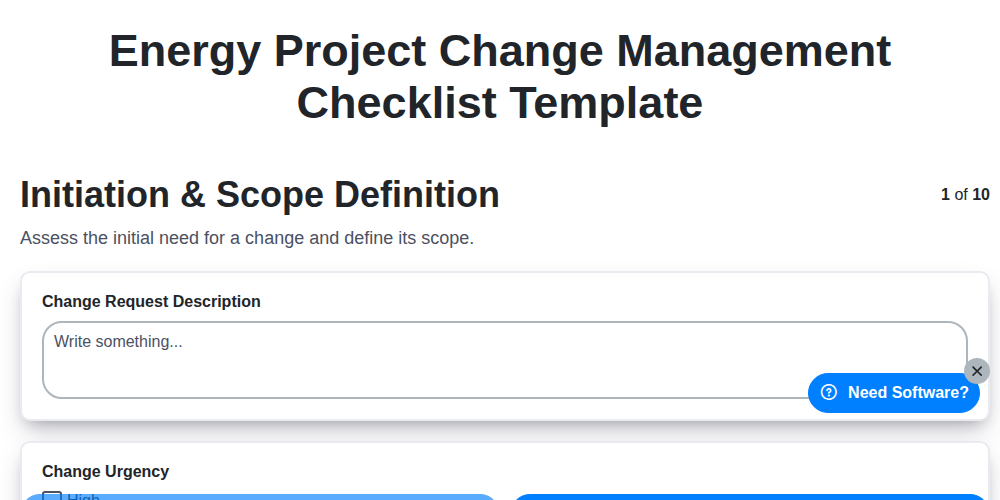
Energy Project Change Management Checklist Template
Need help with
Energy?
Have a question? We're here to help. Please submit your inquiry, and we'll respond promptly.