 ChecklistGuro
 ERP Localization Checklist
Ensure your ERP speaks your customers' language! Our ERP Localization Checklist guides you through critical steps - from translation accuracy to regulatory compliance - for a seamless, global ERP experience. Avoid costly errors and unlock international growth potential.
This Template was installed 5 times.
Language & Translation
Ensuring all system text, reports, and interfaces are properly localized.
Primary Languages Supported
Translation Method
Translation Style Guide Adherence Notes
Glossary File Upload (if applicable)
Last Translation Update Date
Quality Assurance Review Process
Currency & Tax Configuration
Accurate setup of currencies, tax rates, and reporting requirements for local regulations.
Default Currency Exchange Rate
Default Currency
Tax Rate (VAT/GST)
Tax Rate Effective Date
Tax Calculation Method Description
Tax Reporting Frequency
Rounding Precision (Decimal Places)
Legal & Regulatory Compliance
Verification of adherence to local laws regarding data privacy, accounting standards, and business practices.
Data Privacy Regulations Compliance (e.g., GDPR, CCPA)
Last Data Privacy Impact Assessment Date
Summary of Key Legal & Regulatory Considerations
Number of Legal Hold Cases Currently Active
Applicable Tax Regulations
Relevant Legal Documentation (e.g., contracts, permits)
Date & Number Formats
Correct formatting of dates, numbers, and units of measurement according to local conventions.
Default Date Format (e.g., DD/MM/YYYY)
Decimal Separator (e.g., . or ,)
Thousands Separator (e.g., . or ,)
First Day of the Week
Date Validation Format (for input)
Character Encoding
Proper encoding to support local character sets and languages.
Default Character Encoding
Specify other Encoding (if selected)
Supported Character Sets
Encoding for Data Imports
Encoding for Email Notifications
Address Formats & Postal Codes
Localization of address fields and postal code validation rules.
Standard Address Format Description
Country Selection
Specific Address Field Order (e.g., Street, City, State/Province)
Maximum Postal Code Length
Postal Code Validation Rules (Select all that apply)
Example Valid Postal Code Format
Business Process Adaptation
Adjustments to ERP workflows to reflect local business practices.
Local Payment Method Integration
Describe any adaptations to the sales order process.
Local Invoice Numbering Format (e.g., Prefix/Suffix)
Date for Legal Hold/Retention Period Adjustments
Standard Operating Hours Adjustment Required?
Describe any changes needed to the inventory management process for local regulations.
Reporting & Documentation
Localization of reports and user documentation.
Summary of Localization Changes in Reports
Localized Report Templates
Report Language Preference Setting
Date of Last Report Localization Review
Documentation of Localized Report Formulas
User Interface Customization
UI adjustments to enhance usability for local users.
Preferred Language Display
Date Format Display
Number Format (Decimal Separator)
Font Size Adjustment (Base)
Customizable UI Elements
Specific UI Modification Notes
Testing & Validation
Comprehensive testing of localized functionality with local users.
Number of Test Users Involved
Date of Initial Testing
Testing Environments Used (e.g., Dev, UAT)
Summary of Key Testing Results
Attach Test Scripts/Documentation
Overall Test Outcome (Pass/Fail)
Date of Final Test Sign-off
Frequently Asked Questions
Can I customize this template after installing it?
Absolutely. Once installed, you can add, remove, or reorder tasks, add custom fields, and adjust deadlines to fit your specific workflow.
Can I add images or photos to these checklist items?
Yes. Our platform allows you to attach photos, signatures, and notes to any checklist item for better verification and proof of completion.
Can I create a custom checklist from scratch instead of using a template?
Yes. You can use our "Create your own checklist" feature to build a unique workflow tailored exactly to your operational requirements.
Can I add dependencies between tasks?
Yes, you can set up conditional logic and dependencies to ensure your team follows the correct sequence of operations.
Can I assign specific checklist items to different team members?
Yes. You can assign individual tasks to specific employees, ensuring clear accountability across your entire team.
Can I use these checklists on mobile devices in the field?
Yes. Our platform is fully responsive, allowing your team to complete, update, and upload photos to checklists directly from any smartphone or tablet.
How do I notify my manager when a checklist is completed?
You can set up automated notifications (via email, push notification, or in-app alerts) to trigger whenever a checklist is finished or if an item fails inspection.
Can multiple people work on the same checklist simultaneously?
Yes, the platform supports real-time updates, allowing multiple users to contribute to a single live checklist.
Where is the data from completed checklists stored?
All completed checklists are stored securely in your Work OS dashboard, creating a permanent, searchable audit trail of your operations.
Can I generate reports based on my checklist results?
Yes. You can track completion rates, identify recurring issues, and monitor team performance through our integrated reporting and analytics tools.
How can I use these checklists for compliance or auditing purposes?
Because our checklists capture timestamps, photos, and digital signatures, they serve as a robust digital paper trail for regulatory compliance and internal audits.
Can I export my completed checklist data for use in other tools?
Yes. You can export your data in various formats (CSV, Excel, etc.) to integrate your operational insights with your other business software.
Comments
There are no comments yet. Be the first to add one!
ERP - Enterprise Resource Planning Solution Demo
Overwhelmed by disconnected systems? ChecklistGuro provides a centralized ERP solution, connecting your business processes - finance, operations, & more - for improved visibility and control. Simplify operations & boost efficiency.
Related Checklist Templates
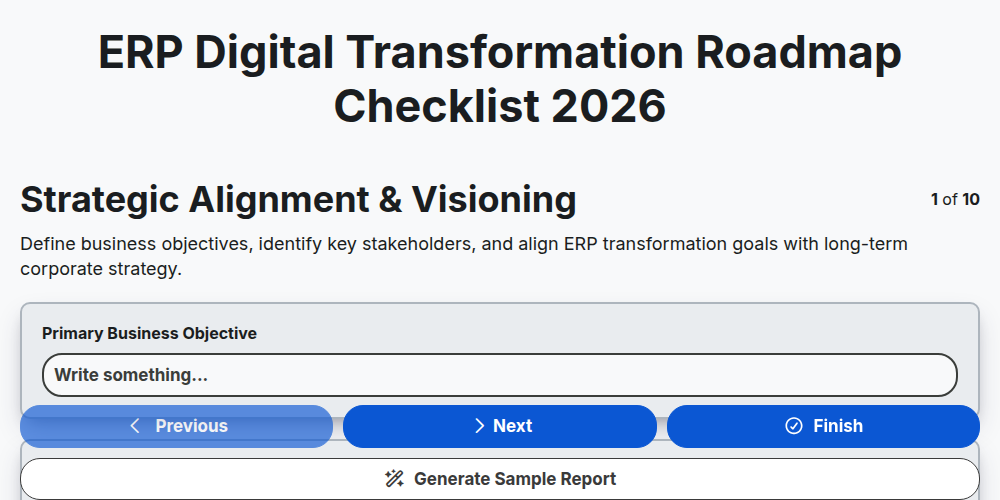
ERP Digital Transformation Roadmap Checklist 2026
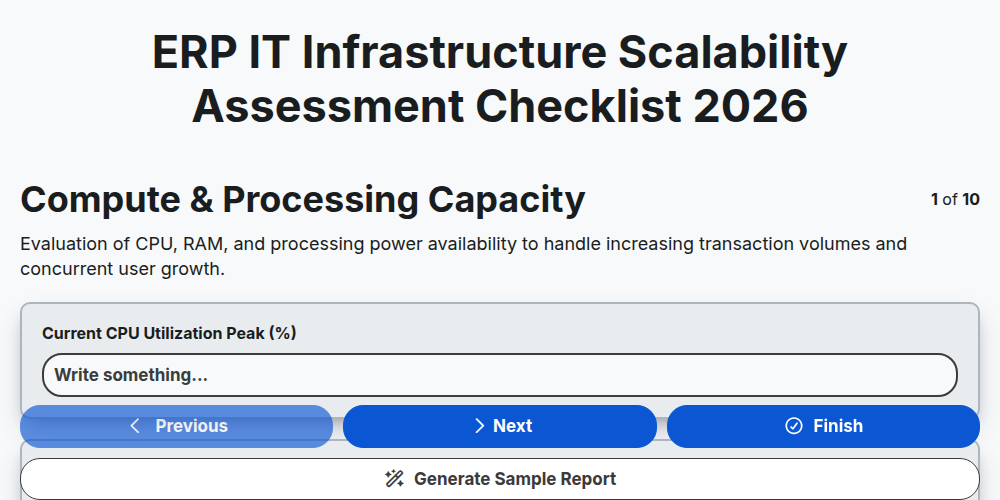
ERP IT Infrastructure Scalability Assessment Checklist 2026
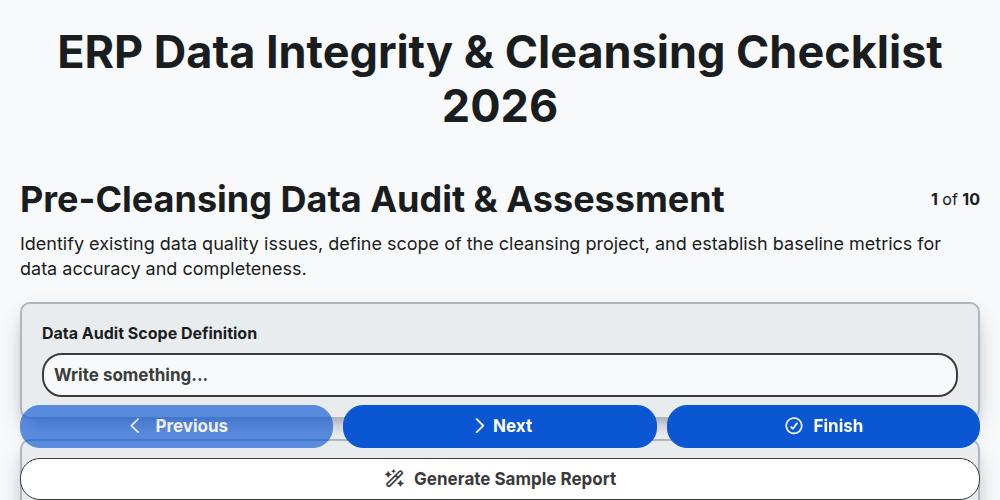
ERP Data Integrity & Cleansing Checklist 2026
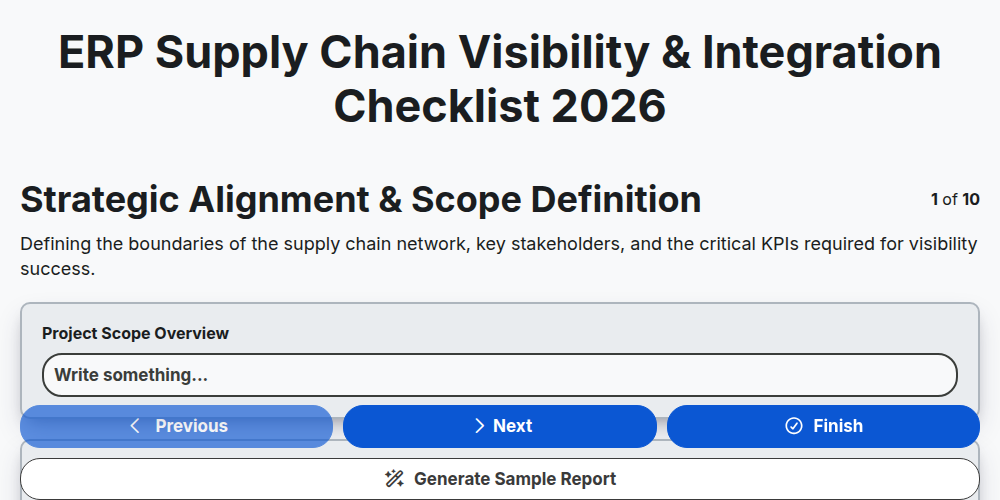
ERP Supply Chain Visibility & Integration Checklist 2026
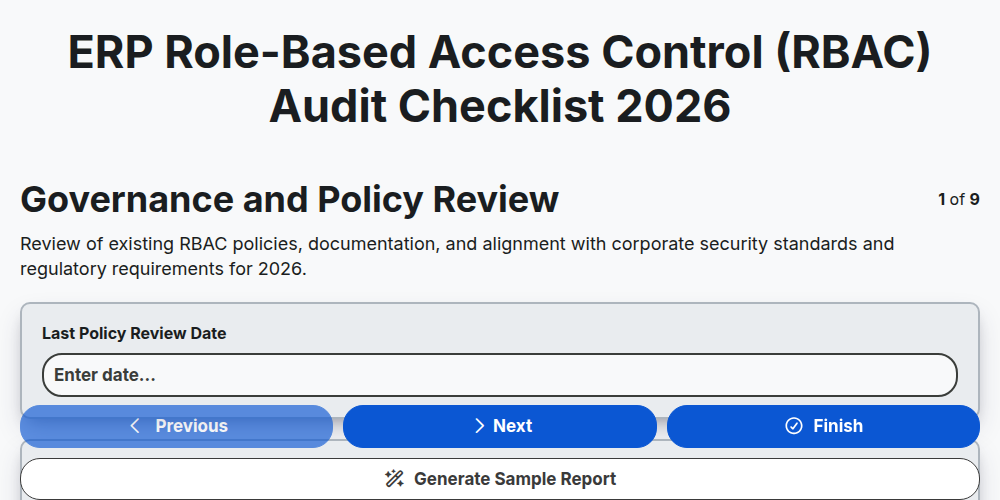
ERP Role-Based Access Control (RBAC) Audit Checklist 2026
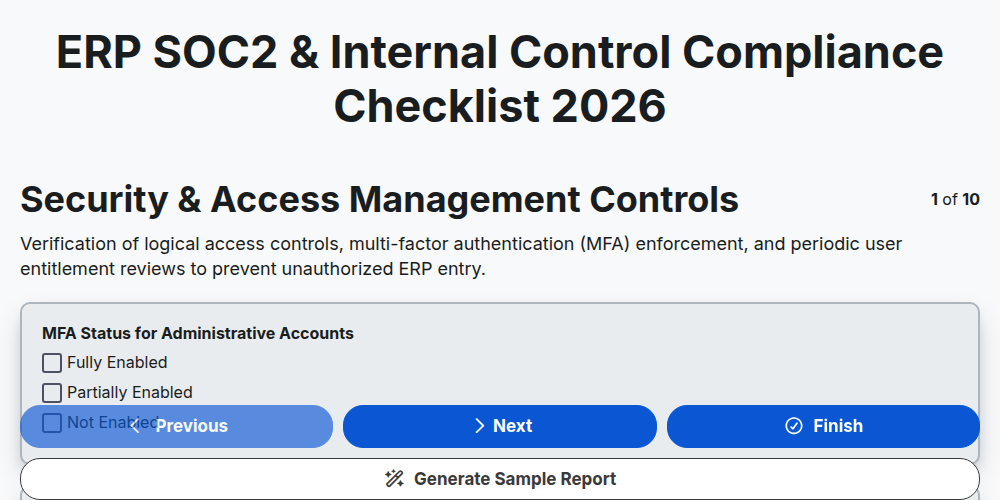
ERP SOC2 & Internal Control Compliance Checklist 2026
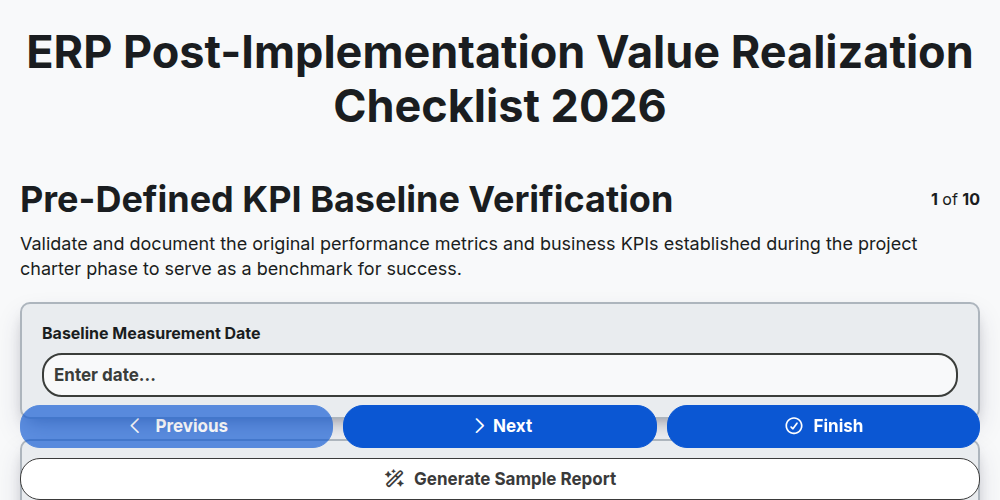
ERP Post-Implementation Value Realization Checklist 2026
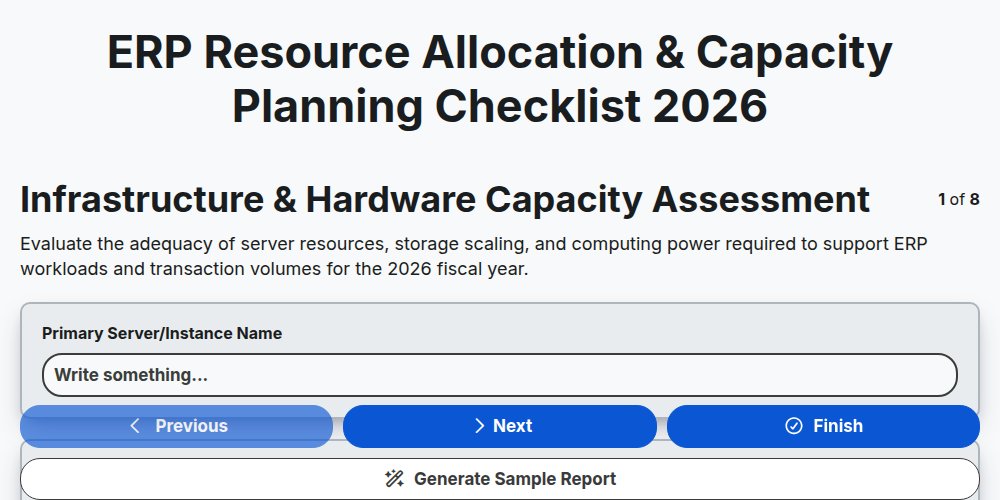
ERP Resource Allocation & Capacity Planning Checklist 2026
Need help with
Enterprise Resource Planning (ERP)?
Have a question? We're here to help. Please submit your inquiry, and we'll respond promptly.