 ChecklistGuro
ERP Vendor Management Checklist
Ensure a smooth and successful ERP vendor relationship! This checklist helps you evaluate, onboard, and manage your ERP vendors effectively, minimizing risk and maximizing value. From contract reviews to performance monitoring, stay on top of your vendor commitments and ensure your ERP system thrives.
This Template was installed 1 times.
Vendor Selection & Onboarding
Steps related to identifying, evaluating, and onboarding ERP vendors.
Define ERP Requirements & Scope
Estimated Budget Allocation
Deployment Model (Cloud, On-Premise, Hybrid)
Key Functional Modules Required
RFP/Vendor Proposal Release Date
Vendor Proposal Documents
Initial Vendor Screening Criteria
Contract Review & Negotiation
Checkpoints for reviewing and negotiating vendor contracts.
Scope of Services Description
Contract Term (Years)
Effective Date
Renewal Date
Pricing Model (e.g., per user, subscription)
Payment Terms & Schedule
Liability Clause Review
Supporting Documentation (e.g., vendor financials)
Service Level Agreement (SLA) Monitoring
Verification of vendor adherence to agreed-upon service levels.
SLA Review Date
Uptime Percentage (Actual)
Resolution Time (Average)
Response Time (Average)
SLA Compliance Status
Comments on SLA Performance
Next Review Date
Performance Reporting & Reviews
Assessment of vendor performance based on key metrics and regular reviews.
System Uptime Percentage (Last Month)
Average Response Time (Key Transactions)
Error Rate (Last Reporting Period)
Summary of Key Performance Metrics
Overall Vendor Performance Rating
Date of Last Performance Review Meeting
Summary of Action Items from Last Review
Supporting Documentation (e.g., Performance Reports)
Relationship Management & Communication
Ensuring effective communication and a strong working relationship with the vendor.
Frequency of Scheduled Meetings
Preferred Communication Channel
Last Relationship Review Date
Summary of Recent Communication & Issues
Overall Relationship Satisfaction (1-5)
Notes on Key Contact Person
Security & Compliance Alignment
Confirming the vendor's security practices and compliance with relevant regulations.
Vendor's Security Framework Certification (e.g., ISO 27001, SOC 2)
Summary of Vendor's Security Policies
Data Encryption at Rest
Data Encryption in Transit
Number of Security Audits Performed Annually by Vendor
Vendor's Latest Security Audit Report
Compliance with Industry-Specific Regulations (e.g., HIPAA, GDPR)
Financial Risk Assessment
Evaluating the vendor's financial stability and potential risks.
Vendor's Annual Revenue
Vendor's Debt-to-Equity Ratio
Vendor's Credit Score (if available)
Vendor's Financial Stability Rating (e.g., Standard & Poor's, Moody's)
Date of Last Financial Audit
Summary of Key Financial Risks Identified
Insurance Coverage Adequacy
Exit Strategy & Transition Planning
Preparing for potential vendor transitions or terminations.
Planned Exit Date (if applicable)
Reasons for Vendor Transition/Termination
Transition Type
Data Migration Strategy & Responsibilities
Data Backup and Archival Plan (uploaded documents)
Number of Users Impacted
Communication Plan for End Users
Transition Responsibility (Internal Team or External Consultant)
Audit & Compliance Verification
Validating vendor adherence to auditing and compliance requirements.
Last Audit Date
Audit Type
Audit Score (0-100)
Audit Findings Summary
Audit Report Document
Regulatory Framework Compliance
Details of any Non-Compliances & Remediation Plans
Innovation & Future Readiness
Evaluating the vendor's commitment to innovation and their ability to support future ERP needs.
R&D Investment Percentage
Vendor's Roadmap for Next 3-5 Years
Vendor's Commitment to Emerging Technologies (AI, ML, Cloud)
Which Emerging Technologies are Prioritized by the Vendor?
Date of Last Innovation Review with Vendor
Summary of Vendor's Innovation Strategy
Frequently Asked Questions
Can I customize this template after installing it?
Absolutely. Once installed, you can add, remove, or reorder tasks, add custom fields, and adjust deadlines to fit your specific workflow.
Can I add images or photos to these checklist items?
Yes. Our platform allows you to attach photos, signatures, and notes to any checklist item for better verification and proof of completion.
Can I create a custom checklist from scratch instead of using a template?
Yes. You can use our "Create your own checklist" feature to build a unique workflow tailored exactly to your operational requirements.
Can I add dependencies between tasks?
Yes, you can set up conditional logic and dependencies to ensure your team follows the correct sequence of operations.
Can I assign specific checklist items to different team members?
Yes. You can assign individual tasks to specific employees, ensuring clear accountability across your entire team.
Can I use these checklists on mobile devices in the field?
Yes. Our platform is fully responsive, allowing your team to complete, update, and upload photos to checklists directly from any smartphone or tablet.
How do I notify my manager when a checklist is completed?
You can set up automated notifications (via email, push notification, or in-app alerts) to trigger whenever a checklist is finished or if an item fails inspection.
Can multiple people work on the same checklist simultaneously?
Yes, the platform supports real-time updates, allowing multiple users to contribute to a single live checklist.
Where is the data from completed checklists stored?
All completed checklists are stored securely in your Work OS dashboard, creating a permanent, searchable audit trail of your operations.
Can I generate reports based on my checklist results?
Yes. You can track completion rates, identify recurring issues, and monitor team performance through our integrated reporting and analytics tools.
How can I use these checklists for compliance or auditing purposes?
Because our checklists capture timestamps, photos, and digital signatures, they serve as a robust digital paper trail for regulatory compliance and internal audits.
Can I export my completed checklist data for use in other tools?
Yes. You can export your data in various formats (CSV, Excel, etc.) to integrate your operational insights with your other business software.
Comments
There are no comments yet. Be the first to add one!
ERP - Enterprise Resource Planning Solution Demo
Overwhelmed by disconnected systems? ChecklistGuro provides a centralized ERP solution, connecting your business processes - finance, operations, & more - for improved visibility and control. Simplify operations & boost efficiency.
Related Checklist Templates
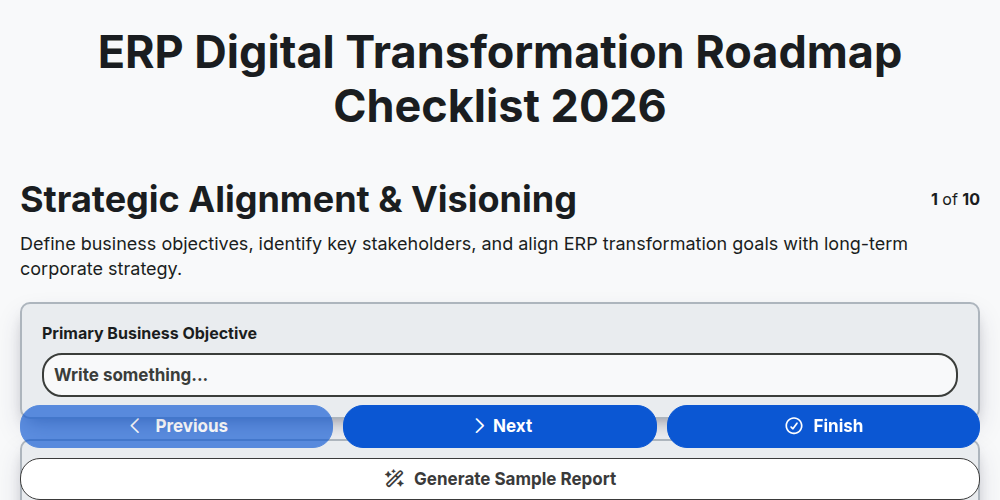
ERP Digital Transformation Roadmap Checklist 2026
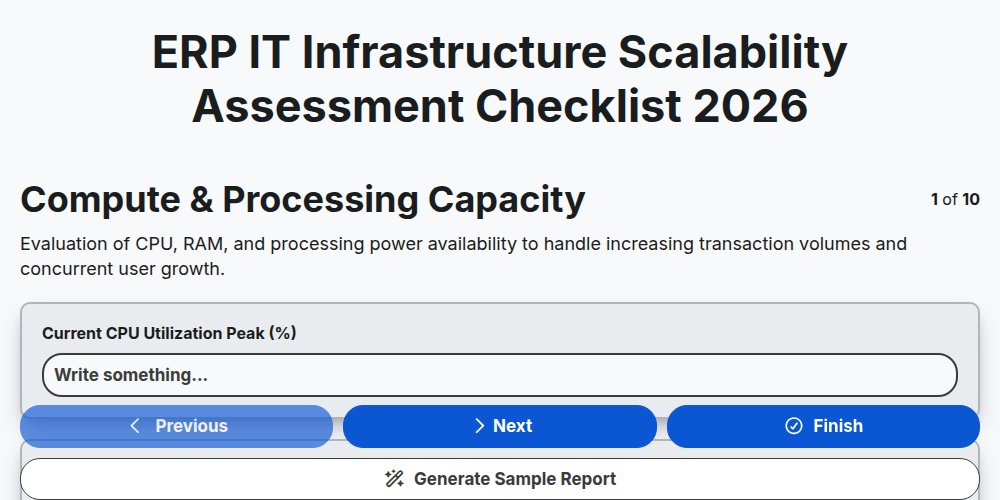
ERP IT Infrastructure Scalability Assessment Checklist 2026
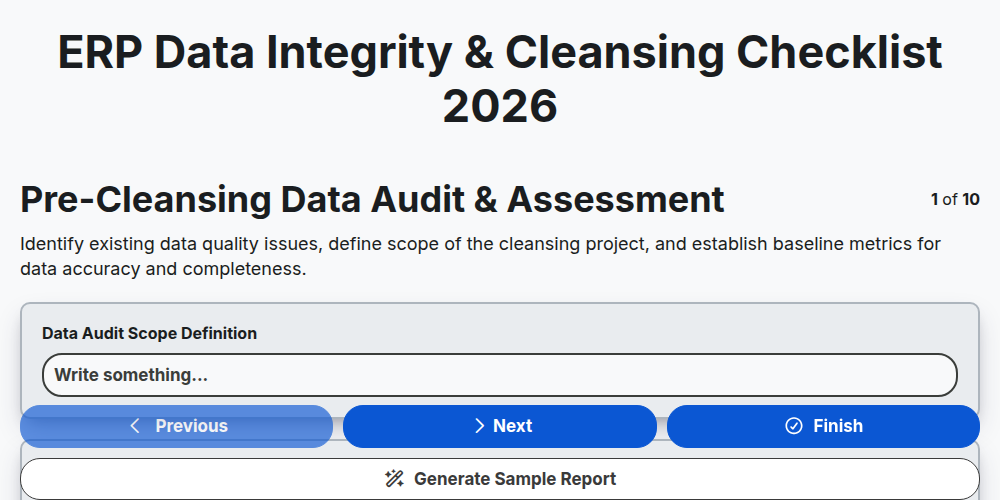
ERP Data Integrity & Cleansing Checklist 2026
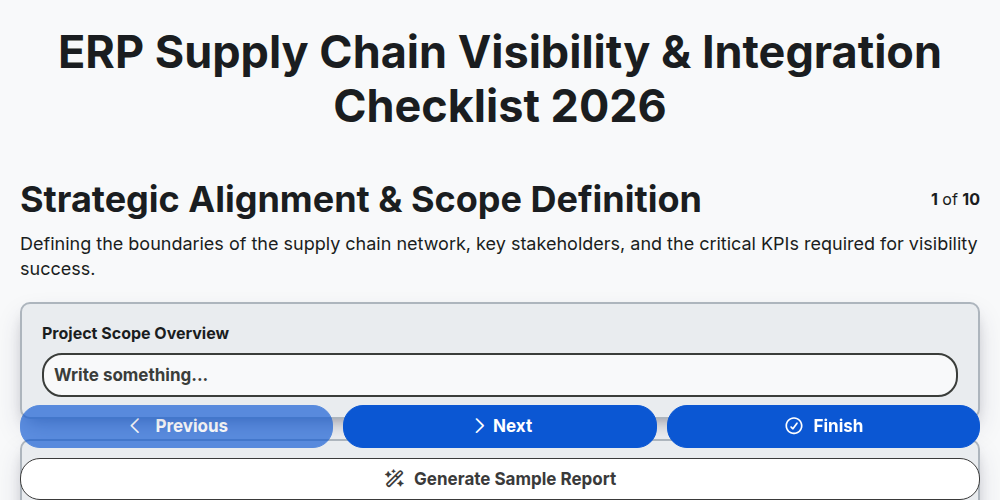
ERP Supply Chain Visibility & Integration Checklist 2026
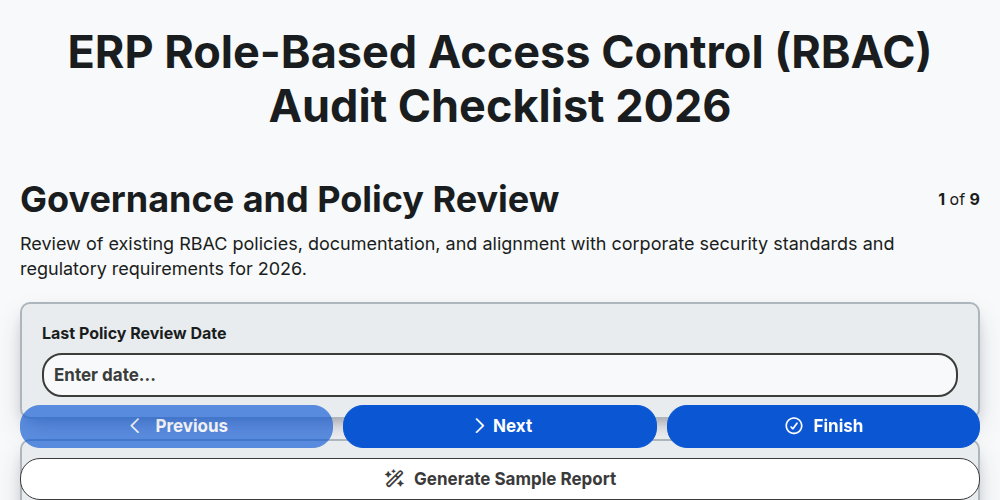
ERP Role-Based Access Control (RBAC) Audit Checklist 2026
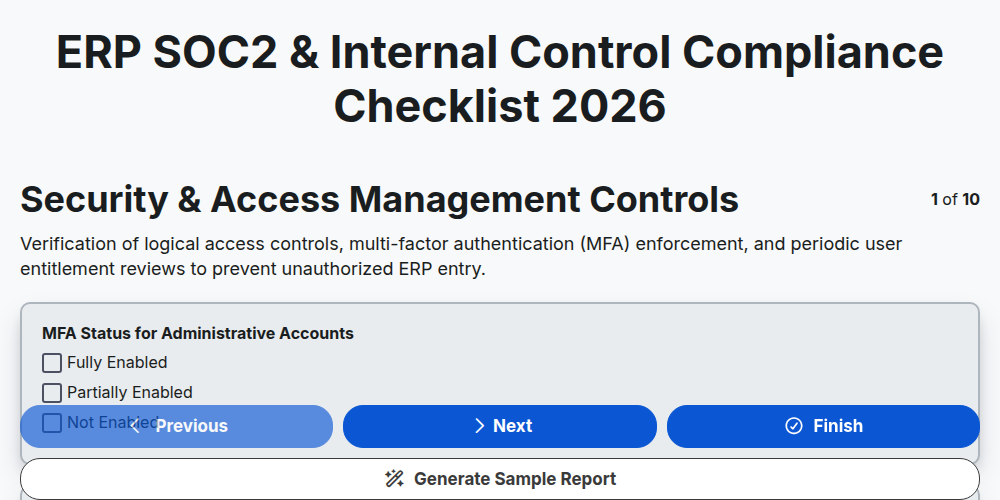
ERP SOC2 & Internal Control Compliance Checklist 2026
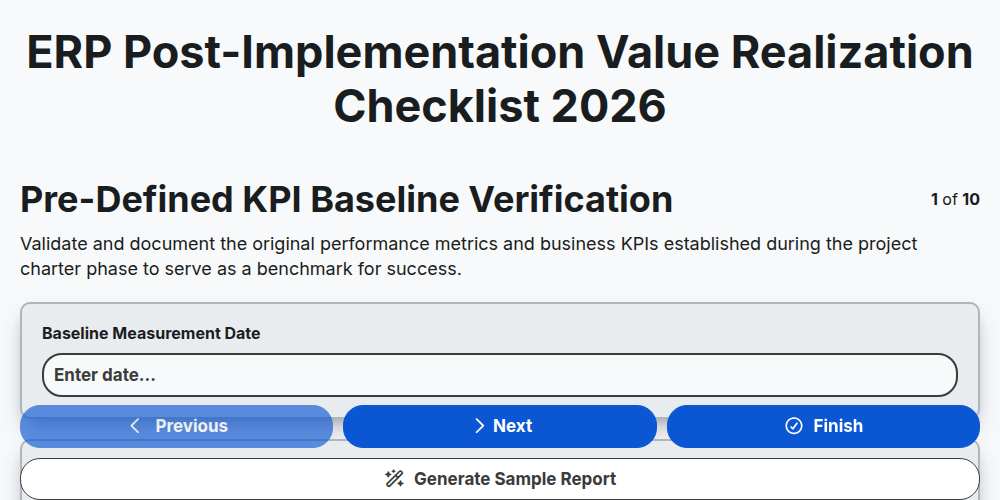
ERP Post-Implementation Value Realization Checklist 2026
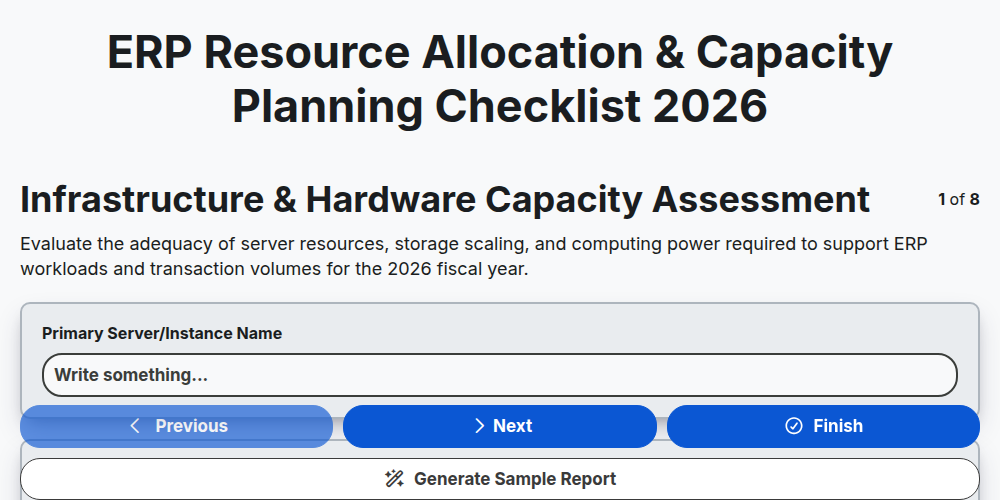
ERP Resource Allocation & Capacity Planning Checklist 2026
Need help with
Enterprise Resource Planning (ERP)?
Have a question? We're here to help. Please submit your inquiry, and we'll respond promptly.