 ChecklistGuro
 Farm Record Keeping and Documentation Checklist
Maintain meticulous farm records effortlessly. Our Farm Record Keeping and Documentation Checklist ensures compliance, simplifies audits, and maximizes efficiency - from planting to harvest and beyond. Simplify your farm management today!
This Template was installed 4 times.
Crop Records
Details about planted crops, yields, inputs, and management practices.
Planting Date
Seeds/Seedlings Planted per Acre
Fertilizer Application Rate (lbs/acre)
Pest/Disease Observation Date
Pest/Disease Notes & Treatment Details
Yield (bushels/acre)
Crop Variety
Field Photos (Pre/Post)
Livestock Records
Information on animal health, breeding, feeding, and movement.
Animal ID
Date of Birth
Breed
Notes on Health or Behavior
Date of Last Vaccination
Weight (lbs)
Status
Financial Records
Tracking income, expenses, loans, and investments related to the farm.
Gross Income (Sales)
Cost of Goods Sold (COGS)
Operating Expenses
Loan Payments
Interest Paid
Transaction Date
Description of Transaction
Net Profit/Loss
Equipment Maintenance Logs
Records of equipment repairs, servicing, and inspections.
Maintenance Date
Equipment Name/ID
Operating Hours/Mileage
Description of Maintenance Performed
Parts Cost
Maintenance Type
Attach Photo/Document
Mechanic Signature
Input Inventory & Usage
Tracking purchases, storage, and application of fertilizers, pesticides, and herbicides.
Quantity of Fertilizer A (lbs)
Quantity of Herbicide B (gallons)
Quantity of Pesticide C (ounces)
Date of Input Purchase
Lot Number
Supplier
Application Rate (lbs/acre)
Date of Application
Labor Records
Documentation of employee hours, wages, and training.
Employee Hours Worked
Hourly Wage
Gross Pay
Deductions (Taxes, Insurance)
Net Pay
Date of Payment
Employee Role
Notes/Comments (e.g., Overtime, Training)
Sales & Marketing Records
Tracking sales channels, pricing, and customer data.
Number of Sales
Total Revenue from Sales
Sales Channel
Customer Feedback / Comments
Date of Sale/Marketing Campaign
Marketing Activities Used
Number of Website Visits
Regulatory Compliance
Records related to permits, inspections, and adherence to environmental regulations.
Last Environmental Inspection Date
Compliance Status (e.g., Compliant, Minor Issues, Major Concerns)
Summary of Inspection Findings
Copy of Inspection Report
Permit Number (e.g., Water Usage Permit)
Applicable Regulations (Select all that apply)
Expiration Date of Key Permits
Weather Data
Recording rainfall, temperature, and other relevant weather conditions.
Date of Observation
Time of Observation
Daily Maximum Temperature (°C)
Daily Minimum Temperature (°C)
Total Rainfall (mm)
Average Humidity (%)
Wind Conditions
Additional Notes/Observations
Insurance & Legal Documents
Maintaining copies of insurance policies, contracts, and legal agreements.
Insurance Policy Documents
Policy Expiration Date
Policy Coverage Amount
Summary of Key Policy Terms
Lease Agreements (if applicable)
Lease Agreement Start Date
Lease Agreement End Date
Contractor Agreements
Frequently Asked Questions
Can I customize this template after installing it?
Absolutely. Once installed, you can add, remove, or reorder tasks, add custom fields, and adjust deadlines to fit your specific workflow.
Can I add images or photos to these checklist items?
Yes. Our platform allows you to attach photos, signatures, and notes to any checklist item for better verification and proof of completion.
Can I create a custom checklist from scratch instead of using a template?
Yes. You can use our "Create your own checklist" feature to build a unique workflow tailored exactly to your operational requirements.
Can I add dependencies between tasks?
Yes, you can set up conditional logic and dependencies to ensure your team follows the correct sequence of operations.
Can I assign specific checklist items to different team members?
Yes. You can assign individual tasks to specific employees, ensuring clear accountability across your entire team.
Can I use these checklists on mobile devices in the field?
Yes. Our platform is fully responsive, allowing your team to complete, update, and upload photos to checklists directly from any smartphone or tablet.
How do I notify my manager when a checklist is completed?
You can set up automated notifications (via email, push notification, or in-app alerts) to trigger whenever a checklist is finished or if an item fails inspection.
Can multiple people work on the same checklist simultaneously?
Yes, the platform supports real-time updates, allowing multiple users to contribute to a single live checklist.
Where is the data from completed checklists stored?
All completed checklists are stored securely in your Work OS dashboard, creating a permanent, searchable audit trail of your operations.
Can I generate reports based on my checklist results?
Yes. You can track completion rates, identify recurring issues, and monitor team performance through our integrated reporting and analytics tools.
How can I use these checklists for compliance or auditing purposes?
Because our checklists capture timestamps, photos, and digital signatures, they serve as a robust digital paper trail for regulatory compliance and internal audits.
Can I export my completed checklist data for use in other tools?
Yes. You can export your data in various formats (CSV, Excel, etc.) to integrate your operational insights with your other business software.
Comments
There are no comments yet. Be the first to add one!
Farm Management Solution Demo
Grow your farm smarter & more efficiently! ChecklistGuro streamlines crop planning, task management, & resource tracking. Maximize yields, reduce waste, & improve profitability. Manage it all with our Work OS.
Related Checklist Templates
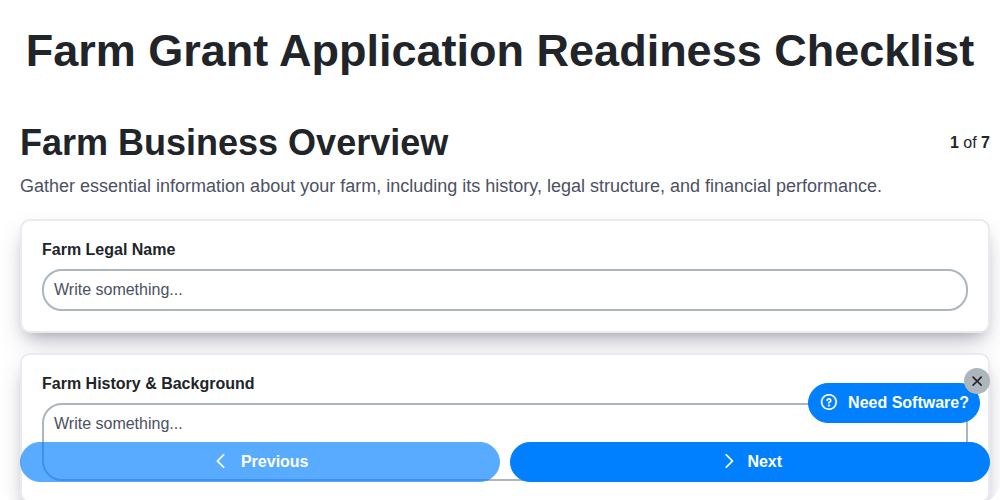
Farm Grant Application Readiness Checklist
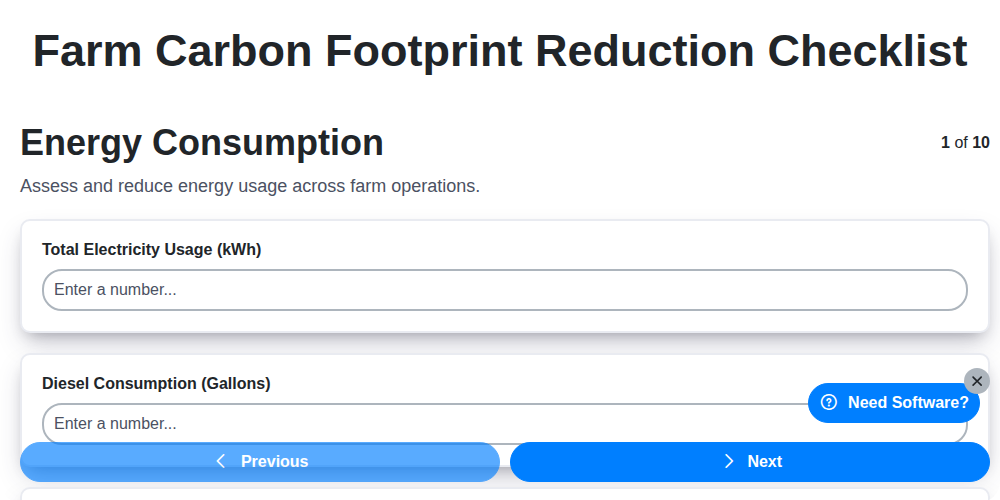
Farm Carbon Footprint Reduction Checklist
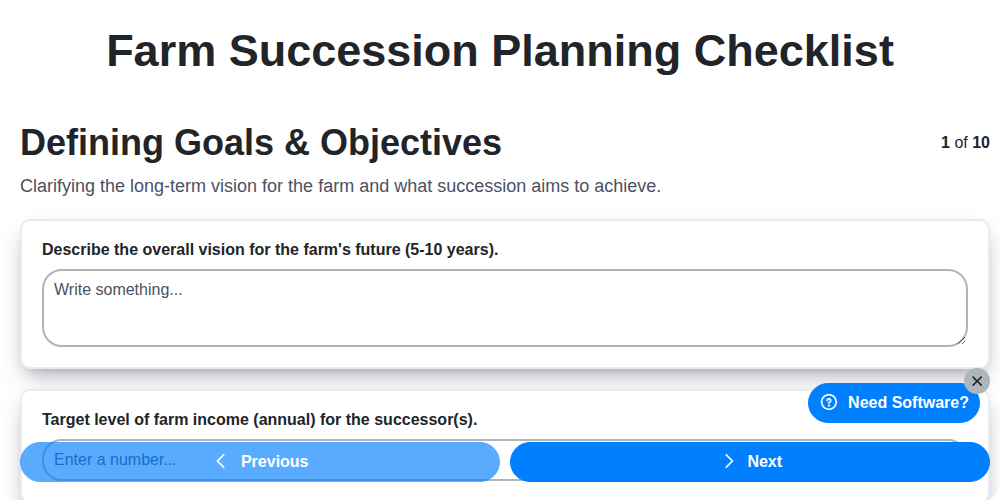
Farm Succession Planning Checklist
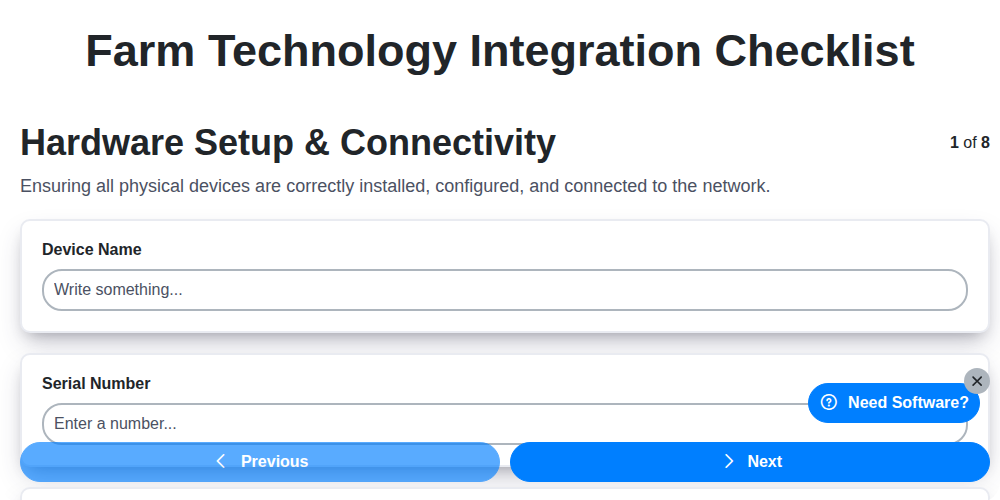
Farm Technology Integration Checklist
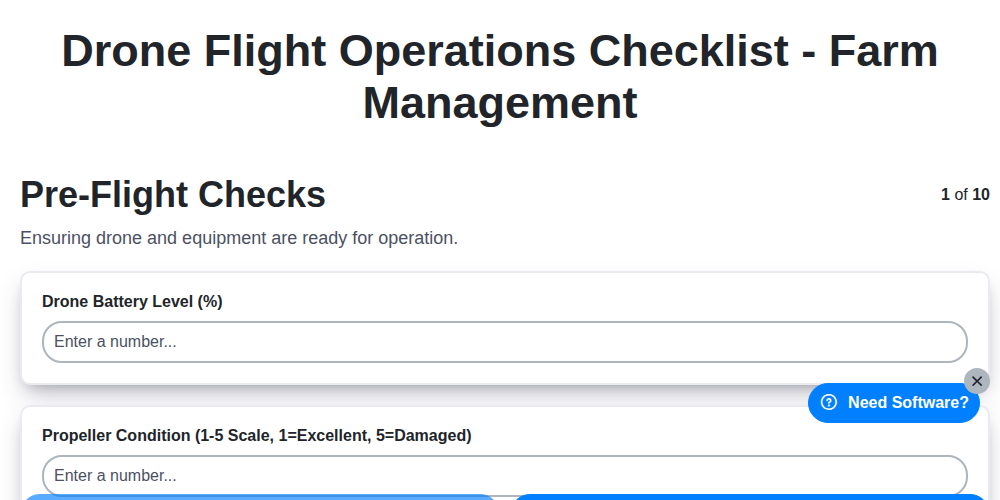
Drone Flight Operations Checklist - Farm Management
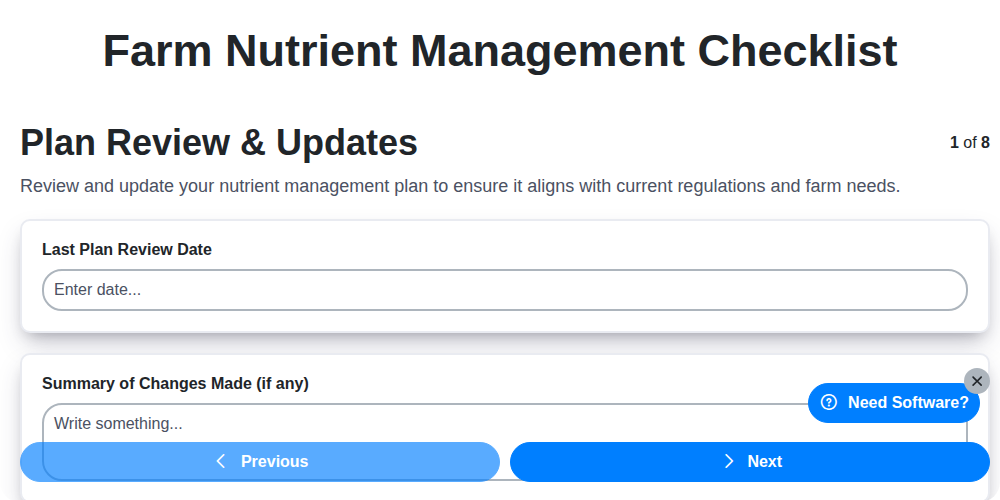
Farm Nutrient Management Checklist
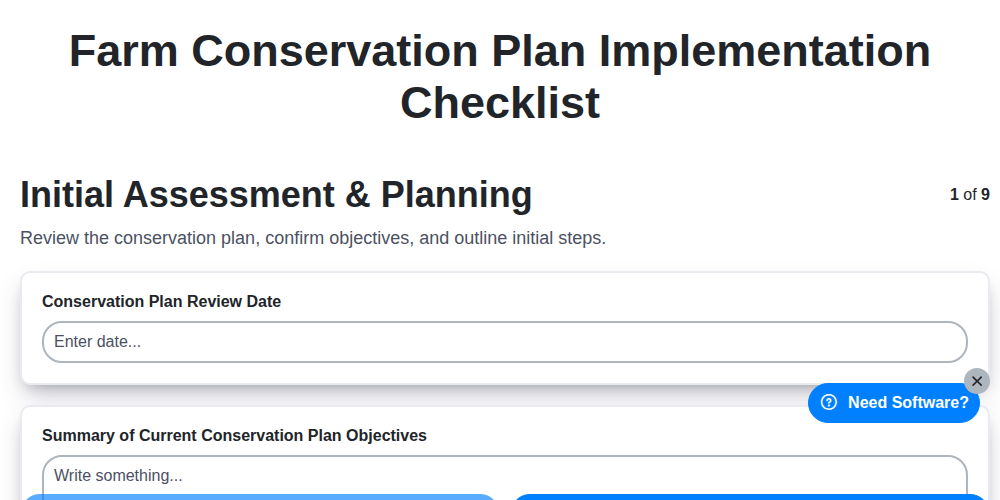
Farm Conservation Plan Implementation Checklist
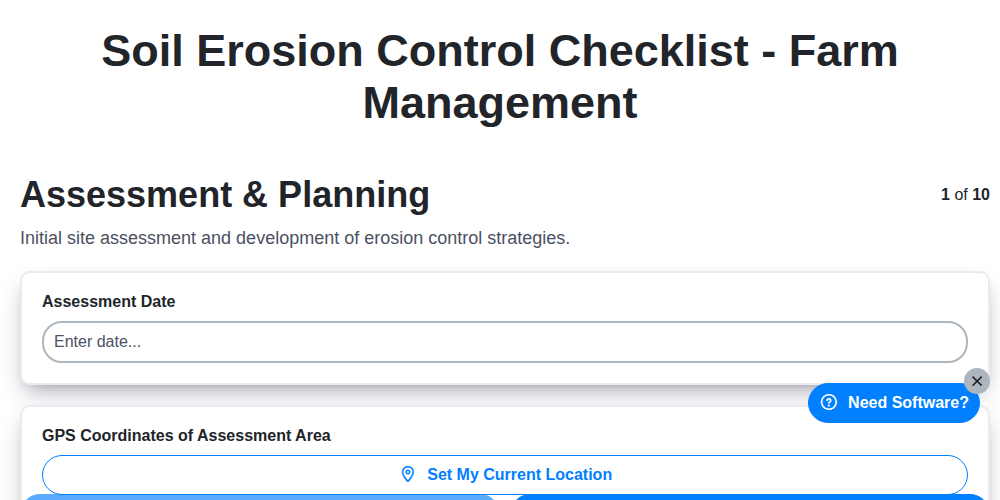
Soil Erosion Control Checklist - Farm Management
Need help with
Farm Management?
Have a question? We're here to help. Please submit your inquiry, and we'll respond promptly.