 ChecklistGuro
 Healthcare Billing & Coding Compliance Checklist
Avoid claim denials & maximize revenue! Our Healthcare Billing & Coding Compliance Checklist ensures accuracy, minimizes risk, and keeps your practice audit-ready. Download now for streamlined processes and peace of mind.
This Template was installed 1 times.
Patient Demographics & Insurance Verification
Ensuring accurate patient information and insurance coverage before services are rendered.
Patient First Name
Patient Last Name
Patient Date of Birth
Patient Phone Number
Insurance Primary?
Insurance Provider Name
Insurance Member ID
Insurance Group Number
Procedure & Diagnosis Coding (ICD-10)
Verification of correct diagnosis codes based on medical documentation.
ICD-10 Code Primary Diagnosis
ICD-10 Code Secondary Diagnosis (if applicable)
Supporting Documentation Notes (e.g., physician documentation, lab results)
Number of Diagnoses Documented
Date of Diagnosis Documentation
Physician Signature (Verify)
Procedure Coding (CPT/HCPCS)
Ensuring proper coding of procedures performed, adhering to guidelines.
CPT/HCPCS Code
Procedure Description (from CPT/HCPCS)
Modifier Applied (if applicable)
Modifier Description (if 'Other' selected)
Units of Service
Service Date
Procedure Identifiers (e.g., Modality, Approach)
Modifier Application
Accurate use of modifiers to reflect specific circumstances of the service.
Modifier Applied (if any)
Modifier Justification (if applicable)
Modifier Percentage Adjustment (if applicable)
Applicable Billing Policy Adherence
Date of Modifier Review
Charge Entry and Documentation
Properly entering charges and verifying supporting documentation.
Total Charges Entered
Detailed Description of Services Rendered (for clarity)
Units of Service Billed
Date of Service
Biller Signature (Confirmation of Accuracy)
Charge Entry Method (Manual/Automated)
Claim Submission & Electronic Data Interchange (EDI)
Verification of claim format and adherence to EDI standards.
Claim Control Number
Transmission Method (e.g., Direct, Clearinghouse)
Number of Claims Submitted
Submission Date
EDI Format Version (e.g., 837 Professional)
Functional Acknowledgement (FA) Status Codes
Denial Management & Appeals
Tracking and addressing claim denials with appropriate appeals.
Date of Denial Received
Denial Code (from payer)
Payer's Reason for Denial (copy from denial letter)
Assigned to Appeals Reviewer
Appeal Submission Date
Documentation Submitted with Appeal (description)
Appeal Status
Notes/Comments on Appeal Outcome
Auditing & Compliance Reviews
Regular audits to ensure ongoing compliance with billing and coding regulations.
Audit Start Date
Audit End Date
Number of Claims Reviewed
Number of Coding Errors Found
Coding Guideline Areas Reviewed
Summary of Audit Findings
Auditor Signature
Overall Compliance Rating
Fraud and Abuse Prevention
Identifying and preventing fraudulent billing practices.
Describe any recent unusual billing patterns observed.
Has any employee been identified for potential training on fraud prevention?
Number of referrals received from a single referring physician in the last month:
Which of the following are potential red flags for fraud? (Select all that apply)
Date of last fraud risk assessment review
Reviewer Signature confirming fraud prevention protocols are in place
Staying Updated on Regulatory Changes
Maintaining awareness of current coding guidelines and regulatory updates.
Last Regulatory Update Review Date
Summary of Key Regulatory Changes
Source of Regulatory Information (e.g., CMS, AAPC, AHIMA)
Number of Continuing Education Credits Completed (Regulatory Updates)
Next Scheduled Regulatory Training Date
Frequently Asked Questions
Can I customize this template after installing it?
Absolutely. Once installed, you can add, remove, or reorder tasks, add custom fields, and adjust deadlines to fit your specific workflow.
Can I add images or photos to these checklist items?
Yes. Our platform allows you to attach photos, signatures, and notes to any checklist item for better verification and proof of completion.
Can I create a custom checklist from scratch instead of using a template?
Yes. You can use our "Create your own checklist" feature to build a unique workflow tailored exactly to your operational requirements.
Can I add dependencies between tasks?
Yes, you can set up conditional logic and dependencies to ensure your team follows the correct sequence of operations.
Can I assign specific checklist items to different team members?
Yes. You can assign individual tasks to specific employees, ensuring clear accountability across your entire team.
Can I use these checklists on mobile devices in the field?
Yes. Our platform is fully responsive, allowing your team to complete, update, and upload photos to checklists directly from any smartphone or tablet.
How do I notify my manager when a checklist is completed?
You can set up automated notifications (via email, push notification, or in-app alerts) to trigger whenever a checklist is finished or if an item fails inspection.
Can multiple people work on the same checklist simultaneously?
Yes, the platform supports real-time updates, allowing multiple users to contribute to a single live checklist.
Where is the data from completed checklists stored?
All completed checklists are stored securely in your Work OS dashboard, creating a permanent, searchable audit trail of your operations.
Can I generate reports based on my checklist results?
Yes. You can track completion rates, identify recurring issues, and monitor team performance through our integrated reporting and analytics tools.
How can I use these checklists for compliance or auditing purposes?
Because our checklists capture timestamps, photos, and digital signatures, they serve as a robust digital paper trail for regulatory compliance and internal audits.
Can I export my completed checklist data for use in other tools?
Yes. You can export your data in various formats (CSV, Excel, etc.) to integrate your operational insights with your other business software.
Comments
There are no comments yet. Be the first to add one!
Healthcare Management Solution Demo
Streamlining healthcare operations and improving patient care? ChecklistGuro's Work OS platform simplifies everything from patient scheduling and billing to compliance and staff management. Enhance efficiency, reduce administrative burden, and focus on what matters most: your patients. Learn how ChecklistGuro can transform your healthcare organization!
Related Checklist Templates
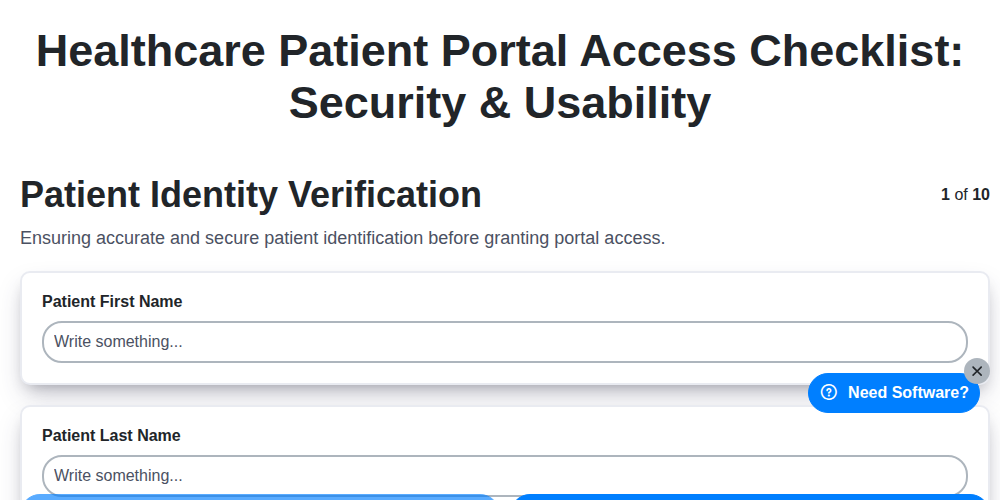
Healthcare Patient Portal Access Checklist: Security & Usability
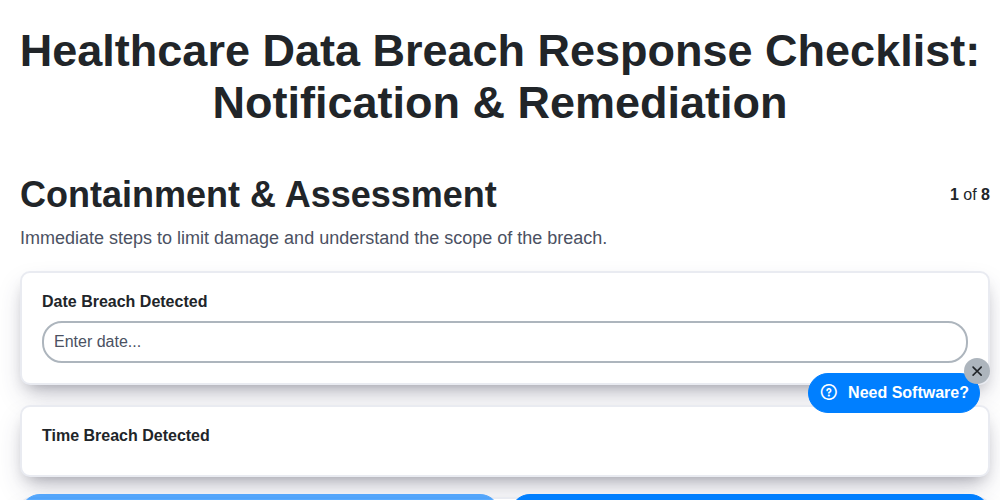
Healthcare Data Breach Response Checklist: Notification & Remediation
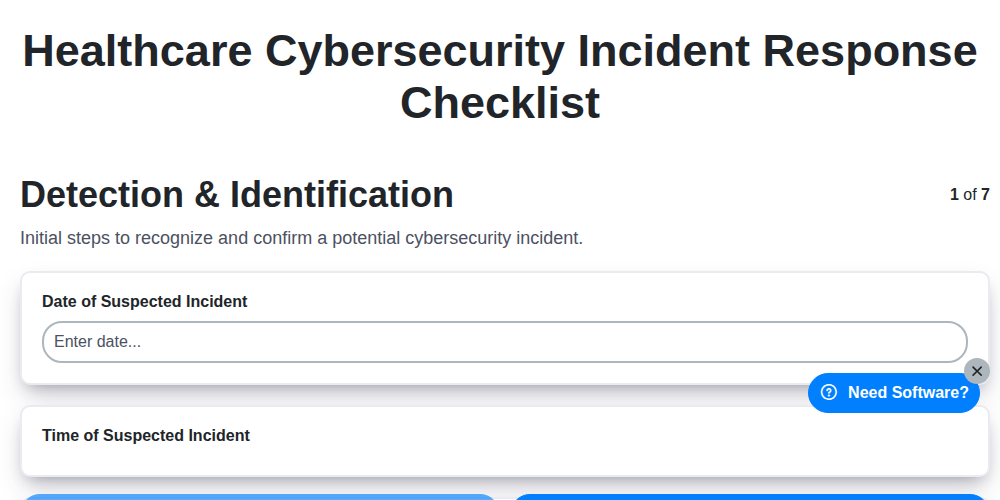
Healthcare Cybersecurity Incident Response Checklist

Healthcare IT Security Checklist: Data Protection & Access Control
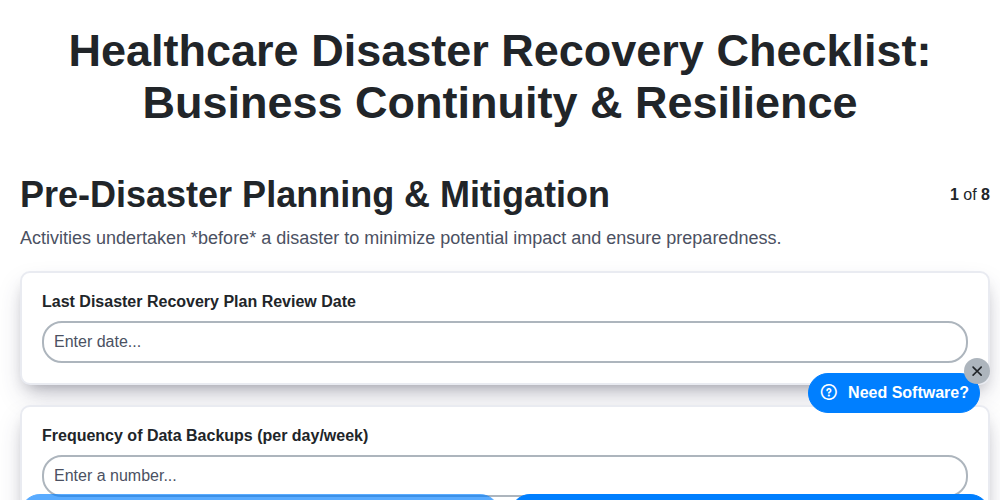
Healthcare Disaster Recovery Checklist: Business Continuity & Resilience
Healthcare Audit Preparation Checklist: Readiness & Documentation
Healthcare Business Associate Agreement Checklist: HIPAA Compliance
Healthcare Vendor Management Checklist: Risk & Compliance
Need help with
Healthcare?
Have a question? We're here to help. Please submit your inquiry, and we'll respond promptly.