 ChecklistGuro
 Healthcare Operations Checklist: Compliance & Efficiency
Streamline your healthcare facility with our comprehensive Operations Checklist! Ensure regulatory compliance, boost efficiency, and optimize patient care - all in one easy-to-use template. Perfect for hospitals, clinics, and medical practices seeking to improve operational workflows and minimize risk. Download now and elevate your healthcare management.
This Template was installed 2 times.
Patient Access & Scheduling
Ensuring efficient and compliant patient intake, scheduling, and registration processes.
Average Wait Time (Minutes)
Appointment Scheduling Method
Last Patient Satisfaction Survey Date
Summary of Recent Patient Access Issues
Patient Identification Verification Method
No-Show Rate (%)
Communication Methods Used for Appointment Reminders
Patient Registration Form Version Number
Clinical Workflow Optimization
Reviewing and streamlining clinical workflows to improve efficiency and patient care.
Average Patient Wait Time (Minutes)
Standardized Order Sets Utilization?
Describe Current Patient Throughput Process
Which Workflow Areas Have Been Optimized Recently?
Date of Last Workflow Review
EHR Integration Efficiency?
Document any identified bottlenecks or inefficiencies
Regulatory Compliance (HIPAA, etc.)
Verifying adherence to relevant healthcare regulations and data privacy protocols.
HIPAA Security Rule Assessment Completion Date
Business Associate Agreements (BAAs) in Place?
Last HIPAA Privacy Rule Training Completion Date
Number of Reported HIPAA Breaches (Past Year)
Summary of Recent Privacy & Security Audits (Findings & Actions)
Patient Rights Training Completion Status
Copy of Most Recent HIPAA Risk Assessment
Revenue Cycle Management
Monitoring and optimizing billing, coding, and claims submission processes.
Clean Claim Rate (%)
Days in Accounts Receivable (A/R)
Coding Accuracy Review Frequency
Last Claims Submission Audit Date
Summary of Recent Denial Trends & Analysis
Patient Billing Statements - Format Compliance
Percentage of Claims Submitted Electronically
Facility Management & Safety
Addressing safety, maintenance, and operational aspects of the healthcare facility.
Last Fire Safety Inspection Date
Fire Extinguisher Inspection Count
Emergency Lighting Functionality
Observations Regarding Building Security
Copy of Recent HVAC Maintenance Report
Number of Safety Hazards Identified
Date of Last Chemical Inventory Audit
Supply Chain Management
Managing inventory, procurement, and distribution of medical supplies and equipment.
Inventory Levels of Critical Supplies (e.g., PPE)
Last Supply Chain Audit Date
Supplier Performance Rating (High/Medium/Low)
Which departments are experiencing supply shortages?
Notes on recent supply chain disruptions or issues
Supplier Contracts (Most Recent)
Number of Suppliers Currently Used
IT & Data Security
Checking the security and reliability of healthcare IT systems and data storage.
Last Firewall Rule Review Date
Antivirus Software Last Updated
Encryption Status (Data at Rest)
Security Awareness Training Topics Covered (Last 12 Months)
Backup and Disaster Recovery Plan Document
Remote Access VPN Status
Number of Security Incidents Reported (Last Quarter)
Staff Training & Competency
Validating staff training records and adherence to competency standards.
Employee ID
Job Title
Date of Last Training
Training Program
Training Hours Completed
Upload Training Certificate (Optional)
Training Assessment Score
Notes / Comments (Trainer)
Risk Management & Incident Reporting
Reviewing procedures for identifying, assessing, and mitigating risks and reporting incidents.
Date of Incident/Near Miss
Detailed Description of Incident/Near Miss
Incident Type
Number of Patients Affected (if applicable)
Contributing Factors
Corrective Actions Taken
Date Corrective Actions Implemented
Signature of Reporting Individual
Location of Incident
Quality Assurance & Performance Improvement
Monitoring quality metrics, conducting audits, and implementing improvement initiatives.
Patient Satisfaction Score (Overall)
Readmission Rate (30-day)
Average Wait Time (Appointment)
Audit Type Conducted (e.g., Clinical, Billing, Compliance)
Date of Last Quality Audit
Summary of Audit Findings
Areas for Improvement Identified
Corrective Action Plan Details
Target Completion Date for Corrective Actions
Frequently Asked Questions
Can I customize this template after installing it?
Absolutely. Once installed, you can add, remove, or reorder tasks, add custom fields, and adjust deadlines to fit your specific workflow.
Can I add images or photos to these checklist items?
Yes. Our platform allows you to attach photos, signatures, and notes to any checklist item for better verification and proof of completion.
Can I create a custom checklist from scratch instead of using a template?
Yes. You can use our "Create your own checklist" feature to build a unique workflow tailored exactly to your operational requirements.
Can I add dependencies between tasks?
Yes, you can set up conditional logic and dependencies to ensure your team follows the correct sequence of operations.
Can I assign specific checklist items to different team members?
Yes. You can assign individual tasks to specific employees, ensuring clear accountability across your entire team.
Can I use these checklists on mobile devices in the field?
Yes. Our platform is fully responsive, allowing your team to complete, update, and upload photos to checklists directly from any smartphone or tablet.
How do I notify my manager when a checklist is completed?
You can set up automated notifications (via email, push notification, or in-app alerts) to trigger whenever a checklist is finished or if an item fails inspection.
Can multiple people work on the same checklist simultaneously?
Yes, the platform supports real-time updates, allowing multiple users to contribute to a single live checklist.
Where is the data from completed checklists stored?
All completed checklists are stored securely in your Work OS dashboard, creating a permanent, searchable audit trail of your operations.
Can I generate reports based on my checklist results?
Yes. You can track completion rates, identify recurring issues, and monitor team performance through our integrated reporting and analytics tools.
How can I use these checklists for compliance or auditing purposes?
Because our checklists capture timestamps, photos, and digital signatures, they serve as a robust digital paper trail for regulatory compliance and internal audits.
Can I export my completed checklist data for use in other tools?
Yes. You can export your data in various formats (CSV, Excel, etc.) to integrate your operational insights with your other business software.
Comments
There are no comments yet. Be the first to add one!
Healthcare Management Solution Demo
Streamlining healthcare operations and improving patient care? ChecklistGuro's Work OS platform simplifies everything from patient scheduling and billing to compliance and staff management. Enhance efficiency, reduce administrative burden, and focus on what matters most: your patients. Learn how ChecklistGuro can transform your healthcare organization!
Related Checklist Templates
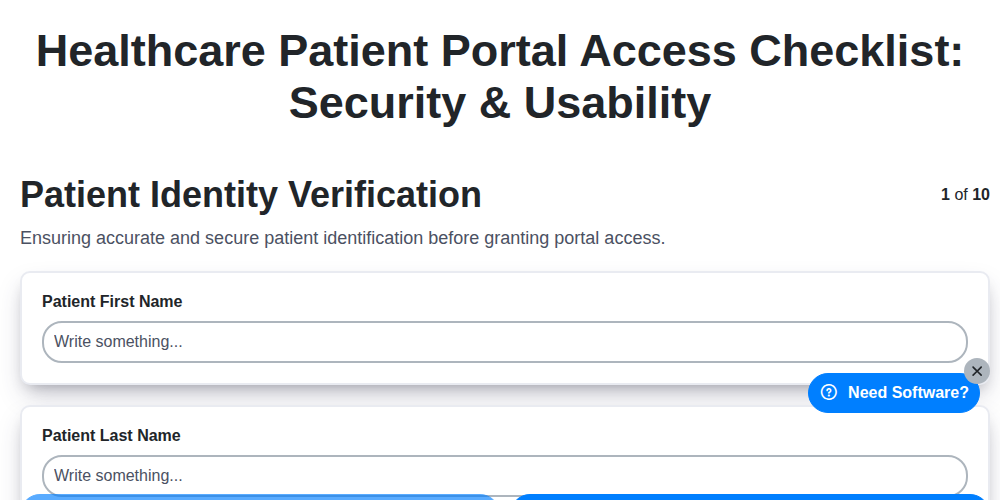
Healthcare Patient Portal Access Checklist: Security & Usability
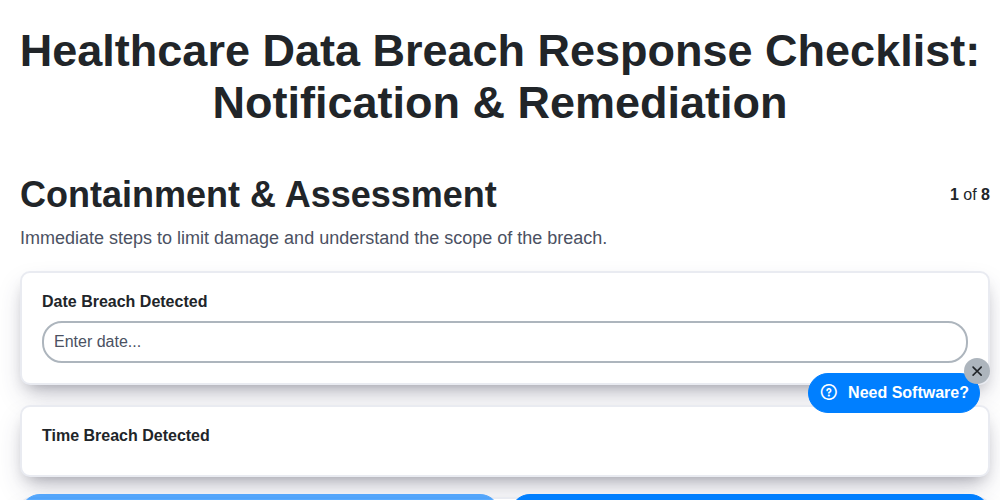
Healthcare Data Breach Response Checklist: Notification & Remediation
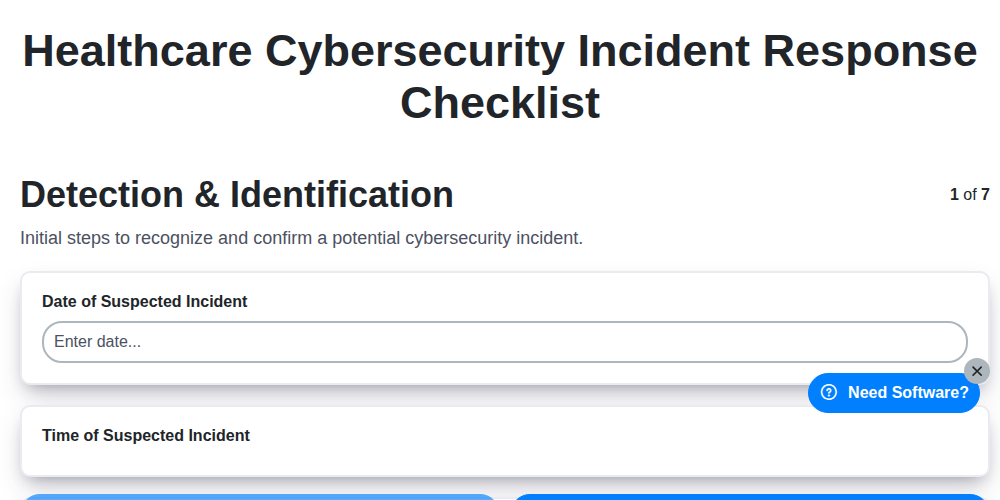
Healthcare Cybersecurity Incident Response Checklist

Healthcare IT Security Checklist: Data Protection & Access Control
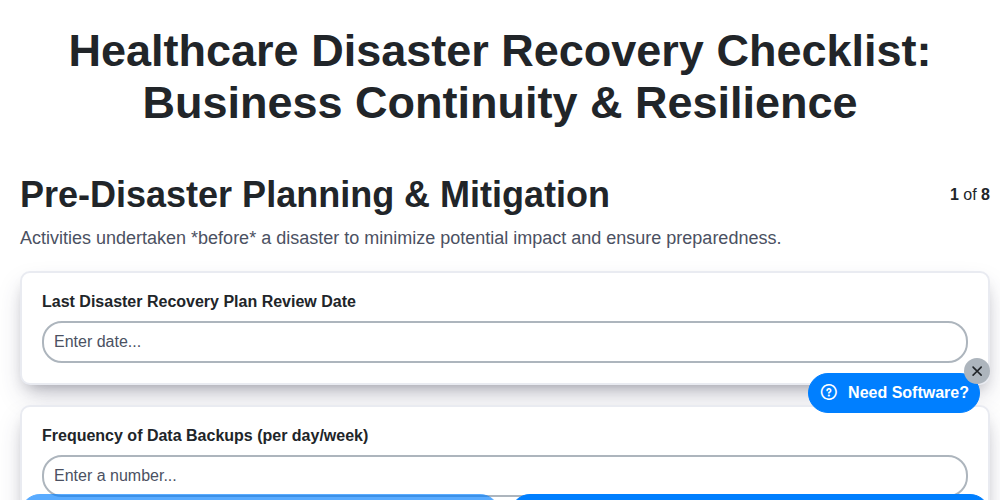
Healthcare Disaster Recovery Checklist: Business Continuity & Resilience
Healthcare Audit Preparation Checklist: Readiness & Documentation
Healthcare Business Associate Agreement Checklist: HIPAA Compliance
Healthcare Vendor Management Checklist: Risk & Compliance
Need help with
Healthcare?
Have a question? We're here to help. Please submit your inquiry, and we'll respond promptly.