 ChecklistGuro
 Complaint Handling Checklist
Master hospitality complaints like a pro! Our Complaint Handling checklist equips hotels, restaurants & tourism businesses with proven strategies to turn negative experiences into loyal customers. Boost your reputation & improve guest satisfaction today!
This Template was installed 4 times.
Initial Contact & Acknowledgement
Focuses on how the complaint is initially received and acknowledged. This includes all channels (phone, email, online, in person).
Channel of Complaint
Date of Initial Contact
Time of Initial Contact
Guest/Customer Name
Brief Summary of Complaint (Initial Understanding)
Reservation/Booking Number (if applicable)
Complaint Status (Initial)
Name of Staff Member Handling Initial Contact
Complaint Recording & Categorization
Details the process for logging the complaint accurately and assigning it to the correct category for analysis and resolution.
Guest Name
Contact Information (Phone/Email)
Date of Incident/Complaint
Time of Incident/Complaint (if applicable)
Category of Complaint (e.g., Room Condition, Service, Food & Beverage, Billing)
Severity Level (Impact on Guest Experience)
Brief Summary of Complaint
Reservation/Booking Number (if applicable)
Property Location (If Multi-Property)
Investigation & Fact-Finding
Covers the steps taken to gather all necessary information to understand the root cause of the complaint.
Complaint Channel (How was the complaint received?)
Guest/Customer Statement (Detailed description of the issue)
Reservation/Booking Number (If applicable)
Date of Incident
Time of Incident (Approximate)
Location of Incident (Specific area within property)
Staff Member Interview Notes (Summarize relevant staff accounts)
Supporting Documentation (Photos, receipts, etc.)
Initial Assessment of Severity
Resolution & Response
Outlines how to determine a fair resolution and communicate it to the guest/customer.
Resolution Type Selected
Resolution Details (if 'Other' selected)
Refund Amount (if applicable)
Response Draft
Communication Channel
Response Sent Date
Notes on Guest Interaction
Follow-Up & Guest Satisfaction
Focuses on ensuring the resolution was effective and the guest/customer is satisfied with the outcome.
Date of Follow-Up
Communication Method for Follow-Up
Summary of Follow-Up Conversation/Interaction
Guest Satisfaction Level
Score (if using a satisfaction survey)
Additional Comments/Notes from Guest (if any)
Resolution Accepted?
Details of any further action required due to follow-up (if applicable)
Analysis & Improvement
Deals with the process of learning from complaints to prevent similar issues from recurring.
Number of Complaints Received This Period
Most Frequent Complaint Categories (Select All That Apply)
Summary of Key Complaint Trends Observed
Root Cause Analysis Methodology Used (e.g., 5 Whys, Fishbone Diagram)
Specific Actions Taken to Address Identified Root Causes
Number of Process Changes Implemented Based on Complaint Analysis
Date of Next Review of Complaint Handling Process
Effectiveness of Training Programs (Related to Complaint Handling)
Frequently Asked Questions
Can I customize this template after installing it?
Absolutely. Once installed, you can add, remove, or reorder tasks, add custom fields, and adjust deadlines to fit your specific workflow.
Can I add images or photos to these checklist items?
Yes. Our platform allows you to attach photos, signatures, and notes to any checklist item for better verification and proof of completion.
Can I create a custom checklist from scratch instead of using a template?
Yes. You can use our "Create your own checklist" feature to build a unique workflow tailored exactly to your operational requirements.
Can I add dependencies between tasks?
Yes, you can set up conditional logic and dependencies to ensure your team follows the correct sequence of operations.
Can I assign specific checklist items to different team members?
Yes. You can assign individual tasks to specific employees, ensuring clear accountability across your entire team.
Can I use these checklists on mobile devices in the field?
Yes. Our platform is fully responsive, allowing your team to complete, update, and upload photos to checklists directly from any smartphone or tablet.
How do I notify my manager when a checklist is completed?
You can set up automated notifications (via email, push notification, or in-app alerts) to trigger whenever a checklist is finished or if an item fails inspection.
Can multiple people work on the same checklist simultaneously?
Yes, the platform supports real-time updates, allowing multiple users to contribute to a single live checklist.
Where is the data from completed checklists stored?
All completed checklists are stored securely in your Work OS dashboard, creating a permanent, searchable audit trail of your operations.
Can I generate reports based on my checklist results?
Yes. You can track completion rates, identify recurring issues, and monitor team performance through our integrated reporting and analytics tools.
How can I use these checklists for compliance or auditing purposes?
Because our checklists capture timestamps, photos, and digital signatures, they serve as a robust digital paper trail for regulatory compliance and internal audits.
Can I export my completed checklist data for use in other tools?
Yes. You can export your data in various formats (CSV, Excel, etc.) to integrate your operational insights with your other business software.
Comments
There are no comments yet. Be the first to add one!
Hospitality Management Solution Demo
Running a hotel, restaurant, or other hospitality business is demanding. ChecklistGuro's Work OS platform simplifies management, from reservations and guest services to inventory and staff scheduling. Improve efficiency, enhance guest experience, and boost profitability! See how ChecklistGuro can transform your hospitality operations.
Related Checklist Templates
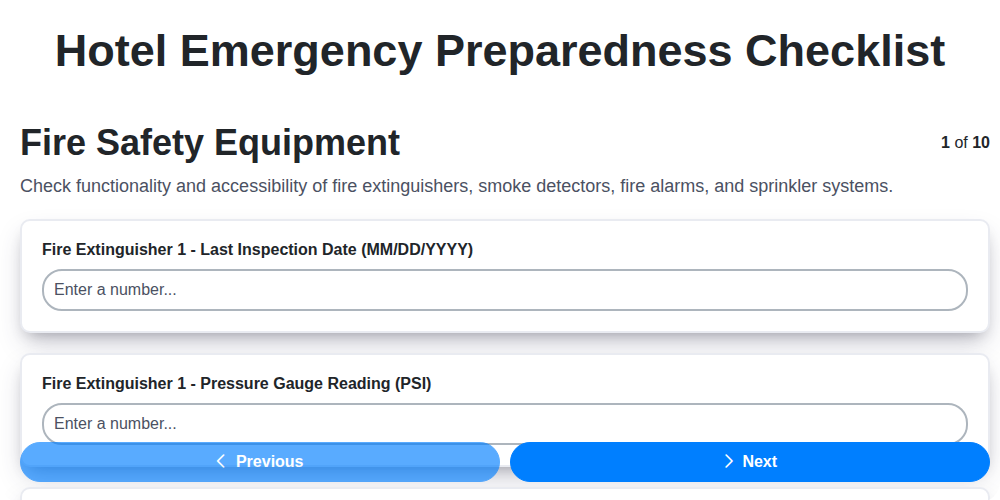
Hotel Emergency Preparedness Checklist
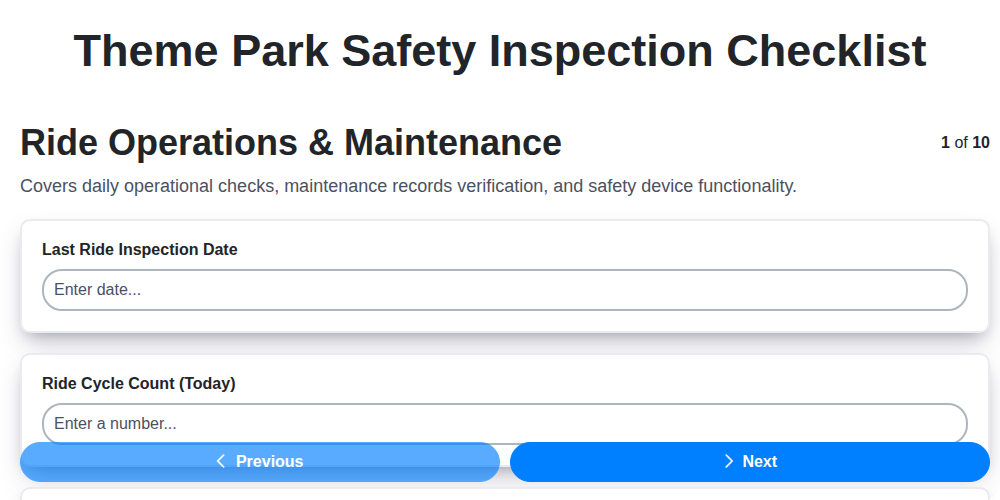
Theme Park Safety Inspection Checklist

Hotel Departure Checklist Template
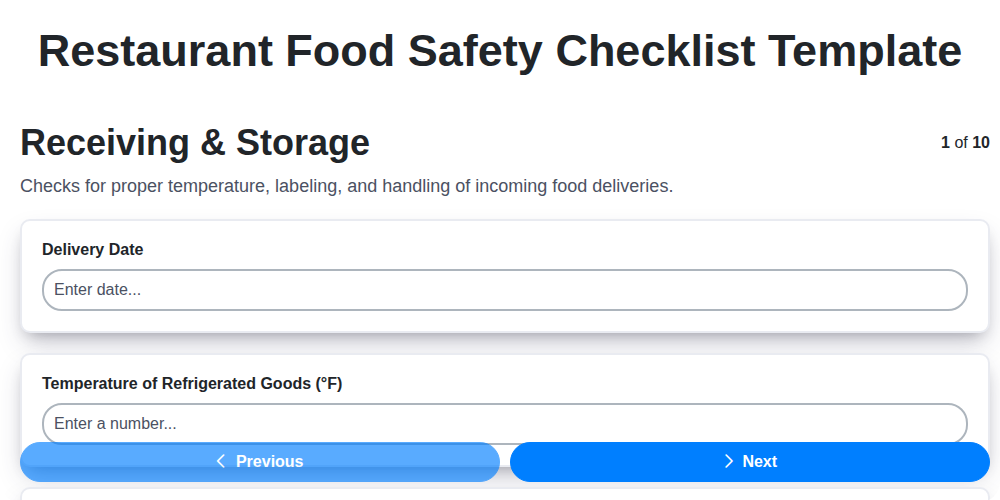
Restaurant Food Safety Checklist Template
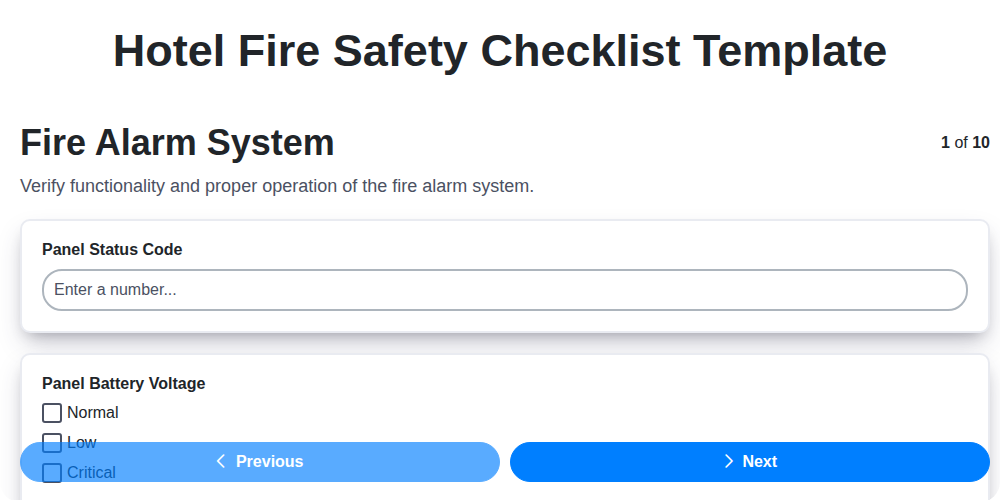
Hotel Fire Safety Checklist Template

Hotel Guest Arrival Checklist Template
Brewery Cleaning and Sanitation Checklist
Cruise Ship Cabin Housekeeping Checklist
We can do it Together
Need help with
Hospitality?
Have a question? We're here to help. Please submit your inquiry, and we'll respond promptly.