 ChecklistGuro
Food Safety Training Certification Checklist
Ensure your hospitality business is compliant & protected! Our Food Safety Training Certification checklist covers essential protocols, employee training, hazard analysis, and more. Download now & ace your next inspection! #FoodSafety #Hospitality #Certification #Training #Compliance
This Template was installed 3 times.
Pre-Training Requirements & Enrollment
Ensuring employees are eligible and properly enrolled in the food safety training program.
Employee Job Role (Relevant to Food Handling)
Employee Start Date
Is Employee New to the Company?
Employee ID Number
Is Training Mandatory?
Any Previous Food Safety Training?
Training Content & Curriculum
Verifying the training program covers essential food safety topics and meets regulatory standards.
Does the training cover Personal Hygiene?
Describe the content on Hazard Analysis and Critical Control Points (HACCP) principles.
Does the training cover Proper Temperature Control?
What is the minimum acceptable score on the training assessment?
Which of the following topics are covered regarding Cross-Contamination Prevention?
Describe the content on pest control procedures.
Does the training address cleaning and sanitizing procedures?
Training Delivery & Attendance
Confirming the training is delivered effectively and that attendance is accurately recorded.
Total Number of Employees Trained
Training Start Date
Training Start Time
Training End Date
Training Delivery Method
Topics Covered (Select All That Apply)
Trainer Qualifications & Credentials (Brief Description)
Attendance Record (PDF/Excel)
Trainer Signature Verification (Electronic or Physical)
Certification Exam & Assessment
Reviewing the exam process and ensuring employees demonstrate sufficient knowledge.
Exam Score Required for Passing
Exam Format (e.g., Written, Online, Practical)
Number of Exam Questions
Description of Exam Content/Topics Covered
Exam Proctoring Method (if applicable)
Exam Completion Date
Employee Score
Exam Result Status (e.g., Pass, Fail, Conditional)
Certification & Record Keeping
Documenting certification and maintaining accurate records for compliance and verification.
Employee Full Name
Employee ID Number
Date of Certification
Certification Body/Provider Name
Copy of Certification Document
Certification Expiration Date (if applicable)
Date Record Created
Notes/Comments (e.g., any specific conditions or accommodations)
Record Status (Active/Expired/Suspended)
Recertification & Updates
Establishing a system for recertification and ensuring employees receive updates on food safety changes.
Original Certification Expiration Date
Recertification Frequency (in months)
Next Recertification Due Date
Recertification Method
Updated Food Safety Topics Covered
Summary of Training Updates Received
Confirmation of Update Understanding
Specific Hospitality Considerations
Addressing food safety practices particularly relevant to the hospitality environment (e.g., buffets, catering, room service).
Buffet Handling Procedures Reviewed?
Which catering services are covered in the training?
Describe procedures for handling potentially hazardous foods in room service (e.g., temperature control, allergen awareness).
Maximum holding time for cooked foods during buffet service (in hours).
Allergen Awareness Training Provided?
Detail specific procedures for managing and labeling allergens in the kitchen.
Date of last review of buffet safety procedures.
Upload any relevant documentation on buffet food safety protocols.
Frequently Asked Questions
Can I customize this template after installing it?
Absolutely. Once installed, you can add, remove, or reorder tasks, add custom fields, and adjust deadlines to fit your specific workflow.
Can I add images or photos to these checklist items?
Yes. Our platform allows you to attach photos, signatures, and notes to any checklist item for better verification and proof of completion.
Can I create a custom checklist from scratch instead of using a template?
Yes. You can use our "Create your own checklist" feature to build a unique workflow tailored exactly to your operational requirements.
Can I add dependencies between tasks?
Yes, you can set up conditional logic and dependencies to ensure your team follows the correct sequence of operations.
Can I assign specific checklist items to different team members?
Yes. You can assign individual tasks to specific employees, ensuring clear accountability across your entire team.
Can I use these checklists on mobile devices in the field?
Yes. Our platform is fully responsive, allowing your team to complete, update, and upload photos to checklists directly from any smartphone or tablet.
How do I notify my manager when a checklist is completed?
You can set up automated notifications (via email, push notification, or in-app alerts) to trigger whenever a checklist is finished or if an item fails inspection.
Can multiple people work on the same checklist simultaneously?
Yes, the platform supports real-time updates, allowing multiple users to contribute to a single live checklist.
Where is the data from completed checklists stored?
All completed checklists are stored securely in your Work OS dashboard, creating a permanent, searchable audit trail of your operations.
Can I generate reports based on my checklist results?
Yes. You can track completion rates, identify recurring issues, and monitor team performance through our integrated reporting and analytics tools.
How can I use these checklists for compliance or auditing purposes?
Because our checklists capture timestamps, photos, and digital signatures, they serve as a robust digital paper trail for regulatory compliance and internal audits.
Can I export my completed checklist data for use in other tools?
Yes. You can export your data in various formats (CSV, Excel, etc.) to integrate your operational insights with your other business software.
Comments
There are no comments yet. Be the first to add one!
Hospitality Management Solution Demo
Running a hotel, restaurant, or other hospitality business is demanding. ChecklistGuro's Work OS platform simplifies management, from reservations and guest services to inventory and staff scheduling. Improve efficiency, enhance guest experience, and boost profitability! See how ChecklistGuro can transform your hospitality operations.
Related Checklist Templates
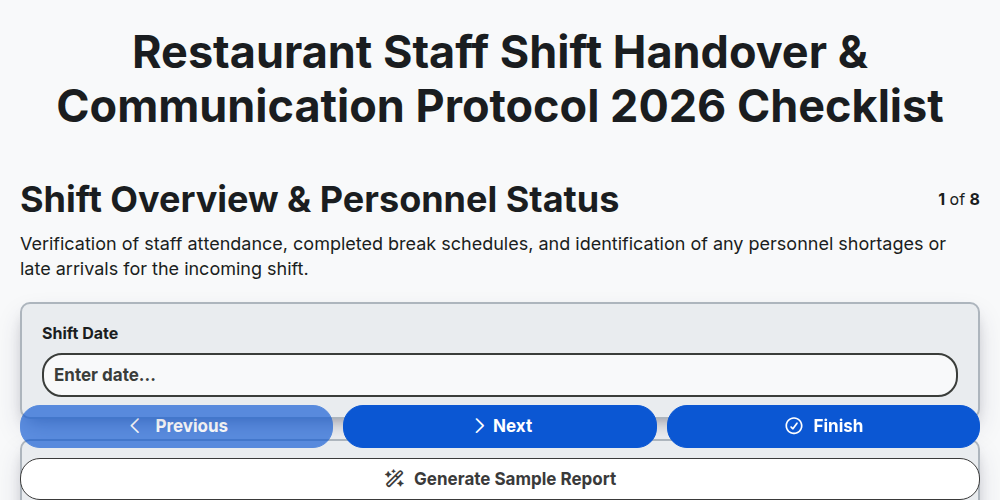
Restaurant Staff Shift Handover & Communication Protocol 2026
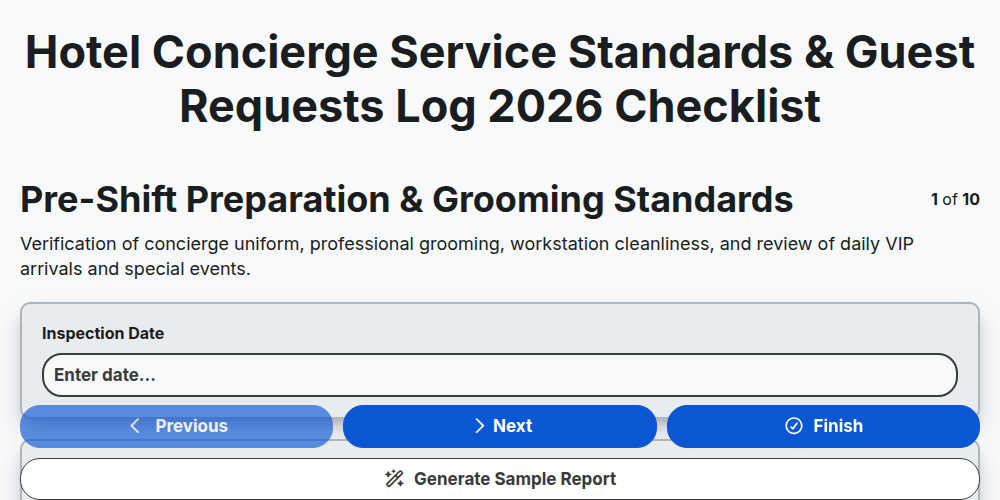
Hotel Concierge Service Standards & Guest Requests Log 2026
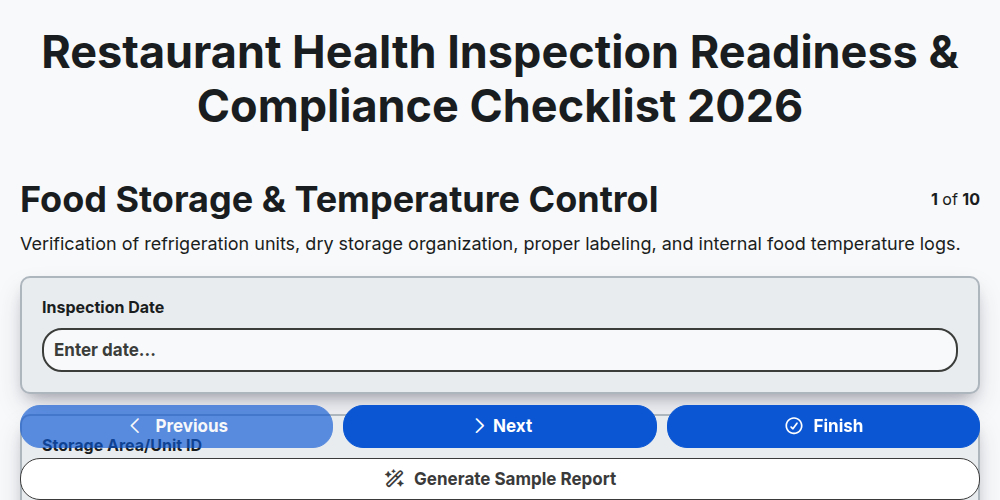
Restaurant Health Inspection Readiness & Compliance Checklist 2026
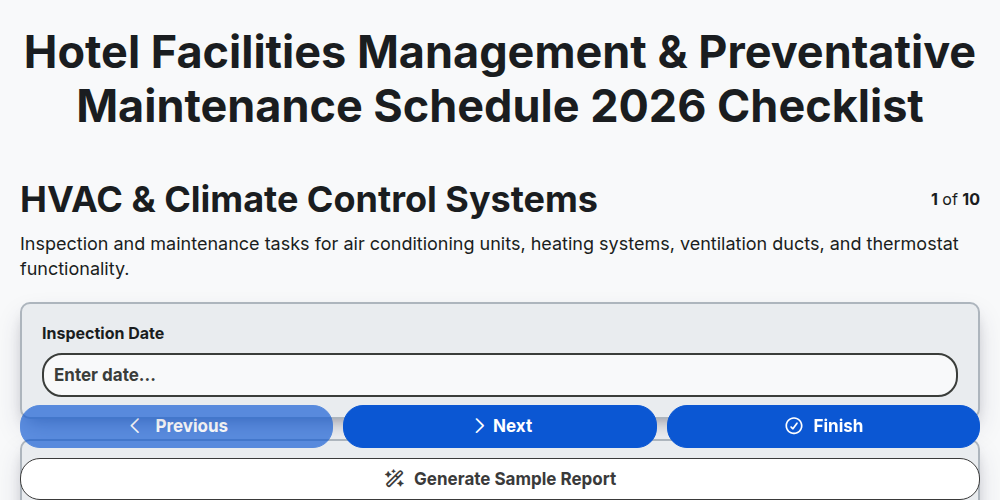
Hotel Facilities Management & Preventative Maintenance Schedule 2026
Restaurant Kitchen Opening & Closing Sanitation Audit 2026
Hotel Laundry Operations & Linen Quality Control Checklist 2026
Banquet Staff Training & Service Excellence Protocol 2026
Hotel Loyalty Program & Guest Retention Strategy Checklist 2026
Need help with
Hospitality?
Have a question? We're here to help. Please submit your inquiry, and we'll respond promptly.