 ChecklistGuro
 Guest Survey Analysis Report Checklist
Unlock valuable insights! 📈 Our Guest Survey Analysis Report Checklist ensures you're extracting actionable feedback to elevate your hospitality business. Boost guest satisfaction & loyalty - download now! #hospitality #guestexperience #surveydatapilot
This Template was installed 2 times.
Data Collection & Preparation
Ensures data integrity and readiness for analysis. Covers survey data retrieval, cleaning, and preparation.
Survey Start Date
Survey End Date
Total Number of Responses Collected
Response Rate (Percentage)
Survey Platform Used (e.g., SurveyMonkey, Qualtrics, In-House)
Raw Survey Data File (CSV, Excel, etc.)
Description of Data Cleaning Steps Performed (e.g., handling missing values, removing duplicates)
Data Anonymization Process
Overall Satisfaction & Key Metrics
Focuses on core satisfaction scores and critical performance indicators.
Overall Satisfaction Score (Average)
Net Promoter Score (NPS)
Average Response Rate (%)
Average Rating for 'Cleanliness'
Average Rating for 'Staff Friendliness'
Average Rating for 'Value for Money'
Primary reason for dissatisfaction (if score < 3)
Brief Summary of Key Satisfaction Drivers
Detailed Feedback Analysis (Qualitative)
Examines open-ended comments and identifies recurring themes and sentiment.
Review overall sentiment expressed in open-ended comments (Positive, Negative, Neutral)
Identify recurring themes/topics mentioned in guest comments (Select all that apply)
Provide examples of representative guest comments illustrating common positive feedback.
Provide examples of representative guest comments illustrating common negative feedback.
Count of comments mentioning specific keywords (e.g., 'friendly', 'dirty', 'expensive')
Summarize key insights and trends identified from the qualitative feedback.
Specific Attribute/Area Performance
Analyzes performance across specific areas like cleanliness, service, amenities, etc.
Cleanliness Score (Average)
Service Quality Score (Average)
Food & Beverage Quality Score (Average - if applicable)
Room Comfort Score (Average)
Facilities & Amenities Score (Average)
Key Themes from 'Cleanliness' Comments
Key Themes from 'Service' Comments
Which aspects of the room were mentioned most frequently? (Select all that apply)
Demographic & Segment Analysis (If Applicable)
Identifies trends and differences in feedback based on guest demographics or segments (e.g., loyalty program tier, travel purpose).
Guest Origin (Country/Region)
Purpose of Visit
Loyalty Program Tier (If Applicable)
Age Range (Optional)
Travel Party Size
Comparative Analysis (Optional)
Compares current survey results with previous periods or competitor benchmarks (if available).
Overall Satisfaction Score (Current Period)
Overall Satisfaction Score (Previous Period)
Change in Overall Satisfaction Score
Net Promoter Score (NPS) - Current Period
Net Promoter Score (NPS) - Previous Period
Benchmark Data Source (If Applicable)
Summary of Key Differences Observed Compared to Prior Period
Recommendations & Actionable Insights
Translates findings into concrete actions and improvement strategies.
Summary of Top 3 Key Improvement Areas
Categorize Recommendations (e.g., Operational, Training, Investment)
Detailed Action Plan for Top Improvement Area #1 (Include Responsibility, Timeline, Resources)
Detailed Action Plan for Top Improvement Area #2 (Include Responsibility, Timeline, Resources)
Estimated ROI (Return on Investment) for Key Recommendations (Optional)
Recommendation Priority (High, Medium, Low)
Potential Risks & Mitigation Strategies for Implementation
Required Resources (e.g., Staff, Budget, Software)
Report Presentation & Formatting
Ensures the report is clear, concise, and visually appealing for stakeholders.
Report Format (PDF, Word, PowerPoint)
Number of Pages (Estimate)
Executive Summary Notes (Key takeaways for quick reference)
Visualizations Included (Select all that apply)
Color Palette Adherence (Brand Guidelines)
Report Title
Report Completion Date
Frequently Asked Questions
Can I customize this template after installing it?
Absolutely. Once installed, you can add, remove, or reorder tasks, add custom fields, and adjust deadlines to fit your specific workflow.
Can I add images or photos to these checklist items?
Yes. Our platform allows you to attach photos, signatures, and notes to any checklist item for better verification and proof of completion.
Can I create a custom checklist from scratch instead of using a template?
Yes. You can use our "Create your own checklist" feature to build a unique workflow tailored exactly to your operational requirements.
Can I add dependencies between tasks?
Yes, you can set up conditional logic and dependencies to ensure your team follows the correct sequence of operations.
Can I assign specific checklist items to different team members?
Yes. You can assign individual tasks to specific employees, ensuring clear accountability across your entire team.
Can I use these checklists on mobile devices in the field?
Yes. Our platform is fully responsive, allowing your team to complete, update, and upload photos to checklists directly from any smartphone or tablet.
How do I notify my manager when a checklist is completed?
You can set up automated notifications (via email, push notification, or in-app alerts) to trigger whenever a checklist is finished or if an item fails inspection.
Can multiple people work on the same checklist simultaneously?
Yes, the platform supports real-time updates, allowing multiple users to contribute to a single live checklist.
Where is the data from completed checklists stored?
All completed checklists are stored securely in your Work OS dashboard, creating a permanent, searchable audit trail of your operations.
Can I generate reports based on my checklist results?
Yes. You can track completion rates, identify recurring issues, and monitor team performance through our integrated reporting and analytics tools.
How can I use these checklists for compliance or auditing purposes?
Because our checklists capture timestamps, photos, and digital signatures, they serve as a robust digital paper trail for regulatory compliance and internal audits.
Can I export my completed checklist data for use in other tools?
Yes. You can export your data in various formats (CSV, Excel, etc.) to integrate your operational insights with your other business software.
Comments
There are no comments yet. Be the first to add one!
Hospitality Management Solution Demo
Running a hotel, restaurant, or other hospitality business is demanding. ChecklistGuro's Work OS platform simplifies management, from reservations and guest services to inventory and staff scheduling. Improve efficiency, enhance guest experience, and boost profitability! See how ChecklistGuro can transform your hospitality operations.
Related Checklist Templates
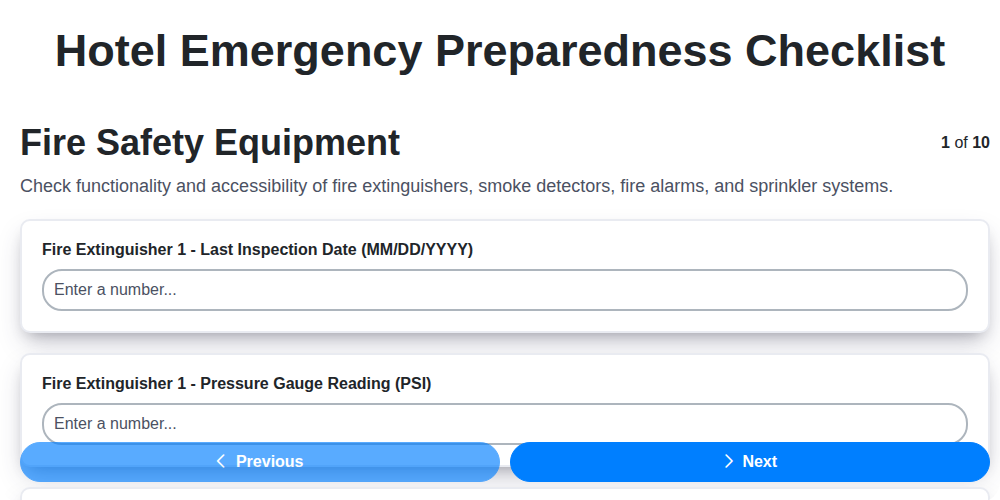
Hotel Emergency Preparedness Checklist
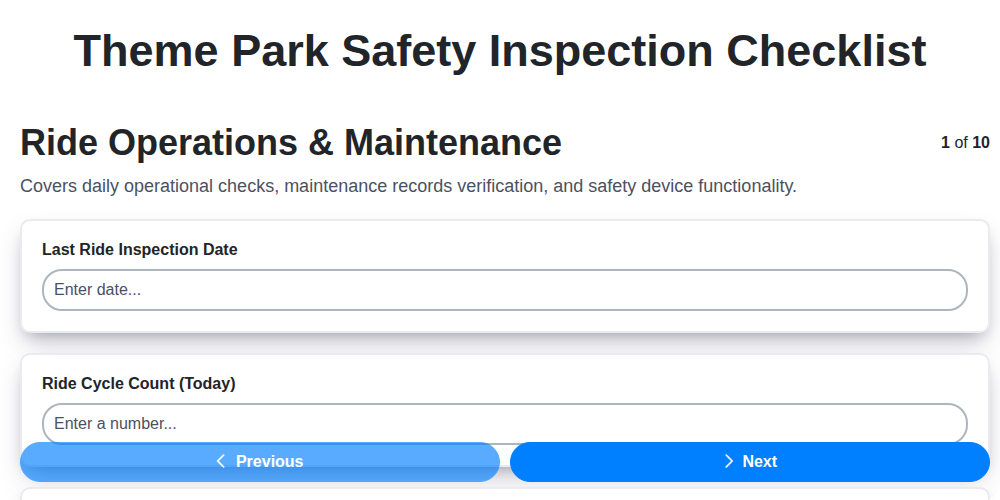
Theme Park Safety Inspection Checklist

Hotel Departure Checklist Template
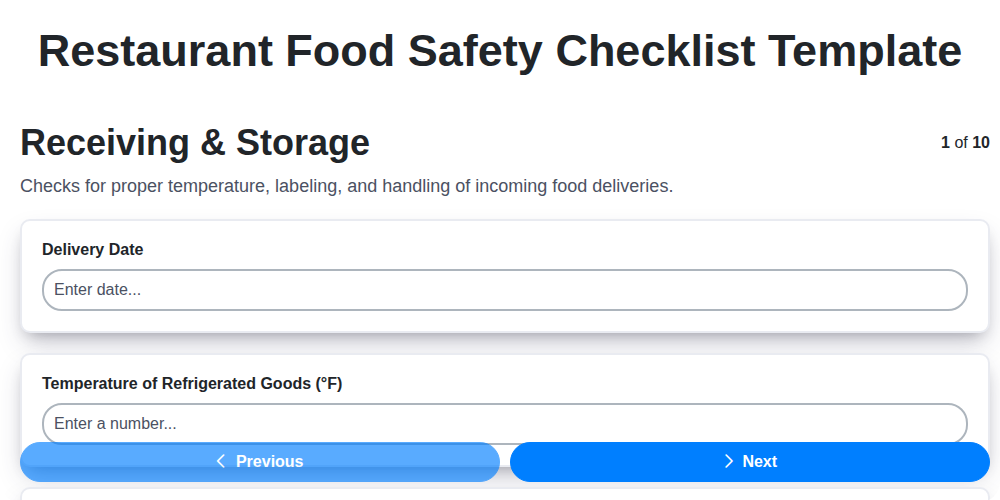
Restaurant Food Safety Checklist Template
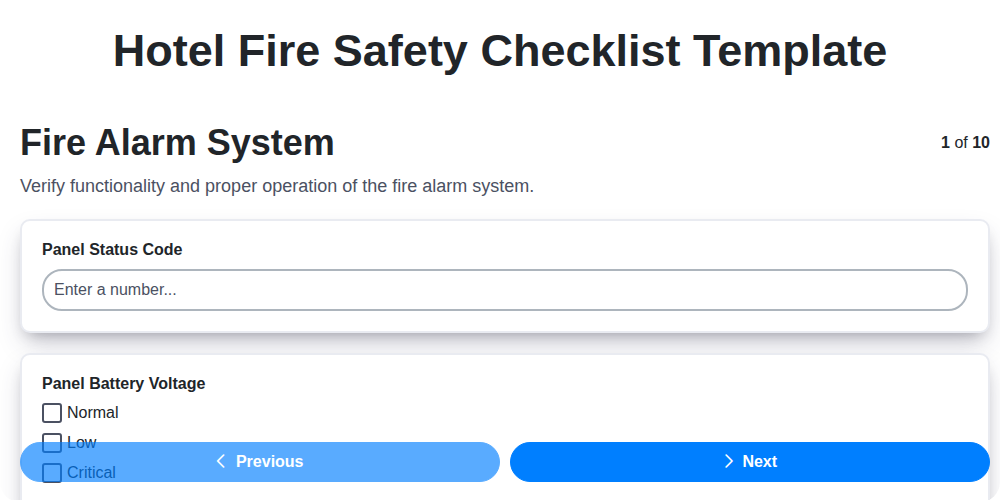
Hotel Fire Safety Checklist Template

Hotel Guest Arrival Checklist Template
Brewery Cleaning and Sanitation Checklist
Cruise Ship Cabin Housekeeping Checklist
We can do it Together
Need help with
Hospitality?
Have a question? We're here to help. Please submit your inquiry, and we'll respond promptly.