 ChecklistGuro
 Monthly Fire Safety Inspection Checklist
Ensure guest safety & protect your hospitality business! Download our comprehensive Monthly Fire Safety Inspection checklist - easy to use, legally compliant, and designed specifically for hotels, restaurants, and lodging facilities. Prevent fires, avoid costly fines, and keep your guests secure.
This Template was installed 1 times.
General Visual Inspection
A broad overview to identify any obvious hazards or issues.
Inspect all hallways and corridors for obstructions.
Are exit doors and pathways clear of debris and furniture?
Check for excessive storage in stairwells (max. items/size)
Note any areas with unusual odors (e.g., smoke, chemicals).
Are fire doors functioning correctly (latching, unobstructed)?
Describe any observed hazards or concerns.
Date of Last Fire Drill
Fire Alarm System
Verification of alarm system functionality and components.
Alarm Panel Battery Voltage
Alarm Panel Tamper Switch Status
Panel Communication Status
Last System Test Date
Time of System Test (if performed)
Notes on System Testing or Issues
Number of Troublesome Events in Month
Fire Extinguishers
Check the accessibility, condition, and readiness of fire extinguishers.
Extinguisher 1 - Monthly Inspection Date
Extinguisher 1 - Condition (Visible Damage?)
Extinguisher 1 - Pressure Gauge Reading
Extinguisher 1 - Pin Tamper Seal Intact (1=Yes, 0=No)
Extinguisher 1 - Notes/Observations
Extinguisher 2 - Monthly Inspection Date
Extinguisher 2 - Condition (Visible Damage?)
Extinguisher 3 - Monthly Inspection Date
Emergency Lighting
Ensure emergency lighting operates correctly during power failure.
Check all emergency lights that are functioning correctly.
If 'Other' selected above, please specify which emergency lights were checked.
Duration of emergency light test (in minutes).
Result of emergency light test.
If 'Failed' or 'Needs Maintenance' was selected above, please describe the issue(s).
Date of Last Emergency Lighting Servicing
Time of Emergency Lighting Test Start
Exit Routes & Signage
Verify clear and accessible exit paths and appropriate signage.
Check Exit Route 1 - Main Entrance to Dining Area
Check Exit Route 2 - Back of House to Loading Dock
Are Exit Routes Clear of Obstructions?
Are Exit Doors Functional (Easy to Open, Unlocked)?
Number of Illuminated 'Exit' Signs Present and Functional?
Are Exit Signage Illuminated?
Any Issues Found (e.g., damaged signage, blocked path)?
Emergency Lighting Working on Exit Routes?
Sprinkler System (if applicable)
Inspection of sprinkler system components and indicators (requires qualified personnel).
Sprinkler Head Coverage (estimated sq ft)
Visible Corrosion on Piping?
Sprinkler Heads Obstructed?
Details of any obstructions or corrosion found:
Flow Test Performed?
Flow Test Pressure (PSI)
Date of Last Professional Inspection
Upload Inspection Photos (if applicable)
Kitchen Fire Suppression System (if applicable)
Inspection and testing of kitchen fire suppression systems (requires qualified personnel).
Hydrostatic Test Date (Last)
Next Hydrostatic Test Due Date
Nozzle Pressure (PSI)
Nozzle Condition
Manual Pull Test Performed?
Notes/Observations (e.g., corrosion, leaks, damage)
System Status
Photos of System (if issues)
Electrical Safety
Basic electrical hazard checks; more extensive checks require a qualified electrician.
Inspect Extension Cords - Number of Cords with Damage
Condition of Electrical Panels (Check for Access Obstructions)
Number of Outlets Showing Signs of Damage (cracks, loose connection)
Notes on any Unusual Electrical Odors or Sounds
GFCI Outlets Tested (kitchens, bathrooms) - Pass/Fail
Photographic Evidence of any Electrical Concerns
Documentation & Training
Review of records and confirmation of employee training.
Last Fire Safety Training Date
Number of Employees Trained (this month)
Training Method (e.g., in-person, online)
Summary of Training Content (briefly describe topics covered)
Upload Training Records/Attendance List
Fire Safety Manual Review - Date of Last Review
Comments/Notes Regarding Documentation or Training Needs
Comments
There are no comments yet. Be the first to add one!
Hospitality Management Solution Demo
Running a hotel, restaurant, or other hospitality business is demanding. ChecklistGuro's Work OS platform simplifies management, from reservations and guest services to inventory and staff scheduling. Improve efficiency, enhance guest experience, and boost profitability! See how ChecklistGuro can transform your hospitality operations.
Related Checklist Templates
Hotel Emergency Preparedness Checklist
Theme Park Safety Inspection Checklist

Hotel Departure Checklist Template
Restaurant Food Safety Checklist Template
Hotel Fire Safety Checklist Template

Hotel Guest Arrival Checklist Template
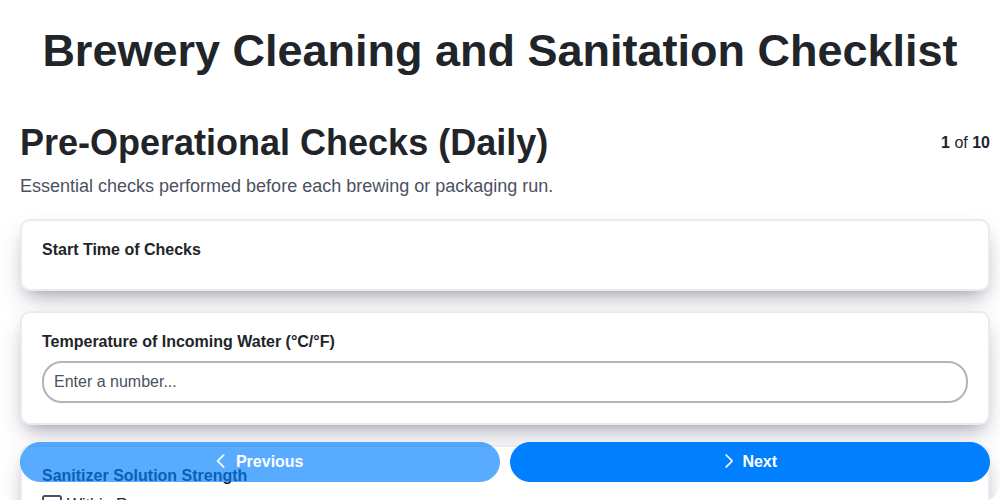
Brewery Cleaning and Sanitation Checklist
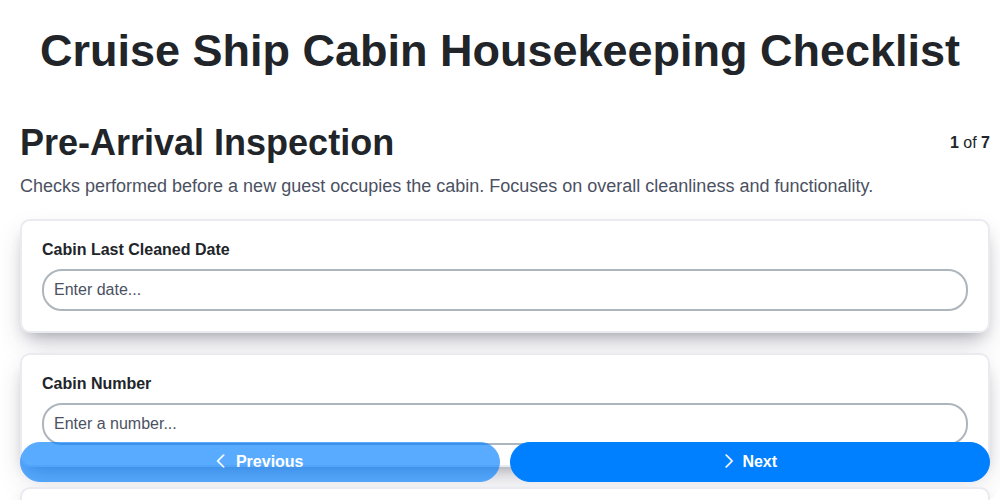
Cruise Ship Cabin Housekeeping Checklist
We can do it Together
Need help with
Hospitality?
Have a question? We're here to help. Please submit your inquiry, and we'll respond promptly.