 ChecklistGuro
 Compensation Review Checklist Template (HR)
Ensure fair and equitable pay practices with our Compensation Review Checklist. Simplify your annual or merit-based reviews, maintain compliance, and boost employee satisfaction. Download now for a structured approach to rewarding top talent!
This Template was installed 2 times.
Preparation & Data Gathering
Collect necessary salary data, performance reviews, market research, and budget information.
Compensation Review Start Date
Number of Employees Included in Review
Compensation Philosophy Alignment?
Previous Compensation Review Documents
Notes on Budget Constraints or External Factors
Date of Latest Salary Survey Data
Market Analysis
Review industry benchmarks, salary surveys, and competitor compensation data.
Salary Survey Provider (e.g., Mercer, Radford)
Summary of Salary Survey Findings
Average Market Salary for Role
Median Market Salary for Role
Geographic Location Considered for Market Data
Upload Market Salary Report (Optional)
Performance Review Alignment
Analyze employee performance reviews and identify high performers and areas for improvement.
Overall Performance Rating
Summary of Key Accomplishments
Areas for Improvement Identified
Goal Achievement - Quantitative
Manager’s Comments on Performance
Alignment with Company Values
Salary Range Assessment
Evaluate current salary ranges and determine if adjustments are needed based on market data and performance.
Current Salary Range Minimum
Current Salary Range Maximum
Recommended Salary Range Minimum
Recommended Salary Range Maximum
Justification for Range Adjustment
Detailed Explanation of Range Adjustment
Individual Compensation Review
Review individual employee salaries against their performance, market value, and internal equity.
Current Base Salary
Target Base Salary (Based on Review)
Performance Rating (From Review)
Justification for Salary Recommendation
Role Level (compared to band)
Salary Range Low End
Salary Range High End
Additional Comments/Notes
Merit & Bonus Allocation
Determine merit increases and bonus allocations based on performance and budget guidelines.
Overall Merit Pool Percentage
Bonus Pool Percentage (if applicable)
Performance Rating Categories
Merit Increase % - Exceeds Expectations
Merit Increase % - Meets Expectations
Merit Increase % - Needs Improvement
Bonus Multiplier - Exceeds Expectations
Bonus Multiplier - Meets Expectations
Notes on Individual Bonus Decisions
Equity & Consistency Check
Ensure internal equity and consistency across similar roles and experience levels.
Salary Range Comparison (Similar Roles)
Experience Level Consistency?
Deviation from Midpoint (%)
Notes on Role Grouping and Equity
Addressing Pay Inversion?
Rationale for Any Discrepancies
Documentation & Approval
Document all decisions and obtain necessary approvals from HR and management.
Review Summary & Rationale
Total Budget Allocation for Compensation
Date of Initial Review
Review Status
Reviewer Signature
Supporting Documentation (Salary Surveys, Market Data)
Communication Plan
Develop a communication plan to explain compensation changes to employees.
Draft Communication Message (Manager)
Communication Method (Employees)
Communication Send Date
Subject Line (Email)
Key Talking Points
Manager Talking Points Template
Post-Review Analysis
Review the overall compensation review process and identify areas for improvement.
Overall Review Efficiency Score (1-10)
What worked well in the compensation review process?
What challenges or roadblocks were encountered?
Which areas require further training for reviewers?
Date of Next Process Review Meeting
Summary of Key Process Improvement Recommendations
Frequently Asked Questions
Can I customize this template after installing it?
Absolutely. Once installed, you can add, remove, or reorder tasks, add custom fields, and adjust deadlines to fit your specific workflow.
Can I add images or photos to these checklist items?
Yes. Our platform allows you to attach photos, signatures, and notes to any checklist item for better verification and proof of completion.
Can I create a custom checklist from scratch instead of using a template?
Yes. You can use our "Create your own checklist" feature to build a unique workflow tailored exactly to your operational requirements.
Can I add dependencies between tasks?
Yes, you can set up conditional logic and dependencies to ensure your team follows the correct sequence of operations.
Can I assign specific checklist items to different team members?
Yes. You can assign individual tasks to specific employees, ensuring clear accountability across your entire team.
Can I use these checklists on mobile devices in the field?
Yes. Our platform is fully responsive, allowing your team to complete, update, and upload photos to checklists directly from any smartphone or tablet.
How do I notify my manager when a checklist is completed?
You can set up automated notifications (via email, push notification, or in-app alerts) to trigger whenever a checklist is finished or if an item fails inspection.
Can multiple people work on the same checklist simultaneously?
Yes, the platform supports real-time updates, allowing multiple users to contribute to a single live checklist.
Where is the data from completed checklists stored?
All completed checklists are stored securely in your Work OS dashboard, creating a permanent, searchable audit trail of your operations.
Can I generate reports based on my checklist results?
Yes. You can track completion rates, identify recurring issues, and monitor team performance through our integrated reporting and analytics tools.
How can I use these checklists for compliance or auditing purposes?
Because our checklists capture timestamps, photos, and digital signatures, they serve as a robust digital paper trail for regulatory compliance and internal audits.
Can I export my completed checklist data for use in other tools?
Yes. You can export your data in various formats (CSV, Excel, etc.) to integrate your operational insights with your other business software.
Comments
There are no comments yet. Be the first to add one!
HRM - Human Resources Management Solution Demo
Simplify HR processes & empower your team! ChecklistGuro's HRM solution streamlines onboarding, performance management, & compliance. Improve employee engagement, reduce admin burden, & drive organizational growth. Manage it all with our Work OS.
Related Checklist Templates
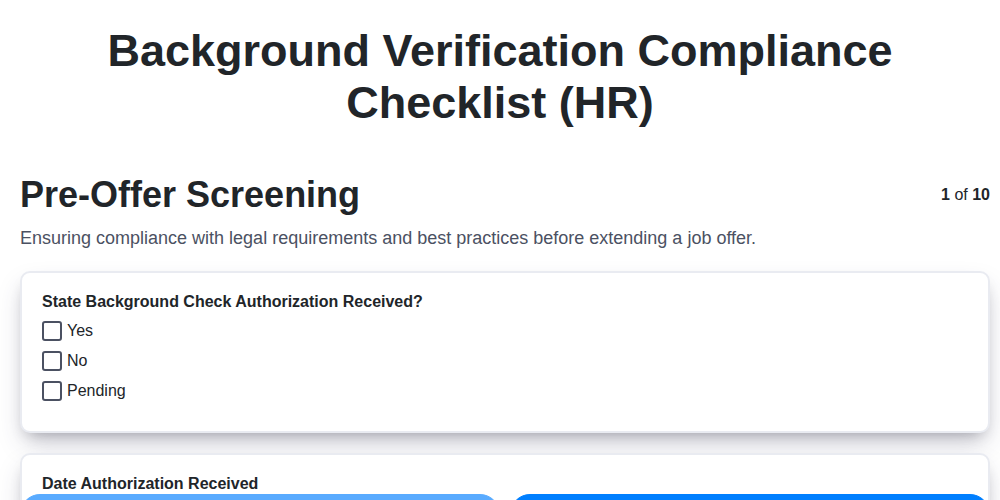
Background Verification Compliance Checklist (HR)

Pay Equity Audit Checklist Template (HR)
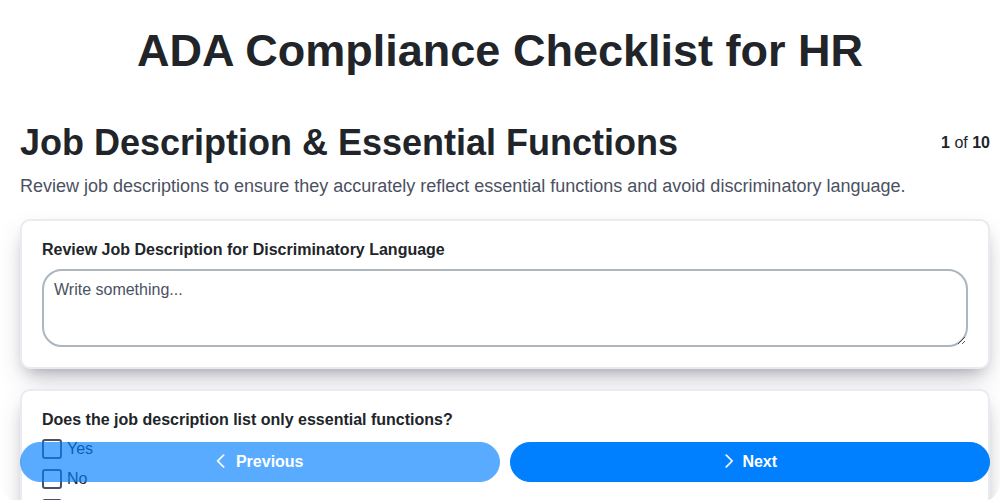
ADA Compliance Checklist for HR
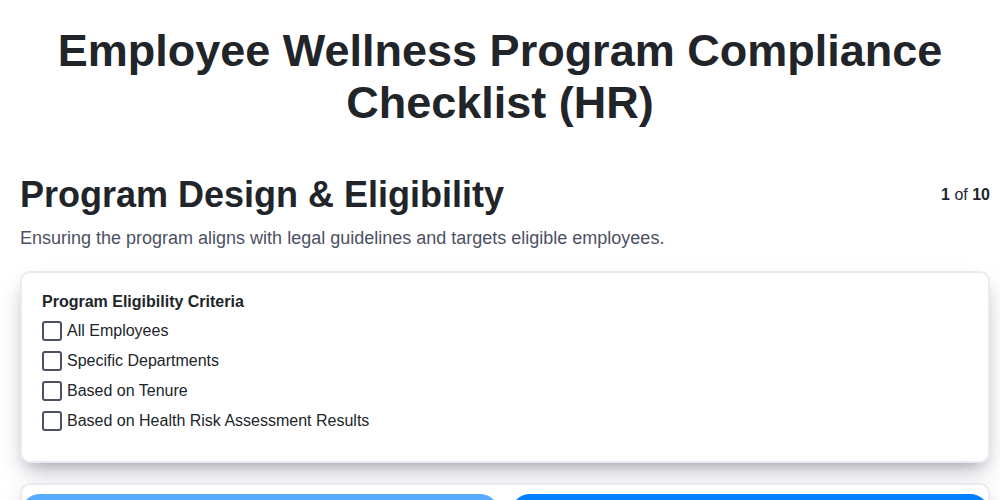
Employee Wellness Program Compliance Checklist (HR)
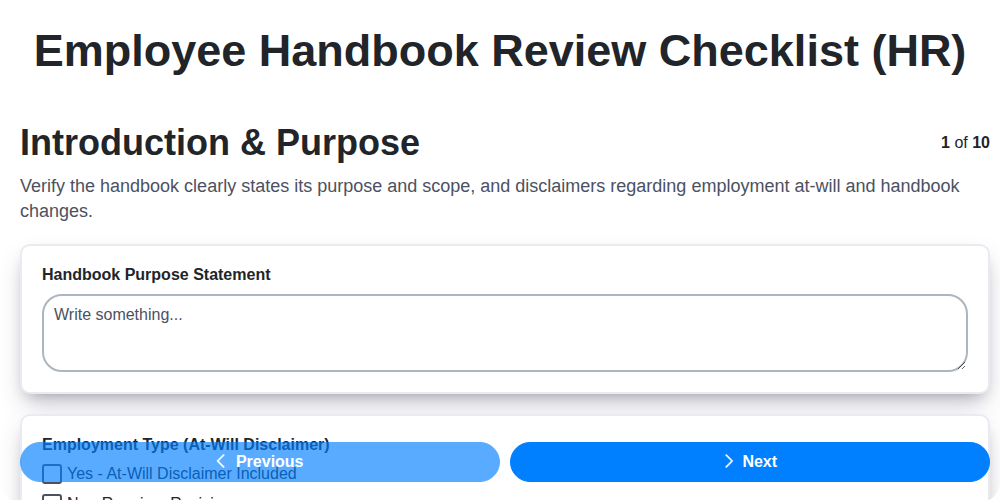
Employee Handbook Review Checklist (HR)
Independent Contractor Compliance Checklist (HR)
HR Risk Assessment Checklist Template
Employee Classification Audit Checklist (HR)
We can do it Together
Need help with
Human Resources Management (HRM)?
Have a question? We're here to help. Please submit your inquiry, and we'll respond promptly.