 ChecklistGuro
 ADA Compliance Checklist for HR
Ensure legal compliance & create an inclusive workplace with our ADA Compliance Checklist for HR. Navigate accommodations, documentation, & legal requirements with confidence - download now!
This Template was installed 4 times.
Job Description & Essential Functions
Review job descriptions to ensure they accurately reflect essential functions and avoid discriminatory language.
Review Job Description for Discriminatory Language
Does the job description list only essential functions?
Identify and Document Any Modified Essential Functions
Review Physical Requirements Listed?
Number of Job Descriptions Reviewed
Date of Last Job Description Review
Recruitment & Advertising
Ensure job postings comply with ADA requirements and do not contain discriminatory language or criteria.
Does the job posting include a statement about the EEO policy?
Does the job posting avoid discriminatory language regarding age, race, gender, etc.?
Review job description for potential bias or exclusionary language. Provide notes.
Checkboxes for requirements: Which of these are required: Physical Abilities, Specific Appearance, Age?
Upload a copy of the job posting for review.
Does the job description specify essential functions clearly?
Application Process
Assess application forms and processes for accessibility and ADA compliance, including online portals.
Application Method
Number of Accessible Application Forms Available (if applicable)
Accessibility Features Offered in Online Application (Select all that apply)
Upload Sample Application Form (for review of accessibility)
Is there a dedicated contact for application accessibility questions?
Describe the process for applicants to request an alternative application format (e.g., large print, braille)
Reasonable Accommodation Requests
Establish a clear procedure for receiving, evaluating, and responding to reasonable accommodation requests.
Date of Accommodation Request Received
Description of Requested Accommodation
Type of Accommodation Requested
Employee's Explanation of Disability and Need for Accommodation
Estimated Cost of Accommodation (if known)
Accommodation Status
Reason for Denial (if applicable)
Date of Decision Communicated to Employee
Interactive Process
Document the interactive process with employees to determine effective reasonable accommodations.
Employee's Description of Accommodation Needs
HR Representative's Initial Assessment & Potential Solutions
Potential Accommodation Options Discussed (Check all that apply)
Employee's Feedback on Proposed Solutions
Estimated Cost of Proposed Accommodation (if applicable)
Date of Initial Interactive Process Meeting
Summary of Agreement Reached (or Lack Thereof)
Medical Inquiries & Confidentiality
Ensure medical inquiries are job-related and consistent with business necessity, and maintain strict confidentiality of medical information.
Is there a documented need for medical inquiry?
Specific job function requiring clarification:
Documentation of medical inquiry process:
Was the inquiry job-related and consistent with business necessity?
Details of how confidentiality was maintained:
Medical information stored separately from personnel file?
Workplace Accessibility
Evaluate the physical accessibility of the workplace and identify necessary modifications for employees with disabilities.
Entrance Accessibility Assessment (Ramps, Automatic Doors)
Doorway Width (Minimum 32 inches)
Maneuvering Space at Workstations (Minimum 30x48 inches)
Accessible Restroom Availability
Accessible Parking Availability
Details of Any Identified Accessibility Barriers
Photos/Documentation of Accessibility Features
Assistive Technology & Equipment
Assess the availability and provision of assistive technology and equipment to support employees with disabilities.
What types of assistive technologies are currently available?
Number of ergonomic keyboards currently in use:
Number of adjustable desks currently in use:
Process for requesting new assistive technology:
Upload documentation/quotes for assistive technology purchases (optional)
Describe any ongoing challenges related to assistive technology access or usage.
Training & Awareness
Provide ADA training to HR staff, managers, and employees to promote awareness and compliance.
Which ADA topics were covered in the training?
How many employees attended the training?
Date of last ADA training session:
Briefly describe the key takeaways from the training:
Training Delivery Method:
Upload training materials (presentation, handout)
Recordkeeping & Documentation
Maintain accurate records of accommodation requests, interactive process documentation, and other ADA-related information.
Date of Accommodation Request Received
Summary of Accommodation Request
Documentation of Interactive Process - Employee Perspective
Documentation of Interactive Process - Employer Perspective
Supporting Medical Documentation (if applicable)
Accommodation Outcome
Explanation for Accommodation Not Provided (if applicable)
Date Accommodation Implemented (or Denial Date)
Comments
There are no comments yet. Be the first to add one!
HRM - Human Resources Management Solution Demo
Simplify HR processes & empower your team! ChecklistGuro's HRM solution streamlines onboarding, performance management, & compliance. Improve employee engagement, reduce admin burden, & drive organizational growth. Manage it all with our Work OS.
Related Checklist Templates
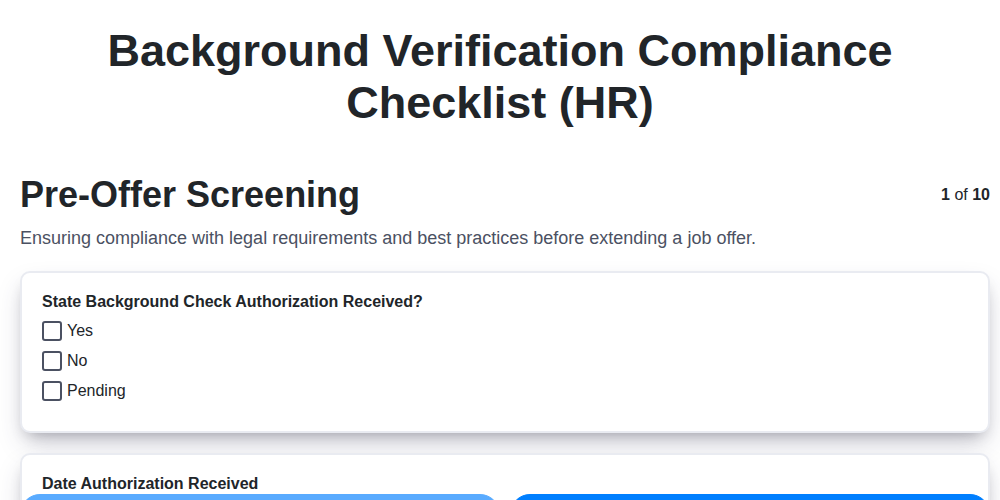
Background Verification Compliance Checklist (HR)

Pay Equity Audit Checklist Template (HR)
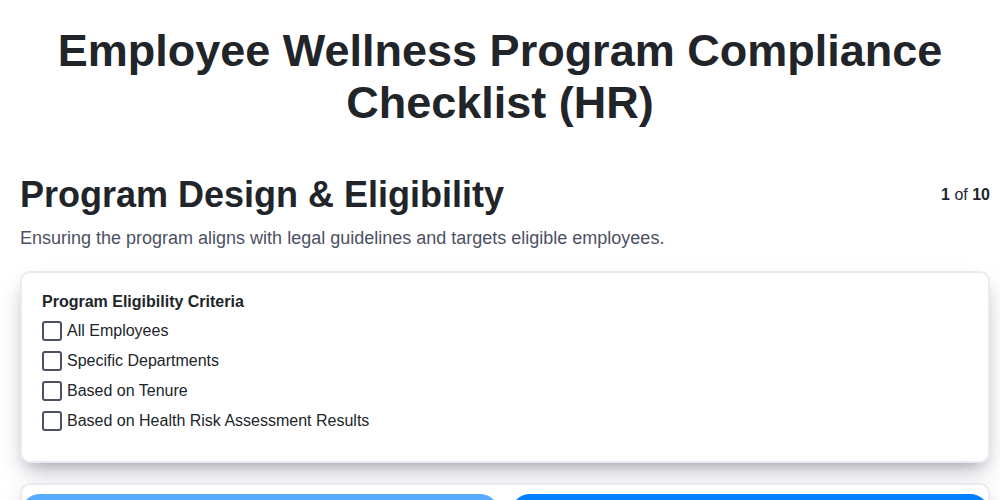
Employee Wellness Program Compliance Checklist (HR)
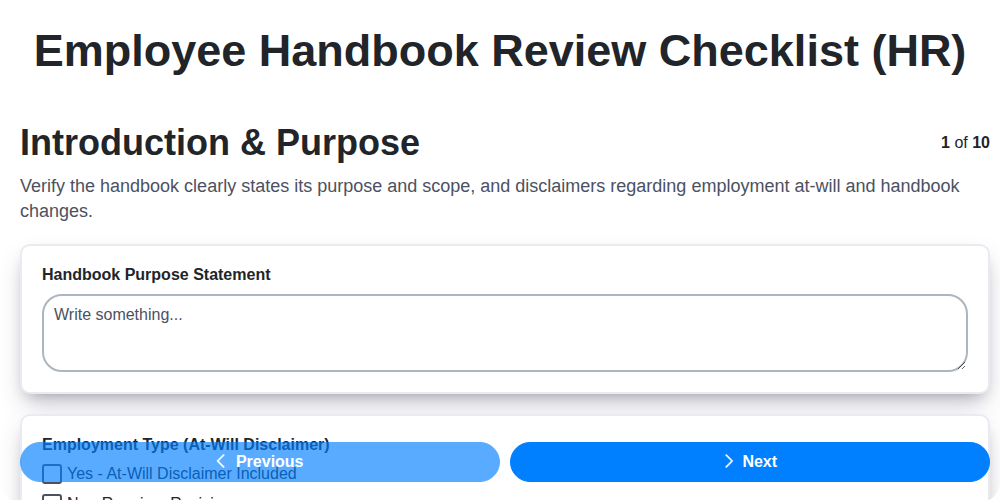
Employee Handbook Review Checklist (HR)
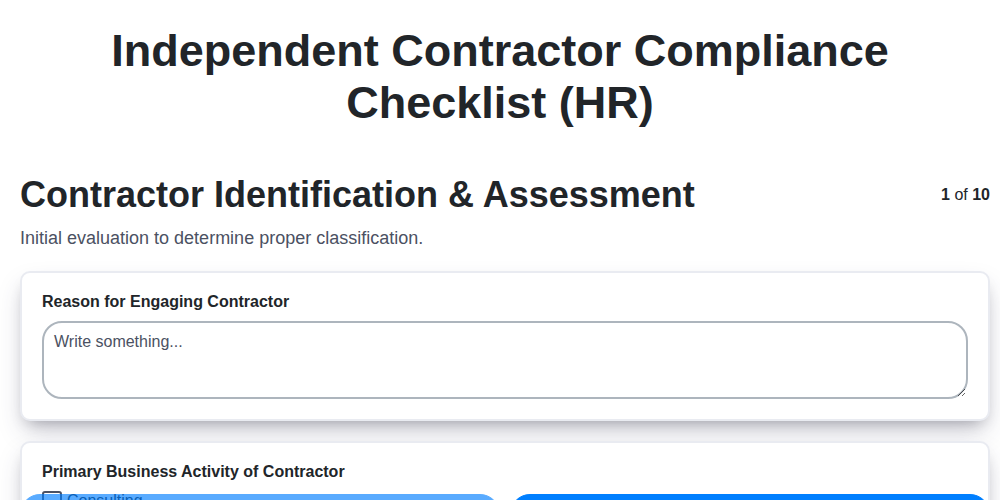
Independent Contractor Compliance Checklist (HR)
HR Risk Assessment Checklist Template
Employee Classification Audit Checklist (HR)
Job Description Compliance Checklist (HR)
We can do it Together
Need help with
Human Resources Management (HRM)?
Have a question? We're here to help. Please submit your inquiry, and we'll respond promptly.