 ChecklistGuro
 HR Brand Identity & Employer Branding Checklist 2026
Elevate your company's talent attraction and retention with our professional HR Brand Identity & Employer Branding Checklist 2026. Designed for HR leaders and recruitment specialists, this comprehensive guide provides a step-by-step framework to audit your employer value proposition (EVP), unify your corporate voice across recruitment channels, and build a magnetic workplace brand that attracts top-tier talent. Streamline your employer branding strategy, ensure consistent messaging across all touchpoints, and transform your talent acquisition pipeline with this essential 2026 HR management resource.
Employer Value Proposition (EVP) Definition
Defining the unique set of benefits, rewards, and values that an organization offers to its employees in exchange for their skills and commitment.
Core EVP Statement
Key Employee Benefits & Perks
Target Audience Segments
Competitor EVP Benchmarking Report
EVP Review Frequency
Visual Identity & Brand Alignment
Ensuring all recruitment marketing materials, social media graphics, and job advertisements align with the corporate brand guidelines and visual assets.
Brand Assets Verified
Brand Alignment Status
Discrepancy Notes
Updated Brand Style Guide
Last Visual Audit Date
Digital Presence & Career Page Audit
Reviewing the company website, LinkedIn Life pages, and Glassdoor profiles to ensure a consistent, professional, and engaging candidate experience.
Career Page URL
Platforms Audited
Visual Consistency Observations
Mobile Responsiveness Status
Last Audit Date
Screenshots of Brand Discrepancies
Candidate Attraction & Content Strategy
Developing a content calendar for employee stories, company culture videos, and blog posts to attract passive talent through storytelling.
Primary Target Candidate Persona
Core Content Themes
Target Distribution Channels
Campaign Launch Date
Content Asset Repository
Targeted Monthly Reach Goal
Employee Advocacy Program Setup
Implementing tools and training to empower current employees to share their positive workplace experiences on professional networks and social media.
Target Advocacy Channels
Internal Program Name
Employee Incentive Structure Description
Program Launch Date
Brand Guidelines for Advocates
Target Number of Initial Employee Ambassadors
Candidate Experience Journey Mapping
Auditing every touchpoint from the initial job application to the first day of onboarding to ensure the brand promise matches the reality.
Candidate Application Stage
Candidate Touchpoint Name
Experience Description
Identified Friction Points
Audit Completion Date
HR Brand Manager Approval
Social Media & Recruitment Marketing Audit
Evaluating the effectiveness of active recruitment campaigns on platforms like LinkedIn, Instagram, and niche industry job boards.
Primary Recruitment Platform
Audited Brand Assets
Total Ad Spend for Period
Key Findings/Observation Notes
Audit Completion Date
Upload Performance Report (PDF/CSV)
Employer Brand Reputation Monitoring
Establishing processes for monitoring and responding to employee reviews, Glassdoor ratings, and online mentions of the company culture.
Review Period Date
Monitored Review Platforms
Summary of Negative Feedback Trends
Key Sentiment Score (NPS/eNPS)
Monthly Sentiment Report Screenshot
Overall Reputation Status
Internal Brand Integration
Ensuring that the internal culture and employee experience (EX) reflect the external employer brand to prevent 'brand promise' gaps.
Internal Communication Channels Used
Core Values Alignment Audit
Discrepancy Analysis
Last Culture Alignment Review Date
Internal Brand Guidelines Document
Employee Sentiment Score (Current)
KPIs & Brand Impact Measurement
Defining metrics such as Cost-Per-Hire, Quality-of-Hire, and Applicant Conversion Rates to measure the ROI of branding efforts for 2026.
Cost Per Hire (CPH) Trend
Applicant Conversion Rate
Primary Branding Channels Evaluated
Qualitative Brand Sentiment Analysis
Next Performance Review Date
Quarterly Branding Report
Frequently Asked Questions
Can I customize this template after installing it?
Absolutely. Once installed, you can add, remove, or reorder tasks, add custom fields, and adjust deadlines to fit your specific workflow.
Can I add images or photos to these checklist items?
Yes. Our platform allows you to attach photos, signatures, and notes to any checklist item for better verification and proof of completion.
Can I create a custom checklist from scratch instead of using a template?
Yes. You can use our "Create your own checklist" feature to build a unique workflow tailored exactly to your operational requirements.
Can I add dependencies between tasks?
Yes, you can set up conditional logic and dependencies to ensure your team follows the correct sequence of operations.
Can I assign specific checklist items to different team members?
Yes. You can assign individual tasks to specific employees, ensuring clear accountability across your entire team.
Can I use these checklists on mobile devices in the field?
Yes. Our platform is fully responsive, allowing your team to complete, update, and upload photos to checklists directly from any smartphone or tablet.
How do I notify my manager when a checklist is completed?
You can set up automated notifications (via email, push notification, or in-app alerts) to trigger whenever a checklist is finished or if an item fails inspection.
Can multiple people work on the same checklist simultaneously?
Yes, the platform supports real-time updates, allowing multiple users to contribute to a single live checklist.
Where is the data from completed checklists stored?
All completed checklists are stored securely in your Work OS dashboard, creating a permanent, searchable audit trail of your operations.
Can I generate reports based on my checklist results?
Yes. You can track completion rates, identify recurring issues, and monitor team performance through our integrated reporting and analytics tools.
How can I use these checklists for compliance or auditing purposes?
Because our checklists capture timestamps, photos, and digital signatures, they serve as a robust digital paper trail for regulatory compliance and internal audits.
Can I export my completed checklist data for use in other tools?
Yes. You can export your data in various formats (CSV, Excel, etc.) to integrate your operational insights with your other business software.
Comments
There are no comments yet. Be the first to add one!
HRM - Human Resources Management Solution Demo
Simplify HR processes & empower your team! ChecklistGuro's HRM solution streamlines onboarding, performance management, & compliance. Improve employee engagement, reduce admin burden, & drive organizational growth. Manage it all with our Work OS.
Related Checklist Templates
HR Vendor Management & Procurement Checklist 2026
Learning & Development (L&D) Roadmap Checklist 2026
Employee Referral Program Management Checklist 2026
Workplace Culture Assessment Checklist 2026
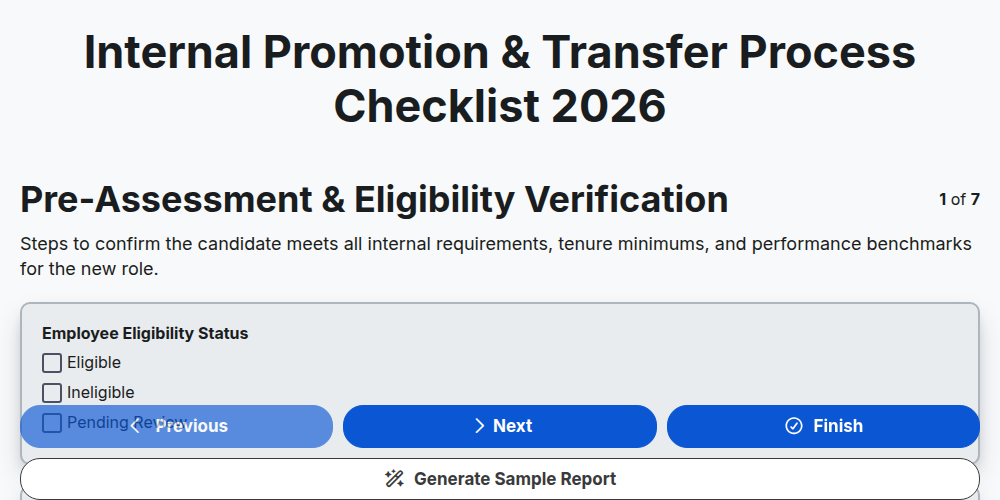
Internal Promotion & Transfer Process Checklist 2026
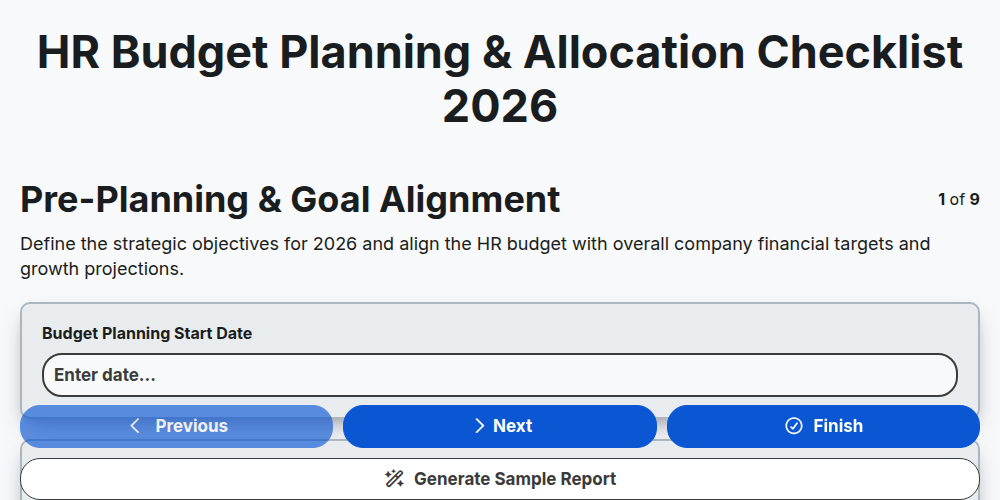
HR Budget Planning & Allocation Checklist 2026
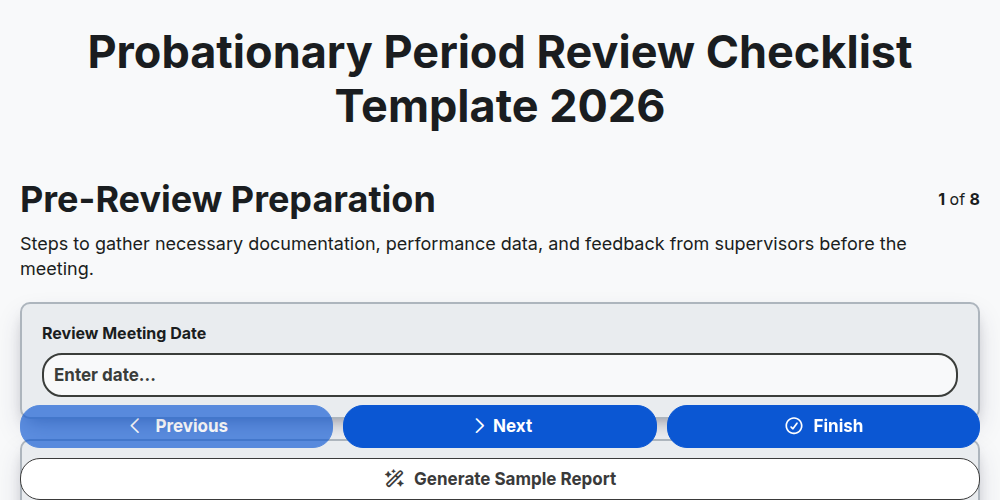
Probationary Period Review Checklist Template 2026
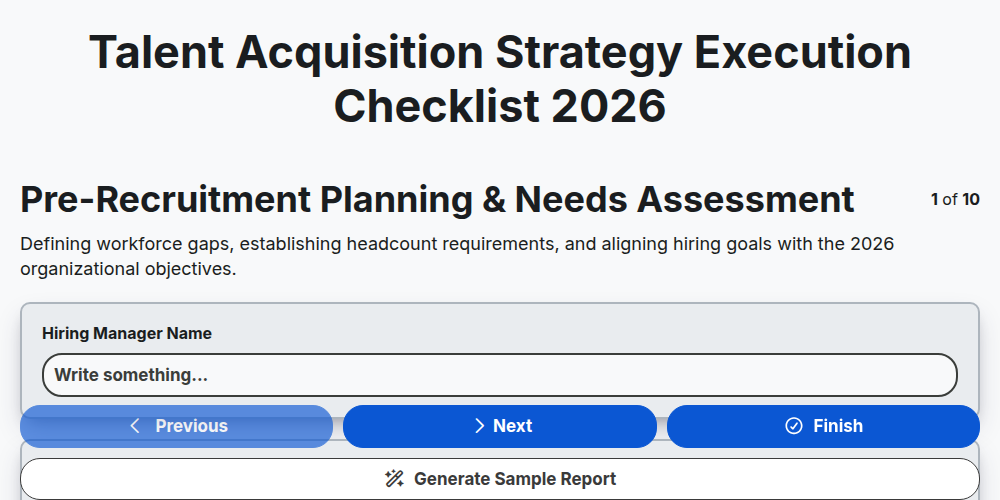
Talent Acquisition Strategy Execution Checklist 2026
Need help with
Human Resources Management (HRM)?
Have a question? We're here to help. Please submit your inquiry, and we'll respond promptly.