 ChecklistGuro
 Internal Promotion & Transfer Process Checklist 2026
Streamline your internal mobility strategy with the definitive Internal Promotion & Transfer Process Checklist 2026. Designed for HR professionals and Talent Management specialists, this professional-grade checklist ensures a seamless, transparent, and equitable transition for employees moving into new roles or departments. Avoid talent leakage and minimize operational disruptions by following our step-by-step guide to managing internal job postings, candidate evaluation, departmental handovers, and updated documentation. Perfect for maintaining high employee retention and optimizing your succession planning workflows in 2026. Optimize your HR operations and ensure a consistent, fair, and organized internal career progression experience.
Pre-Assessment & Eligibility Verification
Steps to confirm the candidate meets all internal requirements, tenure minimums, and performance benchmarks for the new role.
Employee Eligibility Status
Minimum Tenure Date Verification
Prerequisite Requirements Met
Latest Performance Review Document
Internal Requisition ID
Internal Application & Interview Stage
Procedures for managing the internal job posting, candidate interviewing, and formal evaluation against the job description.
Internal Job Posting Date
Candidate Name
Interview Status
Interview Panel Members
Interview Evaluation Notes
Completed Interview Scorecard
Selection & Formal Approval
The workflow for notifying department heads, securing budget authorization, and finalizing the official promotion/transfer offer.
Approval Status
Approval Date
Approving Manager Name
Signed Approval Documentation
Justification for Promotion/Transfer
Department Head Authorization
Compensation & Benefits Adjustment
Tasks related to updating salary grades, adjusting benefits eligibility, and updating payroll records for the new position.
New Base Salary Amount
Pay Frequency Type
Effective Date of Salary Change
Benefits Package Updates
Approved Compensation Change Authorization
HR Manager Approval Signature
Internal Communication & Stakeholder Notification
A guide for informing the current manager, the receiving manager, and the broader team about the organizational change.
Notification Date
Stakeholders to Notify
Announcement Draft
Communication Channel
HR Manager Approval
System Updates & Administrative Records
Mandatory updates to the HRIS, employee digital files, organizational charts, and physical/digital access permissions.
Effective Date of Transfer/Promotion
Updated Department/Cost Center
Systems Requiring Access Update
New Job Title Verification
Signed Internal Transfer Agreement
HR Administrator Confirmation
Transition & Onboarding to New Role
Checklist for handover of current responsibilities, training for new duties, and the integration period into the new department.
New Role Effective Date
Transition Type
Required New Training Modules
Handover Completion Status
New Job Responsibilities Summary
Signed Updated Job Description
Employee Acknowledgement
Frequently Asked Questions
Can I customize this template after installing it?
Absolutely. Once installed, you can add, remove, or reorder tasks, add custom fields, and adjust deadlines to fit your specific workflow.
Can I add images or photos to these checklist items?
Yes. Our platform allows you to attach photos, signatures, and notes to any checklist item for better verification and proof of completion.
Can I create a custom checklist from scratch instead of using a template?
Yes. You can use our "Create your own checklist" feature to build a unique workflow tailored exactly to your operational requirements.
Can I add dependencies between tasks?
Yes, you can set up conditional logic and dependencies to ensure your team follows the correct sequence of operations.
Can I assign specific checklist items to different team members?
Yes. You can assign individual tasks to specific employees, ensuring clear accountability across your entire team.
Can I use these checklists on mobile devices in the field?
Yes. Our platform is fully responsive, allowing your team to complete, update, and upload photos to checklists directly from any smartphone or tablet.
How do I notify my manager when a checklist is completed?
You can set up automated notifications (via email, push notification, or in-app alerts) to trigger whenever a checklist is finished or if an item fails inspection.
Can multiple people work on the same checklist simultaneously?
Yes, the platform supports real-time updates, allowing multiple users to contribute to a single live checklist.
Where is the data from completed checklists stored?
All completed checklists are stored securely in your Work OS dashboard, creating a permanent, searchable audit trail of your operations.
Can I generate reports based on my checklist results?
Yes. You can track completion rates, identify recurring issues, and monitor team performance through our integrated reporting and analytics tools.
How can I use these checklists for compliance or auditing purposes?
Because our checklists capture timestamps, photos, and digital signatures, they serve as a robust digital paper trail for regulatory compliance and internal audits.
Can I export my completed checklist data for use in other tools?
Yes. You can export your data in various formats (CSV, Excel, etc.) to integrate your operational insights with your other business software.
Comments
There are no comments yet. Be the first to add one!
HRM - Human Resources Management Solution Demo
Simplify HR processes & empower your team! ChecklistGuro's HRM solution streamlines onboarding, performance management, & compliance. Improve employee engagement, reduce admin burden, & drive organizational growth. Manage it all with our Work OS.
Related Checklist Templates
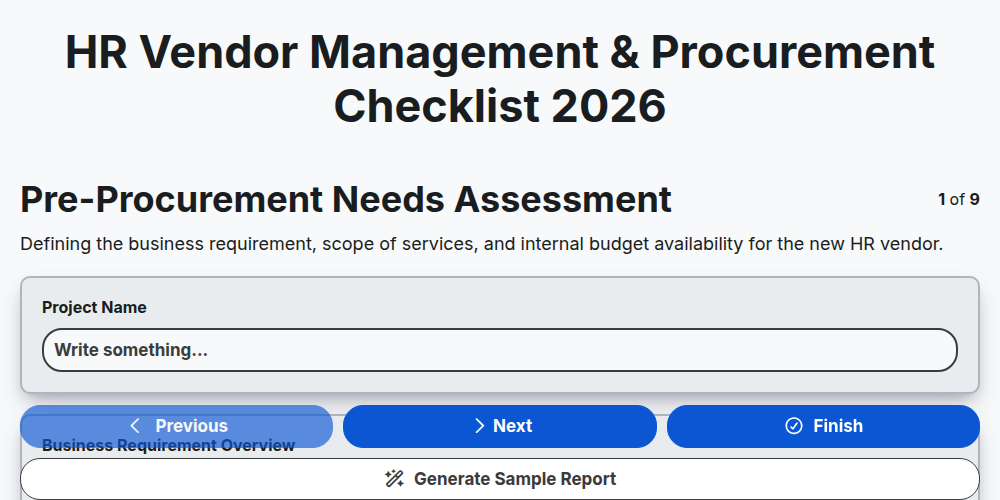
HR Vendor Management & Procurement Checklist 2026
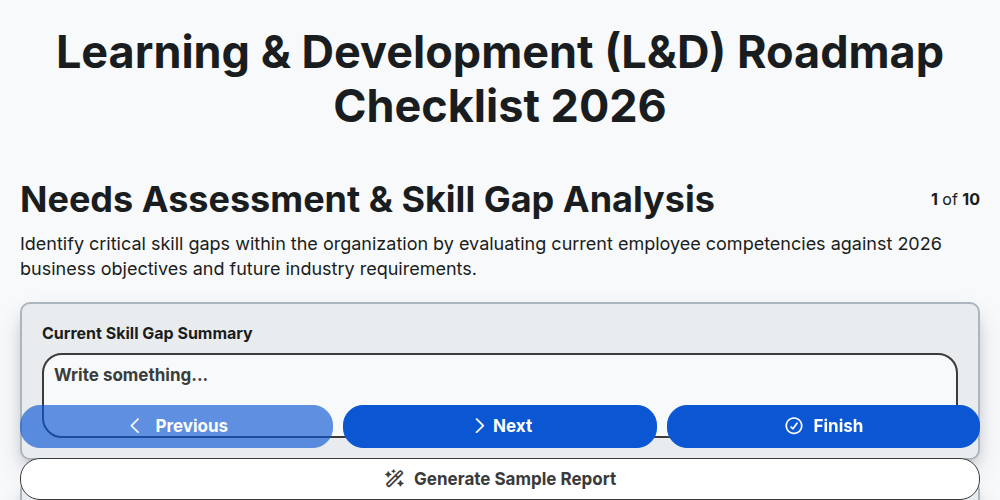
Learning & Development (L&D) Roadmap Checklist 2026
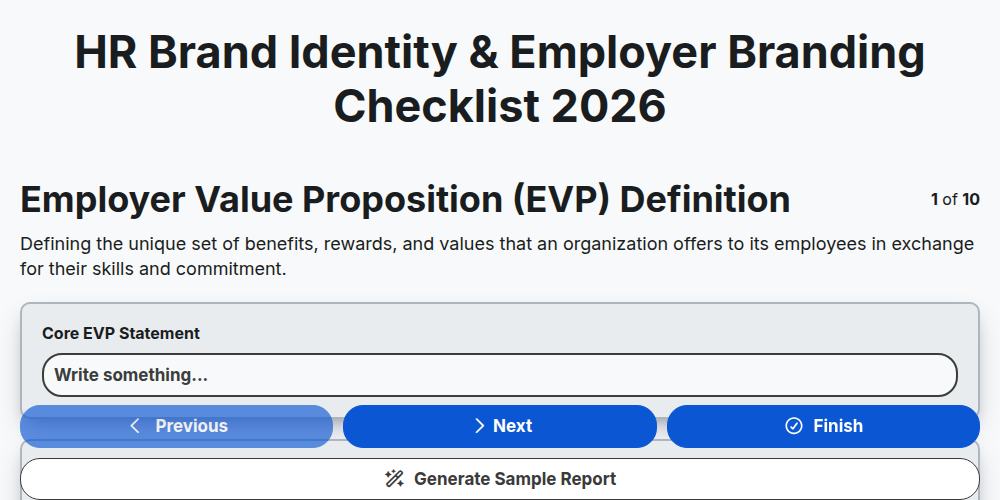
HR Brand Identity & Employer Branding Checklist 2026
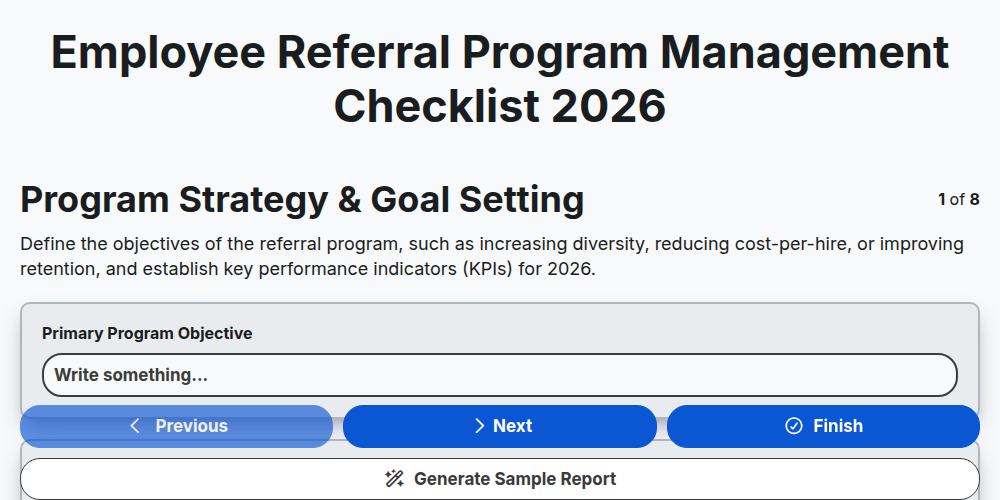
Employee Referral Program Management Checklist 2026
Workplace Culture Assessment Checklist 2026
HR Budget Planning & Allocation Checklist 2026
Probationary Period Review Checklist Template 2026
Talent Acquisition Strategy Execution Checklist 2026
Need help with
Human Resources Management (HRM)?
Have a question? We're here to help. Please submit your inquiry, and we'll respond promptly.