 ChecklistGuro
 Learning & Development (L&D) Roadmap Checklist 2026
Elevate your workforce's potential with the ultimate Learning & Development (L&D) Roadmap Checklist 2026. Designed for HR professionals and L&D managers, this comprehensive, ready-to-use template provides a strategic framework to identify skill gaps, plan impactful training programs, and track employee upskilling progress. Ensure your organization stays competitive in the 2026 talent landscape by streamlining your instructional design, budgeting, and implementation workflows. Master your corporate training strategy and drive measurable employee growth with this professional HR management resource from ChecklistGuro.
Needs Assessment & Skill Gap Analysis
Identify critical skill gaps within the organization by evaluating current employee competencies against 2026 business objectives and future industry requirements.
Current Skill Gap Summary
Targeted Departments
Assessment Method Used
Assessment Completion Date
Raw Assessment Data
Learning Objectives & KPI Definition
Establish clear, measurable learning outcomes and define key performance indicators (KPIs) to evaluate the impact of training on organizational productivity.
Primary Learning Objective
Detailed Competency Requirements
Target Skill Level
Target Completion Rate (%)
KPI Review Deadline
Measurement Methods
Budgeting & Resource Allocation
Determine the total L&D budget for 2026, including costs for external trainers, software subscriptions, LMS maintenance, and physical learning materials.
Total Annual L&D Budget Allocation
Primary Budget Source
Resource Allocation Categories
Detailed Budget Breakdown Spreadsheet
Budget Justification & Risk Contingency
Curriculum & Content Development
Curate or create instructional content, including e-learning modules, workshops, micro-learning assets, and technical skill workshops.
Course Title
Learning Objectives Summary
Content Format
Curriculum Syllabus/Outline
Content Completion Deadline
LMS & Technology Integration
Ensure the Learning Management System (LMS) is configured with updated course paths, mobile accessibility, and automated tracking features for 2026 workflows.
Primary LMS Platform
Required Integration Features
LMS Configuration Completion Deadline
LMS Integration Technical Documentation
User Access Provisioning Notes
Delivery Method & Scheduling
Define the rollout strategy across various formats such as synchronous instructor-led training (ILT), asynchronous digital learning, and on-the-job mentoring.
Primary Delivery Format
Training Mediums
Program Start Date
Program Completion Deadline
Scheduled Session Time
Training Venue or Digital Link
Detailed Delivery Instructions
Stakeholder Engagement & Communication
Execute a communication plan to announce upcoming training programs to managers and employees to drive enrollment and participation.
Internal Communication Lead
Target Audience Groups
Announcement Launch Date
Communication Channel
Communication Plan Document
Key Messaging Summary
Implementation & Rollout Execution
Launch the training programs according to the 2026 roadmap timeline, ensuring all-access permissions are granted to relevant user groups.
Training Launch Date
Deployment Channel
Targeted Departments
Training Rollout Announcement Email/Document
Deployment Instructions Summary
Program Manager Approval
Post-Training Evaluation & Impact Assessment
Apply the Kirkpatrick Model to evaluate reaction, learning, behavior, and results to measure the long-term ROI of the L&D initiatives.
Evaluation Completion Date
Average Training Satisfaction Score (1-10)
Key Competencies Improved
Analysis of Skill Gap Reduction
Post-Training Assessment Reports
L&D Manager Verification
Continuous Improvement & Roadmap Iteration
Review feedback loops and performance data to refine training modules and update the L&D strategy for the remainder of the fiscal year.
L&D Program Feedback Summary
Identified Areas for Improvement
Next Roadmap Review Date
Updated L&D Roadmap Document
L&D Director Approval
Frequently Asked Questions
Can I customize this template after installing it?
Absolutely. Once installed, you can add, remove, or reorder tasks, add custom fields, and adjust deadlines to fit your specific workflow.
Can I add images or photos to these checklist items?
Yes. Our platform allows you to attach photos, signatures, and notes to any checklist item for better verification and proof of completion.
Can I create a custom checklist from scratch instead of using a template?
Yes. You can use our "Create your own checklist" feature to build a unique workflow tailored exactly to your operational requirements.
Can I add dependencies between tasks?
Yes, you can set up conditional logic and dependencies to ensure your team follows the correct sequence of operations.
Can I assign specific checklist items to different team members?
Yes. You can assign individual tasks to specific employees, ensuring clear accountability across your entire team.
Can I use these checklists on mobile devices in the field?
Yes. Our platform is fully responsive, allowing your team to complete, update, and upload photos to checklists directly from any smartphone or tablet.
How do I notify my manager when a checklist is completed?
You can set up automated notifications (via email, push notification, or in-app alerts) to trigger whenever a checklist is finished or if an item fails inspection.
Can multiple people work on the same checklist simultaneously?
Yes, the platform supports real-time updates, allowing multiple users to contribute to a single live checklist.
Where is the data from completed checklists stored?
All completed checklists are stored securely in your Work OS dashboard, creating a permanent, searchable audit trail of your operations.
Can I generate reports based on my checklist results?
Yes. You can track completion rates, identify recurring issues, and monitor team performance through our integrated reporting and analytics tools.
How can I use these checklists for compliance or auditing purposes?
Because our checklists capture timestamps, photos, and digital signatures, they serve as a robust digital paper trail for regulatory compliance and internal audits.
Can I export my completed checklist data for use in other tools?
Yes. You can export your data in various formats (CSV, Excel, etc.) to integrate your operational insights with your other business software.
Comments
There are no comments yet. Be the first to add one!
HRM - Human Resources Management Solution Demo
Simplify HR processes & empower your team! ChecklistGuro's HRM solution streamlines onboarding, performance management, & compliance. Improve employee engagement, reduce admin burden, & drive organizational growth. Manage it all with our Work OS.
Related Checklist Templates
HR Vendor Management & Procurement Checklist 2026
HR Brand Identity & Employer Branding Checklist 2026
Employee Referral Program Management Checklist 2026
Workplace Culture Assessment Checklist 2026
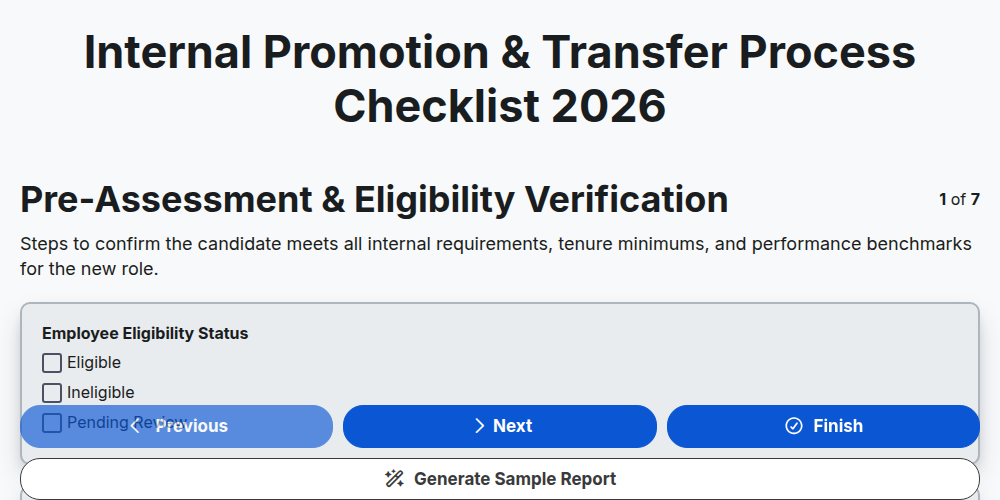
Internal Promotion & Transfer Process Checklist 2026
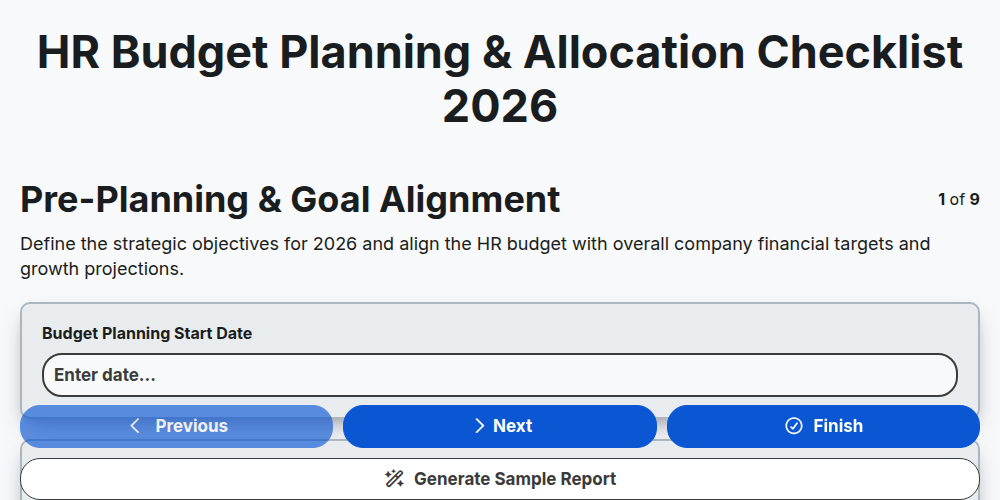
HR Budget Planning & Allocation Checklist 2026
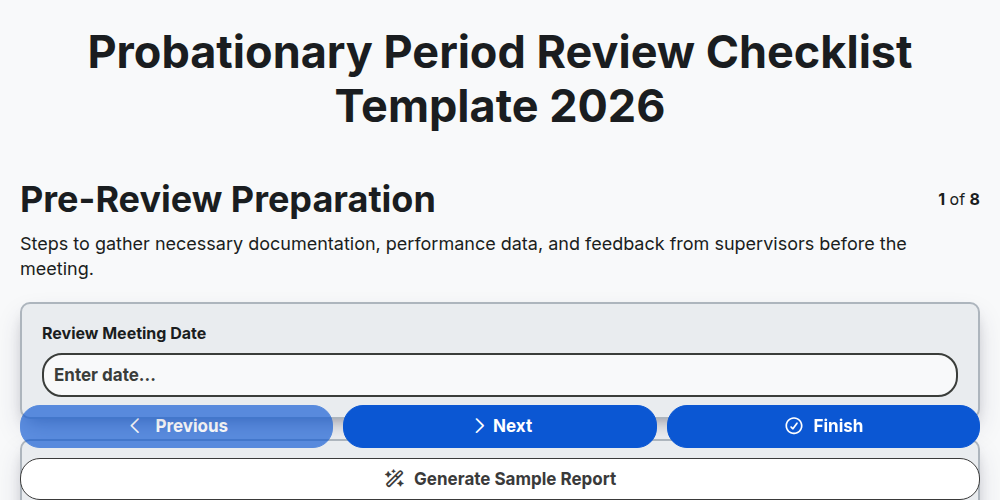
Probationary Period Review Checklist Template 2026
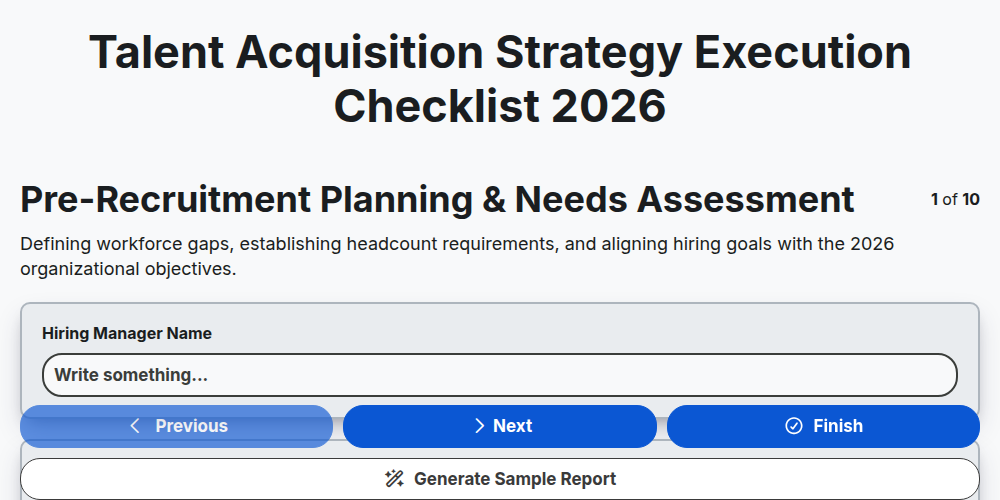
Talent Acquisition Strategy Execution Checklist 2026
Need help with
Human Resources Management (HRM)?
Have a question? We're here to help. Please submit your inquiry, and we'll respond promptly.