 ChecklistGuro
 HR Vendor Management & Procurement Checklist 2026
Streamline your third-party partnerships and optimize your HR budget with the ultimate HR Vendor Management & Procurement Checklist 2026. Designed for HR professionals and procurement specialists, this comprehensive template guides you through every stage of the vendor lifecycle-from initial sourcing and rigorous vetting to contract negotiation, performance monitoring, and renewal assessments. Ensure compliance, mitigate operational risks, and maximize ROI on your HR tech stack and service providers with a structured, step-by-step evaluation framework. Perfect for maintaining high-quality service standards and driving efficiency in your HR operations this year.
Pre-Procurement Needs Assessment
Defining the business requirement, scope of services, and internal budget availability for the new HR vendor.
Project Name
Business Requirement Overview
Estimated Budget Allocation
Required Service Categories
Target Implementation Deadline
Internal Stakeholder Approval Document
Vendor Identification & Sourcing
Researching potential HR service providers, analyzing market alternatives, and managing the Request for Proposal (RFP) process.
Service Requirement Summary
Vendor Longlist Criteria
Sourcing Channels Used
RFP Release Date
Estimated Budget Cap
Initial Vendor Comparison Matrix
Vendor Evaluation & Selection
Comparing vendor capabilities, reviewing case studies, assessing technical compatibility, and conducting stakeholder interviews.
Vendor Name
Summary of Vendor Capabilities
Service Categories Provided
Estimated Annual Cost (USD)
Vendor Rating (1-5)
Vendor Proposal/RFP Response
Evaluation Completion Date
Compliance & Risk Due Diligence
Reviewing vendor security protocols, data privacy compliance (GDPR/CCPA), insurance coverage, and regulatory alignment.
Compliance Certifications Verified
Certificate of Insurance (COI)
Data Processing Agreement (DPA) Status
Last Security Audit Date
Risk Mitigation Summary
Compliance Officer Approval
Contract Negotiation & Legal Review
Finalizing Service Level Agreements (SLAs), reviewing pricing structures, and securing legal approval on terms and conditions.
Contract Effective Date
Contract Expiration Date
Contract Type
Legal Review Checklist Completed
Negotiation Summary & Key Deviations
Final Signed Contract Document
Legal Counsel Approval Signature
Implementation & Integration Planning
Coordinating software integration with existing HRIS, setting up user access, and defining the data migration strategy.
Target Implementation Go-Live Date
Integration Project Lead Name
Systems Requiring Integration
Data Migration & Mapping Strategy
Technical Integration Documentation
Implementation Complexity Level
Onboarding & Training
Conducting training sessions for HR administrators and end-users, and establishing internal support workflows.
Training Completion Date
Training Modules Completed
Assigned Trainer Name
Training Attendance Log/Certificate
Training Delivery Method
Administrator Acknowledgment
Performance Monitoring & Audit
Establishing KPIs for vendor performance, scheduling periodic service audits, and reviewing quarterly SLA compliance.
Last Audit Date
Vendor Performance Rating
Number of SLA Breaches Detected
Key Performance Indicators (KPIs) Reviewed
Audit Findings & Corrective Action Plan
Upload Audit Report or Evidence
HR Manager Verification
Contract Renewal or Termination Protocol
Managing the end-of-term review process, evaluating renewal options, or executing the offboarding/data retrieval plan.
Contract Expiration Date
Renewal Action Plan
Reason for Termination or Renewal Decision
Post-Termination Offboarding Tasks
Signed Amendment or Termination Notice
Procurement Manager Approval
Frequently Asked Questions
Can I customize this template after installing it?
Absolutely. Once installed, you can add, remove, or reorder tasks, add custom fields, and adjust deadlines to fit your specific workflow.
Can I add images or photos to these checklist items?
Yes. Our platform allows you to attach photos, signatures, and notes to any checklist item for better verification and proof of completion.
Can I create a custom checklist from scratch instead of using a template?
Yes. You can use our "Create your own checklist" feature to build a unique workflow tailored exactly to your operational requirements.
Can I add dependencies between tasks?
Yes, you can set up conditional logic and dependencies to ensure your team follows the correct sequence of operations.
Can I assign specific checklist items to different team members?
Yes. You can assign individual tasks to specific employees, ensuring clear accountability across your entire team.
Can I use these checklists on mobile devices in the field?
Yes. Our platform is fully responsive, allowing your team to complete, update, and upload photos to checklists directly from any smartphone or tablet.
How do I notify my manager when a checklist is completed?
You can set up automated notifications (via email, push notification, or in-app alerts) to trigger whenever a checklist is finished or if an item fails inspection.
Can multiple people work on the same checklist simultaneously?
Yes, the platform supports real-time updates, allowing multiple users to contribute to a single live checklist.
Where is the data from completed checklists stored?
All completed checklists are stored securely in your Work OS dashboard, creating a permanent, searchable audit trail of your operations.
Can I generate reports based on my checklist results?
Yes. You can track completion rates, identify recurring issues, and monitor team performance through our integrated reporting and analytics tools.
How can I use these checklists for compliance or auditing purposes?
Because our checklists capture timestamps, photos, and digital signatures, they serve as a robust digital paper trail for regulatory compliance and internal audits.
Can I export my completed checklist data for use in other tools?
Yes. You can export your data in various formats (CSV, Excel, etc.) to integrate your operational insights with your other business software.
Comments
There are no comments yet. Be the first to add one!
HRM - Human Resources Management Solution Demo
Simplify HR processes & empower your team! ChecklistGuro's HRM solution streamlines onboarding, performance management, & compliance. Improve employee engagement, reduce admin burden, & drive organizational growth. Manage it all with our Work OS.
Related Checklist Templates
Learning & Development (L&D) Roadmap Checklist 2026
HR Brand Identity & Employer Branding Checklist 2026
Employee Referral Program Management Checklist 2026
Workplace Culture Assessment Checklist 2026
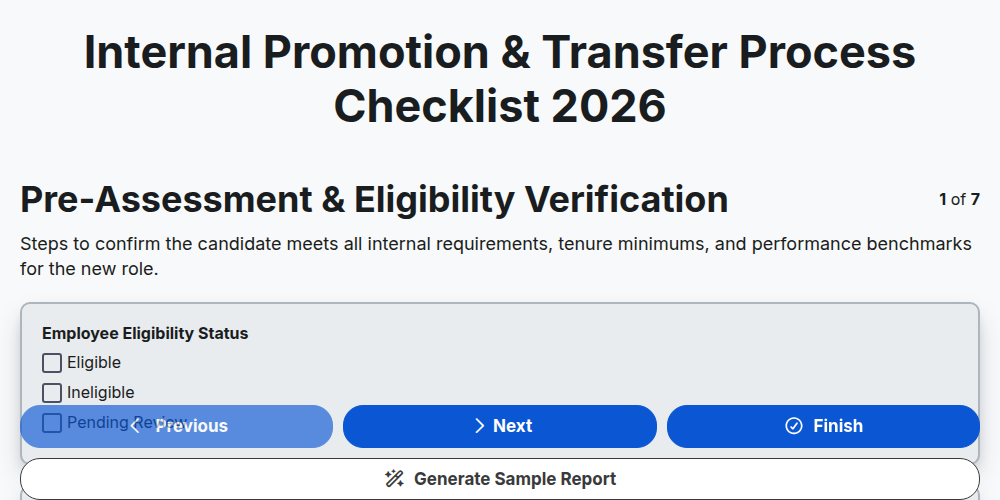
Internal Promotion & Transfer Process Checklist 2026
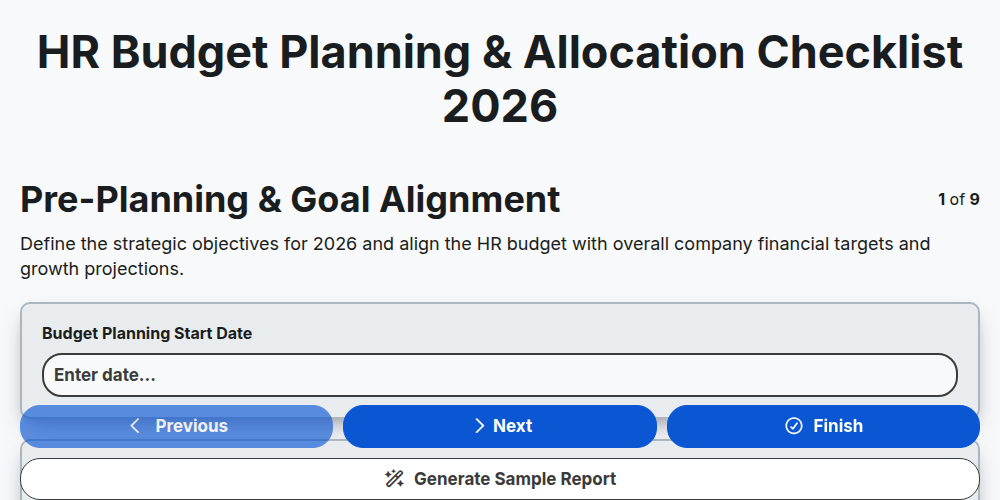
HR Budget Planning & Allocation Checklist 2026
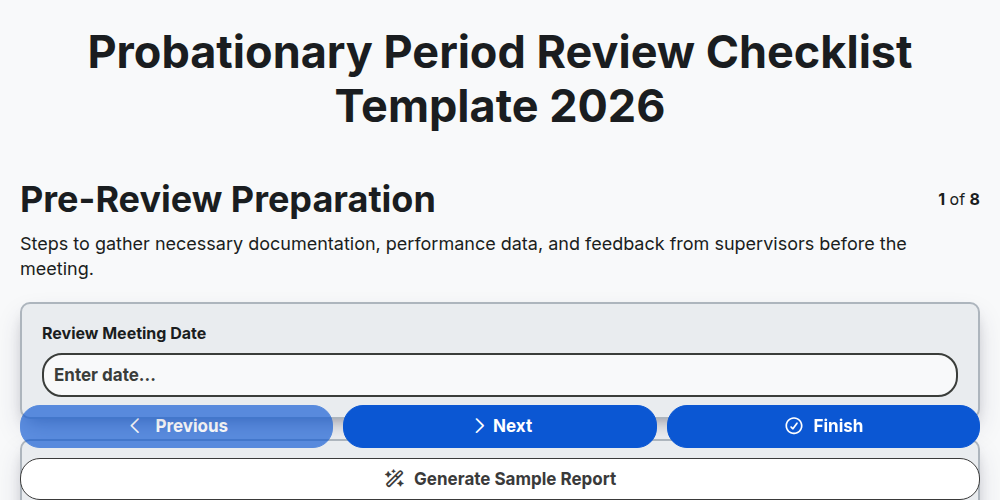
Probationary Period Review Checklist Template 2026
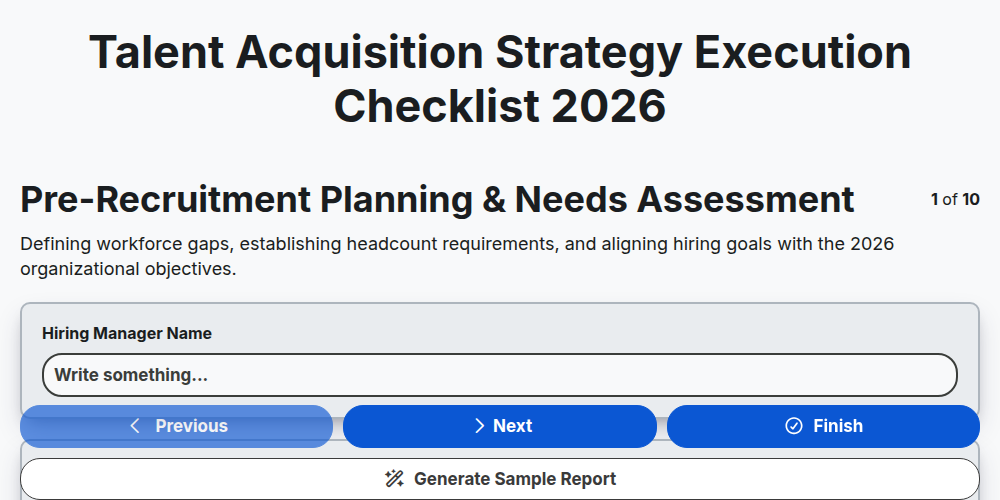
Talent Acquisition Strategy Execution Checklist 2026
Need help with
Human Resources Management (HRM)?
Have a question? We're here to help. Please submit your inquiry, and we'll respond promptly.