 ChecklistGuro
 Mergers & Acquisitions (M&A) HR Checklist
Navigating M&A HR complexities? This checklist ensures a smooth transition, covering everything from due diligence to integration, minimizing disruption & maximizing synergy. Don't risk legal pitfalls - download your M&A HR guide now!
This Template was installed 2 times.
Pre-Close HR Due Diligence
Reviewing the target company's HR practices, policies, and potential liabilities.
Due Diligence Start Date
Summary of Target Company HR Policies
Number of Active Employees
Target Company's Collective Bargaining Agreements (Yes/No)
Copies of Key HR Documents (e.g., Handbook, Policies)
Pending Litigation - HR Related (Number of Cases)
Summary of Employee Demographics (Age, Gender, Ethnicity)
Integration Planning & Strategy
Defining the approach to integrating HR functions and aligning cultures.
Define Integration Goals & Objectives
Identify Key HR Integration Priorities (Select all that apply)
Integration Approach (e.g., Parallel, Phased, Full)
Target Completion Date for Integration Planning
Estimated Budget for HR Integration Planning
Outline Communication Plan for Integration Strategy
Employee Communication & Change Management
Planning and executing communications to employees of both companies.
Initial Announcement Draft
Announcement Release Date
Communication Channels Used
Key Messages to Employees
Employee Concerns Anticipated
Town Hall Meeting Date (if applicable)
Compensation & Benefits Alignment
Harmonizing compensation structures, benefits packages, and equity plans.
Salary Scale Adjustment Factor
Benefit Plan Harmonization Approach
Effective Date of Salary Adjustments
Equity Plan Alignment Strategy
Matching Contribution Percentage
Description of Benefits Changes
Legal & Compliance Review
Ensuring compliance with all applicable laws and regulations throughout the integration process.
Date of Legal Review Commencement
Summary of Key Legal Risks Identified
Relevant Legal Areas Reviewed (Select all that apply)
Number of Legal Counsel Hours Dedicated to Review
Upload of Legal Review Documentation
Overall Legal Compliance Risk Level
Date of Legal Review Completion
HR Systems & Technology Integration
Planning and executing the integration of HRIS and other HR technology platforms.
Current HRIS System (Target Company)
Current HRIS System (Acquiring Company)
Description of Data Migration Strategy
Target Data Migration Completion Date
Estimated Number of Employee Records to Migrate
Data Modules to be Integrated
Data Mapping Documentation
Organizational Structure & Reporting Lines
Defining the new organizational structure and reporting relationships.
Describe the new organizational chart.
Reporting Structure Type (e.g., Functional, Matrix)
Number of Management Layers
Explain rationale behind reporting line changes for key personnel.
Centralized vs. Decentralized HR Function?
Contract Review & Transition
Reviewing and transitioning employment contracts and other HR-related agreements.
Contract Effective Date
Summary of Key Contract Terms (Target Company)
Contract Type (e.g., Employment, Consultant)
Contract Renewal Period (Years)
Uploaded Contract Document(s)
Termination Date (if applicable)
Notes/Comments on Contract Review
Employee Retention & Talent Management
Developing strategies to retain key talent from both organizations.
Target Retention Rate (Key Talent)
Retention Incentive Programs Offered
Rationale for Key Talent Identification
Retention Offer Expiration Date
Retention Strategy Category
Notes on Individual Retention Conversations
Post-Close HR Integration & Optimization
Ongoing activities to refine and optimize HR processes after the integration is complete.
Employee Satisfaction Survey Score (Post-Integration)
Identified Areas for HR Process Improvement
Date of Final HRIS Integration Audit
Summary of Key Findings from HR Audit
Recommendations for Ongoing HR Optimization
Status of Integration Goals
Frequently Asked Questions
Can I customize this template after installing it?
Absolutely. Once installed, you can add, remove, or reorder tasks, add custom fields, and adjust deadlines to fit your specific workflow.
Can I add images or photos to these checklist items?
Yes. Our platform allows you to attach photos, signatures, and notes to any checklist item for better verification and proof of completion.
Can I create a custom checklist from scratch instead of using a template?
Yes. You can use our "Create your own checklist" feature to build a unique workflow tailored exactly to your operational requirements.
Can I add dependencies between tasks?
Yes, you can set up conditional logic and dependencies to ensure your team follows the correct sequence of operations.
Can I assign specific checklist items to different team members?
Yes. You can assign individual tasks to specific employees, ensuring clear accountability across your entire team.
Can I use these checklists on mobile devices in the field?
Yes. Our platform is fully responsive, allowing your team to complete, update, and upload photos to checklists directly from any smartphone or tablet.
How do I notify my manager when a checklist is completed?
You can set up automated notifications (via email, push notification, or in-app alerts) to trigger whenever a checklist is finished or if an item fails inspection.
Can multiple people work on the same checklist simultaneously?
Yes, the platform supports real-time updates, allowing multiple users to contribute to a single live checklist.
Where is the data from completed checklists stored?
All completed checklists are stored securely in your Work OS dashboard, creating a permanent, searchable audit trail of your operations.
Can I generate reports based on my checklist results?
Yes. You can track completion rates, identify recurring issues, and monitor team performance through our integrated reporting and analytics tools.
How can I use these checklists for compliance or auditing purposes?
Because our checklists capture timestamps, photos, and digital signatures, they serve as a robust digital paper trail for regulatory compliance and internal audits.
Can I export my completed checklist data for use in other tools?
Yes. You can export your data in various formats (CSV, Excel, etc.) to integrate your operational insights with your other business software.
Comments
There are no comments yet. Be the first to add one!
HRM - Human Resources Management Solution Demo
Simplify HR processes & empower your team! ChecklistGuro's HRM solution streamlines onboarding, performance management, & compliance. Improve employee engagement, reduce admin burden, & drive organizational growth. Manage it all with our Work OS.
Related Checklist Templates
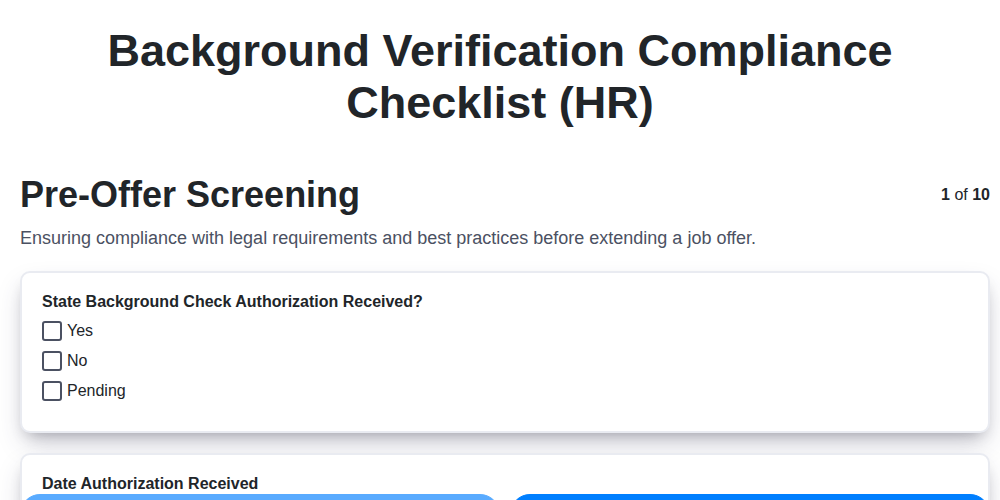
Background Verification Compliance Checklist (HR)

Pay Equity Audit Checklist Template (HR)
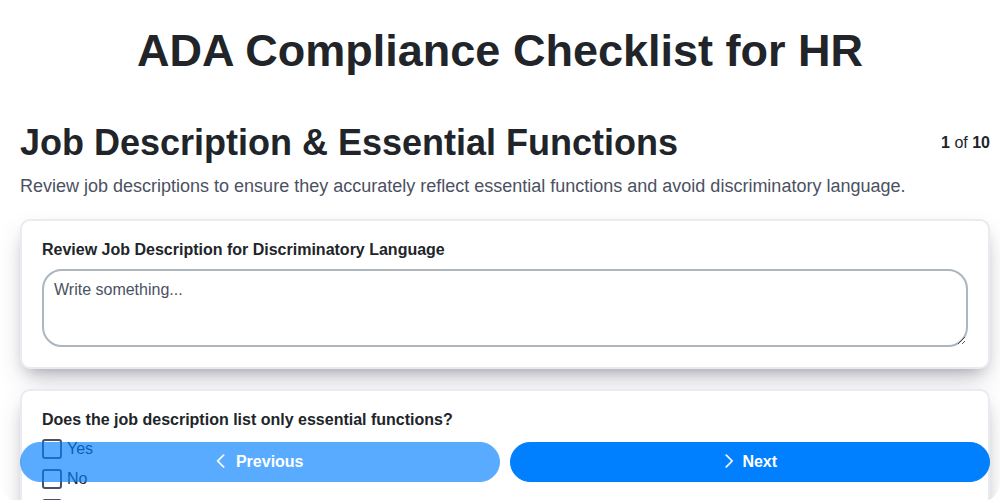
ADA Compliance Checklist for HR
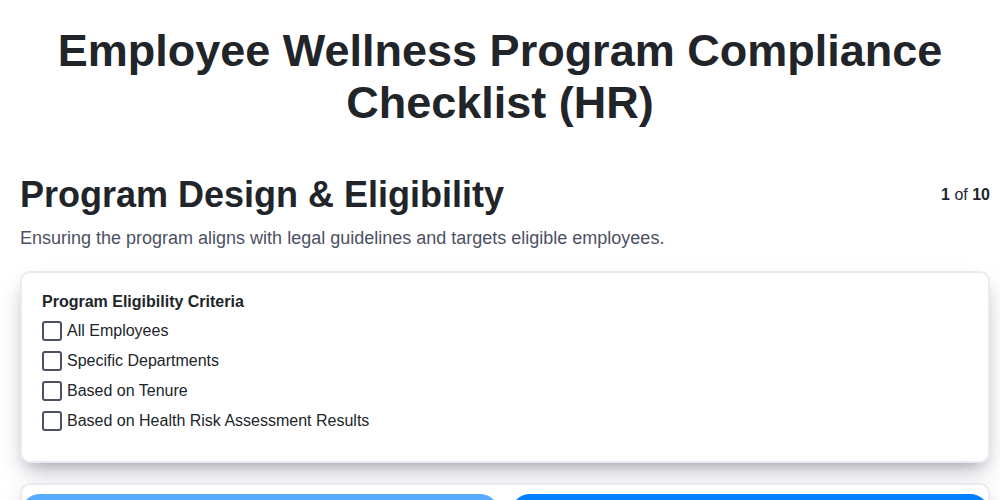
Employee Wellness Program Compliance Checklist (HR)
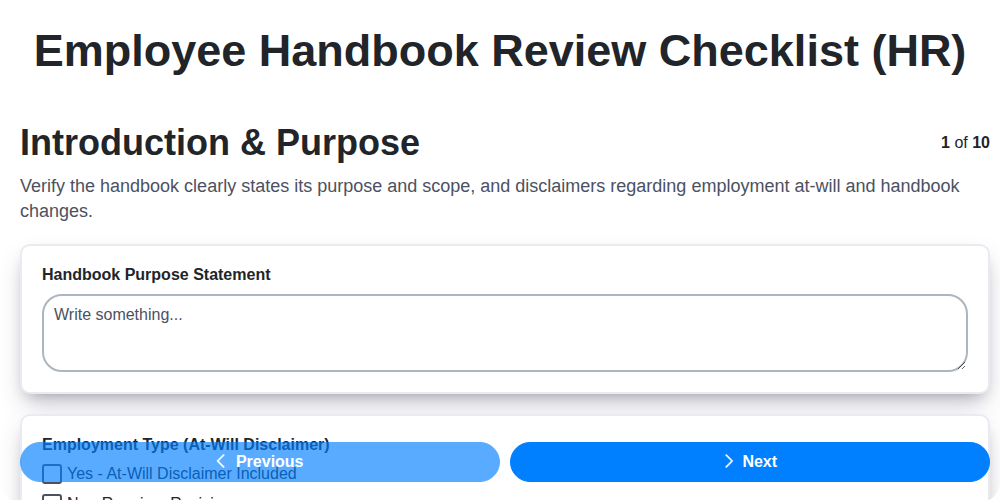
Employee Handbook Review Checklist (HR)
Independent Contractor Compliance Checklist (HR)
HR Risk Assessment Checklist Template
Employee Classification Audit Checklist (HR)
We can do it Together
Need help with
Human Resources Management (HRM)?
Have a question? We're here to help. Please submit your inquiry, and we'll respond promptly.