 ChecklistGuro
New Tenant Screening Checklist
Ensure your next tenant is a great fit! Download our free New Tenant Screening Checklist - a comprehensive guide for real estate professionals to minimize risk & maximize profitability. Background checks, credit scores, rental history & more - cover all bases!
This Template was installed 5 times.
Application Submission & Completeness
Ensures a complete application is received and accurately reflects the applicant's information. Includes verifying all fields are filled and signatures are present.
Application Submission Date
Application Method
Number of Applicants Listed
All Adults Listed?
Notes on Application Completeness
Signature Obtained?
Application Document (if applicable)
Identity Verification
Confirms the applicant's identity and validates the information provided on the application.
Full Legal Name
Date of Birth (Year)
Date of Birth (Month)
Date of Birth (Day)
Social Security Number (Last 4 Digits)
Copy of Government-Issued Photo ID (Driver's License, Passport)
Current Address
Date of ID Expiration (If Applicable)
Credit History Review
Analyzes credit reports to assess financial responsibility and payment history.
Credit Score
Number of Open Credit Accounts
Total Outstanding Debt
Credit Report Type (e.g., Equifax, Experian, TransUnion)
Significant Credit Report Findings (e.g., collections, bankruptcies)
Overall Credit Risk Assessment (Based on report)
Copy of Credit Report (securely)
Income Verification
Confirms the applicant's stated income and employment status. Includes reviewing pay stubs, bank statements, or employment verification letters.
Gross Monthly Income
Employment Status
Pay Stub(s) (Most Recent 2)
Bank Statements (Most Recent 1-2 Months)
Explanation of Income (If Applicable)
Employer Verification Method
Amount of Child Support Received (if applicable)
Criminal Background Check
Conducts a background check to identify any criminal history that may impact tenancy.
Summary of Criminal Background Check Results
Attach Background Check Report (from authorized vendor)
Types of Offenses Disclosed (Select all that apply)
Details of 'Other' Offenses (if selected above)
Number of Offenses Disclosed
Disposition of Offenses (e.g., Convicted, Dismissed, Deferred)
Details of 'Other' Disposition (if selected above)
Review of State/Local Laws - Is Criminal History Disqualifying?
Eviction History Review
Examines past eviction records to determine rental history and potential risk.
Previous Landlord Contacted (Name & Phone Number)
Summary of Landlord Conversation (including verification of eviction history)
Did the previous landlord confirm any eviction filings?
If Yes, provide details of the eviction filing(s) (court, dates, reason)
Was the eviction resolved/dismissed?
Notes/Additional Information Regarding Eviction History
Rental History Verification
Contacts previous landlords to verify rental history, including payment behavior, property care, and adherence to lease terms.
Previous Landlord Name
Previous Property Address
Move-in Date at Previous Residence
Move-out Date at Previous Residence
Monthly Rent Paid (at previous residence)
Landlord Satisfaction (Overall)
Landlord Comments (e.g., payment history, property care)
Were there any lease violations?
Vehicle & Pet Information (if applicable)
Documents vehicle information and verifies pet ownership, ensuring compliance with property rules and regulations.
Does the applicant own any vehicles?
Number of vehicles owned:
Vehicle Make, Model, and License Plate Number (for each vehicle):
Does the applicant own any pets?
Number of pets:
Pet Type(s) (e.g., dog, cat, bird):
Pet Breed(s) (if known):
Pet Photos (for verification purposes):
Pet Deposit/Fee Paid?
Lease Agreement Understanding
Ensures the applicant understands the terms and conditions of the lease agreement before signing.
Summary of Key Lease Terms Explained?
Understanding of Rent Payment Procedures?
Awareness of Late Fee Policy?
Understanding of Security Deposit Terms?
Any Questions or Concerns about the Lease?
Applicant Signature Acknowledging Understanding
Documentation & Record Keeping
Maintains accurate records of all screening processes and related documentation for compliance and future reference.
Application Received Date
Scanned Application Form
Notes on Screening Process & Justification (if applicable)
Application Status
Application Fee Received (if applicable)
Denial Notification Sent Date (if applicable)
Reason for Denial (if applicable)
Copies of Supporting Documents (Paystubs, Bank Statements)
Frequently Asked Questions
Can I customize this template after installing it?
Absolutely. Once installed, you can add, remove, or reorder tasks, add custom fields, and adjust deadlines to fit your specific workflow.
Can I add images or photos to these checklist items?
Yes. Our platform allows you to attach photos, signatures, and notes to any checklist item for better verification and proof of completion.
Can I create a custom checklist from scratch instead of using a template?
Yes. You can use our "Create your own checklist" feature to build a unique workflow tailored exactly to your operational requirements.
Can I add dependencies between tasks?
Yes, you can set up conditional logic and dependencies to ensure your team follows the correct sequence of operations.
Can I assign specific checklist items to different team members?
Yes. You can assign individual tasks to specific employees, ensuring clear accountability across your entire team.
Can I use these checklists on mobile devices in the field?
Yes. Our platform is fully responsive, allowing your team to complete, update, and upload photos to checklists directly from any smartphone or tablet.
How do I notify my manager when a checklist is completed?
You can set up automated notifications (via email, push notification, or in-app alerts) to trigger whenever a checklist is finished or if an item fails inspection.
Can multiple people work on the same checklist simultaneously?
Yes, the platform supports real-time updates, allowing multiple users to contribute to a single live checklist.
Where is the data from completed checklists stored?
All completed checklists are stored securely in your Work OS dashboard, creating a permanent, searchable audit trail of your operations.
Can I generate reports based on my checklist results?
Yes. You can track completion rates, identify recurring issues, and monitor team performance through our integrated reporting and analytics tools.
How can I use these checklists for compliance or auditing purposes?
Because our checklists capture timestamps, photos, and digital signatures, they serve as a robust digital paper trail for regulatory compliance and internal audits.
Can I export my completed checklist data for use in other tools?
Yes. You can export your data in various formats (CSV, Excel, etc.) to integrate your operational insights with your other business software.
Comments
There are no comments yet. Be the first to add one!
Audit/Inspection Management Solution Demo
Ensure compliance & improve performance! ChecklistGuro streamlines audit/inspection creation, execution, and reporting. Reduce risk, enhance quality, & maintain consistency. Manage it all with our Work OS.
Related Checklist Templates
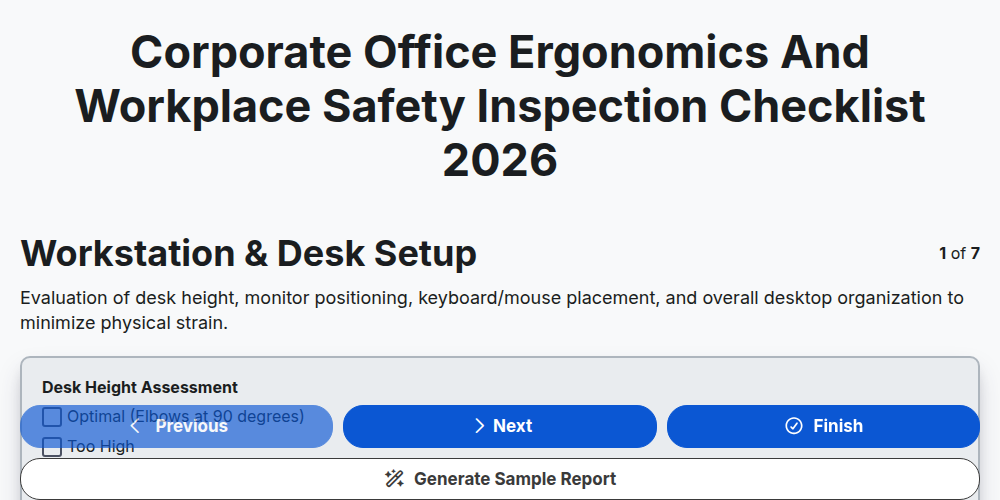
Corporate Office Ergonomics and Workplace Safety Inspection Checklist 2026
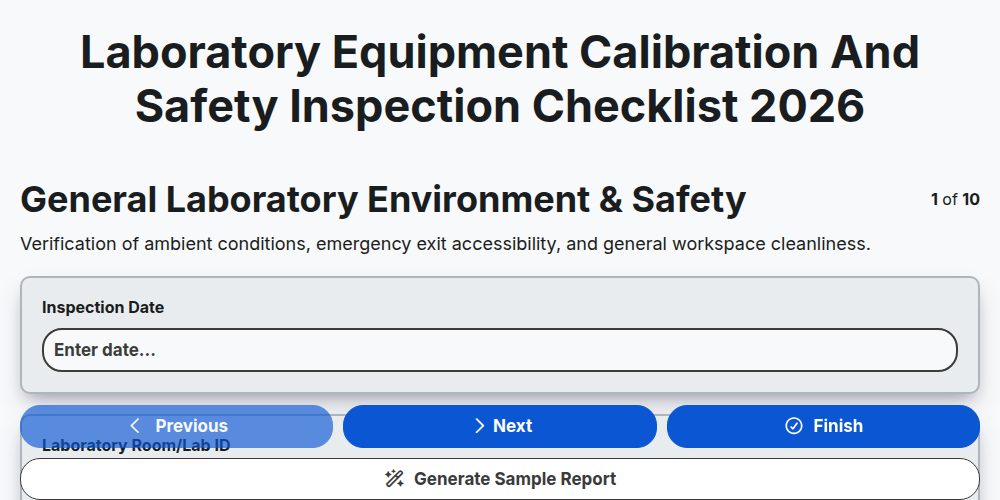
Laboratory Equipment Calibration and Safety Inspection Checklist 2026
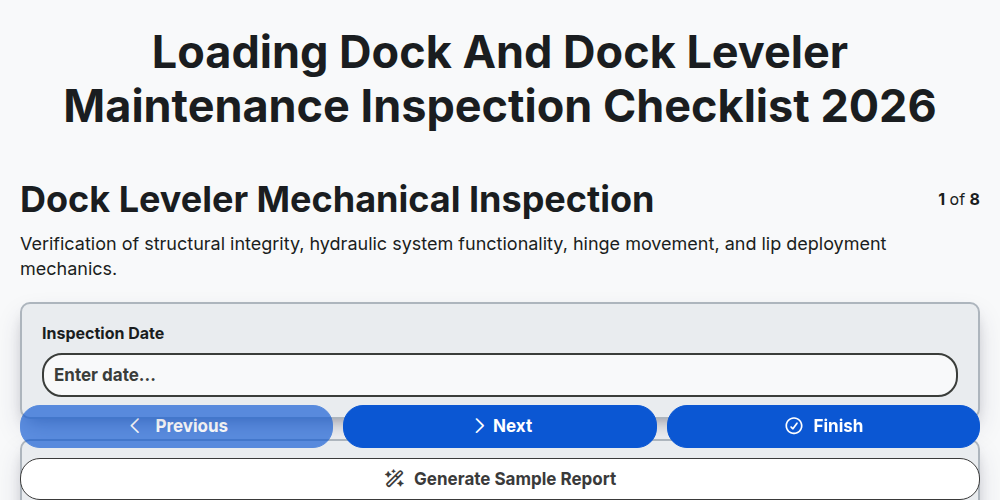
Loading Dock and Dock Leveler Maintenance Inspection Checklist 2026
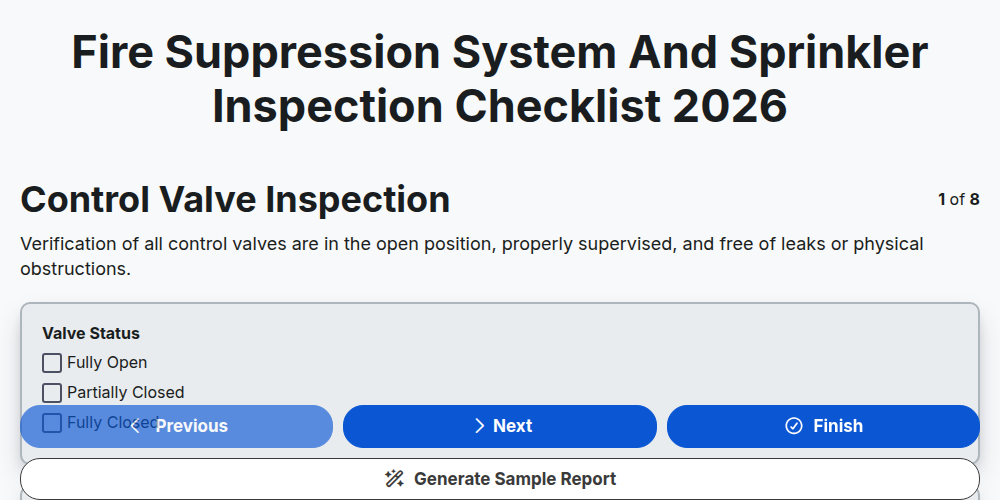
Fire Suppression System and Sprinkler Inspection Checklist 2026
Elevator and Escalator Safety Inspection Checklist Template 2026
Cold Storage and Refrigeration Unit Inspection Checklist 2026
Retail Store Opening and Security Inspection Checklist Template 2026
Fleet Fueling Station Compliance and Safety Inspection Checklist 2026
Need help with
Inspection Management?
Have a question? We're here to help. Please submit your inquiry, and we'll respond promptly.