 ChecklistGuro
 Technology Audit Checklist
Unlock your real estate business's full potential! 🚀 Our free Technology Audit Checklist helps you pinpoint tech gaps, boost efficiency, and stay ahead in today's competitive market. From CRM to cybersecurity, ensure your tech stack is optimized for success. Download now! #realestate #techaudit #realestatetech #businesstechnology
This Template was installed 1 times.
Business Strategy & Alignment
Assessing how technology supports overall real estate business goals and strategies.
Describe the real estate company's overarching business goals.
How does the company currently use technology to support those goals?
What are the biggest technology-related challenges preventing the achievement of these goals?
Estimated annual budget allocated to technology (USD)
What is the company's current level of digital maturity (e.g., Basic, Intermediate, Advanced)?
Which of the following technology priorities are deemed most important? (Select all that apply)
Date of last formal technology strategy review
Website & Online Presence
Evaluating the functionality, performance, and security of the company's website and online platforms.
Website Page Load Speed (seconds)
Website Platform (e.g., WordPress, Squarespace, Custom)
Mobile Responsiveness Check (Select all that apply)
Summary of Recent Website Updates (past 12 months)
SSL Certificate Status (Valid, Expired, Not Installed)
Screenshot of Website Home Page (for visual assessment)
Average Monthly Website Traffic (unique visitors)
CRM & Client Relationship Management
Reviewing the use of CRM systems to manage leads, clients, and property information.
Which CRM system(s) are currently in use?
If 'Other' CRM selected above, please specify:
Approximately how many active contacts are in the CRM?
Which of these CRM features are currently utilized?
Describe the current processes for adding new leads to the CRM.
How well are property listings integrated with the CRM?
Date of last CRM system review or update.
What are the biggest challenges/pain points with the current CRM implementation?
Marketing Automation & Digital Marketing
Examining the automation of marketing efforts, including email marketing, social media, and advertising.
Website Traffic (Monthly)
Average Email Open Rate
Average Click-Through Rate (Email)
Current Marketing Automation Platform Used
Digital Marketing Channels Utilized
Description of Social Media Strategy
Lead Source Tracking Accuracy
Last Marketing Campaign Performance Review Date
Data Management & Analytics
Analyzing how data is collected, stored, analyzed, and used to inform decision-making.
Number of Active Listings in CRM
Approximate Total Records in Property Database
Primary Data Storage Method
Describe the process for Data Entry and Validation
Which of the following data sources are integrated?
What analytics tools are currently being used?
Briefly describe how data is used to optimize marketing campaigns.
Date of Last Data Backup
Property Management Systems (PMS)
Focuses on systems used to manage rental properties, maintenance requests, and tenant communications (if applicable).
PMS Vendor Currently in Use?
If 'Other' was selected above, please specify the PMS vendor.
Number of Properties Managed Through the PMS?
Which of these PMS features are currently utilized?
If 'Other' was selected above, please specify the PMS features utilized.
Last PMS System Upgrade Date?
Does the PMS integrate with other systems (e.g., accounting, CRM)?
If yes above, please list the integrated systems and describe the integration.
Is tenant data stored and managed within the PMS?
Transaction Management & e-Signature
Checking processes and software used for managing transactions, contracts, and electronic signatures.
Current e-Signature Software Used?
If 'Other' selected above, please specify:
Are transaction workflows automated?
Average time (in days) to finalize a transaction (pre-tech audit)
Sample Transaction Workflow Document (for review)
Which integrations are used with the e-signature platform?
Last time e-signature platform was reviewed for security updates
Describe any pain points or inefficiencies related to transaction management and e-signature processes.
Cybersecurity & Data Privacy
Evaluating the measures in place to protect sensitive data and comply with privacy regulations.
What cybersecurity framework(s) are you following (e.g., NIST, ISO 27001)?
How many active user accounts are in your primary systems?
Do you regularly conduct vulnerability scans of your systems?
Briefly describe your data backup and recovery procedures.
Which of the following data privacy regulations apply to your business?
Do you have a written incident response plan?
Please upload your current privacy policy (if applicable).
Describe employee training procedures related to data privacy and security.
Hardware & Infrastructure
Assessing the physical equipment and underlying infrastructure supporting technology operations.
Number of Desktops/Laptops in Use
Number of Servers (Physical/Virtual)
Primary Internet Service Provider (ISP)
Internet Bandwidth (Download Speed in Mbps)
Backup Solution Type
Last Hardware Inventory Date
Description of Current Network Topology
Wireless Network Security Protocol
UPS (Uninterruptible Power Supply) Capacity (in VA)
Training & User Adoption
Reviewing the effectiveness of training programs and user adoption rates for key technologies.
Percentage of Employees Trained on Primary CRM System
Average Time to Complete Core Software Training (in hours)
Training Delivery Method (Select all that apply)
Describe the current onboarding process for new technology introductions.
How are ongoing technology skill gaps identified and addressed?
Which technologies experience the most significant user adoption challenges?
Date of last user training needs assessment
Describe examples of user feedback regarding technology training or support.
Comments
There are no comments yet. Be the first to add one!
Audit/Inspection Management Solution Demo
Ensure compliance & improve performance! ChecklistGuro streamlines audit/inspection creation, execution, and reporting. Reduce risk, enhance quality, & maintain consistency. Manage it all with our Work OS.
Related Checklist Templates
Winery Equipment and Facility Inspection Checklist Template
Aquaculture Farm Health and Safety Inspection Checklist Template
Brewery Equipment Sanitation and Safety Inspection Checklist
Solar Panel System Inspection Checklist Template
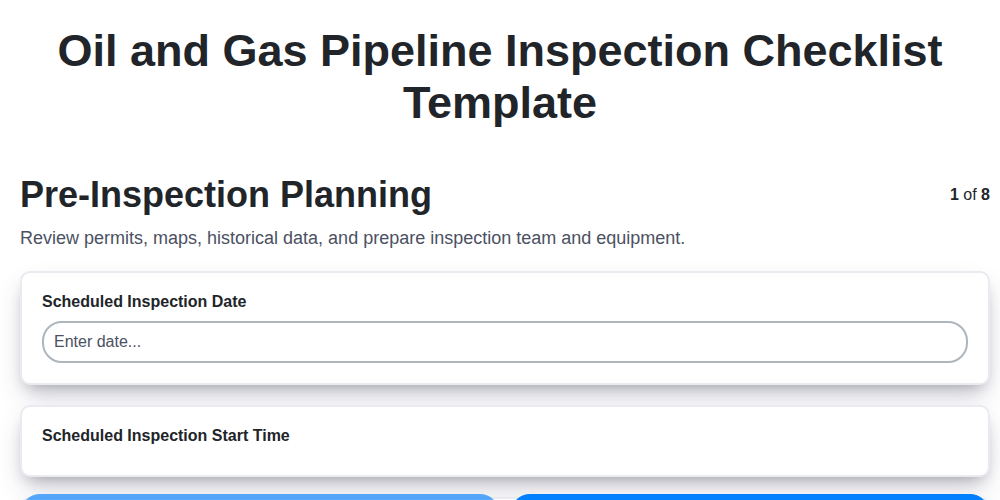
Oil and Gas Pipeline Inspection Checklist Template
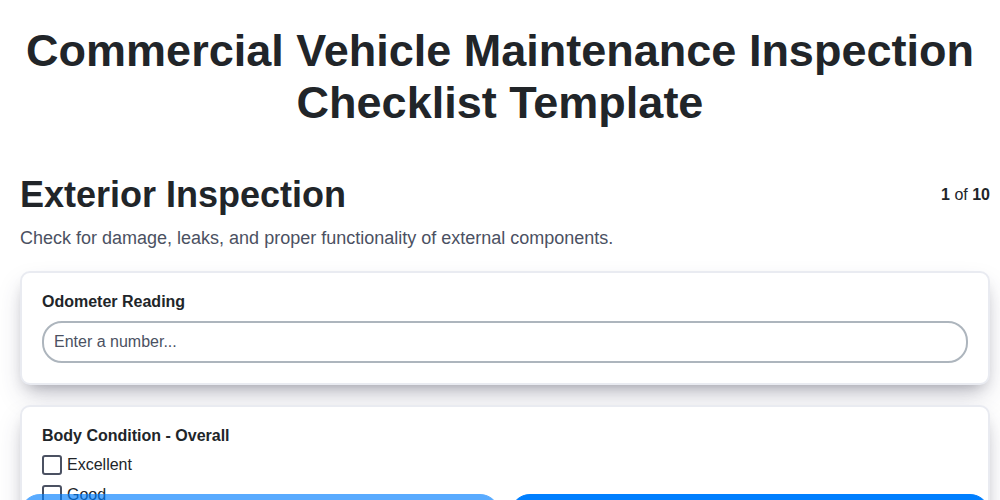
Commercial Vehicle Maintenance Inspection Checklist Template
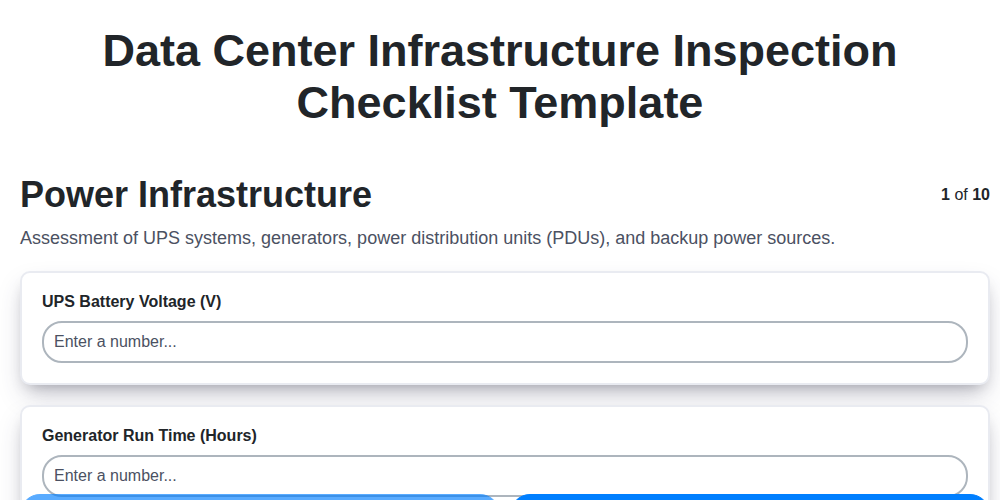
Data Center Infrastructure Inspection Checklist Template
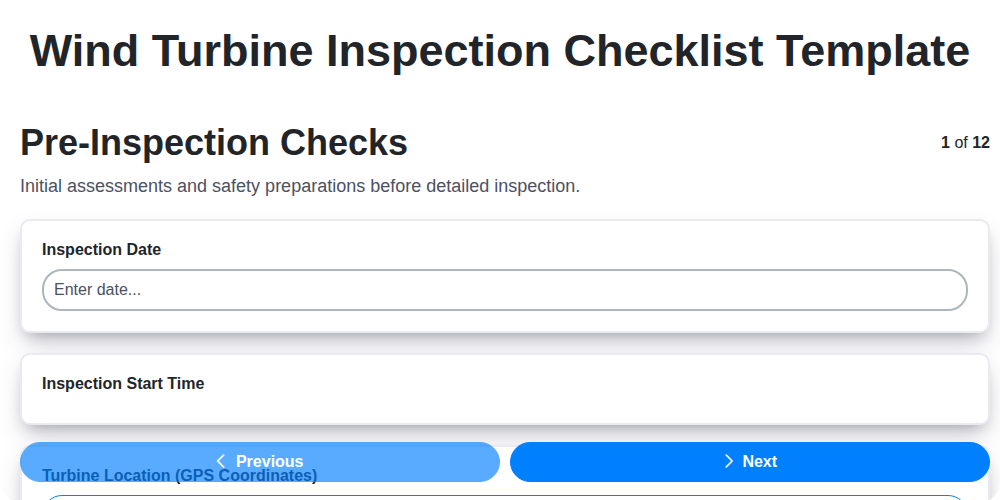
Wind Turbine Inspection Checklist Template
We can do it Together
Need help with
Inspection Management?
Have a question? We're here to help. Please submit your inquiry, and we'll respond promptly.