 ChecklistGuro
 Insurance Broker Due Diligence Checklist
Ensure compliance and mitigate risk! Our Insurance Broker Due Diligence Checklist streamlines your assessment process, covering everything from licensing to financial stability. Protect your business - download now!
This Template was installed 5 times.
Broker Background & Licensing
Verify broker credentials and regulatory compliance.
Broker Name
Broker License Number
State(s) of Licensing
License Expiration Date
License Type
Copy of License Document
Number of Years in Business
Financial Stability & Solvency
Assess the broker's financial health and ability to fulfill obligations.
Annual Revenue
Net Profit/Loss (Last Year)
Current Ratio
Debt-to-Equity Ratio
Last Financial Statement Date
Financial Statement (Latest)
Credit Rating (if applicable)
Errors & Omissions (E&O) Insurance
Confirm adequate E&O coverage and current policy status.
Policy Effective Date
Policy Expiration Date
Policy Limit (Per Occurrence)
Policy Aggregate Limit
Insurer Name
Coverage Type
Notes/Comments on E&O Coverage
Upload E&O Insurance Certificate (PDF)
Regulatory History & Disciplinary Actions
Review past regulatory actions and compliance issues.
Date of Initial Regulatory Review
Regulatory Agency Involved
Description of Regulatory Action/Investigation
Type of Action
Amount of Fine (if applicable)
Date of Action/Order
Summary of Resolution/Outcome
Status of Action
Client Complaint History
Analyze client complaints and resolution processes.
Total Number of Complaints Received (Past 3 Years)
Summary of Complaint Trends (e.g., common issues)
Complaint Resolution Method (Most Common)
Average Resolution Time (in Days)
Complaint Categories (Select all that apply)
Date of Last Significant Complaint
Description of Complaint Handling Process
Compliance Program & Training
Evaluate the broker's compliance program and agent training.
Does the broker have a documented compliance program?
Last Compliance Program Review Date
Number of Agents/Brokers Requiring Training
What compliance topics are included in the training?
Date of Last Agent/Broker Training
Briefly describe the training methodology used (e.g., online modules, workshops)
Is training mandatory for all agents/brokers?
Upload a copy of the Compliance Program Manual (if available)
Contractual Agreements & Terms
Review contracts and agreements with the broker.
Summary of Key Contractual Terms
Contract Type
Contract Start Date
Contract Renewal Date
Commission Rate (Percentage)
Description of Indemnification Clauses
Governing Law
Upload Contract Document
Cybersecurity & Data Protection
Assess the broker's cybersecurity measures and data protection protocols.
Cybersecurity Framework Used (e.g., NIST, ISO 27001)
Summary of Cybersecurity Policies & Procedures
Data Encryption Method (at rest)
Data Encryption Method (in transit)
Frequency of Vulnerability Scanning (times per year)
Last Security Awareness Training Date
Cybersecurity Incident Response Plan (latest version)
Conflicts of Interest Disclosure
Ensure transparency regarding potential conflicts of interest.
Describe any existing relationships or affiliations that could create a conflict of interest.
Does the broker have ownership interest in any insurance companies?
Percentage of commission received from a specific insurer (if applicable)
Select all categories of potential conflicts of interest that apply:
If 'Other' was selected above, please specify the nature of the conflict.
Date of last conflict of interest disclosure review
Record Keeping & Documentation
Verify proper documentation and record-keeping practices.
Last Record Keeping Audit Date
Description of Record Retention Policy
Number of Active Client Files
Sample Client File (for review)
Record Storage Method
Date of Last Data Backup
Summary of Document Destruction Process
Frequently Asked Questions
Can I customize this template after installing it?
Absolutely. Once installed, you can add, remove, or reorder tasks, add custom fields, and adjust deadlines to fit your specific workflow.
Can I add images or photos to these checklist items?
Yes. Our platform allows you to attach photos, signatures, and notes to any checklist item for better verification and proof of completion.
Can I create a custom checklist from scratch instead of using a template?
Yes. You can use our "Create your own checklist" feature to build a unique workflow tailored exactly to your operational requirements.
Can I add dependencies between tasks?
Yes, you can set up conditional logic and dependencies to ensure your team follows the correct sequence of operations.
Can I assign specific checklist items to different team members?
Yes. You can assign individual tasks to specific employees, ensuring clear accountability across your entire team.
Can I use these checklists on mobile devices in the field?
Yes. Our platform is fully responsive, allowing your team to complete, update, and upload photos to checklists directly from any smartphone or tablet.
How do I notify my manager when a checklist is completed?
You can set up automated notifications (via email, push notification, or in-app alerts) to trigger whenever a checklist is finished or if an item fails inspection.
Can multiple people work on the same checklist simultaneously?
Yes, the platform supports real-time updates, allowing multiple users to contribute to a single live checklist.
Where is the data from completed checklists stored?
All completed checklists are stored securely in your Work OS dashboard, creating a permanent, searchable audit trail of your operations.
Can I generate reports based on my checklist results?
Yes. You can track completion rates, identify recurring issues, and monitor team performance through our integrated reporting and analytics tools.
How can I use these checklists for compliance or auditing purposes?
Because our checklists capture timestamps, photos, and digital signatures, they serve as a robust digital paper trail for regulatory compliance and internal audits.
Can I export my completed checklist data for use in other tools?
Yes. You can export your data in various formats (CSV, Excel, etc.) to integrate your operational insights with your other business software.
Comments
There are no comments yet. Be the first to add one!
Insurance Management Solution Demo
Managing policies, claims, and compliance in the insurance industry is complex. ChecklistGuro's Work OS platform streamlines your operations, from underwriting and renewals to claims processing and reporting. Improve efficiency, reduce errors, and enhance customer satisfaction. Discover how ChecklistGuro can transform your insurance business!
Related Checklist Templates
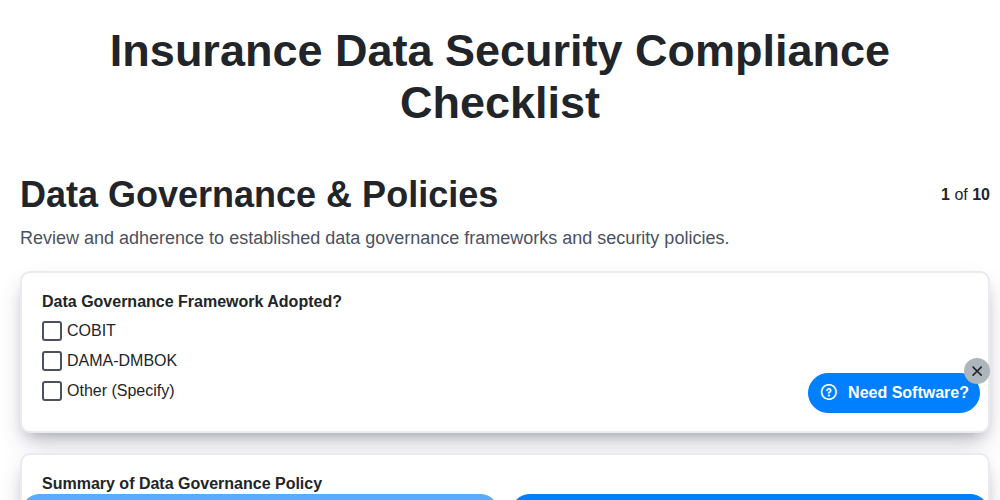
Insurance Data Security Compliance Checklist
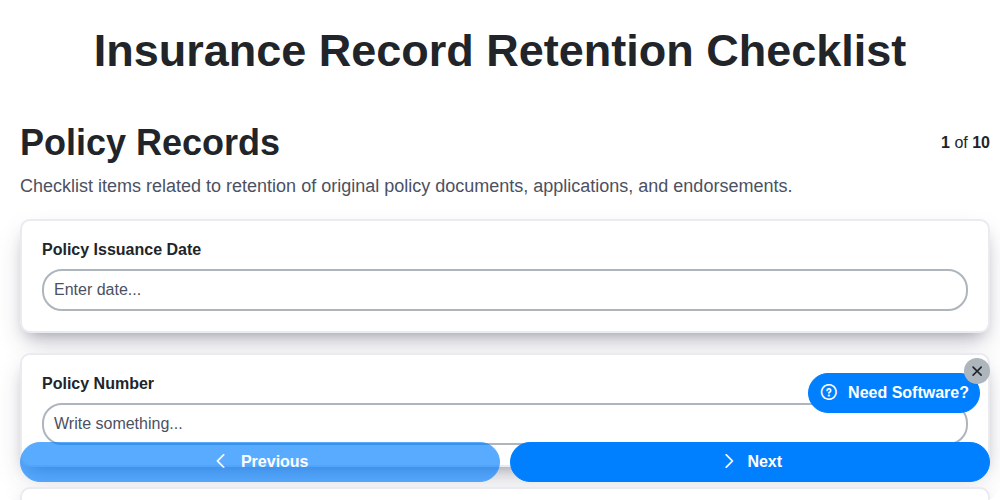
Insurance Record Retention Checklist
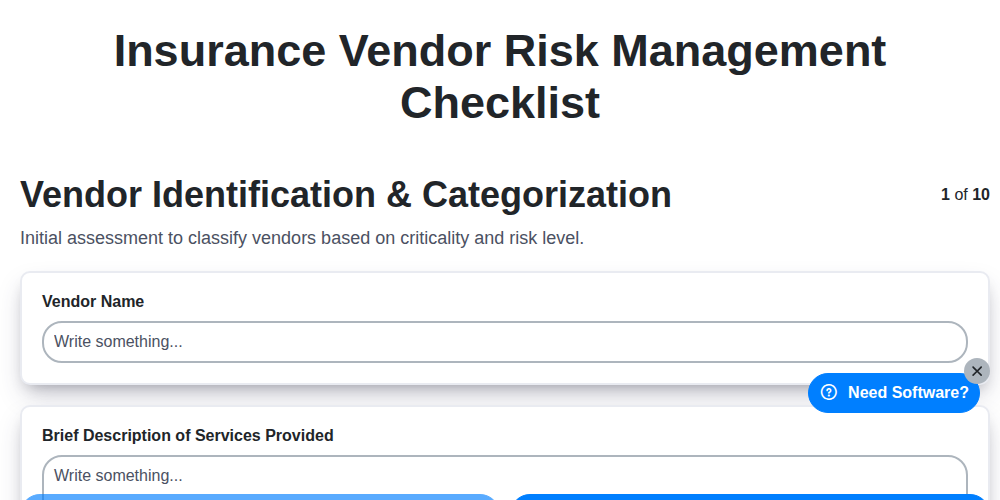
Insurance Vendor Risk Management Checklist
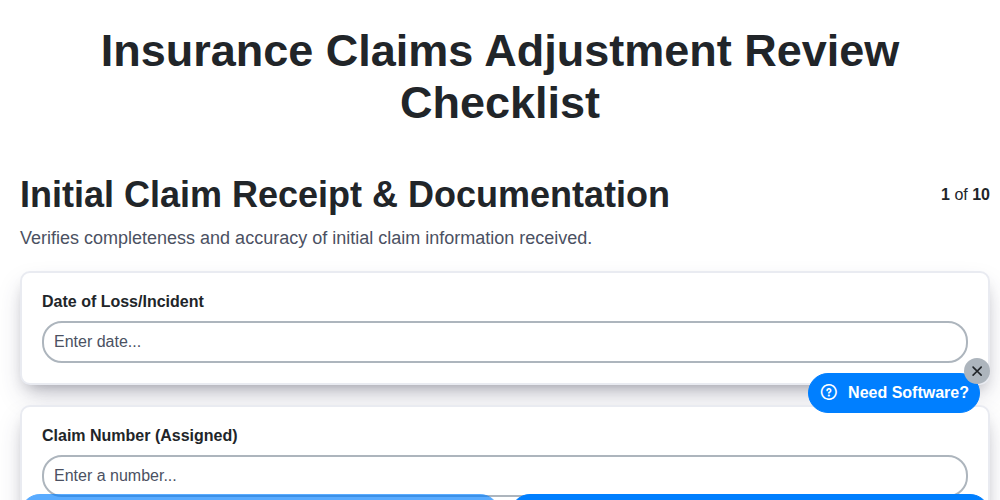
Insurance Claims Adjustment Review Checklist
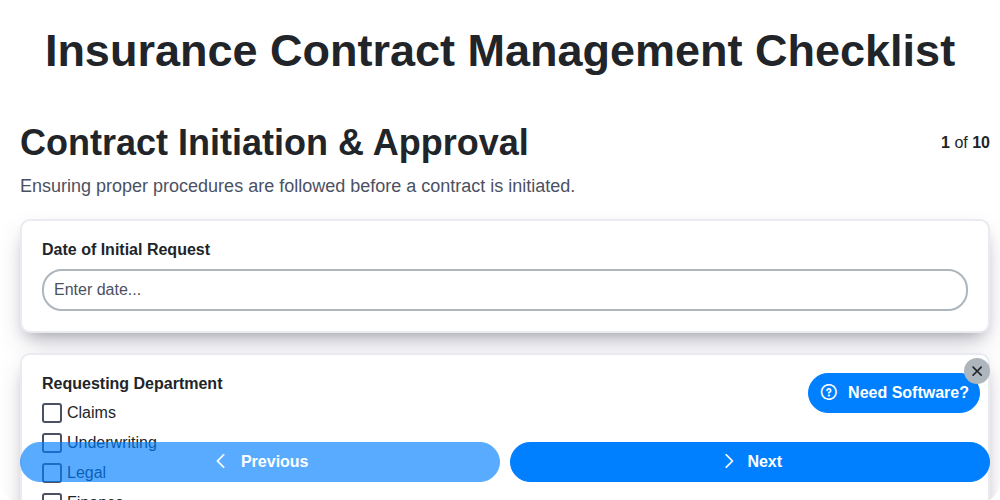
Insurance Contract Management Checklist
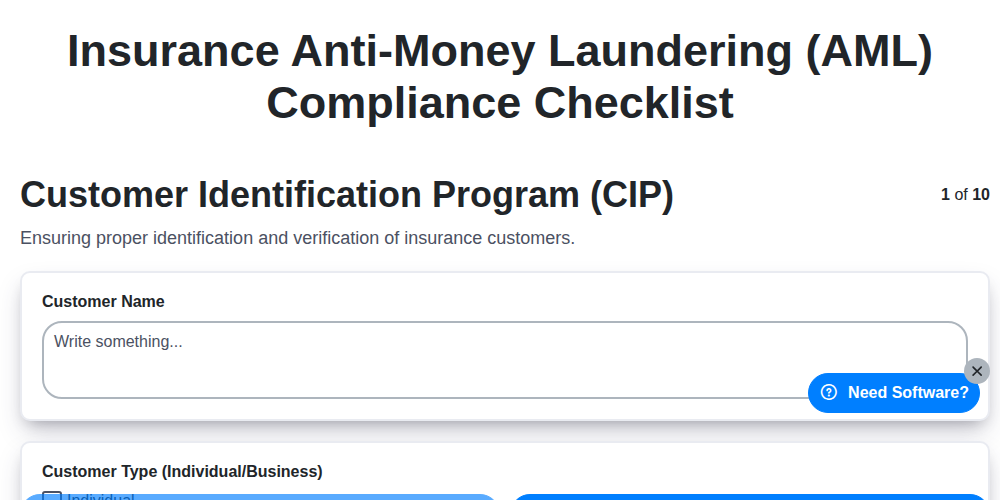
Insurance Anti-Money Laundering (AML) Compliance Checklist
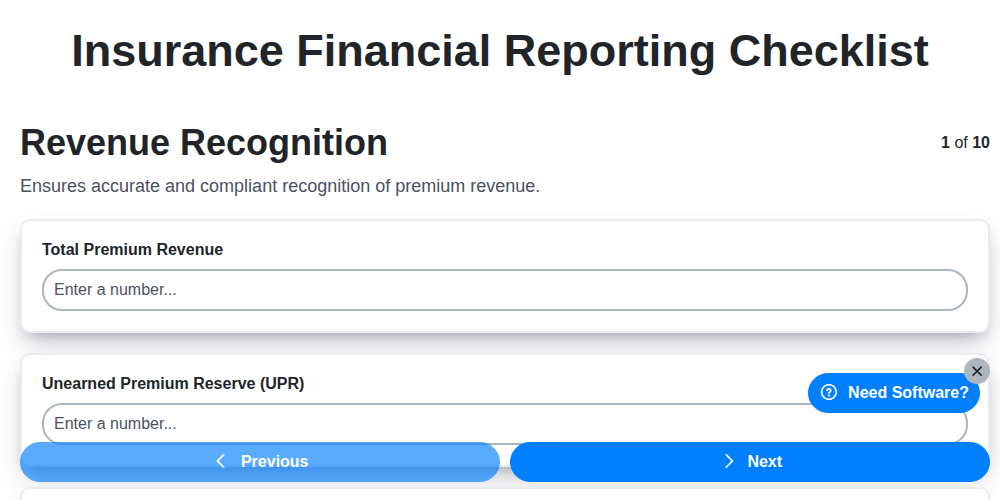
Insurance Financial Reporting Checklist
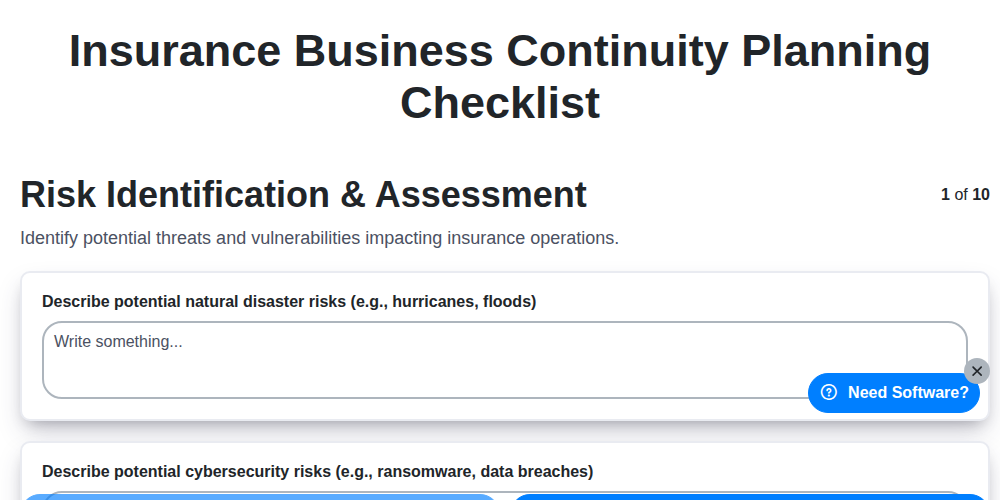
Insurance Business Continuity Planning Checklist
Need help with
Insurance?
Have a question? We're here to help. Please submit your inquiry, and we'll respond promptly.