 ChecklistGuro
 Specialty Coffee Bean Inventory Grading Checklist
Ensure peak flavor and consistent quality with our Specialty Coffee Bean Inventory Grading Checklist. From origin to roasting, meticulously track moisture, defect levels, and aroma profiles to maintain your brand's reputation for excellence. Perfect for coffee roasters, importers, and cafes.
This Template was installed 3 times.
Bean Origin & Details
Record origin, farm, processing method, and any specific lot information.
Farm/Producer Name
Lot Number
Country of Origin
Processing Method
Harvest Date
Additional Notes (e.g., micro-lot details, altitude)
Physical Appearance
Assess bean size, shape, color, and any defects (e.g., insect damage, black beans).
Average Bean Size (mm)
Percentage of Broken Beans (%)
Percentage of Black Beans (%)
Percentage of Insect Damage (%)
Bean Shape
Bean Color Uniformity
Additional Observations on Physical Appearance
Aroma (Dry & Roasted)
Evaluate the dry and roasted aroma for complexity, intensity, and undesirable odors.
Overall Aroma Intensity
Primary Dry Aroma Notes
Detailed Description of Dry Aroma
Intensity Score (1-10)
Roast Aroma - Primary Notes
Detailed Description of Roasted Aroma
Undesirable Odors Present?
Flavor Profile (Cupping)
Detail the flavor notes, body, acidity, sweetness, and overall balance during cupping.
Acidity (Scale of 1-8)
Body (Scale of 1-5)
Sweetness (Scale of 1-5)
Balance (Scale of 1-5)
Primary Flavor Notes
Secondary Flavor Notes
Aftertaste/Finish
Overall Impression (e.g., Fruity, Floral, Nutty, Chocolatey)
Defect Analysis
Quantify and describe any defects found, noting their impact on quality.
Total Bean Count (Sample Size)
Black Beans (Count)
Quakers (Count)
Broken Beans (Count)
Insect Damage (Count)
Mold Presence
Detailed Description of Defects (if any)
Grading & Score
Assign a final grade and numerical score based on established grading standards.
Overall Score (0-100)
Primary Grade (e.g., Specialty, Premium, Standard)
Cupping Score Category (Based on SCAA/SQA)
Justification for Score
Defect Count (Quakers)
Roasting Notes
Record any observations about roasting performance and optimal roast level.
First Crack Temperature (°F)
Second Crack Temperature (°F)
Roast Level (Agtron/SCA)
Development Time (Seconds)
Flavor Description (Roast)
Roasting Performance Notes
Storage & Shelf Life
Document recommended storage conditions and estimated shelf life.
Optimal Storage Temperature (°C)
Optimal Storage Humidity (%)
Recommended Storage Container Type
Date Received
Best By Date (Estimated)
Notes/Special Storage Instructions
Comments
There are no comments yet. Be the first to add one!
Inventory Management Solution Demo
Optimize your inventory & boost profitability! ChecklistGuro streamlines tracking, ordering, & fulfillment. Reduce waste, minimize stockouts, & improve efficiency. Manage it all with our Work OS.
Related Checklist Templates
Art Gallery Inventory Appraisal Checklist Template
Tool Rental Inventory Maintenance Checklist Template
Jewelry Inventory Security Audit Checklist Template
Florist Flower Inventory Management Checklist Template
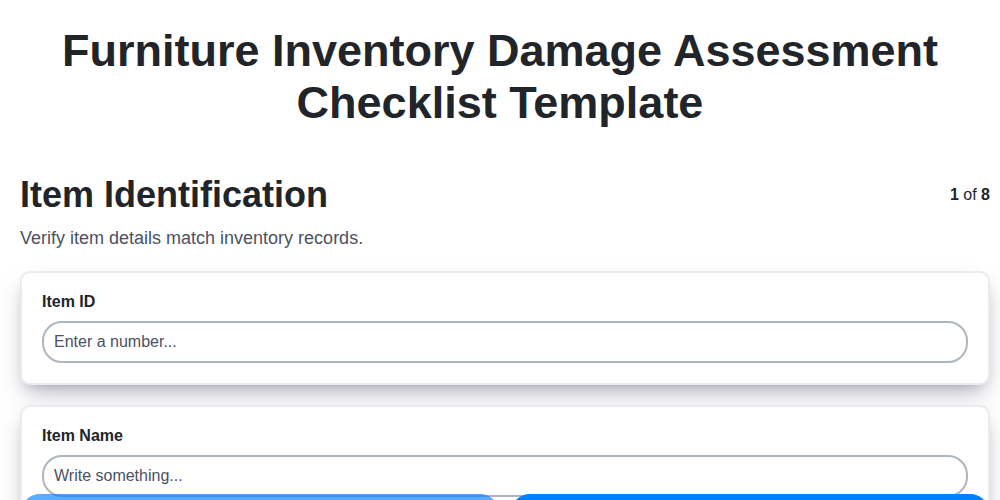
Furniture Inventory Damage Assessment Checklist Template
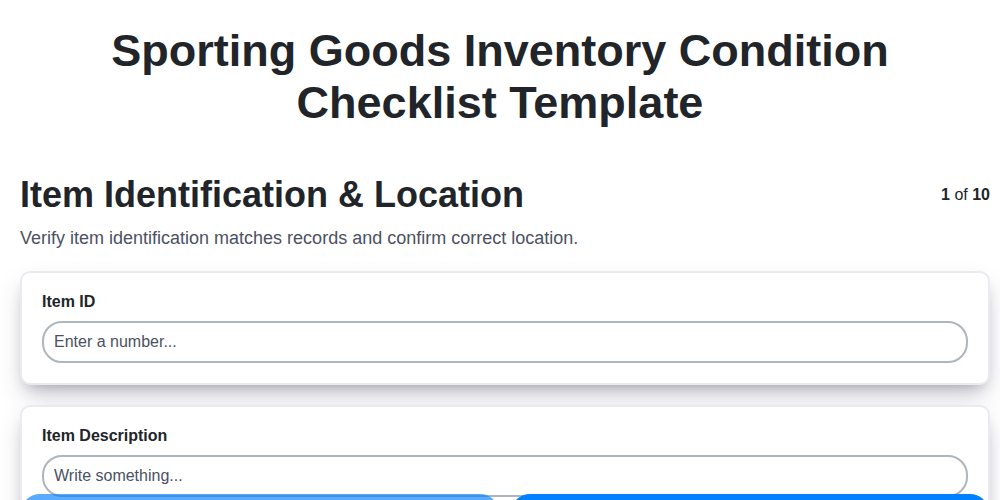
Sporting Goods Inventory Condition Checklist Template
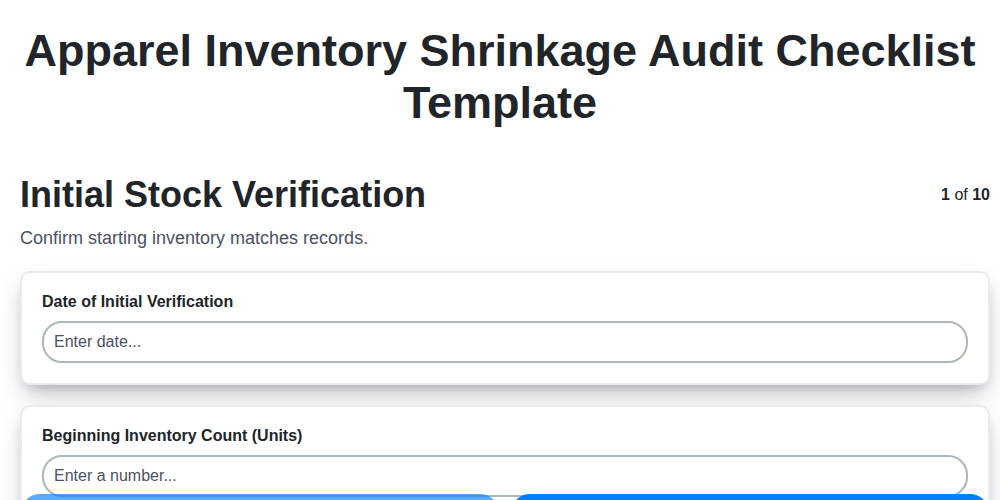
Apparel Inventory Shrinkage Audit Checklist Template
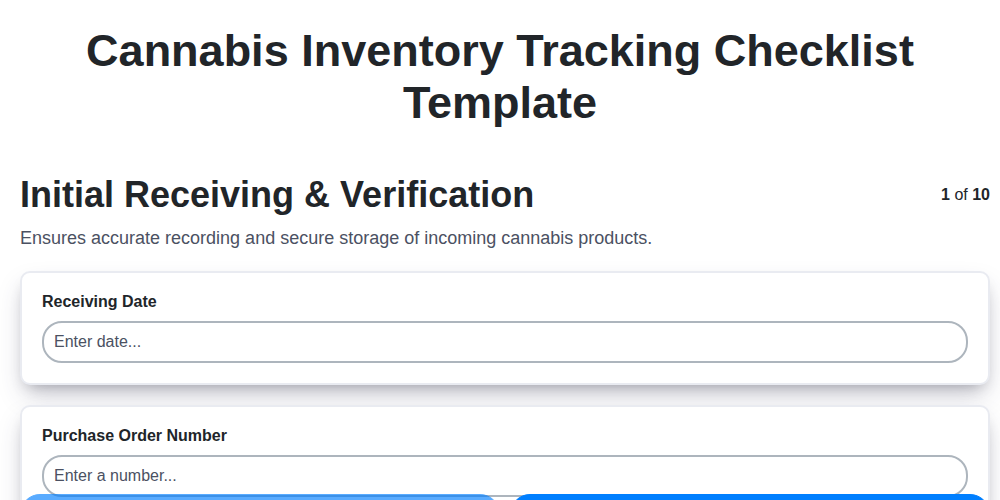
Cannabis Inventory Tracking Checklist Template
We can do it Together
Need help with
Inventory Management?
Have a question? We're here to help. Please submit your inquiry, and we'll respond promptly.