 ChecklistGuro
 IATF 16949 Quality Management System (QMS) Compliance Audit Checklist
Ensure seamless automotive industry compliance and drive operational excellence with our IATF 16949 Quality Management System (QMS) Compliance Audit Checklist. Designed specifically for manufacturing professionals and quality engineers, this comprehensive professional template streamlines your audit process, helping you identify non-conformities, manage risk, and uphold stringent automotive quality standards. Use this ready-to-use ChecklistGuro asset to standardize your internal audits, prepare for certification, and maintain a robust, defect-free production environment. Eliminate guesswork and master IATF 16949 requirements with precision and ease.
This Template was installed 4 times.
Context of the Organization & Leadership Commitment
Assessment of organizational scope, identification of internal/external issues, stakeholder requirements, and top management's commitment to the QMS and quality policy.
Organization Name
Scope of the Management System
Internal and External Issues Identified
Leadership Responsibility Level
Context Review Date
Signed Management Commitment Policy
Top Management Approval
Risk Management & Opportunity Planning
Review of processes for identifying, assessing, and mitigating operational risks and capitalizing on strategic opportunities within the manufacturing lifecycle.
Risk Identification
Mitigation Strategy
Risk Severity Level
Probability Score (1-10)
Review Deadline
Supporting Contingency Documentation
Risk Officer Approval
Resource Management & Competence
Evaluation of infrastructure, work environment, human resource competence, training effectiveness, and the adequacy of monitoring/measuring resources.
Employee Name
Certification Expiry Date
Skill Level
Required Certifications
Competency Description
Supporting Documents
Years of Experience
Supervisor Approval
Documented Information & Operational Control
Verification of the control, update, and retrieval of quality manuals, standard operating procedures (SOPs), and manufacturing work instructions.
Document Reference Number
Effective Date
Document Status
Revision History & Summary of Changes
Applicable Departments
Controlled Document Attachment
Approver Authorization
Product & Process Design Development
Audit of design and development planning, inputs, outputs, verification, validation, and control of changes throughout the product lifecycle.
Project Name
Design Specifications & Requirements
Development Stage
Materials Used
Design Completion Date
Technical Blueprints/CAD Files
Lead Engineer Approval
Supplier & Externally Provided Process Control
Review of supplier selection, evaluation, performance monitoring, and the management of outsourced manufacturing processes and components.
Supplier Name
Criticality Level
Last Audit Date
Next Re-evaluation Due Date
Control Methods Used
Supplier Certification/ISO Documents
Risk Assessment Summary
Quality Manager Approval
Operational Planning & Control (Production)
Assessment of manufacturing process controls, identification of special characteristics, and the implementation of control plans and work instructions.
Production Start Date
Production Line
Target Quantity
Required Raw Materials
Operational Instructions
Technical Specification Sheet
Production Supervisor Approval
Measurement, Analysis, and Continuous Improvement
Monitoring of customer satisfaction, internal audit performance, non-conforming product management, and the effectiveness of corrective actions (CAPA).
Measurement Period Start Date
Measurement Period End Date
Key Performance Indicator (KPI) Value
Analysis Method Used
Analysis Findings and Observations
Identified Areas for Improvement
Supporting Data/Reports
Reviewer Approval
Frequently Asked Questions
Can I customize this template after installing it?
Absolutely. Once installed, you can add, remove, or reorder tasks, add custom fields, and adjust deadlines to fit your specific workflow.
Can I add images or photos to these checklist items?
Yes. Our platform allows you to attach photos, signatures, and notes to any checklist item for better verification and proof of completion.
Can I create a custom checklist from scratch instead of using a template?
Yes. You can use our "Create your own checklist" feature to build a unique workflow tailored exactly to your operational requirements.
Can I add dependencies between tasks?
Yes, you can set up conditional logic and dependencies to ensure your team follows the correct sequence of operations.
Can I assign specific checklist items to different team members?
Yes. You can assign individual tasks to specific employees, ensuring clear accountability across your entire team.
Can I use these checklists on mobile devices in the field?
Yes. Our platform is fully responsive, allowing your team to complete, update, and upload photos to checklists directly from any smartphone or tablet.
How do I notify my manager when a checklist is completed?
You can set up automated notifications (via email, push notification, or in-app alerts) to trigger whenever a checklist is finished or if an item fails inspection.
Can multiple people work on the same checklist simultaneously?
Yes, the platform supports real-time updates, allowing multiple users to contribute to a single live checklist.
Where is the data from completed checklists stored?
All completed checklists are stored securely in your Work OS dashboard, creating a permanent, searchable audit trail of your operations.
Can I generate reports based on my checklist results?
Yes. You can track completion rates, identify recurring issues, and monitor team performance through our integrated reporting and analytics tools.
How can I use these checklists for compliance or auditing purposes?
Because our checklists capture timestamps, photos, and digital signatures, they serve as a robust digital paper trail for regulatory compliance and internal audits.
Can I export my completed checklist data for use in other tools?
Yes. You can export your data in various formats (CSV, Excel, etc.) to integrate your operational insights with your other business software.
Comments
There are no comments yet. Be the first to add one!
Manufacturing Management Solution Demo
Stop chasing paperwork and wrestling with disconnected systems! Our solution brings clarity and control to your production process. From standard operating procedures (SOPs) and equipment maintenance to quality control and inventory tracking, we simplify every step.
Related Checklist Templates
GMP (Good Manufacturing Practices) Facility & Hygiene Standard Checklist
SBI (Standard Business Instructions) Operational SOP Compliance Checklist
UVV (Unfallverhütungsvorschrift) Machinery Safety & Inspection Checklist
VDA 6.5 Product Audit & Quality Verification Checklist
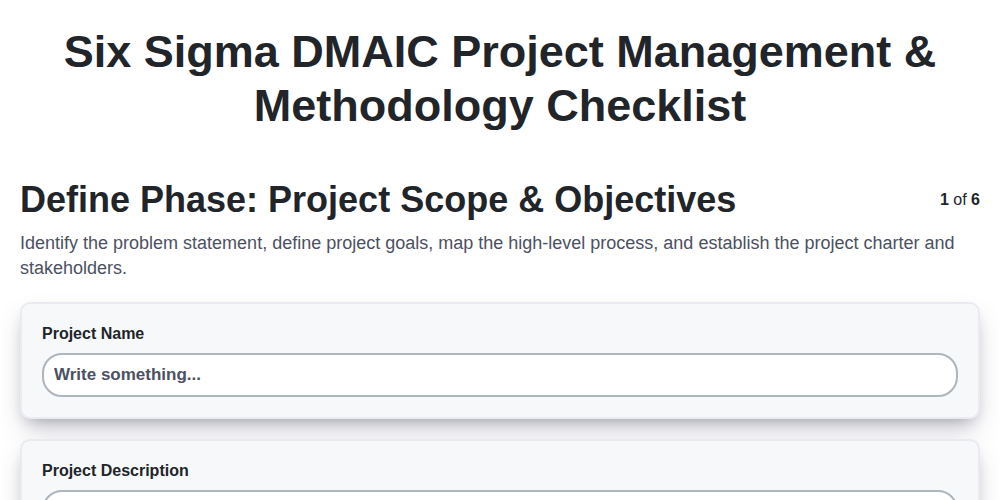
Six Sigma DMAIC Project Management & Methodology Checklist
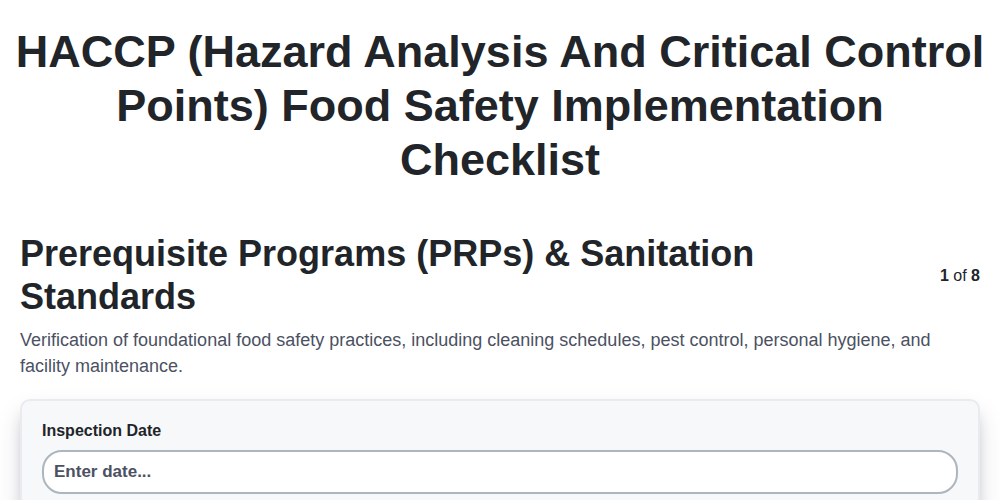
HACCP (Hazard Analysis and Critical Control Points) Food Safety Implementation Checklist
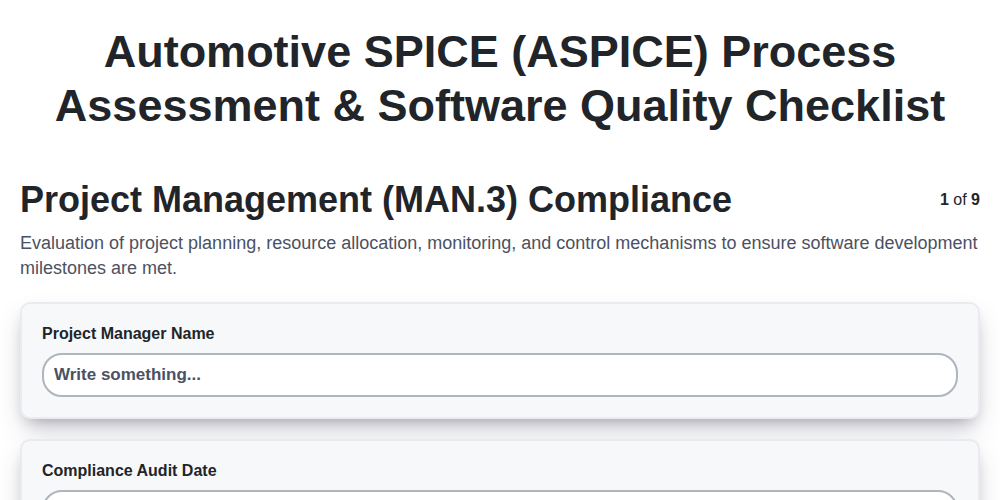
Automotive SPICE (ASPICE) Process Assessment & Software Quality Checklist
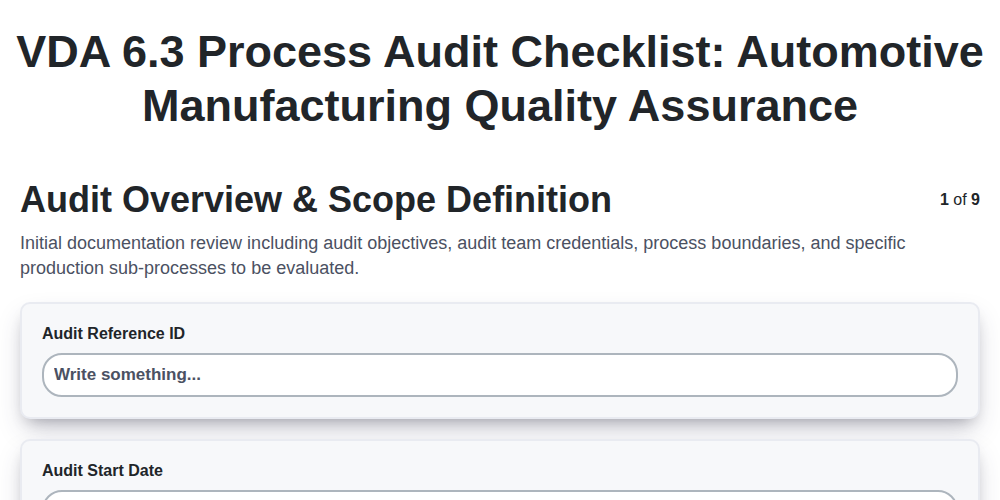
VDA 6.3 Process Audit Checklist: Automotive Manufacturing Quality Assurance
We can do it Together
Need help with
Manufacturing?
Have a question? We're here to help. Please submit your inquiry, and we'll respond promptly.