 ChecklistGuro
 VDA 6.5 Product Audit & Quality Verification Checklist
Ensure uncompromising product excellence and automotive-grade quality with our professional VDA 6.5 Product Audit & Quality Verification Checklist. Specifically engineered for manufacturing professionals and quality engineers, this actionable template streamlines the inspection process by providing a structured framework to evaluate product compliance, identify manufacturing deviations, and ensure adherence to stringent automotive industry standards. Use this ChecklistGuro asset to standardize your quality control audits, mitigate defect risks, and drive continuous improvement throughout your production lifecycle. Perfect for managing high-precision manufacturing workflows and achieving seamless quality assurance.
This Template was installed 1 times.
Audit Preparation & Scope Definition
Verification of audit planning, sample selection, technical documentation availability, and definition of the specific product part numbers and batch IDs to be audited.
Audit Reference ID
Proposed Audit Start Date
Audit Objectives and Scope Description
Audit Type
Departments to be Audited
Audit Checklist/Framework Document
Auditor Authorization
Technical Documentation & Specification Review
Assessment of drawing revisions, material specifications, tolerance requirements, and compliance with all customer-specific engineering standards.
Document Reference Number
Review Completion Date
Compliance Status
Reviewer Comments & Observations
Annotated Specification PDF
Lead Engineer Approval
Visual Inspection & Surface Integrity
Evaluation of the product surface for defects including scratches, burrs, discoloration, contamination, and adherence to cosmetic quality standards.
Inspection Date
Surface Condition Status
Surface Defect Description
Measured Surface Roughness (Ra)
Observed Anomalies
High-Resolution Inspection Photos
Inspector Authorization
Dimensional Accuracy & Metrology Verification
Verification of critical dimensions and geometric tolerances (GD&T) using calibrated measurement tools and comparison against CAD/Technical drawings.
Part Serial Number
Measured Dimension (mm)
Tolerance Deviation
Measurement Instrument Used
Verification Date
Calibration Certificate / Measurement Report
Non-Conformance Notes
Quality Inspector Approval
Functional Performance & Feature Testing
Testing of mechanical, electrical, or chemical properties to ensure the product performs according to specified functional requirements and operational parameters.
Test Case ID
Test Priority
Step-by-Step Execution Instructions
Expected Response Time (ms)
Features Tested
Test Evidence/Screenshots
Execution Date
QA Engineer Approval
Packaging, Labeling & Traceability
Audit of packaging integrity, correct application of identification labels, barcode readability, and the ability to trace the product back to production lot/raw material.
Batch/Lot Number
Manufacturing Date
Expiry Date
Packaging Material Type
Labeling Requirements
Packaging Artwork Approval
Packaging Facility Location
Quality Assurance Sign-off
Material & Component Verification
Verification of raw material certificates (MTRs), hardness testing, and ensuring all sub-components match the approved Bill of Materials (BOM).
Verification Date
Batch/Lot Number
Material Status
Quantity Inspected
Anomalies Detected
Certificate of Analysis (CoA)
Inspection Notes
Inspector Signature
Non-Conformance & Corrective Action Tracking
Documentation of identified deviations, segregation of non-conforming parts, and initiation of the 8D or corrective action workflow.
Date of Non-Conformance Detection
Severity Level
Reference ID/Batch Number
Description of Non-Conformance
Affected Area/Department
Root Cause Analysis
Corrective Action Plan
Target Completion Date
Evidence/Supporting Documentation
Quality Manager Approval
Frequently Asked Questions
Can I customize this template after installing it?
Absolutely. Once installed, you can add, remove, or reorder tasks, add custom fields, and adjust deadlines to fit your specific workflow.
Can I add images or photos to these checklist items?
Yes. Our platform allows you to attach photos, signatures, and notes to any checklist item for better verification and proof of completion.
Can I create a custom checklist from scratch instead of using a template?
Yes. You can use our "Create your own checklist" feature to build a unique workflow tailored exactly to your operational requirements.
Can I add dependencies between tasks?
Yes, you can set up conditional logic and dependencies to ensure your team follows the correct sequence of operations.
Can I assign specific checklist items to different team members?
Yes. You can assign individual tasks to specific employees, ensuring clear accountability across your entire team.
Can I use these checklists on mobile devices in the field?
Yes. Our platform is fully responsive, allowing your team to complete, update, and upload photos to checklists directly from any smartphone or tablet.
How do I notify my manager when a checklist is completed?
You can set up automated notifications (via email, push notification, or in-app alerts) to trigger whenever a checklist is finished or if an item fails inspection.
Can multiple people work on the same checklist simultaneously?
Yes, the platform supports real-time updates, allowing multiple users to contribute to a single live checklist.
Where is the data from completed checklists stored?
All completed checklists are stored securely in your Work OS dashboard, creating a permanent, searchable audit trail of your operations.
Can I generate reports based on my checklist results?
Yes. You can track completion rates, identify recurring issues, and monitor team performance through our integrated reporting and analytics tools.
How can I use these checklists for compliance or auditing purposes?
Because our checklists capture timestamps, photos, and digital signatures, they serve as a robust digital paper trail for regulatory compliance and internal audits.
Can I export my completed checklist data for use in other tools?
Yes. You can export your data in various formats (CSV, Excel, etc.) to integrate your operational insights with your other business software.
Comments
There are no comments yet. Be the first to add one!
Manufacturing Management Solution Demo
Stop chasing paperwork and wrestling with disconnected systems! Our solution brings clarity and control to your production process. From standard operating procedures (SOPs) and equipment maintenance to quality control and inventory tracking, we simplify every step.
Related Checklist Templates
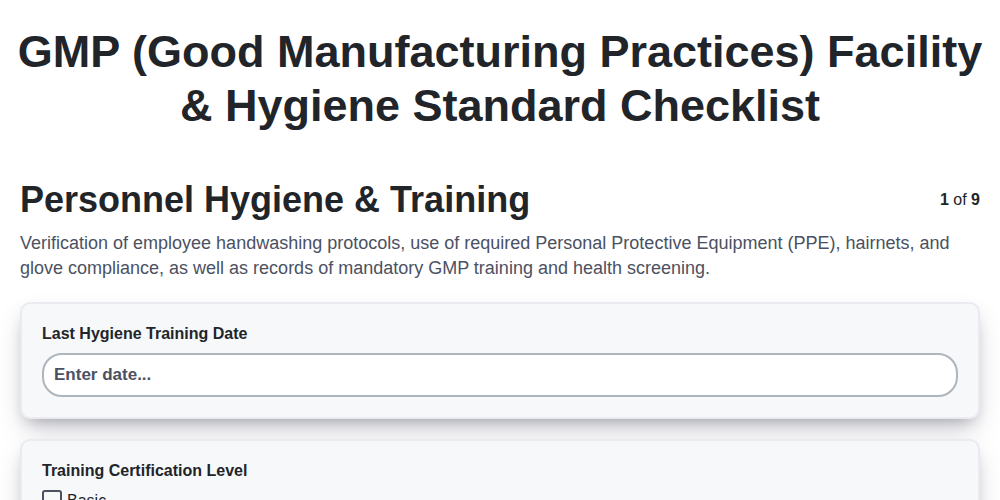
GMP (Good Manufacturing Practices) Facility & Hygiene Standard Checklist
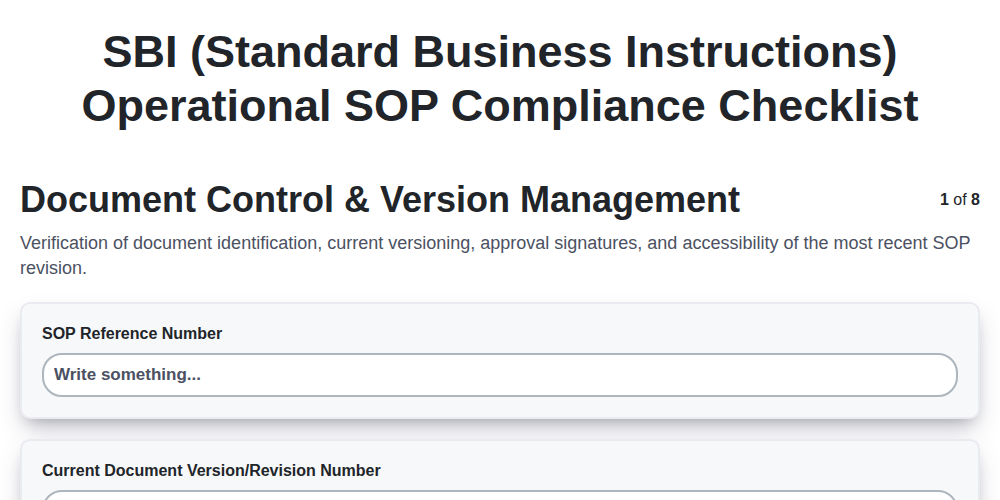
SBI (Standard Business Instructions) Operational SOP Compliance Checklist
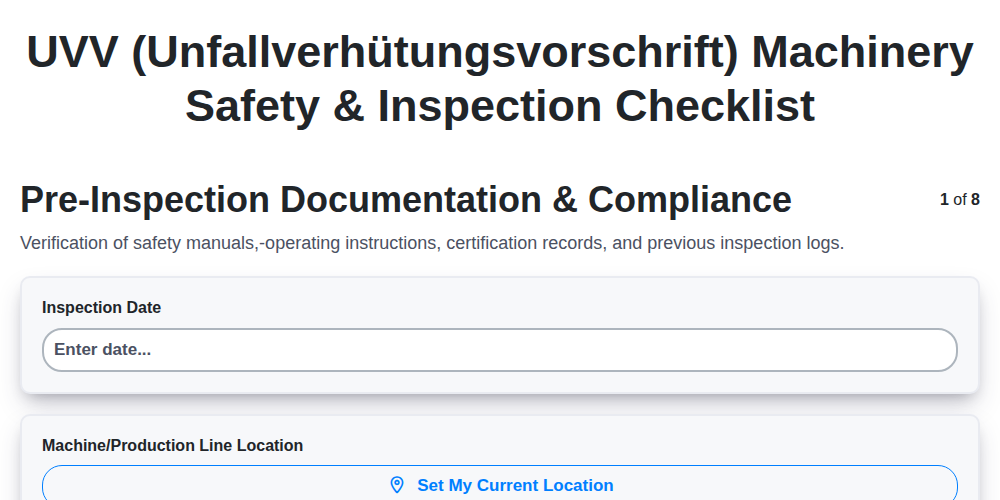
UVV (Unfallverhütungsvorschrift) Machinery Safety & Inspection Checklist
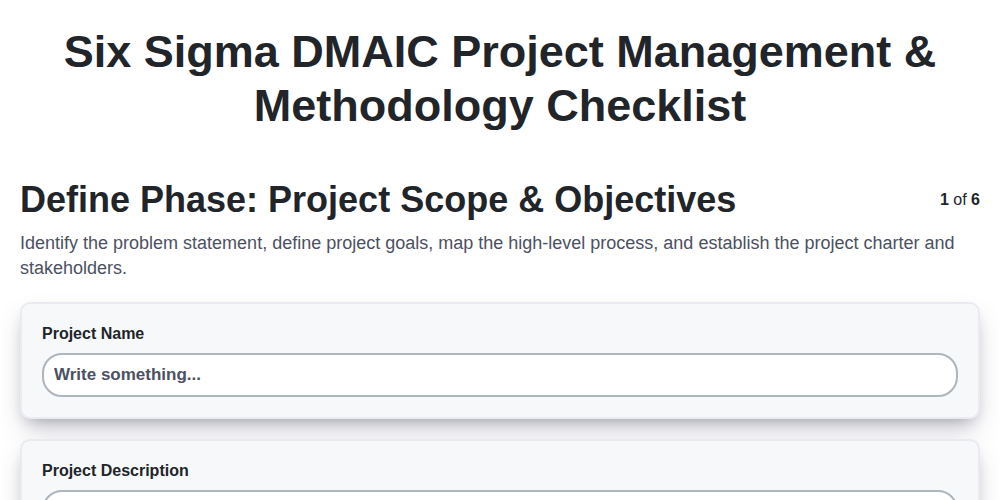
Six Sigma DMAIC Project Management & Methodology Checklist
HACCP (Hazard Analysis and Critical Control Points) Food Safety Implementation Checklist
Automotive SPICE (ASPICE) Process Assessment & Software Quality Checklist
IATF 16949 Quality Management System (QMS) Compliance Audit Checklist
VDA 6.3 Process Audit Checklist: Automotive Manufacturing Quality Assurance
We can do it Together
Need help with
Manufacturing?
Have a question? We're here to help. Please submit your inquiry, and we'll respond promptly.