 ChecklistGuro
 SBI (Standard Business Instructions) Operational SOP Compliance Checklist
Ensure operational excellence and seamless production consistency with the SBI (Standard Business Instructions) Operational SOP Compliance Checklist. Designed specifically for manufacturing leaders and operations managers, this professional template helps you audit, standardize, and enforce Standard Operating Procedures (SOPs) across your production floor. Eliminate process variability, reduce human error, and ensure every task aligns with your company's specific business instructions. Perfect for driving workforce accountability, maintaining rigorous quality standards, and streamlining manufacturing workflows within the ChecklistGuro Work OS. Transform complex instructions into actionable, verifiable steps to achieve repeatable, high-quality manufacturing outcomes every single shift.
This Template was installed 4 times.
Document Control & Version Management
Verification of document identification, current versioning, approval signatures, and accessibility of the most recent SOP revision.
SOP Reference Number
Current Document Version/Revision Number
Last Revision Date
Document Status
Upload Approved SOP Document
Document Controller Authorization
Distribution List (Departments Notified)
Summary of Recent Changes
Training & Competency Verification
Assessment of personnel training records, competency testing results, and evidence of instruction regarding specific SBI protocols.
Last Training Completion Date
Training Status
Competency Modules Completed
Training Certificate/Evidence Upload
Training Gap Analysis & Notes
Supervisor Verification Signature
Standard Operating Procedure (SOP) Adherence
Step-by-step audit of operational workflows to ensure all tasks are executed in strict accordance with the documented instructions.
Step-by-Step Execution Compliance
Observed Deviation Details
Specific Process Steps Bypassed
Corrective Action Plan
Auditor Verification Signature
Date of Inspection
Resource & Equipment Readiness
Validation that all necessary tools, raw materials, and machinery required by the SBI are available, calibrated, and in optimal working condition.
Equipment Availability Status
Last Equipment Calibration Date
Quantity of Raw Materials Verified
Required Tool Inventory Check
Equipment Deficiency Details
Upload Calibration Certificate
Equipment Inspector Signature
Workplace Environment & Setup
Inspection of the workstation setup, including cleanliness, workspace organization, and adherence to ergonomic or safety requirements defined in the SBI.
Workstation ID/Area Code
Required Equipment Present
Workstation Cleanliness Level
Observed Environmental Deviations
Workstation Setup Photo
Inspector Verification
Safety & Hazard Mitigation
Review of safety protocols, PPE usage, and emergency shutdown procedures as mandated by the operational instructions.
PPE Compliance Check
Machine Guarding Status
Identified Hazard Description
Safety Inspection Date
Safety Officer Verification
Photo Evidence of Safety Violation/Hazard
Data Logging & Documentation Accuracy
Audit of real-time logs, production records, and checklists to ensure all operational data is recorded accurately and promptly.
Data Entry Date
Record Timestamp
Log Entry Completeness
Error Rate/Deviation Count
Log Reference ID
Discrepancy Notes
Supporting Documentation
Verifier Signature
Incident Reporting & Deviation Management
Evaluation of the process for identifying, documenting, and escalating deviations or non-conformances from the standard instruction.
Date of Deviation Discovery
Time of Incident/Deviation
Deviation Severity Level
Primary Impact Area
Detailed Description of Deviation
Immediate Corrective Actions Taken
Supporting Evidence (Photos/Reports)
Supervisor Verification Signature
Frequently Asked Questions
Can I customize this template after installing it?
Absolutely. Once installed, you can add, remove, or reorder tasks, add custom fields, and adjust deadlines to fit your specific workflow.
Can I add images or photos to these checklist items?
Yes. Our platform allows you to attach photos, signatures, and notes to any checklist item for better verification and proof of completion.
Can I create a custom checklist from scratch instead of using a template?
Yes. You can use our "Create your own checklist" feature to build a unique workflow tailored exactly to your operational requirements.
Can I add dependencies between tasks?
Yes, you can set up conditional logic and dependencies to ensure your team follows the correct sequence of operations.
Can I assign specific checklist items to different team members?
Yes. You can assign individual tasks to specific employees, ensuring clear accountability across your entire team.
Can I use these checklists on mobile devices in the field?
Yes. Our platform is fully responsive, allowing your team to complete, update, and upload photos to checklists directly from any smartphone or tablet.
How do I notify my manager when a checklist is completed?
You can set up automated notifications (via email, push notification, or in-app alerts) to trigger whenever a checklist is finished or if an item fails inspection.
Can multiple people work on the same checklist simultaneously?
Yes, the platform supports real-time updates, allowing multiple users to contribute to a single live checklist.
Where is the data from completed checklists stored?
All completed checklists are stored securely in your Work OS dashboard, creating a permanent, searchable audit trail of your operations.
Can I generate reports based on my checklist results?
Yes. You can track completion rates, identify recurring issues, and monitor team performance through our integrated reporting and analytics tools.
How can I use these checklists for compliance or auditing purposes?
Because our checklists capture timestamps, photos, and digital signatures, they serve as a robust digital paper trail for regulatory compliance and internal audits.
Can I export my completed checklist data for use in other tools?
Yes. You can export your data in various formats (CSV, Excel, etc.) to integrate your operational insights with your other business software.
Comments
There are no comments yet. Be the first to add one!
Manufacturing Management Solution Demo
Stop chasing paperwork and wrestling with disconnected systems! Our solution brings clarity and control to your production process. From standard operating procedures (SOPs) and equipment maintenance to quality control and inventory tracking, we simplify every step.
Related Checklist Templates
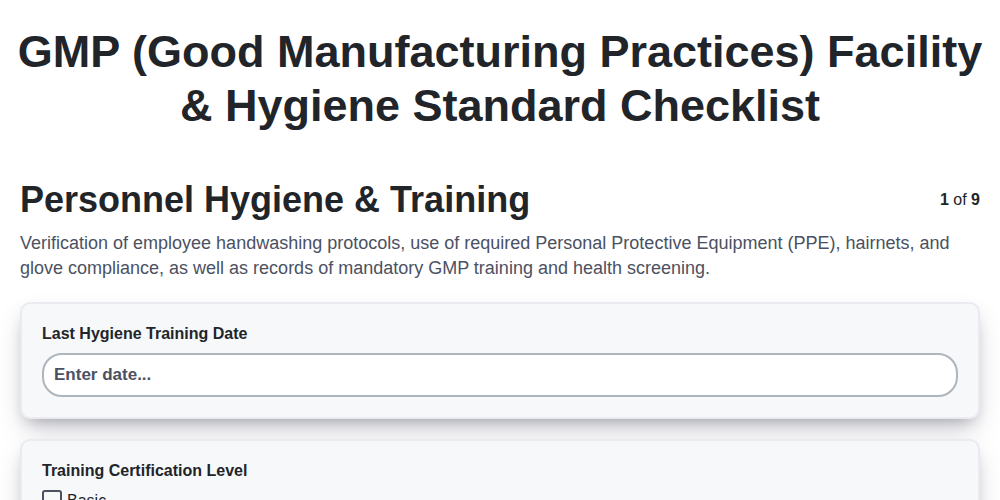
GMP (Good Manufacturing Practices) Facility & Hygiene Standard Checklist
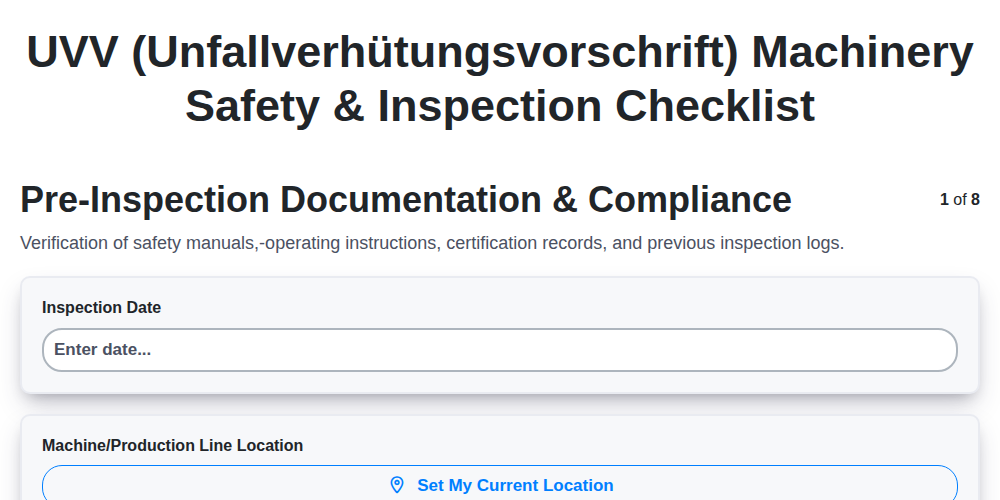
UVV (Unfallverhütungsvorschrift) Machinery Safety & Inspection Checklist
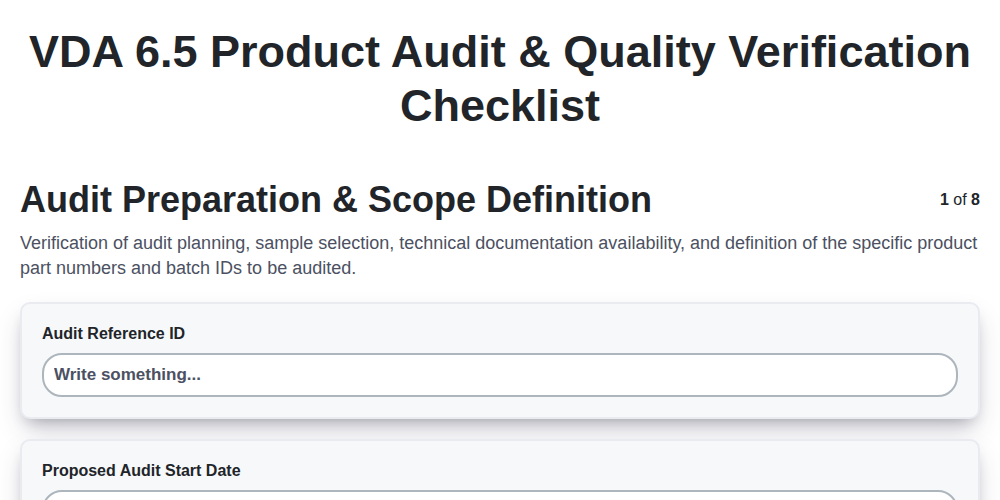
VDA 6.5 Product Audit & Quality Verification Checklist
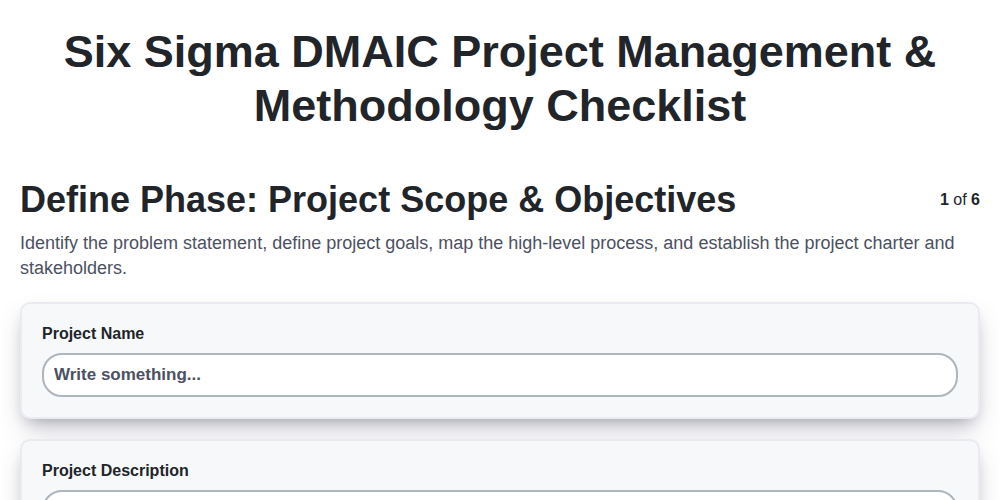
Six Sigma DMAIC Project Management & Methodology Checklist
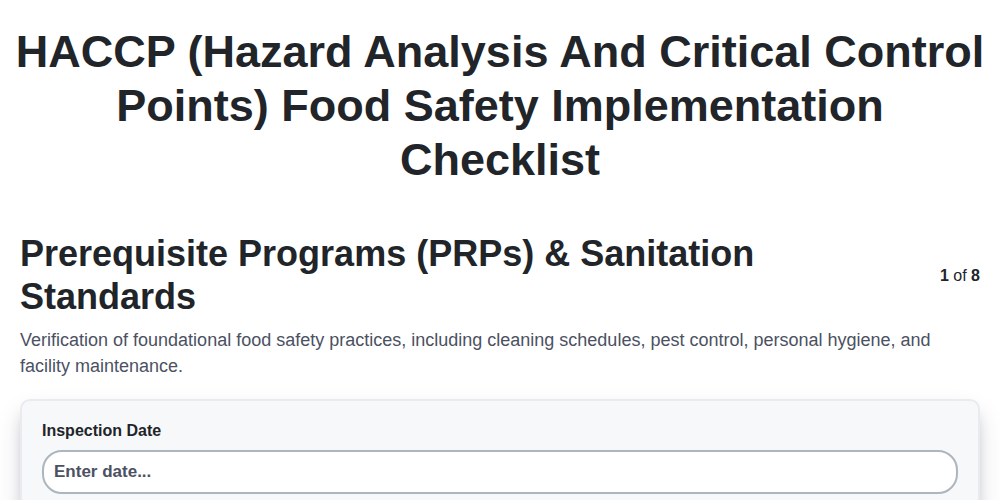
HACCP (Hazard Analysis and Critical Control Points) Food Safety Implementation Checklist
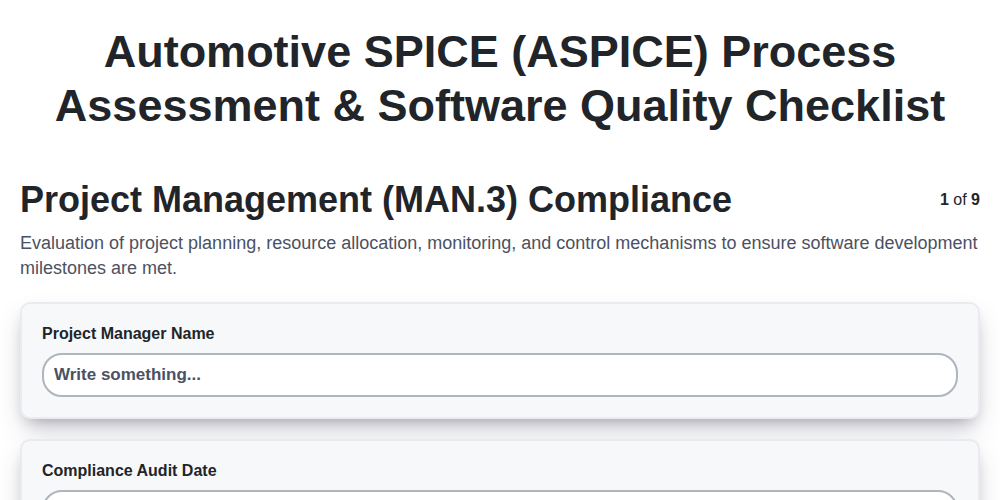
Automotive SPICE (ASPICE) Process Assessment & Software Quality Checklist
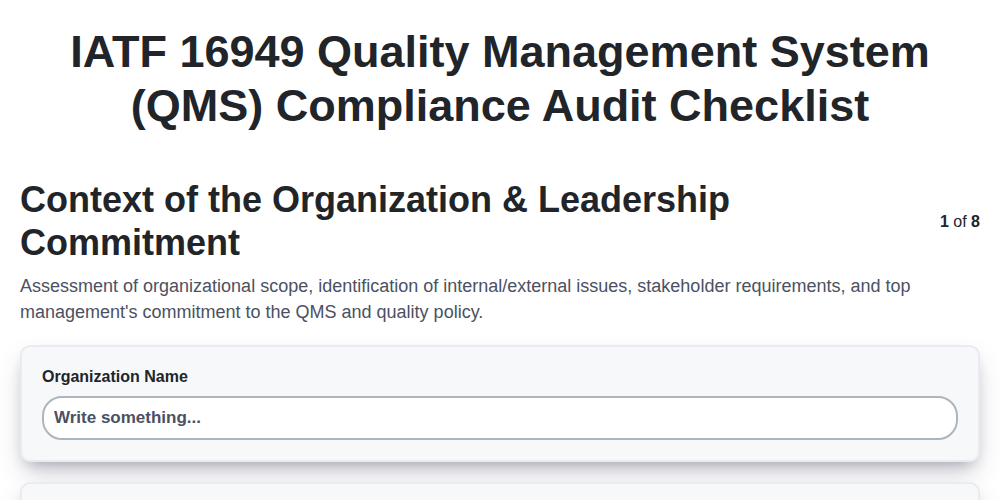
IATF 16949 Quality Management System (QMS) Compliance Audit Checklist
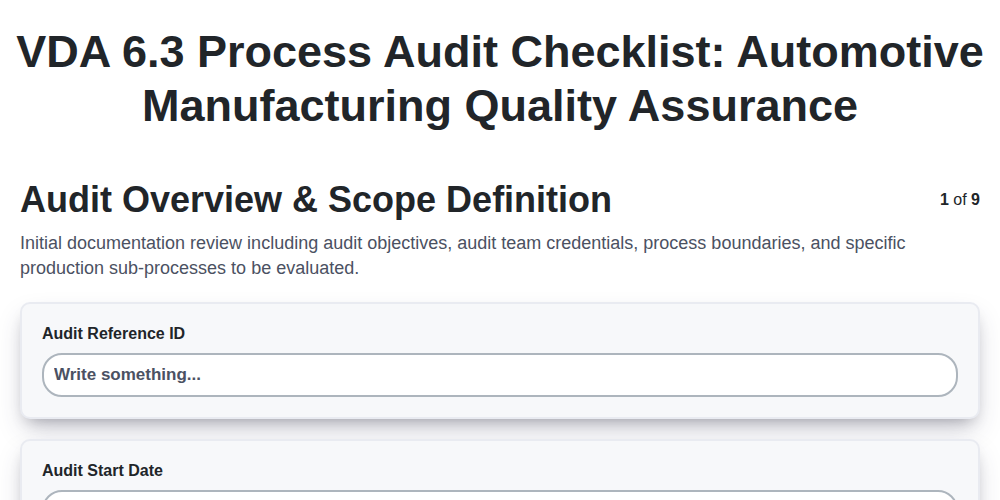
VDA 6.3 Process Audit Checklist: Automotive Manufacturing Quality Assurance
We can do it Together
Need help with
Manufacturing?
Have a question? We're here to help. Please submit your inquiry, and we'll respond promptly.