 ChecklistGuro
Public Transport Accessibility Compliance Checklist Template
Ensure every passenger can ride with confidence! Our Public Transport Accessibility Compliance Checklist Template helps you meet ADA requirements, identify potential barriers, and create a truly inclusive transit system. Simplify audits, track improvements, and elevate your commitment to accessible public transport.
This Template was installed 4 times.
Physical Accessibility - Stations & Stops
Covers ramps, elevators, accessible restrooms, tactile paving, signage, and platform access.
Ramp Location (if applicable)
Elevator Inspection Result (Pass/Fail)
Last Tactile Paving Inspection Date
Accessible Restroom Amenities Present?
Platform Edge Protection in Place?
Description of any observed hazards (e.g., uneven surfaces)
Signage Clear and Accessible?
Attach Photos of Accessibility Features (Optional)
Vehicle Accessibility - Bus, Tram, Train
Focuses on boarding assistance, securement areas for wheelchairs and mobility devices, accessible seating, and internal layout.
Wheelchair Securement Points - Quantity
Boarding Ramp/Lift Operational Status
Accessible Seating Available - Quantity
Obstacles Blocking Accessible Areas
Detailed Description of any Accessibility Issues Found
Audio Announcement System Functionality
Last Ramp/Lift Maintenance Date
Communication & Information Accessibility
Assesses the availability of accessible information formats like audio announcements, visual displays, real-time information, and alternative formats.
Are real-time arrival/departure information displays available at stations?
Which audio announcement languages are available?
If 'Other' language selected above, please specify:
Are visual displays (e.g., text, icons) used to supplement audio announcements?
Date of last review/update of accessibility information:
Website URL for accessibility information:
What alternative formats are available for schedules and route information?
Is a clear and simple complaints process accessible online and in multiple formats?
Service Animal Policies & Procedures
Evaluates protocols for accommodating service animals, including training for staff and clear guidelines for passengers.
Service Animal Type (Dog, Miniature Horse, etc.)
If 'Other' animal type selected, please specify:
Is staff training on service animal recognition and etiquette provided?
Number of staff members trained on service animal policies (last 12 months)
Date of last service animal policy review
What types of information are provided to passengers regarding service animal policies?
Contact person/department for service animal inquiries:
Describe any recent incidents/challenges related to service animal accommodation and corrective actions taken:
Staff Training & Awareness
Checks that staff receive adequate training on accessibility requirements and disability awareness.
Have staff received initial accessibility awareness training?
Date of last accessibility awareness training:
Number of staff trained on accessibility protocols:
Which topics were covered in the accessibility training?
Notes on any gaps in staff knowledge or training needs:
Is refresher training provided regularly?
Date of next scheduled refresher training:
Emergency Procedures & Evacuation
Reviews emergency evacuation plans and procedures for passengers with disabilities.
Detailed evacuation plan review (including designated assembly points)
Emergency contact methods verified (select all that apply)
Number of staff trained in evacuation procedures
Last evacuation drill date
Estimated time to complete evacuation (minutes)
Specific considerations for passengers requiring mobility assistance
Evacuation equipment readily available (e.g., ramps, stretchers)
Attach evacuation map/diagram
Complaint Handling & Feedback
Examines the system for receiving and addressing accessibility-related complaints and feedback.
Complainant Name
Contact Phone Number
Email Address
Describe the Accessibility Issue
Type of Transport Affected (Bus, Tram, Train, Station)
Date of Incident
Time of Incident (approximate)
Location of Incident (if known)
Route Planning & Network Accessibility
Checks that route planning considers the accessibility needs of diverse users and connects key destinations.
Percentage of routes serving areas with high disability population density
Accessibility considerations included in route planning (select all that apply)
Route deviation process for riders with mobility devices
Identify areas with limited accessibility (e.g., uneven sidewalks)
Date of last route accessibility review
Description of community consultation process regarding route accessibility
Website & Digital Accessibility
Evaluates the accessibility of the public transport website and mobile applications according to accessibility guidelines (e.g., WCAG).
Does the website have alternative text for all images?
Is the website navigable using keyboard only?
What is the minimum contrast ratio between text and background (WCAG 2.1 AA)?
Does the website provide captions or transcripts for all videos?
Which accessibility standards are followed?
If 'Other' accessibility standards are followed, please specify:
Does the website have proper heading structure (H1-H6)?
Legal & Regulatory Compliance
Confirms adherence to relevant accessibility legislation and regulations (e.g., ADA, EN 13816).
Applicable Legislation (Select All)
Specify Other Legislation (if applicable)
Date of Last Regulatory Review
Version Number of Accessibility Policy
Summary of Key Compliance Requirements
Reporting Frequency to Regulatory Body
Attach Copies of Relevant Permits/Certifications
Frequently Asked Questions
Can I customize this template after installing it?
Absolutely. Once installed, you can add, remove, or reorder tasks, add custom fields, and adjust deadlines to fit your specific workflow.
Can I add images or photos to these checklist items?
Yes. Our platform allows you to attach photos, signatures, and notes to any checklist item for better verification and proof of completion.
Can I create a custom checklist from scratch instead of using a template?
Yes. You can use our "Create your own checklist" feature to build a unique workflow tailored exactly to your operational requirements.
Can I add dependencies between tasks?
Yes, you can set up conditional logic and dependencies to ensure your team follows the correct sequence of operations.
Can I assign specific checklist items to different team members?
Yes. You can assign individual tasks to specific employees, ensuring clear accountability across your entire team.
Can I use these checklists on mobile devices in the field?
Yes. Our platform is fully responsive, allowing your team to complete, update, and upload photos to checklists directly from any smartphone or tablet.
How do I notify my manager when a checklist is completed?
You can set up automated notifications (via email, push notification, or in-app alerts) to trigger whenever a checklist is finished or if an item fails inspection.
Can multiple people work on the same checklist simultaneously?
Yes, the platform supports real-time updates, allowing multiple users to contribute to a single live checklist.
Where is the data from completed checklists stored?
All completed checklists are stored securely in your Work OS dashboard, creating a permanent, searchable audit trail of your operations.
Can I generate reports based on my checklist results?
Yes. You can track completion rates, identify recurring issues, and monitor team performance through our integrated reporting and analytics tools.
How can I use these checklists for compliance or auditing purposes?
Because our checklists capture timestamps, photos, and digital signatures, they serve as a robust digital paper trail for regulatory compliance and internal audits.
Can I export my completed checklist data for use in other tools?
Yes. You can export your data in various formats (CSV, Excel, etc.) to integrate your operational insights with your other business software.
Comments
There are no comments yet. Be the first to add one!
Public Transport Management Solution Demo
Optimize public transport operations & enhance passenger experience! ChecklistGuro streamlines route planning, vehicle maintenance, and incident reporting. Improve efficiency, safety, and reliability. Manage it all with our Work OS.
Related Checklist Templates
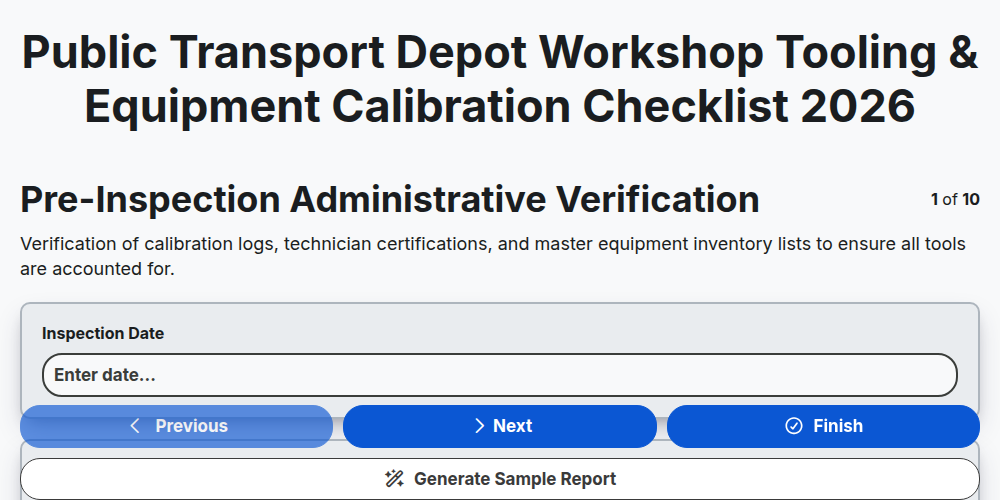
Public Transport Depot Workshop Tooling & Equipment Calibration Checklist 2026
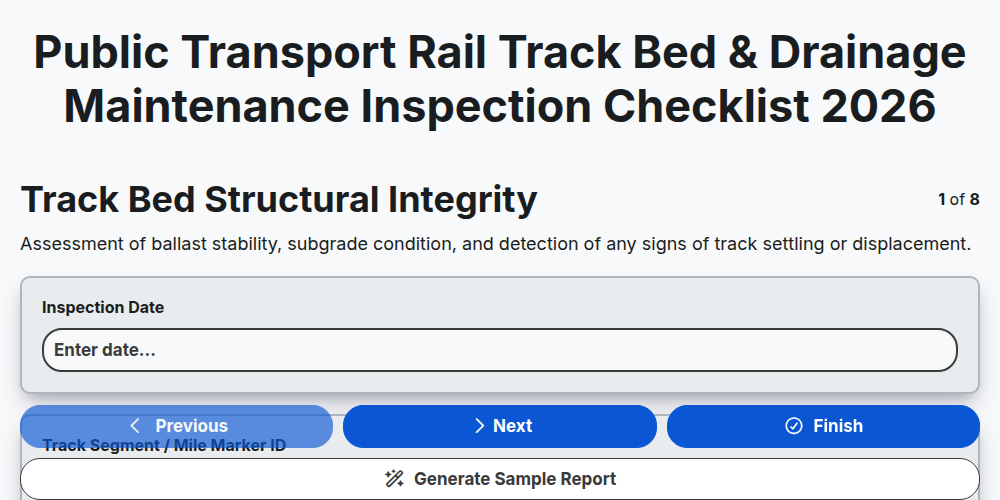
Public Transport Rail Track Bed & Drainage Maintenance Inspection Checklist 2026
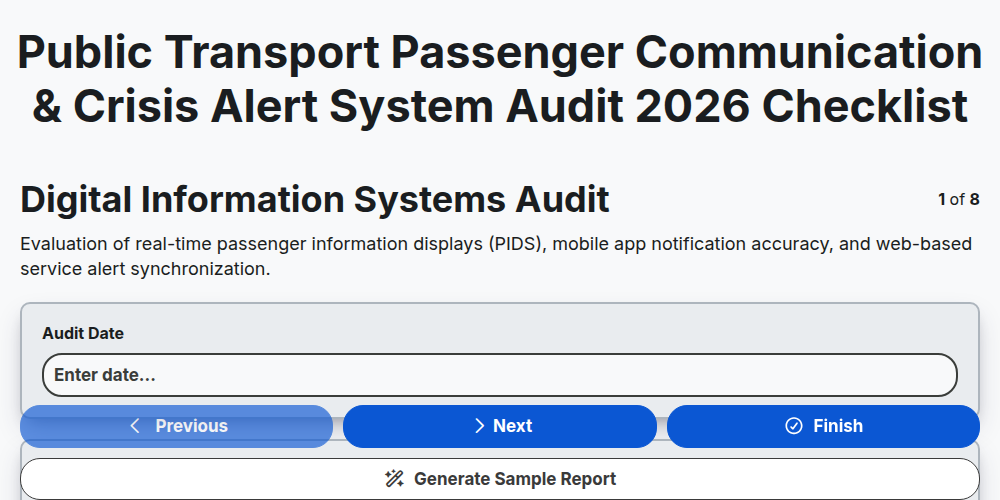
Public Transport Passenger Communication & Crisis Alert System Audit 2026
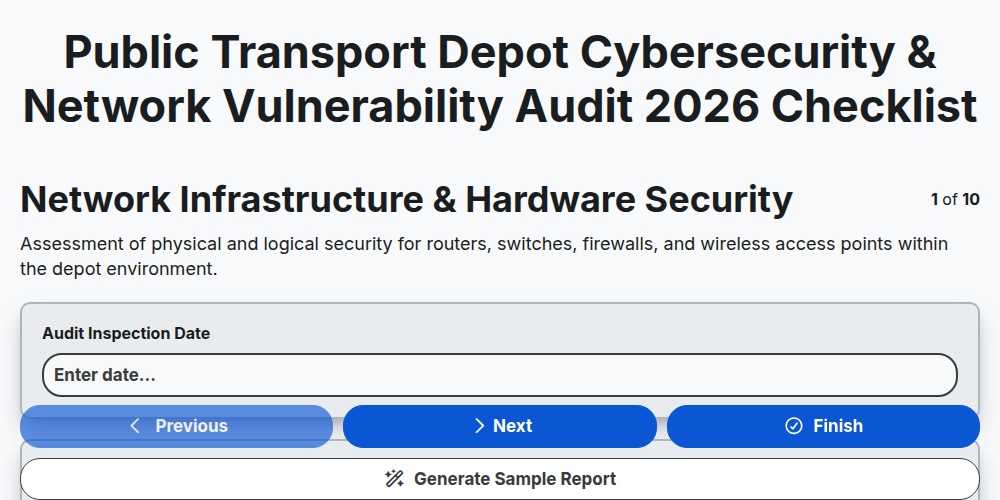
Public Transport Depot Cybersecurity & Network Vulnerability Audit 2026
Public Transport Fleet Battery Health & EV Charging Infrastructure Checklist 2026
Public Transport Mobile Ticketing & Contactless Payment Security Audit 2026
Public Transport Multi-Modal Integration & Transfer Hub Audit Checklist 2026
Public Transport Underground Station Ventilation & Airflow Inspection Checklist 2026
Need help with
Public Transport Management?
Have a question? We're here to help. Please submit your inquiry, and we'll respond promptly.