 ChecklistGuro
 Hallway & Corridor Cleaning Checklist (Daily)
Keep your retail space sparkling! Download our free daily Hallway & Corridor Cleaning Checklist. Ensure a safe, inviting shopping experience with this easy-to-use checklist - perfect for maintaining a clean and professional retail environment. Boost customer perception and protect your brand!
This Template was installed 2 times.
Debris Removal
Initial sweep and pickup of visible dirt, dust, and debris.
Estimated Sweep Time (Minutes)
Types of Debris Observed
Specify 'Other' Debris (If Selected)
Number of Large Items Removed (Boxes, etc.)
Condition of Floor Before Cleaning
Floor Cleaning
Detailed cleaning of the hallway/corridor flooring, addressing spills and stains.
Floor Type:
Detergent Solution Strength (if applicable):
Specific Stains/Spills Noted:
Cleaning Method Used:
Area Covered (sq ft, approx.):
Notes on Cleaning Effectiveness:
Wall & Fixture Spot Cleaning
Wipe down walls, handrails, and any fixtures for marks and smudges.
Wall Condition
Handrail Condition
Light Fixture Condition (if applicable)
Note any specific issues/stains found.
Cleaning Solution Used (if applicable)
Safety Check
Ensure the hallway/corridor is clear of hazards and lighting is functional.
Lighting Functionality - Number of Non-Functional Lights
Floor Dryness (After Cleaning)
Obstructions Present?
Trip Hazards Identified?
Details of Any Hazards Found (If 'Yes' to Trip Hazards)
Emergency Exit Access Clear?
Comments/Additional Safety Notes
Scent & Appearance
Address any odor issues and ensure a presentable appearance.
Odor Level
Scent Type (if applied)
Lighting Condition
Notes on Appearance/Issues
Floor Shine (if applicable)
Frequently Asked Questions
Can I customize this template after installing it?
Absolutely. Once installed, you can add, remove, or reorder tasks, add custom fields, and adjust deadlines to fit your specific workflow.
Can I add images or photos to these checklist items?
Yes. Our platform allows you to attach photos, signatures, and notes to any checklist item for better verification and proof of completion.
Can I create a custom checklist from scratch instead of using a template?
Yes. You can use our "Create your own checklist" feature to build a unique workflow tailored exactly to your operational requirements.
Can I add dependencies between tasks?
Yes, you can set up conditional logic and dependencies to ensure your team follows the correct sequence of operations.
Can I assign specific checklist items to different team members?
Yes. You can assign individual tasks to specific employees, ensuring clear accountability across your entire team.
Can I use these checklists on mobile devices in the field?
Yes. Our platform is fully responsive, allowing your team to complete, update, and upload photos to checklists directly from any smartphone or tablet.
How do I notify my manager when a checklist is completed?
You can set up automated notifications (via email, push notification, or in-app alerts) to trigger whenever a checklist is finished or if an item fails inspection.
Can multiple people work on the same checklist simultaneously?
Yes, the platform supports real-time updates, allowing multiple users to contribute to a single live checklist.
Where is the data from completed checklists stored?
All completed checklists are stored securely in your Work OS dashboard, creating a permanent, searchable audit trail of your operations.
Can I generate reports based on my checklist results?
Yes. You can track completion rates, identify recurring issues, and monitor team performance through our integrated reporting and analytics tools.
How can I use these checklists for compliance or auditing purposes?
Because our checklists capture timestamps, photos, and digital signatures, they serve as a robust digital paper trail for regulatory compliance and internal audits.
Can I export my completed checklist data for use in other tools?
Yes. You can export your data in various formats (CSV, Excel, etc.) to integrate your operational insights with your other business software.
Comments
There are no comments yet. Be the first to add one!
Retail Management Solution Demo
Boost retail efficiency! ChecklistGuro simplifies store operations, inventory management, and employee training. Improve customer experience and maximize profitability. Manage it all with our Work OS.
Related Checklist Templates
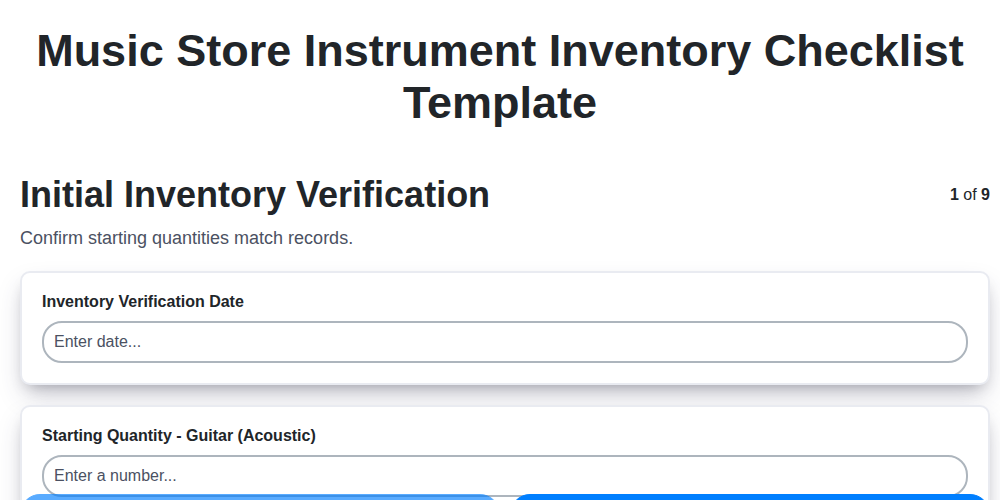
Music Store Instrument Inventory Checklist Template
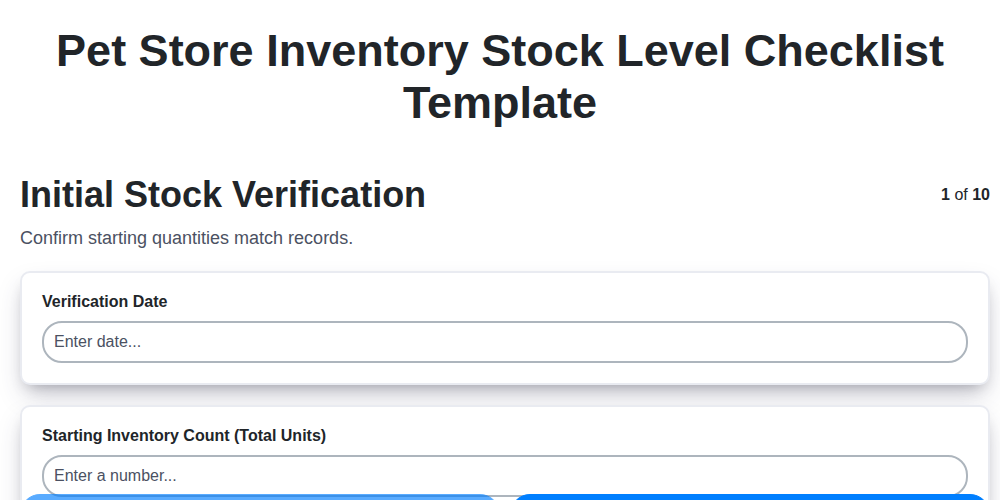
Pet Store Inventory Stock Level Checklist Template
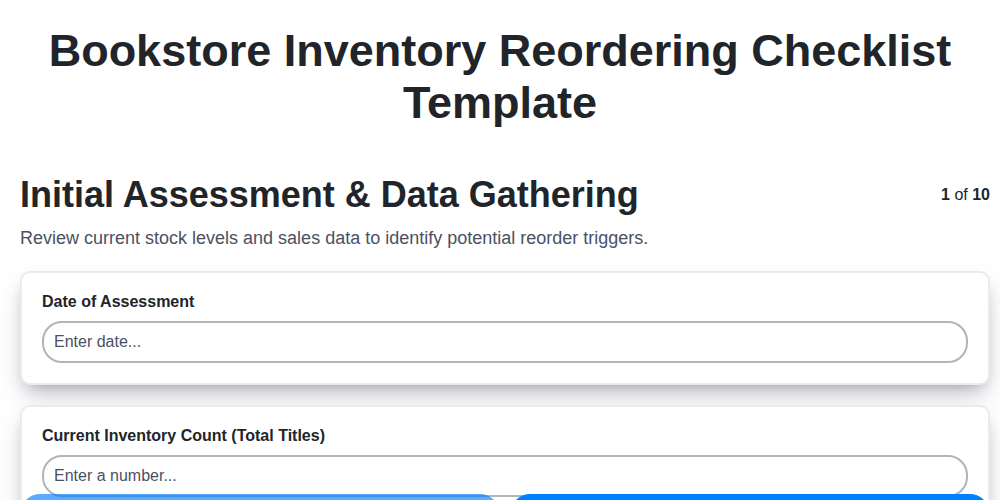
Bookstore Inventory Reordering Checklist Template
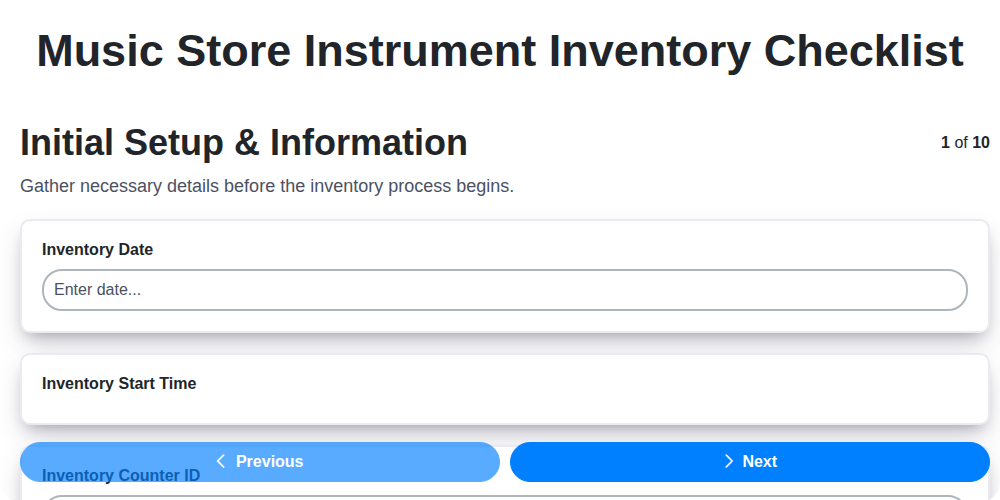
Music Store Instrument Inventory Checklist
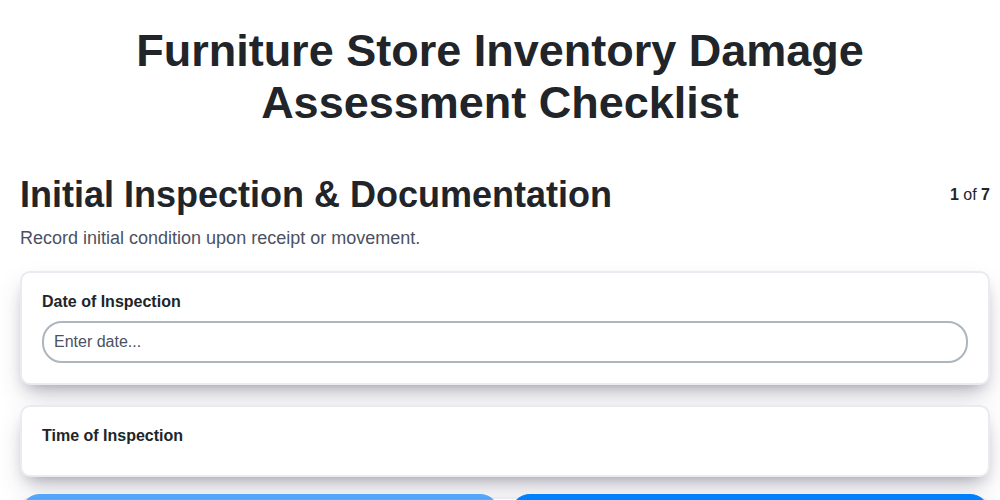
Furniture Store Inventory Damage Assessment Checklist
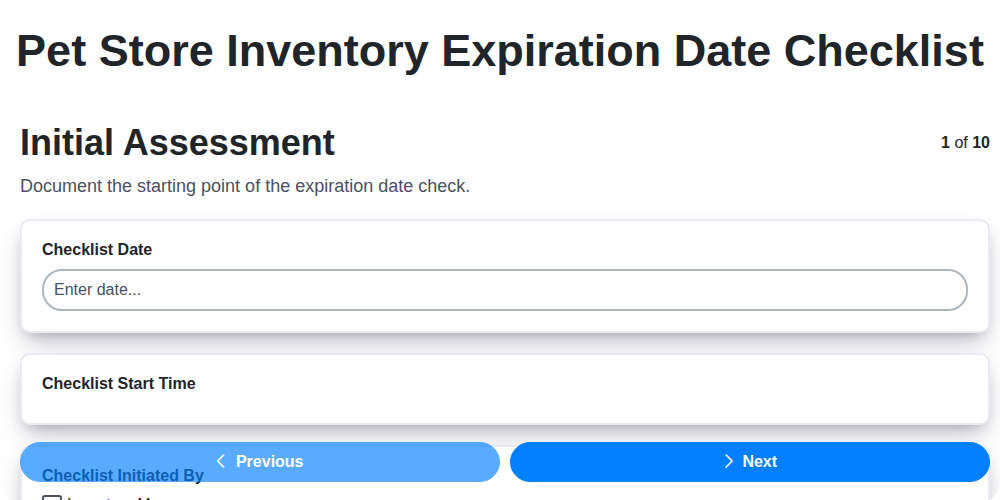
Pet Store Inventory Expiration Date Checklist
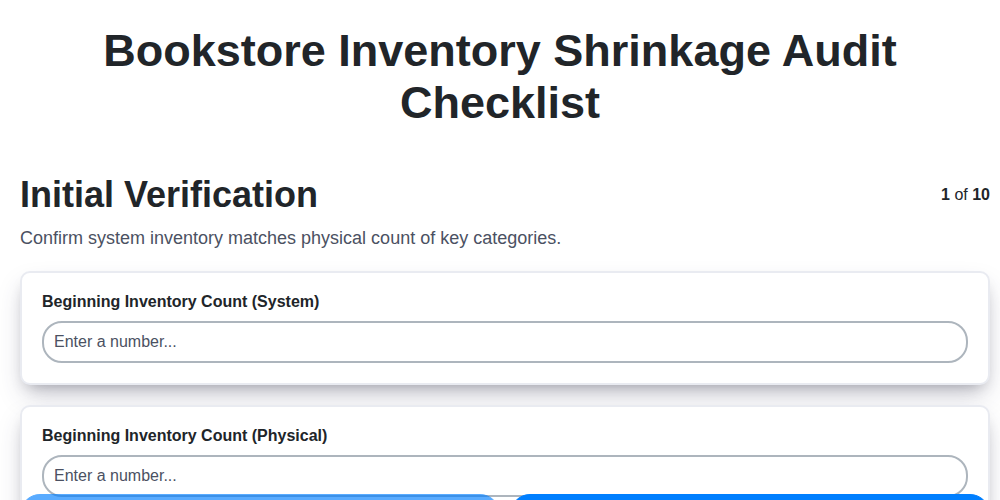
Bookstore Inventory Shrinkage Audit Checklist
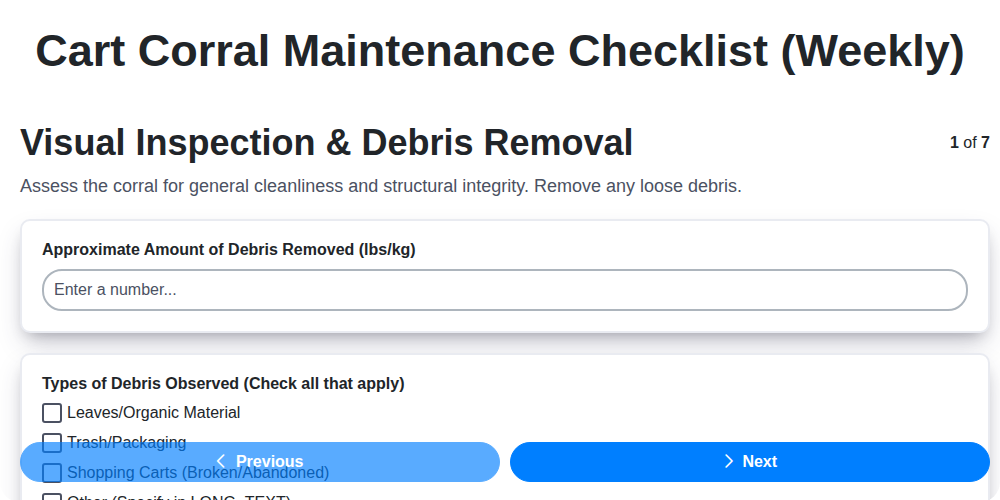
Cart Corral Maintenance Checklist (Weekly)
We can do it Together
Need help with
Retail?
Have a question? We're here to help. Please submit your inquiry, and we'll respond promptly.