 ChecklistGuro
 Parking Garage Safety & Lighting Inspection Checklist (Daily)
Ensure customer and employee safety with our daily Parking Garage Safety & Lighting Inspection Checklist - Retail Edition. Prevent accidents, reduce liability, and maintain a secure shopping experience. Downloadable & easy to use!
This Template was installed 5 times.
General Safety & Security
Overall assessment of the garage's safety and security features.
Garage Gate Operation
Security Camera Functionality
Visible Security Personnel Count
Evidence of Vandalism or Damage
Security Incident Notes (if any)
Emergency Exit Doors Functional?
Photos of Security Concerns
Lighting - General
Inspection of lighting levels throughout the garage and surrounding areas.
Ambient Light Level (Foot-candles) - General Area
Overall Lighting Condition - General Area
Areas of Dimness/Shadows?
Notes on Lighting Issues (e.g., flickering, buzzing)
Emergency Lighting Functionality (brief test)
Lighting - Specific Areas
Detailed lighting check of critical areas like entrances, stairwells, and ramps.
Lux Level at Entrance 1 (Foot Candles)
Lux Level at Entrance 2 (Foot Candles)
Stairwell 1 Lighting Condition
Ramp 1 Lighting Condition
Elevator/Service Area Lighting Condition
Areas with Potential Shadowing
Notes on Specific Lighting Issues
Ramps & Stairwells
Focuses on the structural integrity and safety of ramps and stairwells.
Ramp Gradient (Slope) - Max 1:12
Stairwell Handrail Integrity
Stair Treads Condition
Stairwell Width (Minimum 2.5m)
Ramp Surface Condition
Notes on Ramp/Stairwell Issues (if any)
Emergency Lighting in Stairwells
Entrances & Exits
Checks accessibility, signage, and security of garage entrances and exits.
Gate Operation - Entrance
Gate Operation - Exit
Entrance/Exit Door Status (Open/Closed)
Emergency Exit Accessibility
Emergency Exit Signage Condition
Security Camera Functionality at Entrances/Exits
Lighting at Entrances/Exits
Location of any observed security concerns
Pavement & Markings
Evaluation of pavement condition and visibility of parking lines and directional markings.
Identify areas of significant surface cracks or potholes.
Measure width of largest crack observed (inches).
Select pavement conditions observed:
Condition of parking lines (overall):
Upload photos of pavement issues (required for 'Fair' or 'Poor' conditions)
Describe any oil or chemical stains observed. (If any)
Emergency Systems
Verification of the functionality of emergency systems like fire alarms and emergency call boxes.
Fire Alarm System Test Result (0-100)
Emergency Call Boxes Functionality
Emergency Lighting Status
Last Fire Extinguisher Inspection Date
Time of Emergency Drill (if conducted)
Notes Regarding Emergency System Issues
Signage & Communication
Inspection of safety signage, directional signs, and communication systems.
Emergency Contact List Visible & Current?
Fire Exit Signs Clear and Illuminated?
Directional Signage Accurate & Legible?
Notes on Signage/Communication Issues (if any)
PA System Functional (if applicable)?
Time of Last PA System Test (if applicable)
Emergency Call Boxes Operational (if applicable)?
Comments
There are no comments yet. Be the first to add one!
Retail Management Solution Demo
Boost retail efficiency! ChecklistGuro simplifies store operations, inventory management, and employee training. Improve customer experience and maximize profitability. Manage it all with our Work OS.
Related Checklist Templates
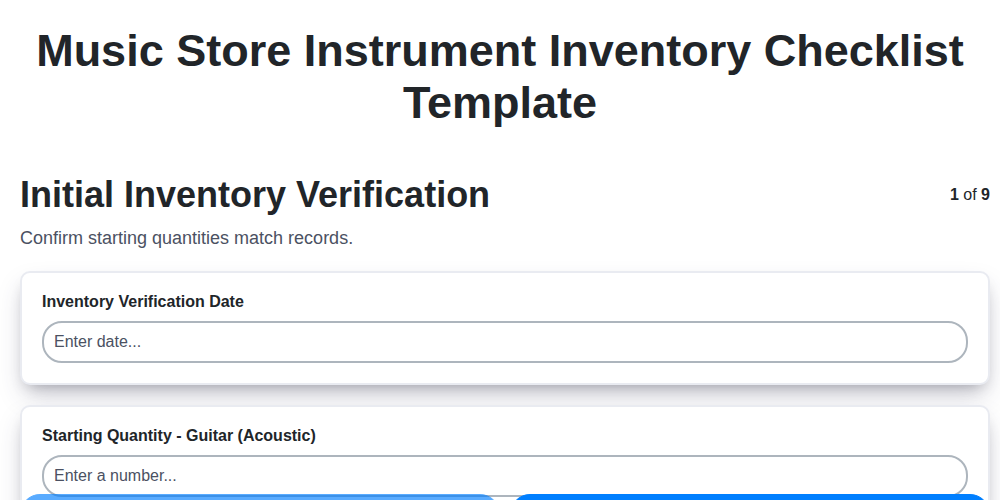
Music Store Instrument Inventory Checklist Template
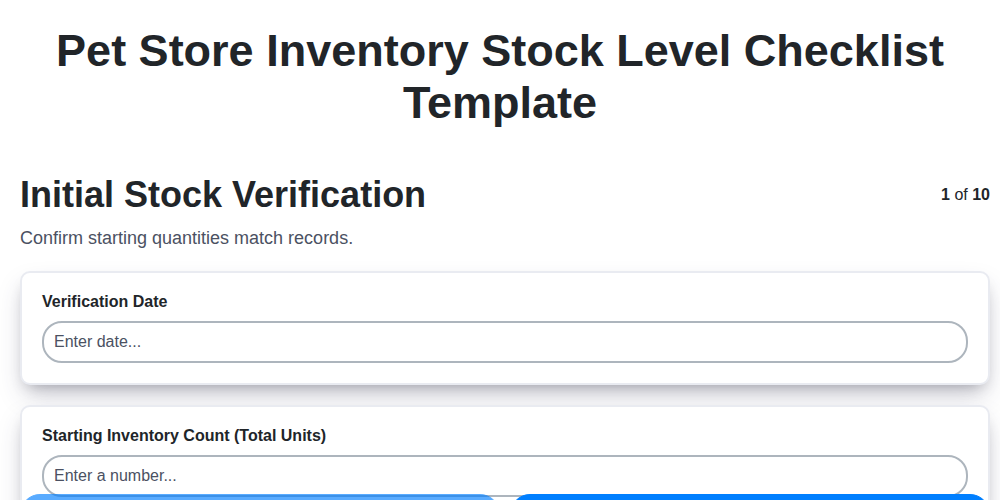
Pet Store Inventory Stock Level Checklist Template
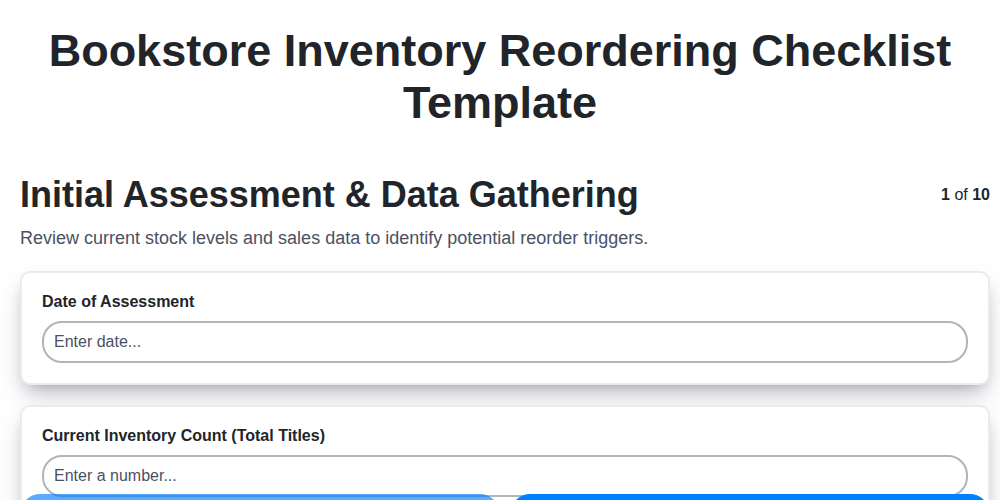
Bookstore Inventory Reordering Checklist Template
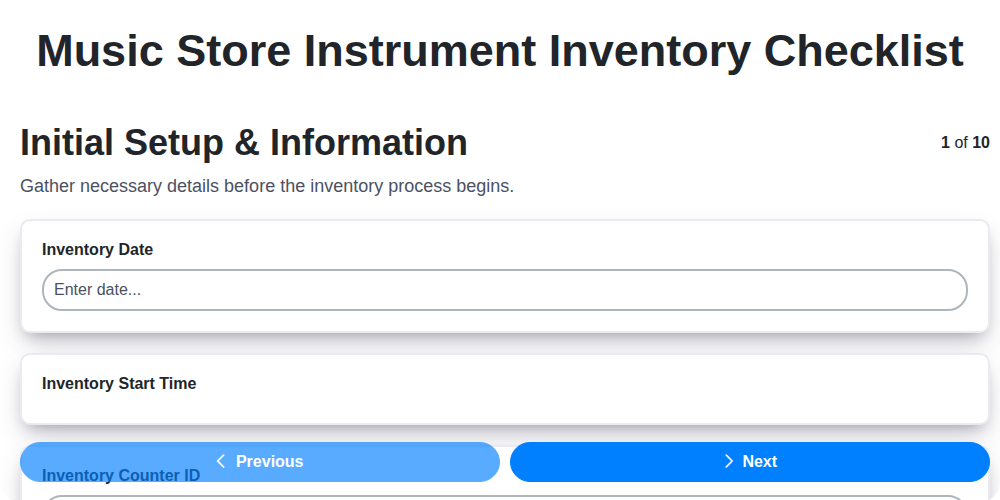
Music Store Instrument Inventory Checklist
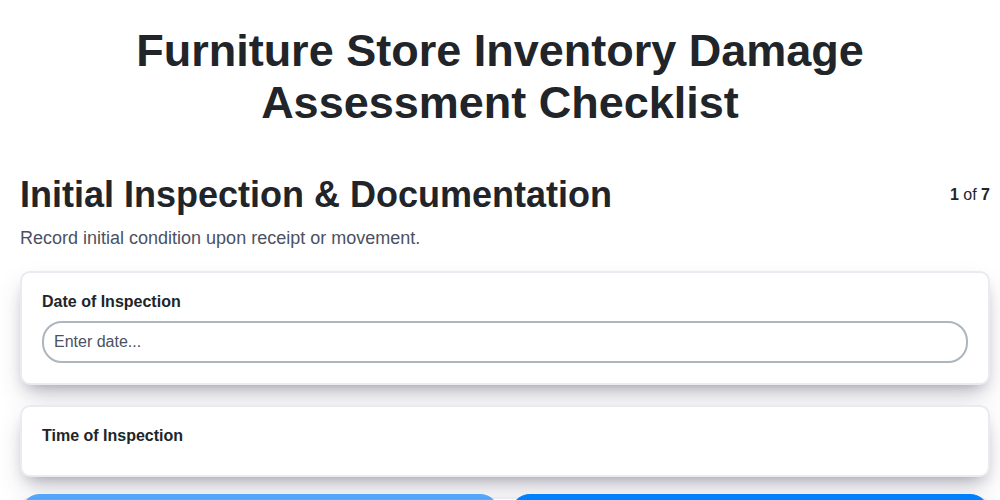
Furniture Store Inventory Damage Assessment Checklist
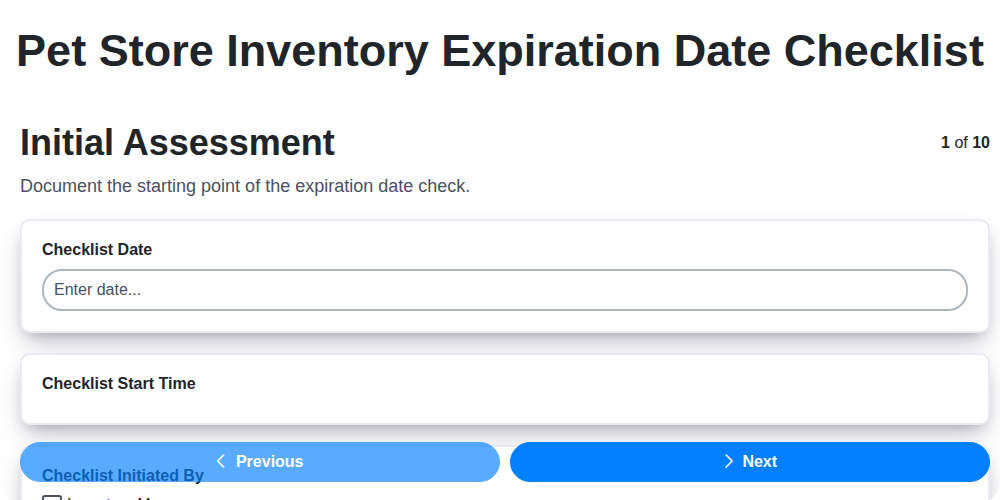
Pet Store Inventory Expiration Date Checklist
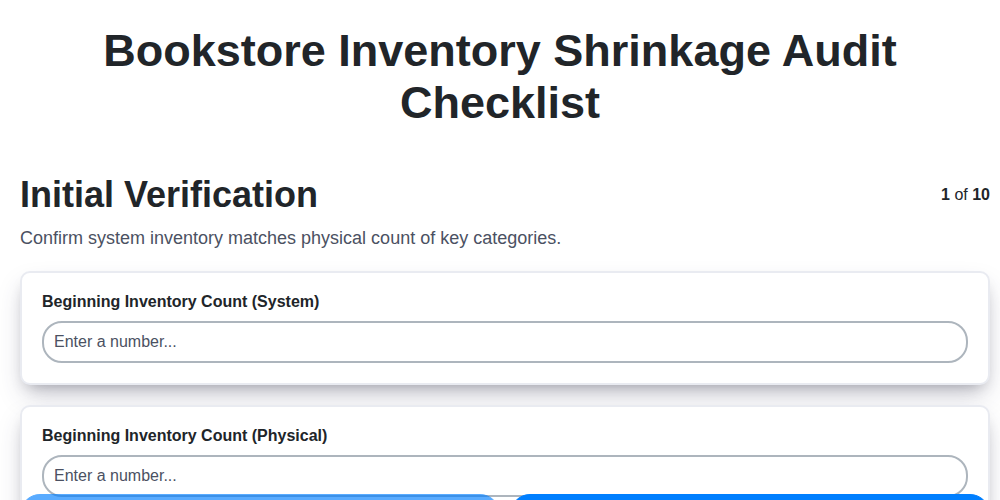
Bookstore Inventory Shrinkage Audit Checklist
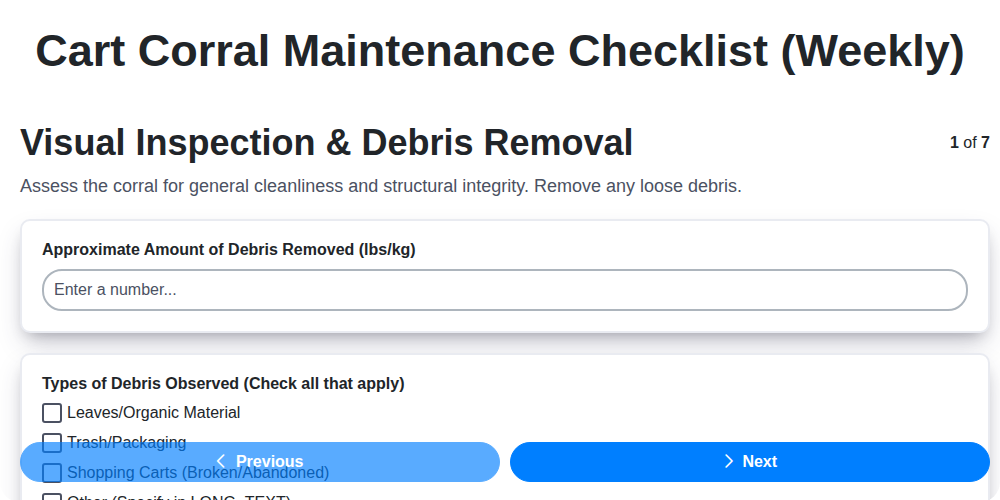
Cart Corral Maintenance Checklist (Weekly)
We can do it Together
Need help with
Retail?
Have a question? We're here to help. Please submit your inquiry, and we'll respond promptly.