 ChecklistGuro
 Demand Planning Accuracy Checklist
Improve forecasting, reduce stockouts, and boost efficiency! Our Demand Planning Accuracy Checklist ensures your supply chain is responsive and profitable. Download now and optimize your planning process.
This Template was installed 4 times.
Data Source Validation
Verify the accuracy and reliability of data inputs used for demand planning.
Data Source 1: Sales System
Data Source 2: Market Research Data
Last Data Refresh Timestamp (Epoch)
Next Scheduled Data Refresh Date
Data Integrity Notes
Data Security Protocol
Historical Data Review
Assess the quality and relevance of historical sales data.
Number of Years of Data Reviewed
Description of Data Cleansing Steps Performed
Data Source Verification Status
Last Data Audit Date
Data Anomalies Identified?
Notes on Data Quality Issues & Resolutions
Forecast Method Selection
Evaluate the appropriateness of the forecasting method used (e.g., statistical, qualitative).
Primary Forecasting Method
Statistical Method Used (if applicable)
Justification for Method Selection
Forecast Horizon (in weeks/months)
Software Used for Forecasting
Factors Considered in Method Choice
Key Assumption Validation
Review and validate key assumptions influencing demand forecasts (e.g., promotions, market trends).
Describe Promotional Activities Planned
Estimated Impact of Promotional Activities (Units)
Market Trend Influencing Demand
Estimated Impact of Market Trend (Percentage)
Date of Key Market Event
Describe any external factors impacting demand
Competitor Actions Considered
Collaboration and Communication
Ensure effective communication and collaboration with sales, marketing, and other relevant stakeholders.
Summary of Sales & Marketing Input
Communication Method Used (e.g., Meeting, Email, Shared Document)
Date of Last Collaboration Meeting
Stakeholders Involved in Collaboration
Key Decisions Made During Collaboration
Forecast Error Metrics
Monitor and analyze forecast error metrics (e.g., MAPE, MAD, RMSE) to identify areas for improvement.
MAPE (Mean Absolute Percentage Error)
MAD (Mean Absolute Deviation)
RMSE (Root Mean Squared Error)
Bias (Mean Forecast Error)
Forecast Error Trend (Overall)
Forecast Accuracy (%)
Comments on Error Metrics and Analysis
Bias Detection & Correction
Identify and address any consistent bias in the forecasting process (either over or under-forecasting).
Average MAPE over Last Quarter
Primary Bias Type?
Description of Observed Bias
Magnitude of Typical Bias (e.g., % difference)
Date Bias First Noticed
Potential Root Causes Investigated
Corrective Actions Implemented (select all that apply)
Expected MAPE Reduction (%)
Process Documentation & Updates
Maintain updated documentation of the demand planning process and ensure it reflects current practices.
Current Demand Planning Process Documentation Summary
Last Documentation Review Date
Summary of Changes Made to Process Since Last Review
Documentation Version Control Status
Attach Updated Process Flow Diagram
Document Version Number
Next Scheduled Documentation Review Date
System Configuration
Verify the proper configuration of demand planning software and integrations.
Forecast Horizon (in days)
Demand Planning Software Version
Integrated Systems (Select all that apply)
Last System Configuration Review Date
Notes on Configuration Changes
Exception Management
Review and address exceptions or unexpected variances in demand forecasts.
Describe the Exception
Forecasted Demand (Units)
Actual Demand (Units)
Reason for Exception (Select Best Fit)
Date of Exception
Corrective Actions Taken
Exception Status
Reviewer Signature
Frequently Asked Questions
Can I customize this template after installing it?
Absolutely. Once installed, you can add, remove, or reorder tasks, add custom fields, and adjust deadlines to fit your specific workflow.
Can I add images or photos to these checklist items?
Yes. Our platform allows you to attach photos, signatures, and notes to any checklist item for better verification and proof of completion.
Can I create a custom checklist from scratch instead of using a template?
Yes. You can use our "Create your own checklist" feature to build a unique workflow tailored exactly to your operational requirements.
Can I add dependencies between tasks?
Yes, you can set up conditional logic and dependencies to ensure your team follows the correct sequence of operations.
Can I assign specific checklist items to different team members?
Yes. You can assign individual tasks to specific employees, ensuring clear accountability across your entire team.
Can I use these checklists on mobile devices in the field?
Yes. Our platform is fully responsive, allowing your team to complete, update, and upload photos to checklists directly from any smartphone or tablet.
How do I notify my manager when a checklist is completed?
You can set up automated notifications (via email, push notification, or in-app alerts) to trigger whenever a checklist is finished or if an item fails inspection.
Can multiple people work on the same checklist simultaneously?
Yes, the platform supports real-time updates, allowing multiple users to contribute to a single live checklist.
Where is the data from completed checklists stored?
All completed checklists are stored securely in your Work OS dashboard, creating a permanent, searchable audit trail of your operations.
Can I generate reports based on my checklist results?
Yes. You can track completion rates, identify recurring issues, and monitor team performance through our integrated reporting and analytics tools.
How can I use these checklists for compliance or auditing purposes?
Because our checklists capture timestamps, photos, and digital signatures, they serve as a robust digital paper trail for regulatory compliance and internal audits.
Can I export my completed checklist data for use in other tools?
Yes. You can export your data in various formats (CSV, Excel, etc.) to integrate your operational insights with your other business software.
Comments
There are no comments yet. Be the first to add one!
SCM - Supply Chain Management Solution Demo
Struggling with supply chain disruptions & lack of visibility? ChecklistGuro delivers a centralized SCM solution, connecting your suppliers, manufacturers, & distributors for improved collaboration and control. Simplify operations & boost efficiency.
Related Checklist Templates
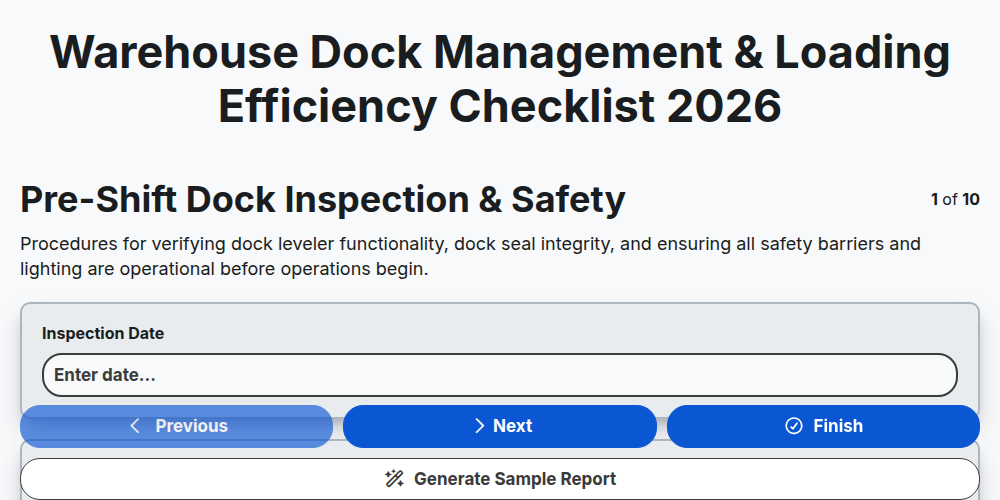
Warehouse Dock Management & Loading Efficiency Checklist 2026
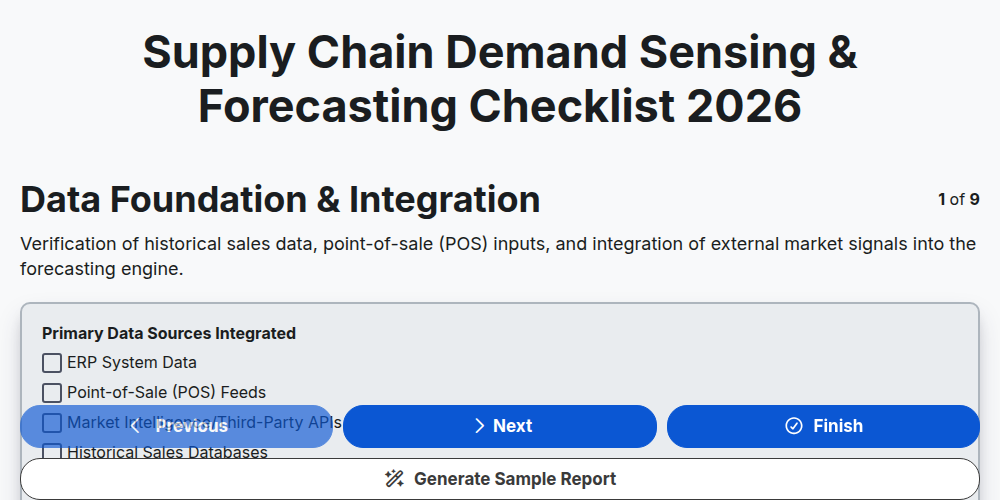
Supply Chain Demand Sensing & Forecasting Checklist 2026
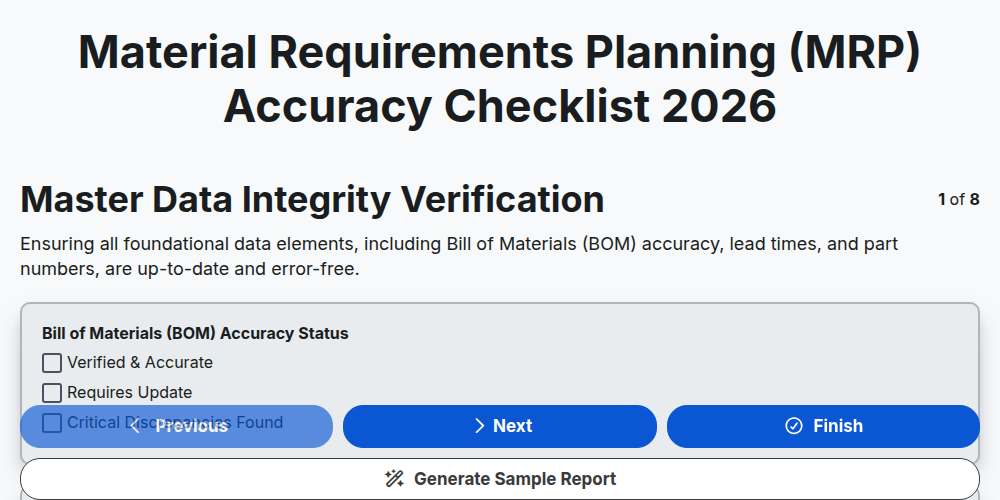
Material Requirements Planning (MRP) Accuracy Checklist 2026
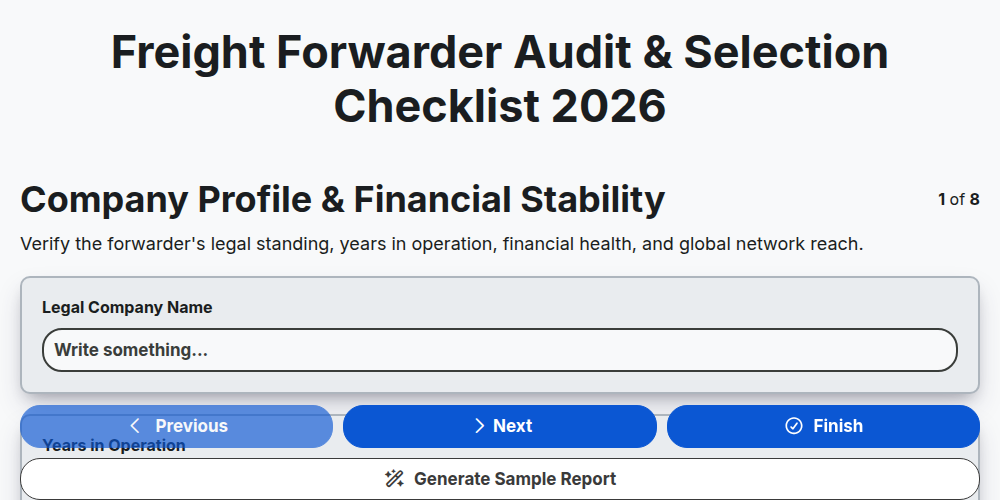
Freight Forwarder Audit & Selection Checklist 2026
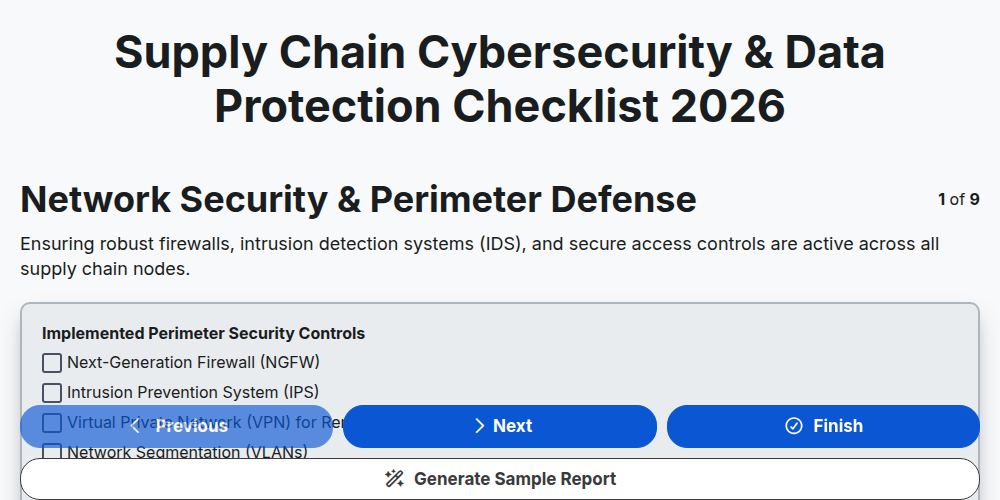
Supply Chain Cybersecurity & Data Protection Checklist 2026
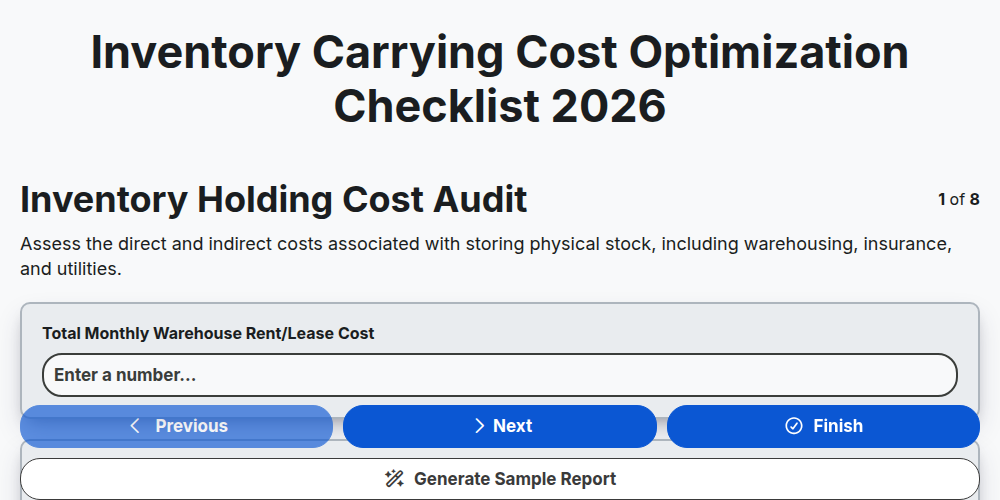
Inventory Carrying Cost Optimization Checklist 2026
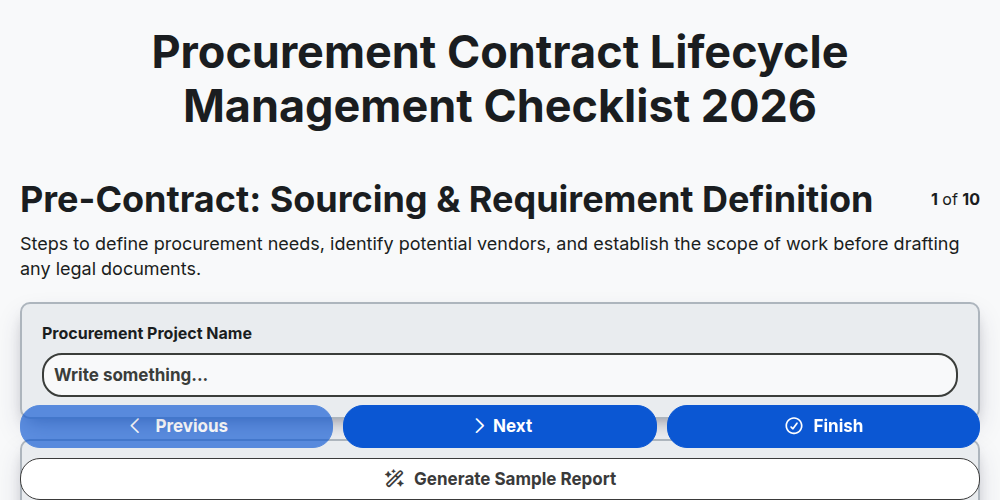
Procurement Contract Lifecycle Management Checklist 2026
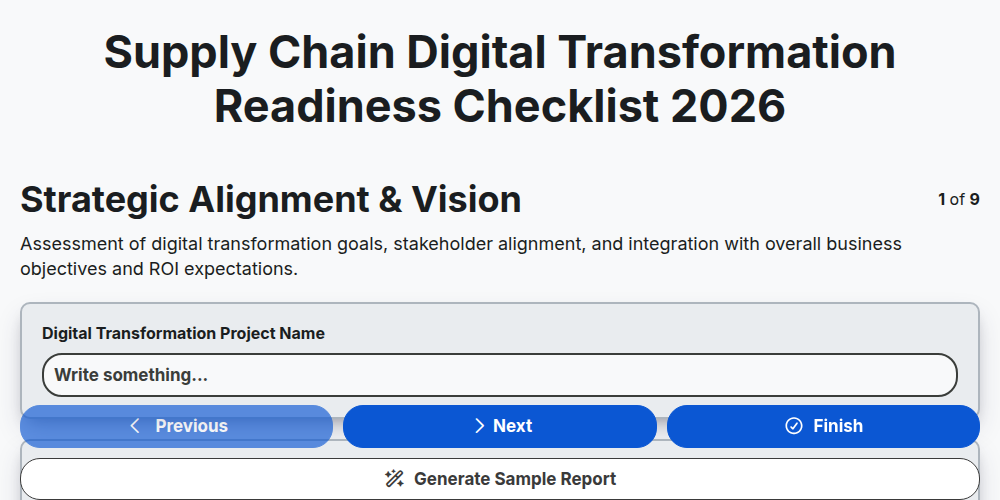
Supply Chain Digital Transformation Readiness Checklist 2026
Need help with
Supply Chain Management (SCM)?
Have a question? We're here to help. Please submit your inquiry, and we'll respond promptly.