 ChecklistGuro
 Supply Chain Visibility Audit Checklist
Unlock end-to-end control! Our Supply Chain Visibility Audit Checklist ensures you can track inventory, anticipate disruptions, and optimize performance. Download now and gain clear sight into your entire supply chain.
This Template was installed 3 times.
Data Sources & Integration
Assess the completeness and accuracy of data feeds from suppliers, logistics providers, and internal systems.
Primary Data Source Type
Number of Integrated Suppliers
Data Transmission Frequency
Description of Data Transformation Processes
Sample Data Feed (for review)
Data Format Standardization Compliance?
Real-time Tracking Capabilities
Evaluate the ability to track goods in transit and inventory levels in real-time.
Tracking Technology Used (e.g., RFID, GPS, Barcodes)
Percentage of Shipments Tracked in Real-Time
Last Updated Date of Tracking Data Integration
Average Delay in Receiving Tracking Updates
Visibility of Inventory Levels at Key Locations
Description of Tracking Data Accuracy Validation Processes
Event Management & Alerts
Review the effectiveness of event triggers, notifications, and escalation procedures.
Alert Trigger Thresholds Defined?
Average Alert Volume per Week
Standard Escalation Timeframe (e.g., 30 minutes)
Alert Channels Used (Select all that apply)
Description of Escalation Procedure
Are Alerts Actionable?
Data Security & Access Controls
Verify compliance with data security policies and appropriate access levels for users.
Data Encryption at Rest?
Data Encryption in Transit?
Password Complexity Score (0-100)
Two-Factor Authentication Enabled?
Access Control Roles Defined?
Last Access Control Review Date
Description of Access Control Procedures
Reporting & Analytics
Assess the quality and usefulness of reports and dashboards related to supply chain visibility.
Data Refresh Frequency (hours)
Standard Reports Available?
Description of Custom Reporting Capabilities
Number of Key Performance Indicators (KPIs) Tracked
Data Visualization Tools Used?
Summary of Reporting Accuracy and Reliability
Supplier Collaboration & Information Sharing
Evaluate the level of collaboration and information sharing with key suppliers.
Frequency of Supplier Communication
Information Shared with Suppliers
Summary of Collaborative Planning Sessions
Supplier Collaboration Agreement (if applicable)
Number of Joint Improvement Projects
Method of Communication
System Integration & Data Consistency
Check for seamless integration between different systems and consistent data across the supply chain.
Integration Method(s) Used:
Number of Integrated Systems:
Data Format Consistency:
Last Data Integration Verification Date:
Describe any data discrepancies observed:
Which data elements show inconsistency?
Exception Handling & Root Cause Analysis
Review the processes for identifying, resolving, and analyzing exceptions and disruptions.
Describe the Exception Event
Date of Exception
Time of Exception
Exception Category (e.g., Delivery Delay, Quality Issue, Inventory Discrepancy)
Estimated Impact (e.g., days of delay, financial loss)
Initial Root Cause Assessment
Contributing Factors (Select all that apply)
Corrective Actions Taken
User Training & Adoption
Assess the level of user training and adoption of the visibility platform.
Number of Users Trained
Date of Last Training Session
Training Format (e.g., Online, In-Person)
Summary of Training Content Covered
User Satisfaction with Training (Scale of 1-5)
Topics needing further clarification/training?
Future Scalability & Innovation
Consider the platform's ability to adapt to future supply chain complexities and incorporate new technologies.
Estimated Growth in Data Volume (Annual %)
Planned Integration with Emerging Technologies (e.g., Blockchain, AI)
Notes on anticipated changes to data sources or processes
Target date for implementing a key visibility enhancement
Potential areas for enhanced analytics and reporting
Current Level of Cloud Adoption for Supply Chain Systems
Frequently Asked Questions
Can I customize this template after installing it?
Absolutely. Once installed, you can add, remove, or reorder tasks, add custom fields, and adjust deadlines to fit your specific workflow.
Can I add images or photos to these checklist items?
Yes. Our platform allows you to attach photos, signatures, and notes to any checklist item for better verification and proof of completion.
Can I create a custom checklist from scratch instead of using a template?
Yes. You can use our "Create your own checklist" feature to build a unique workflow tailored exactly to your operational requirements.
Can I add dependencies between tasks?
Yes, you can set up conditional logic and dependencies to ensure your team follows the correct sequence of operations.
Can I assign specific checklist items to different team members?
Yes. You can assign individual tasks to specific employees, ensuring clear accountability across your entire team.
Can I use these checklists on mobile devices in the field?
Yes. Our platform is fully responsive, allowing your team to complete, update, and upload photos to checklists directly from any smartphone or tablet.
How do I notify my manager when a checklist is completed?
You can set up automated notifications (via email, push notification, or in-app alerts) to trigger whenever a checklist is finished or if an item fails inspection.
Can multiple people work on the same checklist simultaneously?
Yes, the platform supports real-time updates, allowing multiple users to contribute to a single live checklist.
Where is the data from completed checklists stored?
All completed checklists are stored securely in your Work OS dashboard, creating a permanent, searchable audit trail of your operations.
Can I generate reports based on my checklist results?
Yes. You can track completion rates, identify recurring issues, and monitor team performance through our integrated reporting and analytics tools.
How can I use these checklists for compliance or auditing purposes?
Because our checklists capture timestamps, photos, and digital signatures, they serve as a robust digital paper trail for regulatory compliance and internal audits.
Can I export my completed checklist data for use in other tools?
Yes. You can export your data in various formats (CSV, Excel, etc.) to integrate your operational insights with your other business software.
Comments
There are no comments yet. Be the first to add one!
SCM - Supply Chain Management Solution Demo
Struggling with supply chain disruptions & lack of visibility? ChecklistGuro delivers a centralized SCM solution, connecting your suppliers, manufacturers, & distributors for improved collaboration and control. Simplify operations & boost efficiency.
Related Checklist Templates
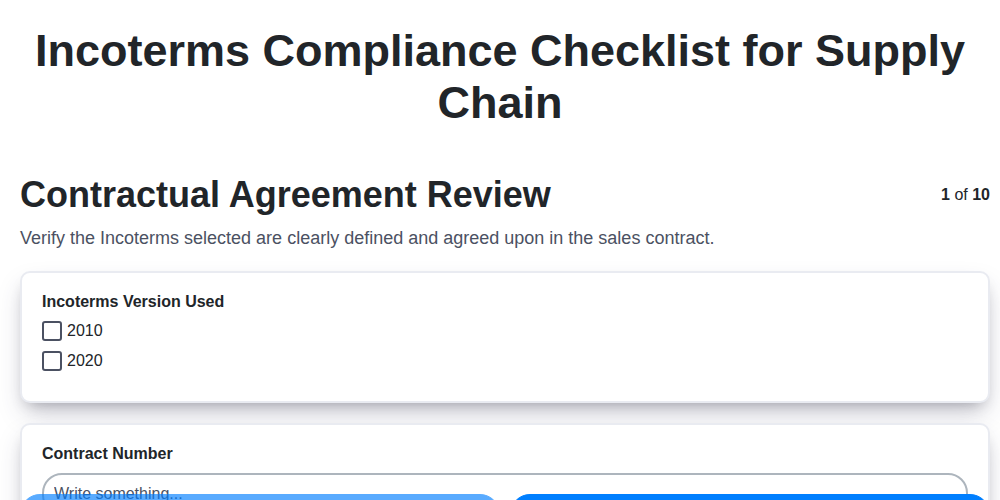
Incoterms Compliance Checklist for Supply Chain
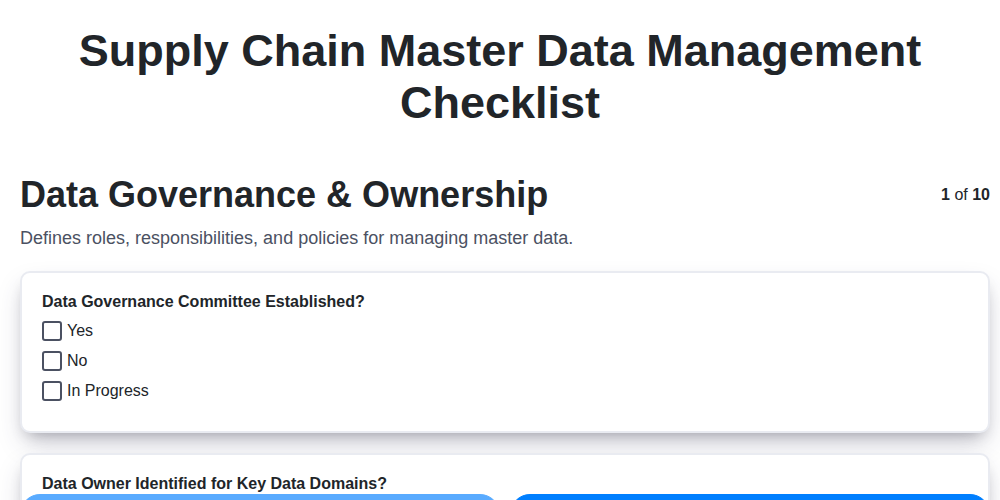
Supply Chain Master Data Management Checklist
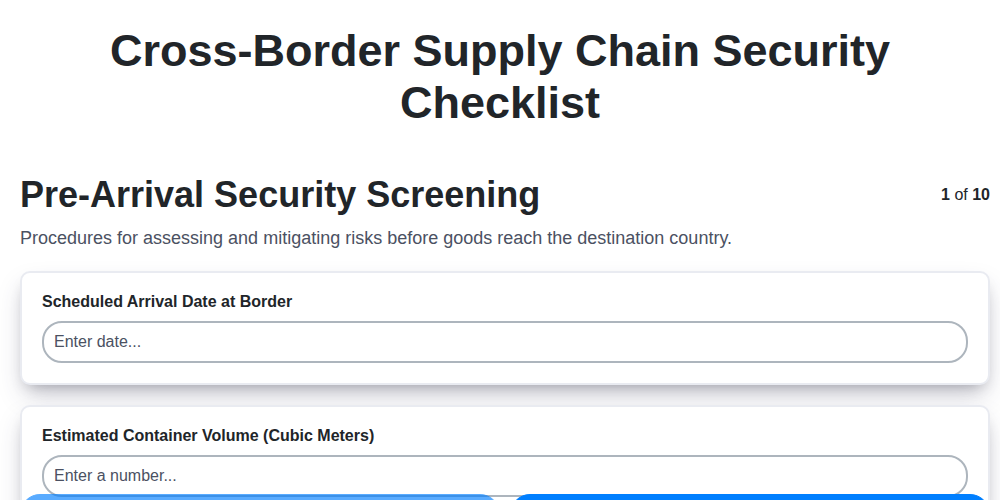
Cross-Border Supply Chain Security Checklist
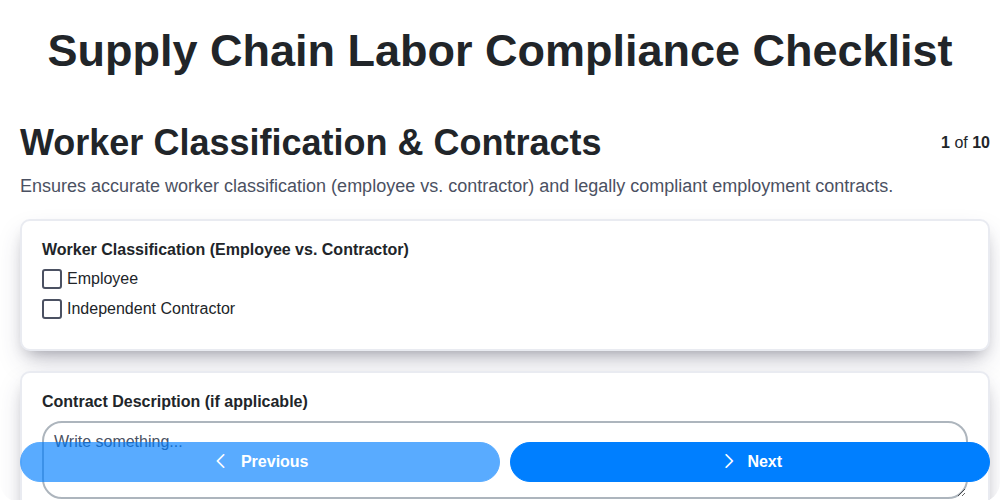
Supply Chain Labor Compliance Checklist
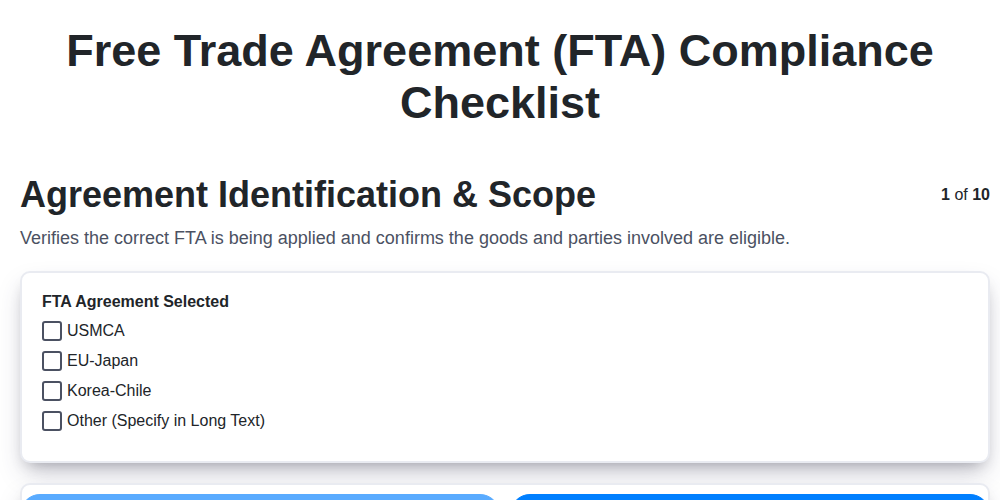
Free Trade Agreement (FTA) Compliance Checklist
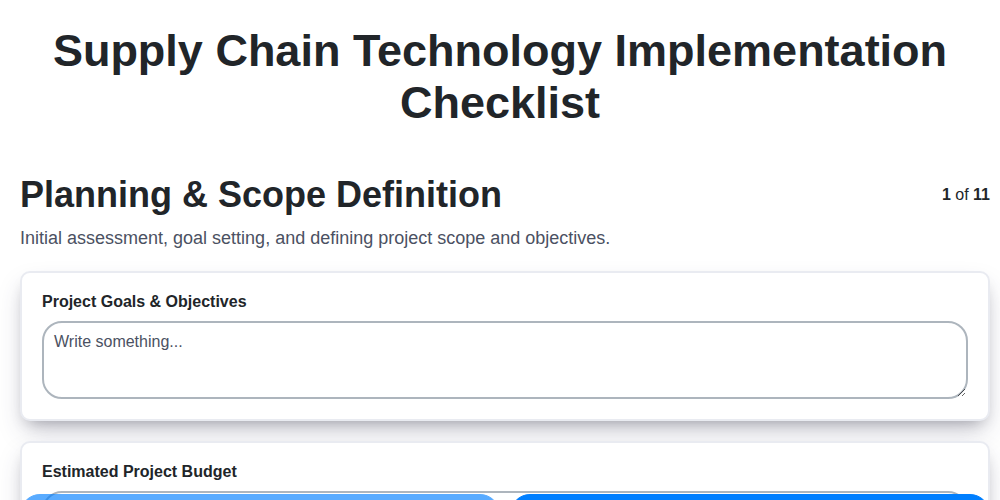
Supply Chain Technology Implementation Checklist
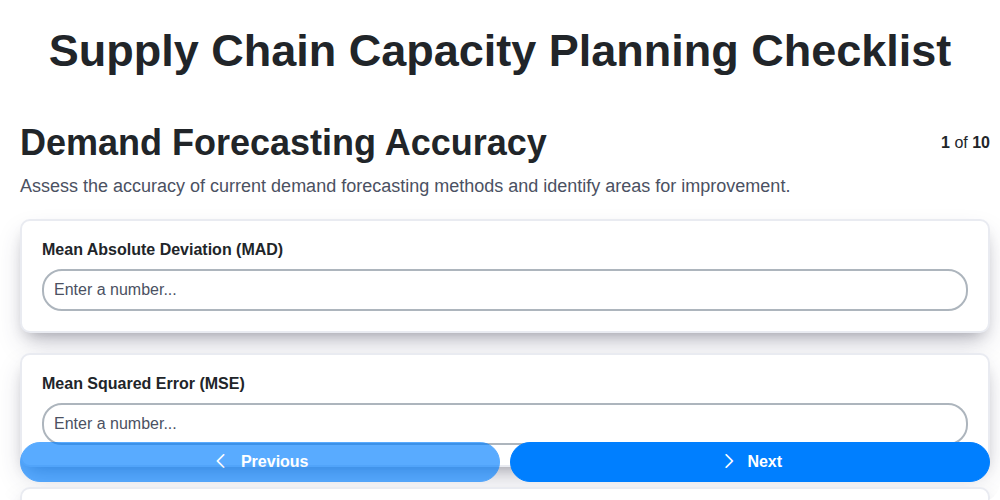
Supply Chain Capacity Planning Checklist
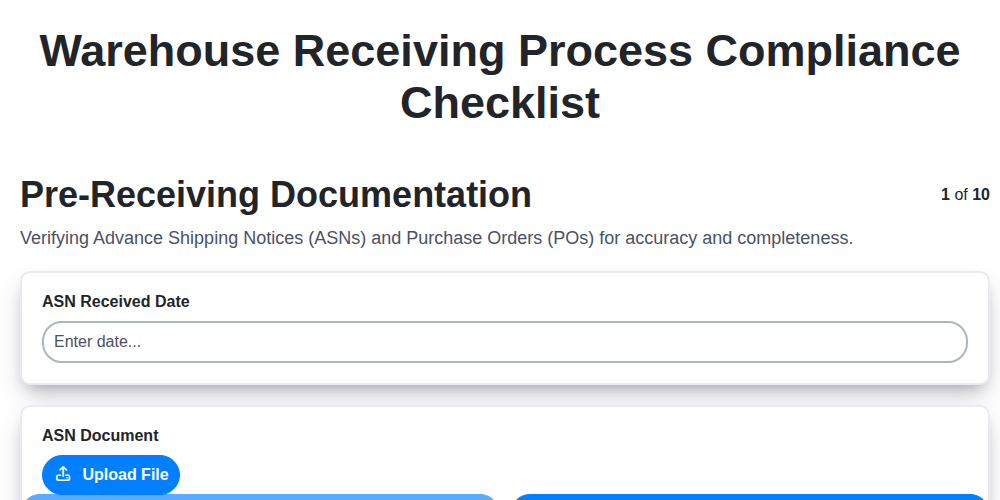
Warehouse Receiving Process Compliance Checklist
Need help with
Supply Chain Management (SCM)?
Have a question? We're here to help. Please submit your inquiry, and we'll respond promptly.