 ChecklistGuro
 Casino Guest Support Issue Checklist
Resolve guest concerns swiftly and elevate the gaming experience. This checklist ensures consistent, high-quality support, minimizing frustration and maximizing loyalty.
This Template was installed 3 times.
Initial Contact & Information Gathering
Capturing initial details of the guest's issue and identifying the severity.
Contact Timestamp
Guest ID (if applicable)
Guest Name
Brief Description of Issue
Initial Contact Method
Guest Demeanor (Initial Impression)
Issue Categorization & Prioritization
Determining the type of issue (e.g., gaming, dining, lodging) and assigning urgency.
Issue Category
Issue Severity
Estimated Resolution Time (Minutes)
Guest VIP Status
Brief Issue Description (for categorization)
Troubleshooting & Resolution Attempts
Steps taken to resolve the guest's issue, including communication and coordination with other departments.
Detailed Description of Troubleshooting Steps Taken
Initial Solution Attempted
Number of Attempts Before Escalation
Time Spent on Initial Troubleshooting
Resources Utilized (e.g., system logs, knowledge base)
Guest Feedback During Troubleshooting (Verbatim)
Escalation Procedures (If Necessary)
Details regarding escalation to supervisors or specialized teams for complex issues.
Escalation Tier Required
Estimated Time to Resolve (Minutes)
Detailed Issue Summary for Escalation Team
Department Requiring Escalation
Date of Escalation
Time of Escalation
Guest Communication & Follow-Up
Documenting communication with the guest and ensuring satisfaction with the resolution.
Summary of Communication with Guest
Date of Initial Contact
Time of Initial Contact
Communication Method (Phone, Email, In-Person)
Number of Follow-Up Attempts
Guest Satisfaction Level
Guest Feedback/Comments
Documentation & Reporting
Recording details of the issue, resolution, and any lessons learned for future improvements.
Detailed Description of Issue
Issue Resolution Time (Minutes)
Issue Severity (Post Resolution)
Departments Involved (e.g., Security, Gaming, Dining)
Date of Incident
Time of Incident
Supporting Documents (e.g., Photos, Witness Statements)
Compliance & Security
Verifying adherence to company policies, legal requirements, and security protocols throughout the process.
Issue Involved Sensitive Data?
Number of Guests Affected
Date of Incident
Confirmed PCI Compliance?
Details of Security Protocol Followed
Reported to Security Team?
Relevant Security Logs (if applicable)
Comments
There are no comments yet. Be the first to add one!
Support Management Solution Demo
Struggling to keep up with support requests? ChecklistGuro provides a centralized system for managing tickets, tracking progress, & ensuring customer satisfaction. Improve efficiency & reduce resolution times.
Related Checklist Templates
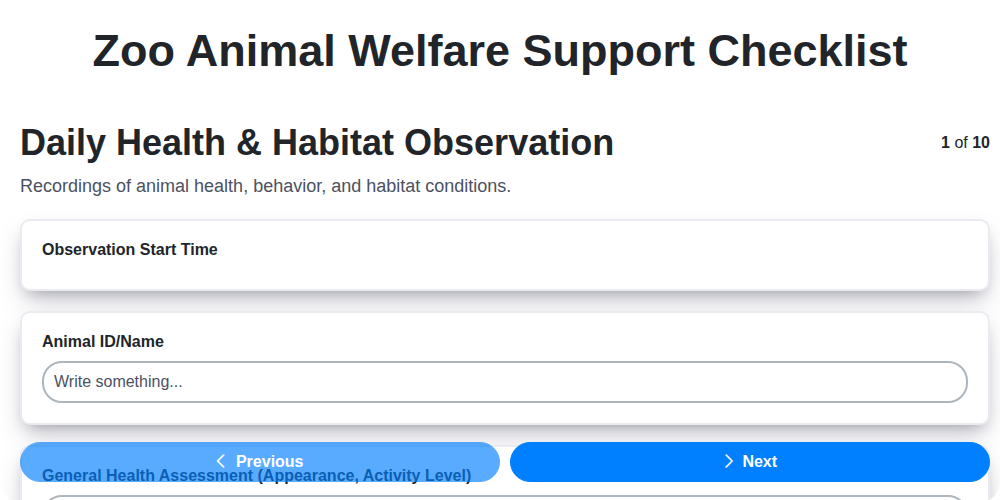
Zoo Animal Welfare Support Checklist
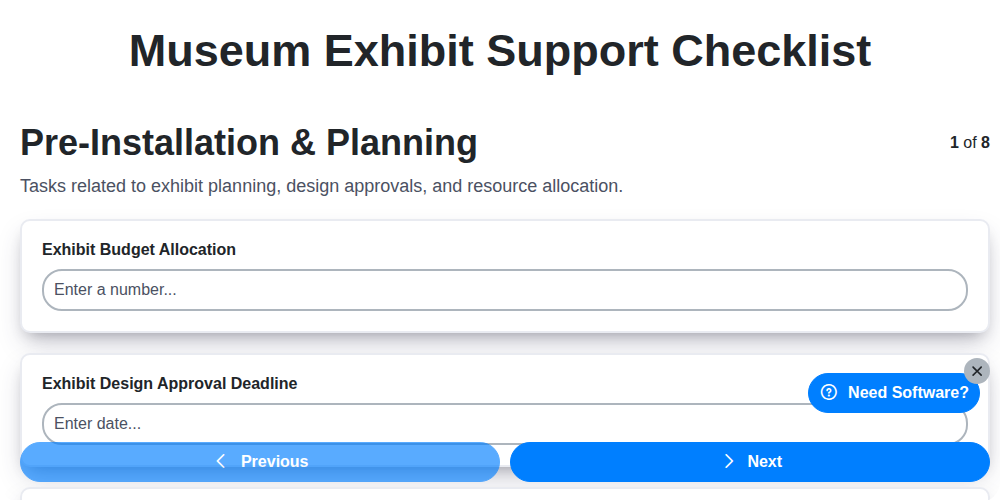
Museum Exhibit Support Checklist
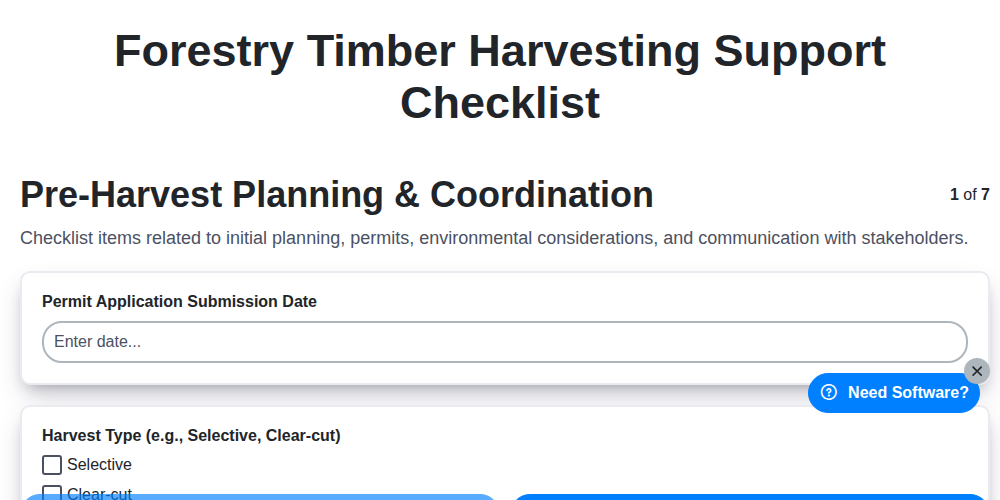
Forestry Timber Harvesting Support Checklist
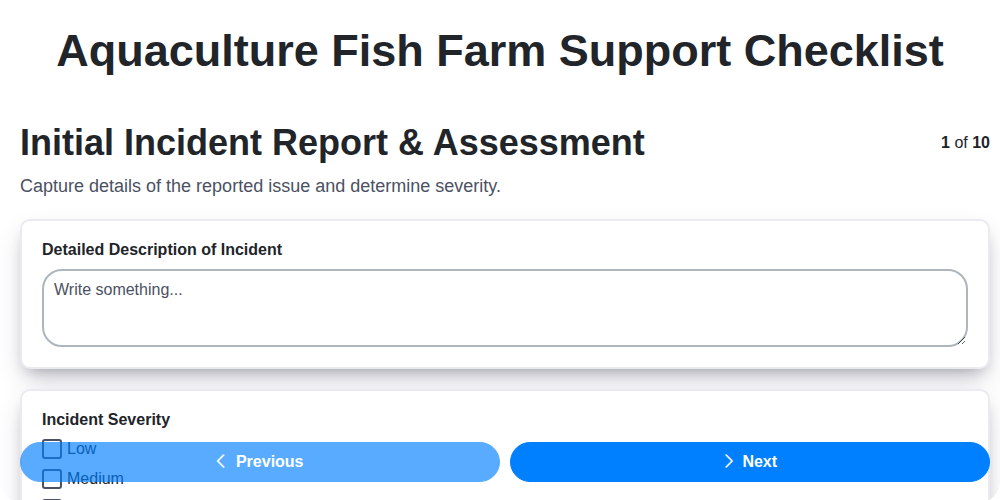
Aquaculture Fish Farm Support Checklist

Religious Organization Parishioner Support Checklist
Research & Development Project Support Checklist
Mining Equipment Maintenance Checklist
Waste Management Equipment Malfunction Checklist
We can do it Together
Need help with
Support Management?
Have a question? We're here to help. Please submit your inquiry, and we'll respond promptly.