 ChecklistGuro
 Forestry Timber Harvesting Support Checklist
Ensure safe and efficient timber harvesting with our Forestry Timber Harvesting Support Checklist. Minimize delays, maximize yield, and maintain regulatory compliance - your guide to a successful logging operation.
This Template was installed 2 times.
Pre-Harvest Planning & Coordination
Checklist items related to initial planning, permits, environmental considerations, and communication with stakeholders.
Permit Application Submission Date
Harvest Type (e.g., Selective, Clear-cut)
GPS Coordinates of Harvest Area
Estimated Timber Volume (m³)
Description of Environmental Impact Assessment Findings
Stakeholder Consultation Status
Copy of Required Permits
Equipment Readiness & Maintenance
Verification of machinery functionality, safety inspections, and repair documentation.
Harvester Operating Hours (Last Inspection)
Blade Sharpness Rating (1-10)
Last Hydraulic Fluid Change
Tire Condition
Pre-Harvest Inspection Report (PDF/Image)
Emergency Brake Functionality
Harvest Execution & Monitoring
Tracking of progress, adherence to plan, safety protocols during the actual harvesting process.
Start Time of Harvesting Operation
Trees Harvested (Cumulative)
Current Harvesting Location (GPS Coordinates)
Harvesting Crew Status
Equipment Idle Time (Minutes)
Observations & Notes Regarding Harvesting Progress
Logistics & Transportation
Confirmation of transport vehicle readiness, loading procedures, and compliance with regulations.
Load Weight (lbs)
Number of Trucks Assigned
Truck Condition (Pre-Departure)
Departure Date/Time Scheduled
Pickup Location (GPS Coordinates)
Required Transport Permits
Environmental Compliance & Mitigation
Assessment of environmental impact, erosion control measures, and adherence to regulations.
Erosion Control Method Implemented
Distance from Waterways (feet)
Protected Species Identified?
Date of Environmental Inspection
Inspection Notes/Observations
Photos of Erosion Control Measures
Waste Management Protocol followed?
Post-Harvest Site Restoration
Verification of site cleanup, reforestation efforts, and compliance with restoration plans.
Restoration Start Date
Number of Seedlings Planted
Restoration Techniques Applied (Select all that apply)
Area Restored (in acres/hectares)
Detailed Description of Restoration Activities
Photographic Evidence of Restoration Progress
Estimated Completion Date of Restoration
Documentation & Reporting
Ensuring accurate record-keeping of all activities, incident reporting, and regulatory filings.
Date of Activity Record
Time of Activity Record
Volume of Timber Harvested (Cubic Meters)
Detailed Activity Notes & Observations
Regulatory Compliance Checklist (select all that apply)
Supporting Documentation (Permits, Maps, etc.)
Foreman Signature
Frequently Asked Questions
Can I customize this template after installing it?
Absolutely. Once installed, you can add, remove, or reorder tasks, add custom fields, and adjust deadlines to fit your specific workflow.
Can I add images or photos to these checklist items?
Yes. Our platform allows you to attach photos, signatures, and notes to any checklist item for better verification and proof of completion.
Can I create a custom checklist from scratch instead of using a template?
Yes. You can use our "Create your own checklist" feature to build a unique workflow tailored exactly to your operational requirements.
Can I add dependencies between tasks?
Yes, you can set up conditional logic and dependencies to ensure your team follows the correct sequence of operations.
Can I assign specific checklist items to different team members?
Yes. You can assign individual tasks to specific employees, ensuring clear accountability across your entire team.
Can I use these checklists on mobile devices in the field?
Yes. Our platform is fully responsive, allowing your team to complete, update, and upload photos to checklists directly from any smartphone or tablet.
How do I notify my manager when a checklist is completed?
You can set up automated notifications (via email, push notification, or in-app alerts) to trigger whenever a checklist is finished or if an item fails inspection.
Can multiple people work on the same checklist simultaneously?
Yes, the platform supports real-time updates, allowing multiple users to contribute to a single live checklist.
Where is the data from completed checklists stored?
All completed checklists are stored securely in your Work OS dashboard, creating a permanent, searchable audit trail of your operations.
Can I generate reports based on my checklist results?
Yes. You can track completion rates, identify recurring issues, and monitor team performance through our integrated reporting and analytics tools.
How can I use these checklists for compliance or auditing purposes?
Because our checklists capture timestamps, photos, and digital signatures, they serve as a robust digital paper trail for regulatory compliance and internal audits.
Can I export my completed checklist data for use in other tools?
Yes. You can export your data in various formats (CSV, Excel, etc.) to integrate your operational insights with your other business software.
Comments
There are no comments yet. Be the first to add one!
Support Management Solution Demo
Struggling to keep up with support requests? ChecklistGuro provides a centralized system for managing tickets, tracking progress, & ensuring customer satisfaction. Improve efficiency & reduce resolution times.
Related Checklist Templates
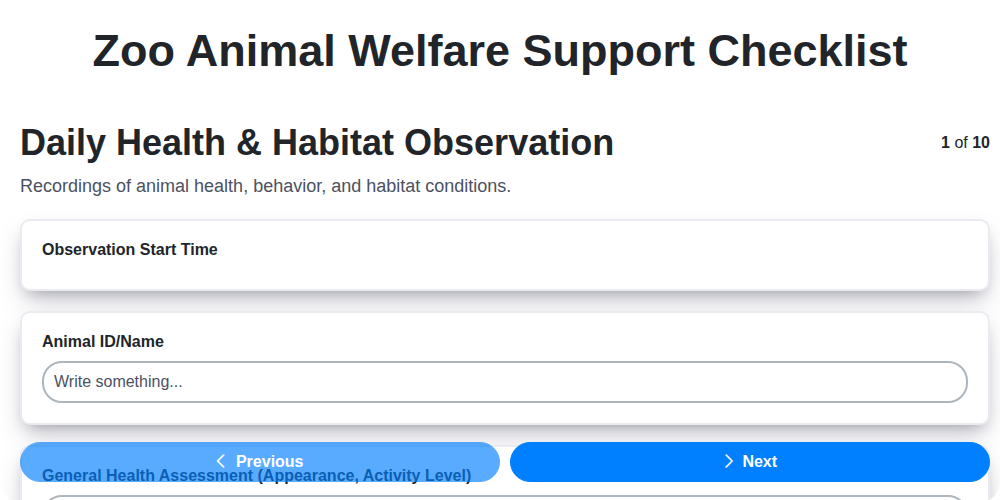
Zoo Animal Welfare Support Checklist
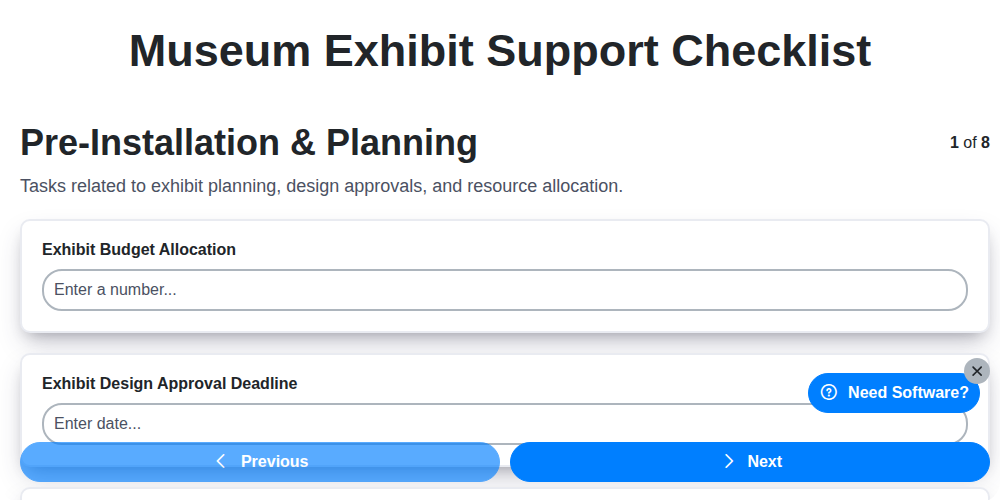
Museum Exhibit Support Checklist
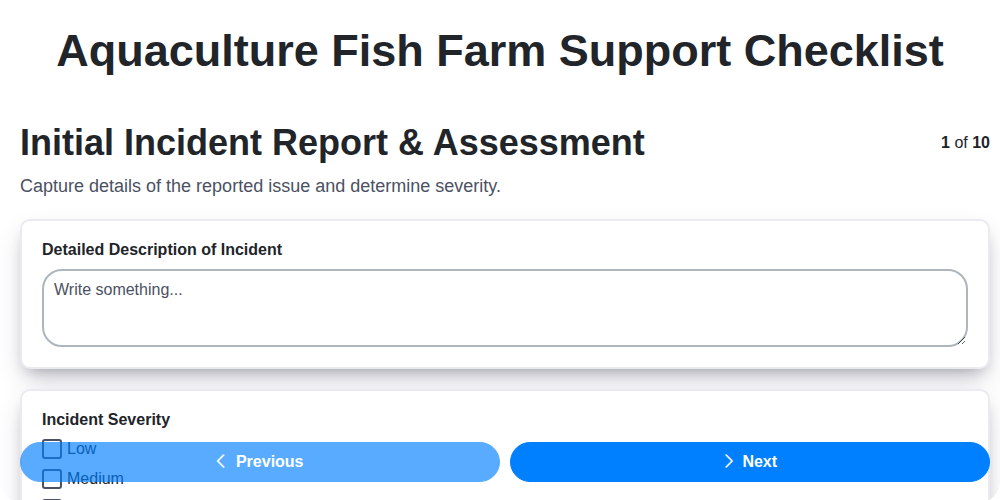
Aquaculture Fish Farm Support Checklist
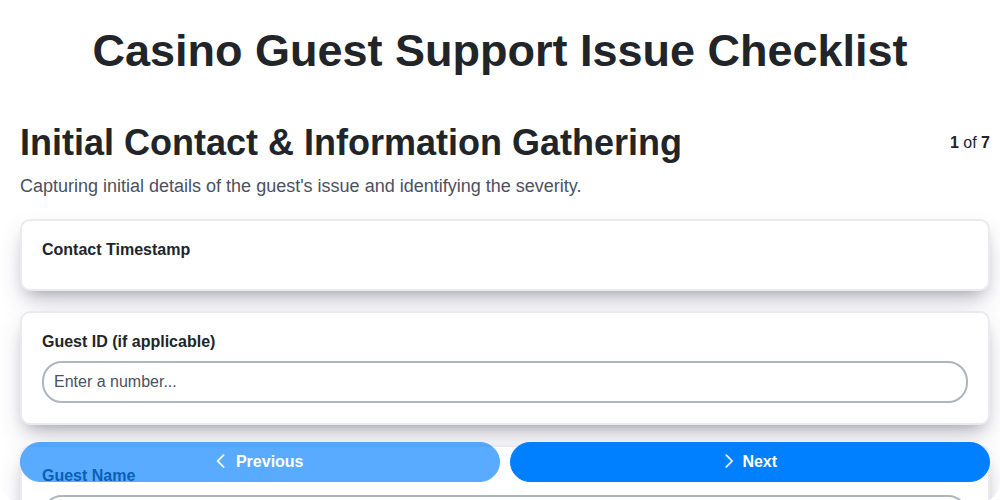
Casino Guest Support Issue Checklist

Religious Organization Parishioner Support Checklist
Research & Development Project Support Checklist
Mining Equipment Maintenance Checklist
Waste Management Equipment Malfunction Checklist
Need help with
Support Management?
Have a question? We're here to help. Please submit your inquiry, and we'll respond promptly.