 ChecklistGuro
Energy Grid Outage Support Checklist
Minimize downtime and ensure rapid recovery with our Energy Grid Outage Support Checklist. This comprehensive guide streamlines incident response, prioritizing critical systems and communication, so you can restore power swiftly and safely.
This Template was installed 3 times.
Initial Incident Notification & Assessment
Steps to take upon receiving notification of a grid outage, including initial assessment and verification.
Time of Initial Notification
Detailed Description of Reported Issue (from caller/reporter)
Approximate Location of Reported Outage
Severity Level (Initial Assessment)
Estimated Number of Customers Affected (Initial)
Type of Issue Reported (Initial)
Reporter Name
Reporter Contact Number
Affected Area Identification & Scope Determination
Process for identifying the geographic area impacted by the outage and determining the extent of the damage.
Initial Reported Outage Location
Estimated Number of Customers Affected
Affected Circuit(s)
Description of Visible Damage (if any)
Radius of Impact (estimated miles)
Affected Infrastructure (check all that apply)
Date of Initial Damage (if known)
Communication & Stakeholder Updates
Procedures for communicating with affected customers, internal teams, and relevant external stakeholders.
Initial Customer Notification Message (Draft)
Communication Channel Used (Customer)
Time of Initial Customer Notification
Summary of Updates Provided to Internal Teams
Number of Affected Customers (Estimated)
Regulatory Body Notification Required?
Date of Regulatory Body Notification (if applicable)
Notes on Stakeholder Interactions
Root Cause Analysis & Data Gathering
Steps to investigate the cause of the outage, collect relevant data, and document findings.
Initial Incident Description (from notification)
Precise Location of Initial Fault Indication
Voltage Deviation (if applicable)
Date of Initial Fault Indication
Time of Initial Fault Indication
Possible Contributing Factors (select all that apply)
SCADA Screenshots/Logs
Restoration & Repair Activities
Checklist for actions related to restoring power, including equipment repair and safety protocols.
Voltage Level at Affected Substation
Type of Equipment Failure (e.g., Transformer, Transmission Line)
Date Repair Started
Time Repair Started
Description of Repair Activities Performed
Location of Primary Repair Point
Photographic Evidence of Repair Site (Optional)
Estimated Time to Complete Repair (in hours)
Post-Restoration Verification & Monitoring
Procedures to confirm power has been restored and to monitor the grid for stability and potential issues.
Power Restoration Time (Actual)
Voltage Level Verified (kV)
Frequency Stability Check Result
Affected Systems Re-Verified
Next Scheduled Grid Stability Check
Notes on System Behavior Post-Restoration
Location of Final Grid Stability Verification
Documentation & Reporting
Checklist for accurate documentation of the incident, actions taken, and lessons learned.
Incident Summary
Customer Impacted (Approximate)
Outage Start Date/Time
Restoration Date/Time
Root Cause Analysis Notes
Contributing Factors (Select All That Apply)
Supporting Documentation (e.g., photos, logs)
Reviewer Signature
Safety Protocols & Emergency Procedures
Ensuring adherence to all safety regulations and established emergency response procedures.
PPE (Personal Protective Equipment) Verified?
Safety Hazards Identified?
Last Safety Training Completion Date
Emergency Contact Notification Time
Emergency Staging Area Location
Number of Personnel on Site
Site Supervisor Acknowledgement
Frequently Asked Questions
Can I customize this template after installing it?
Absolutely. Once installed, you can add, remove, or reorder tasks, add custom fields, and adjust deadlines to fit your specific workflow.
Can I add images or photos to these checklist items?
Yes. Our platform allows you to attach photos, signatures, and notes to any checklist item for better verification and proof of completion.
Can I create a custom checklist from scratch instead of using a template?
Yes. You can use our "Create your own checklist" feature to build a unique workflow tailored exactly to your operational requirements.
Can I add dependencies between tasks?
Yes, you can set up conditional logic and dependencies to ensure your team follows the correct sequence of operations.
Can I assign specific checklist items to different team members?
Yes. You can assign individual tasks to specific employees, ensuring clear accountability across your entire team.
Can I use these checklists on mobile devices in the field?
Yes. Our platform is fully responsive, allowing your team to complete, update, and upload photos to checklists directly from any smartphone or tablet.
How do I notify my manager when a checklist is completed?
You can set up automated notifications (via email, push notification, or in-app alerts) to trigger whenever a checklist is finished or if an item fails inspection.
Can multiple people work on the same checklist simultaneously?
Yes, the platform supports real-time updates, allowing multiple users to contribute to a single live checklist.
Where is the data from completed checklists stored?
All completed checklists are stored securely in your Work OS dashboard, creating a permanent, searchable audit trail of your operations.
Can I generate reports based on my checklist results?
Yes. You can track completion rates, identify recurring issues, and monitor team performance through our integrated reporting and analytics tools.
How can I use these checklists for compliance or auditing purposes?
Because our checklists capture timestamps, photos, and digital signatures, they serve as a robust digital paper trail for regulatory compliance and internal audits.
Can I export my completed checklist data for use in other tools?
Yes. You can export your data in various formats (CSV, Excel, etc.) to integrate your operational insights with your other business software.
Comments
There are no comments yet. Be the first to add one!
Support Management Solution Demo
Struggling to keep up with support requests? ChecklistGuro provides a centralized system for managing tickets, tracking progress, & ensuring customer satisfaction. Improve efficiency & reduce resolution times.
Related Checklist Templates
Travel Agency Booking Modification Support Checklist 2026
Cloud Infrastructure Service Desk Support Checklist 2026
Supply Chain Vendor Dispute Support Checklist 2026
Fitness Center Membership Cancellation Support Checklist 2026
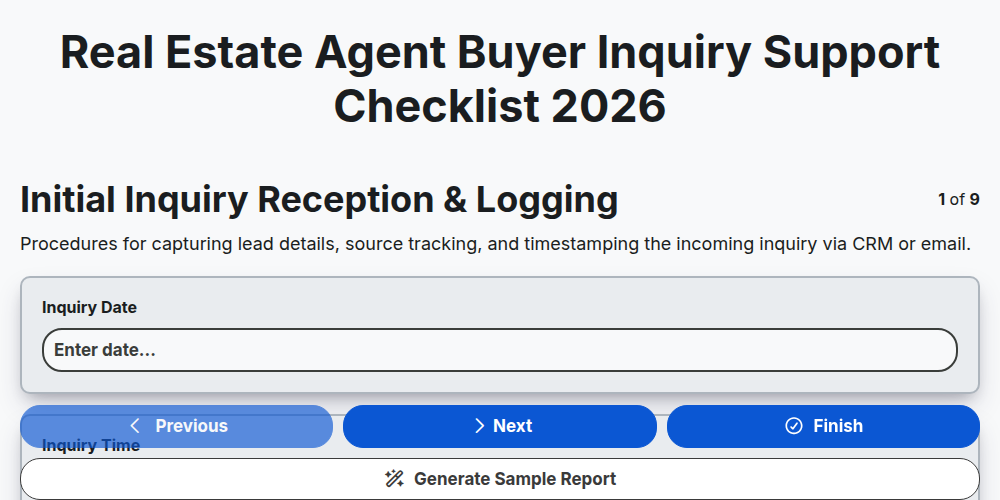
Real Estate Agent Buyer Inquiry Support Checklist 2026
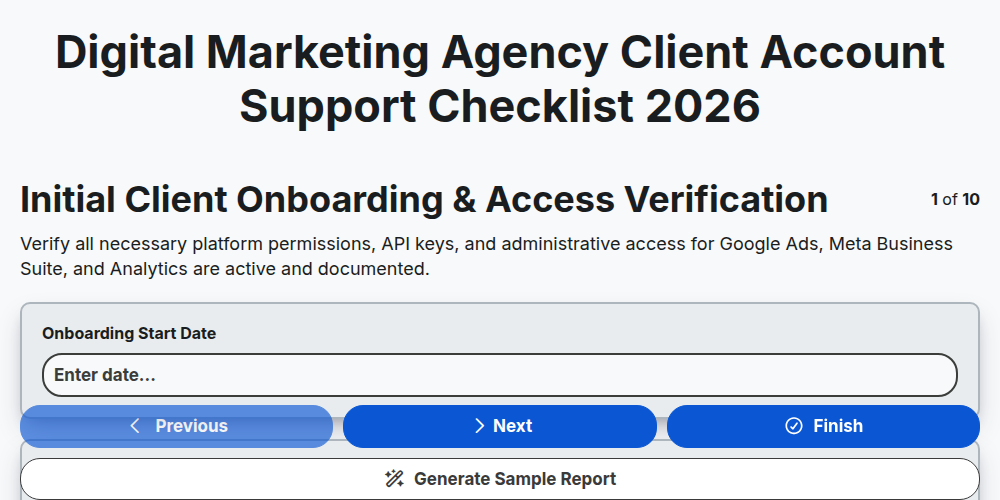
Digital Marketing Agency Client Account Support Checklist 2026
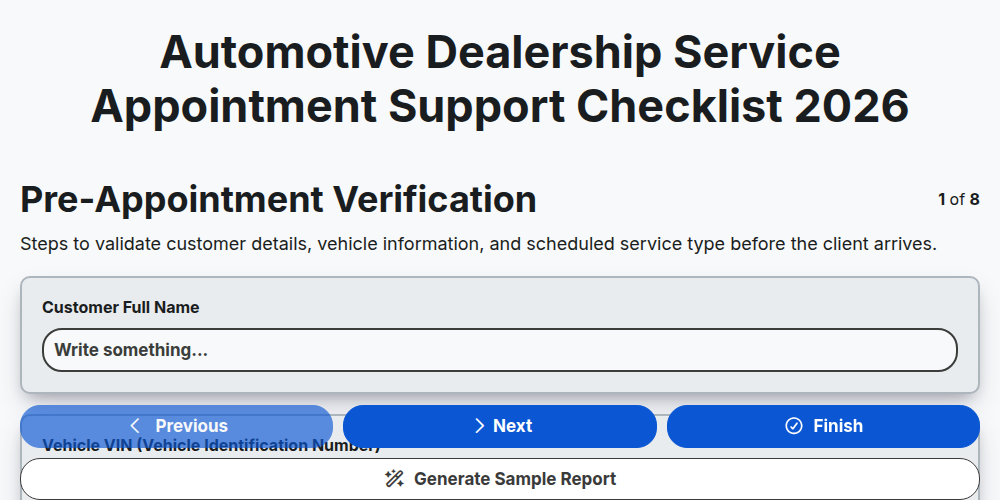
Automotive Dealership Service Appointment Support Checklist 2026
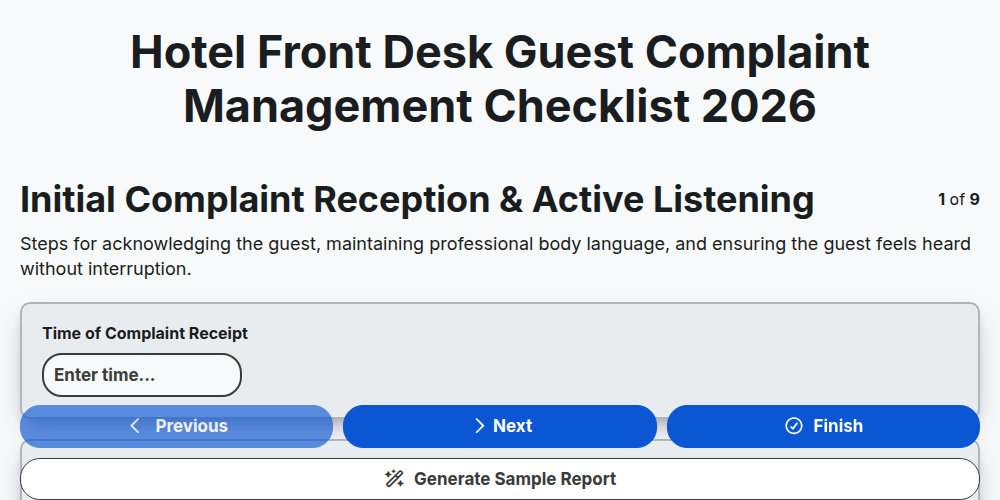
Hotel Front Desk Guest Complaint Management Checklist 2026
Need help with
Support Management?
Have a question? We're here to help. Please submit your inquiry, and we'll respond promptly.