 ChecklistGuro
 Healthcare Incident Response Checklist
Ensure swift, compliant responses to healthcare incidents with our comprehensive checklist. Minimize downtime, protect patient data, and meet regulatory requirements with this essential guide for IT support teams.
This Template was installed 2 times.
Incident Identification & Initial Assessment
Steps to identify a potential incident and perform an initial risk assessment.
Date of Incident
Time of Incident Reported
Incident Category
Description of Incident
Initial Severity Level (Preliminary)
Estimated Number of Records Affected (if known)
Reporting User/Team
Physical Location of Incident (if applicable)
Containment & Isolation
Actions to prevent further damage and isolate the incident.
Affected System(s) Category
Description of Affected Systems
Initial Containment Action
Number of Affected Users (Estimate)
Date of Containment Action
Time of Containment Action
Data Sensitivity Levels Involved
Data Security & Privacy
Procedures to protect patient data and ensure HIPAA compliance.
Data Type(s) Affected?
Description of Data Impacted
Estimated Number of Records Affected
Which systems/databases were involved?
Data Encryption Status (at rest)
Data Access Controls Compromised?
Date of Data Breach Discovery
Description of Data Security Measures Taken
Investigation & Root Cause Analysis
Detailed investigation to determine the cause of the incident.
Detailed Description of Incident Events
Potential Root Cause Category
Specific Contributing Factors
Number of Affected Systems/Records (Estimate)
Security Controls Bypassed/Compromised
Date of Root Cause Identification
Time of Root Cause Identification
Remediation & Recovery
Actions to restore systems and data to a secure state.
Description of Remediation Actions Taken
Number of Affected Systems
System Restoration Date
Time of System Restoration
Evidence of Remediation (e.g., logs, screenshots)
Data Recovery Method Used
Verification of Data Integrity
Notification & Communication
Procedures for notifying relevant stakeholders and providing updates.
Incident Severity Level
Stakeholders to Notify
Initial Incident Summary for Communication
Notification Date
Notification Time
Communication Method
Communication Log (Record of notifications sent and received)
Documentation & Reporting
Logging incident details and generating required reports.
Incident Description Summary
Date of Incident Report Creation
Time of Incident Report Creation
Incident Severity Level (1-5)
Detailed Incident Timeline
Supporting Documentation (Screenshots, Logs)
Report Status
Post-Incident Review & Improvement
Analyzing the incident response to identify areas for improvement in future responses.
Summary of Incident Response Actions Taken
Root Cause Analysis Findings
Contributing Factors (Select all that apply)
Estimated Downtime (in hours)
Number of Records Potentially Impacted
Overall Effectiveness of Response (Scale of 1-5, 5 being most effective)
Recommendations for Process Improvements
Date of Next Review/Update
Comments
There are no comments yet. Be the first to add one!
Support Management Solution Demo
Struggling to keep up with support requests? ChecklistGuro provides a centralized system for managing tickets, tracking progress, & ensuring customer satisfaction. Improve efficiency & reduce resolution times.
Related Checklist Templates
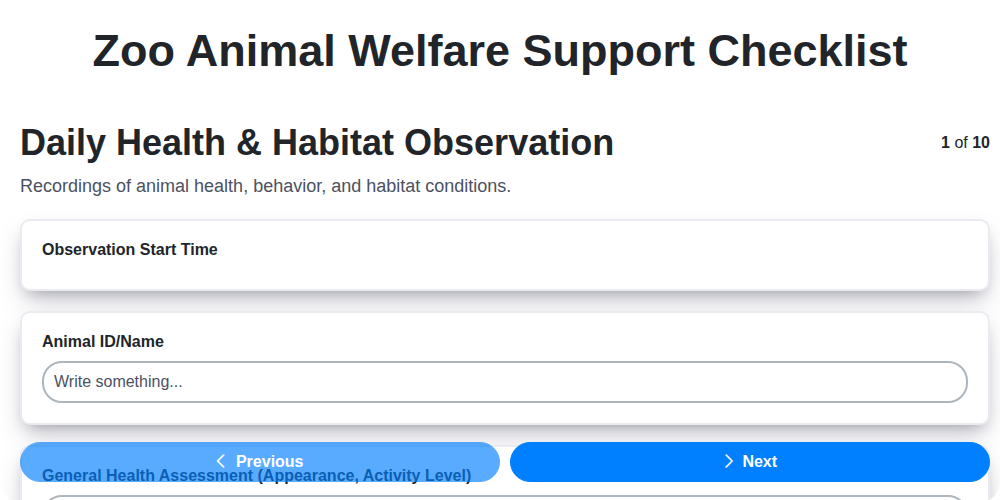
Zoo Animal Welfare Support Checklist
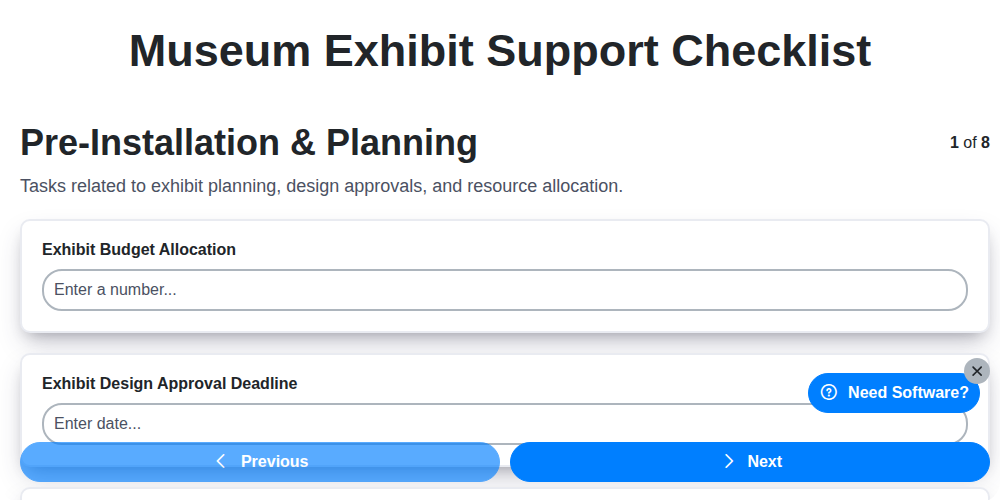
Museum Exhibit Support Checklist
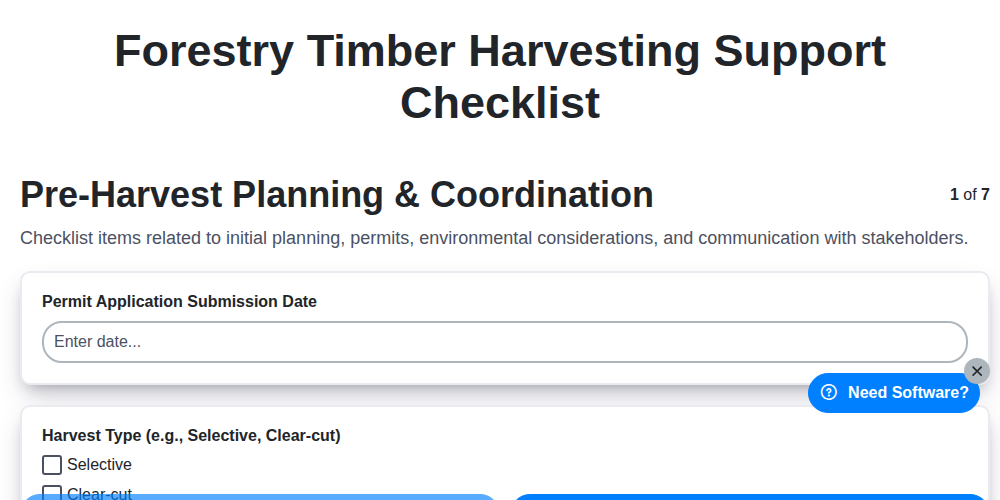
Forestry Timber Harvesting Support Checklist
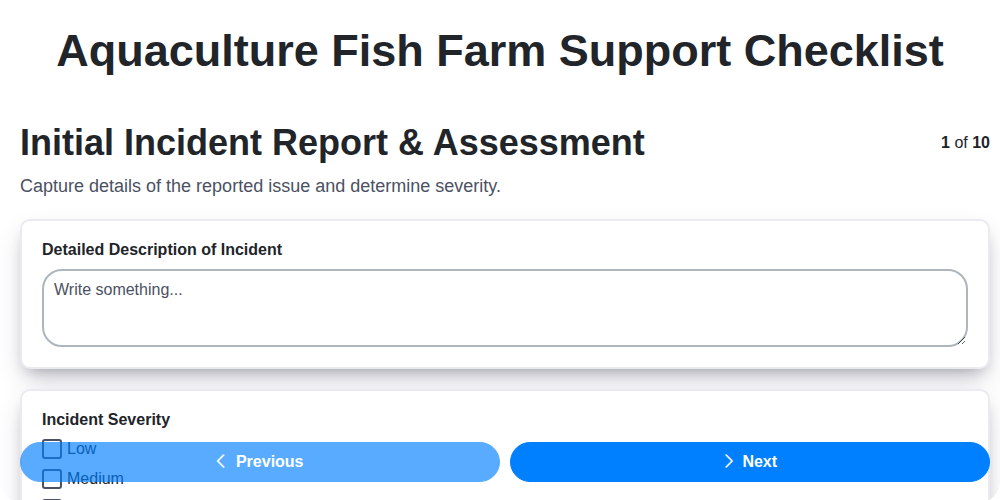
Aquaculture Fish Farm Support Checklist
Casino Guest Support Issue Checklist

Religious Organization Parishioner Support Checklist
Research & Development Project Support Checklist
Mining Equipment Maintenance Checklist
We can do it Together
Need help with
Support Management?
Have a question? We're here to help. Please submit your inquiry, and we'll respond promptly.